
Photos from current listings. Actual item, color, and included accessories may vary.
Arduino Board Buying Guide
Arduino boards are open-source microcontroller development platforms used for prototyping electronics, robotics, and IoT devices. The core trade-off is between 8-bit AVR simplicity (UNO/Nano/Mega) and 32-bit ARM performance (Due, GIGA, Nano 33), which determines memory, speed, and library compatibility. Choose an 8-bit board for learning and basic control; choose a 32-bit board only when you need floating-point math, USB host, or wireless connectivity.
Median $45.43
Key takeaways
- UNO R3 uses ATmega328P at 16 MHz with 32 KB flash and 2 KB SRAM; Nano is functionally identical but breadboard-friendly.
- Mega 2560 offers 54 digital I/O, 16 analog inputs, and 256 KB flash for large sketches and many peripherals.
- 32-bit boards (Due, GIGA R1, Nano 33) run ARM Cortex-M at 48–480 MHz with 64–1024 KB flash and native USB.
At a glance
- Category
- Microcontrollers & Dev Boards
- Last updated
- Nov 25, 2026
Current offers
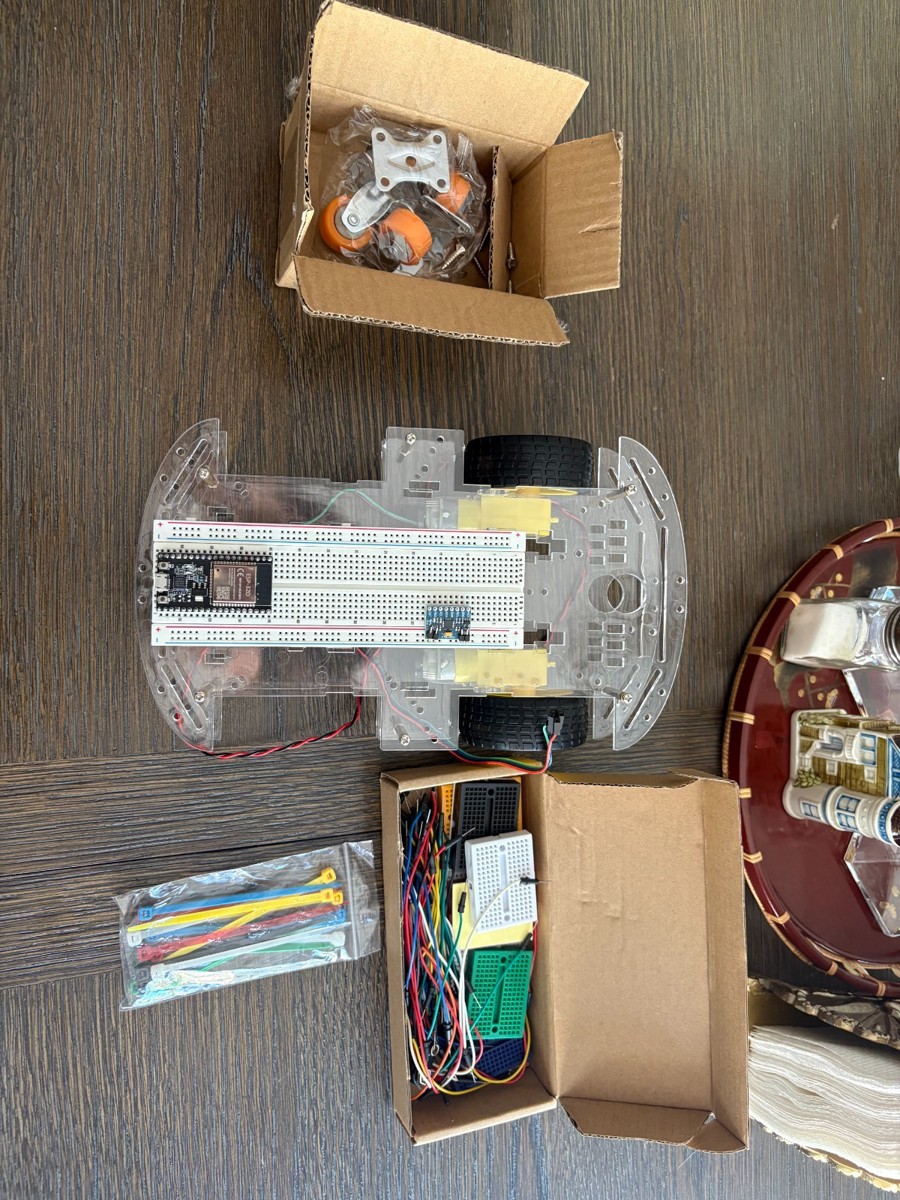 ESP-32S Electronics Starter Kit WIFI Development Board Arduino Robotics Projects$25.00View on eBay
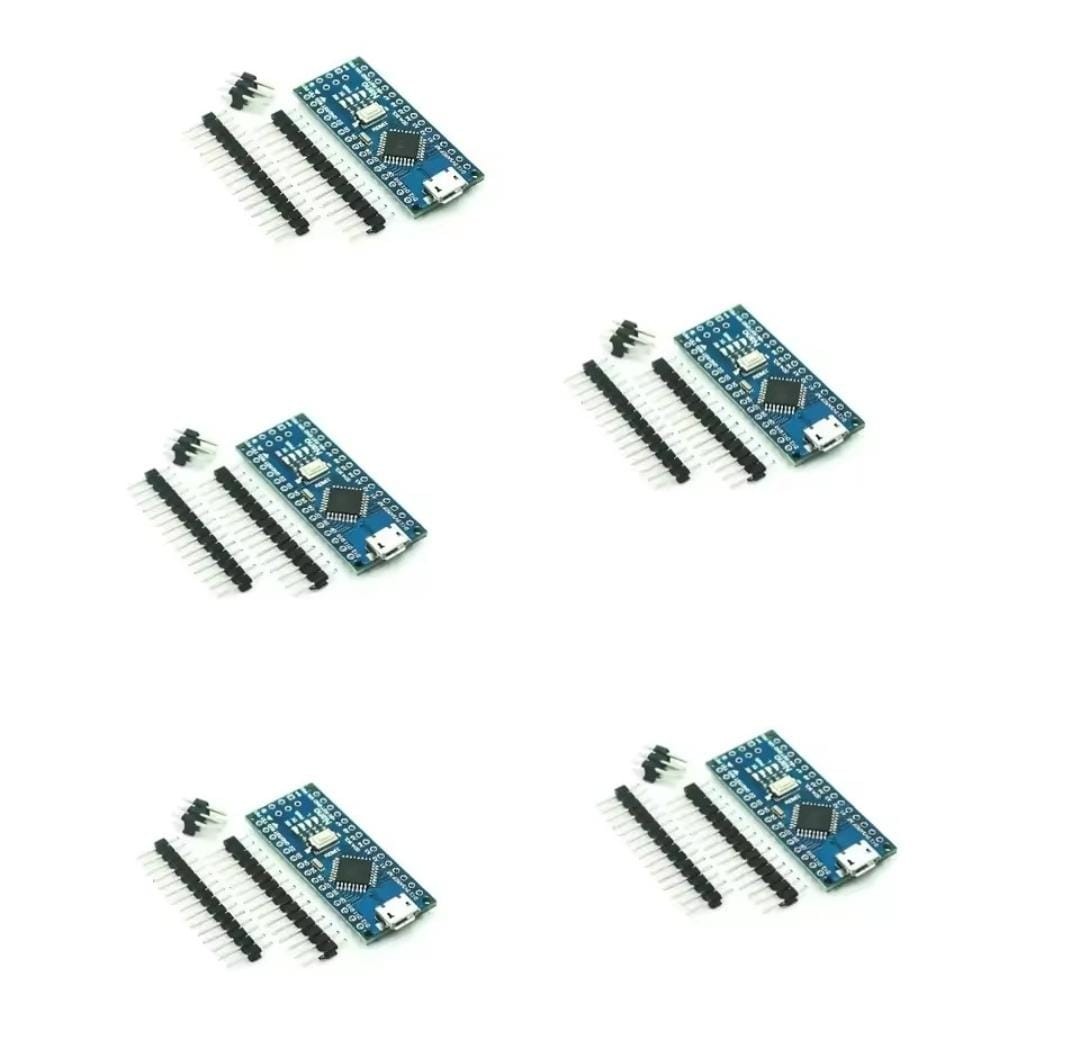 Arduino Nano V3.0 ATmega328P CH340 USB Board 5PCS – Development Kit$26.89View on eBay
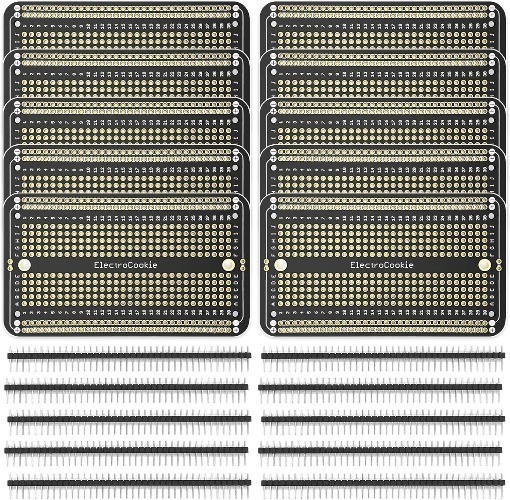 Prototype PCB Board Pack DIY Electronics Arduino Gold Plated Solderable$33.99View on eBay
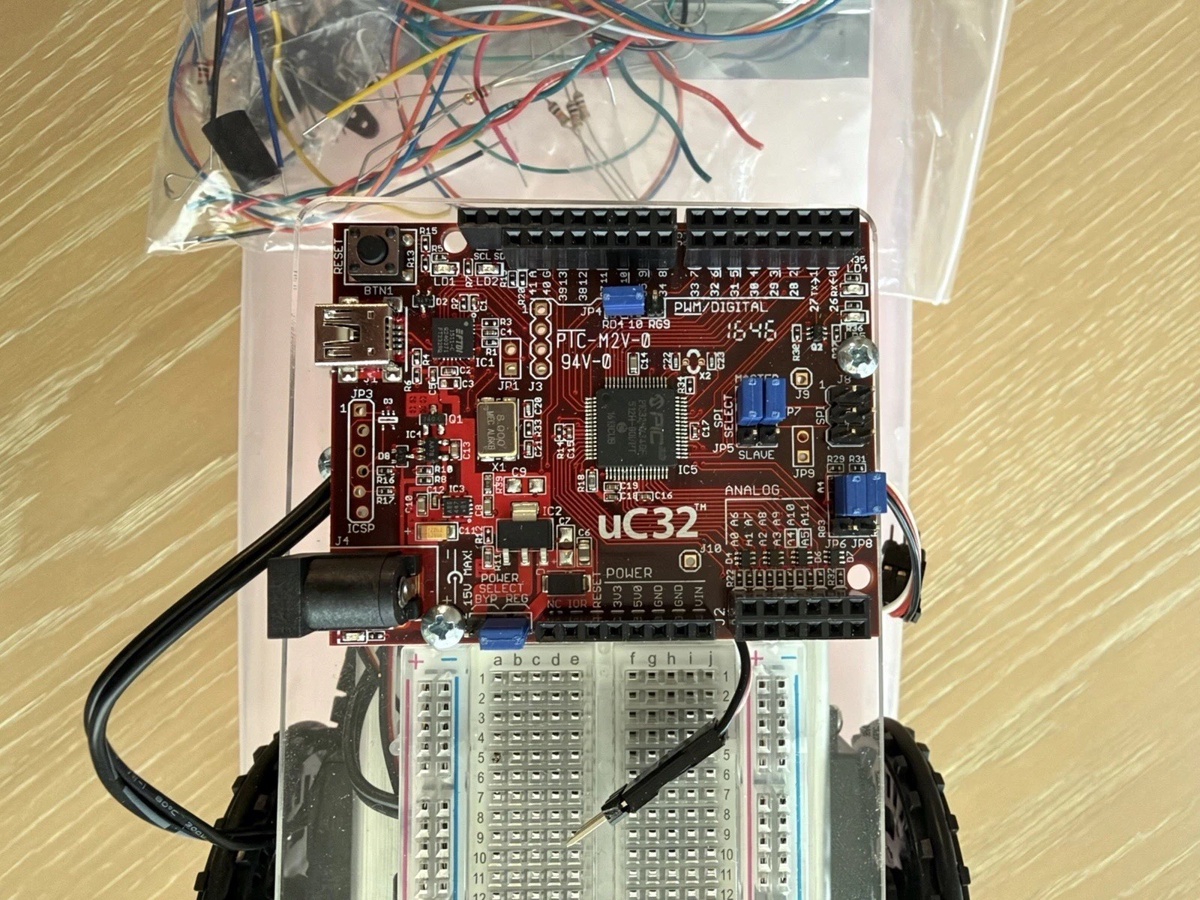 Digilent uC32 ChipKIT Arduino/PIC32 microcontroller + Robot Programming Kit$42.50View on eBay
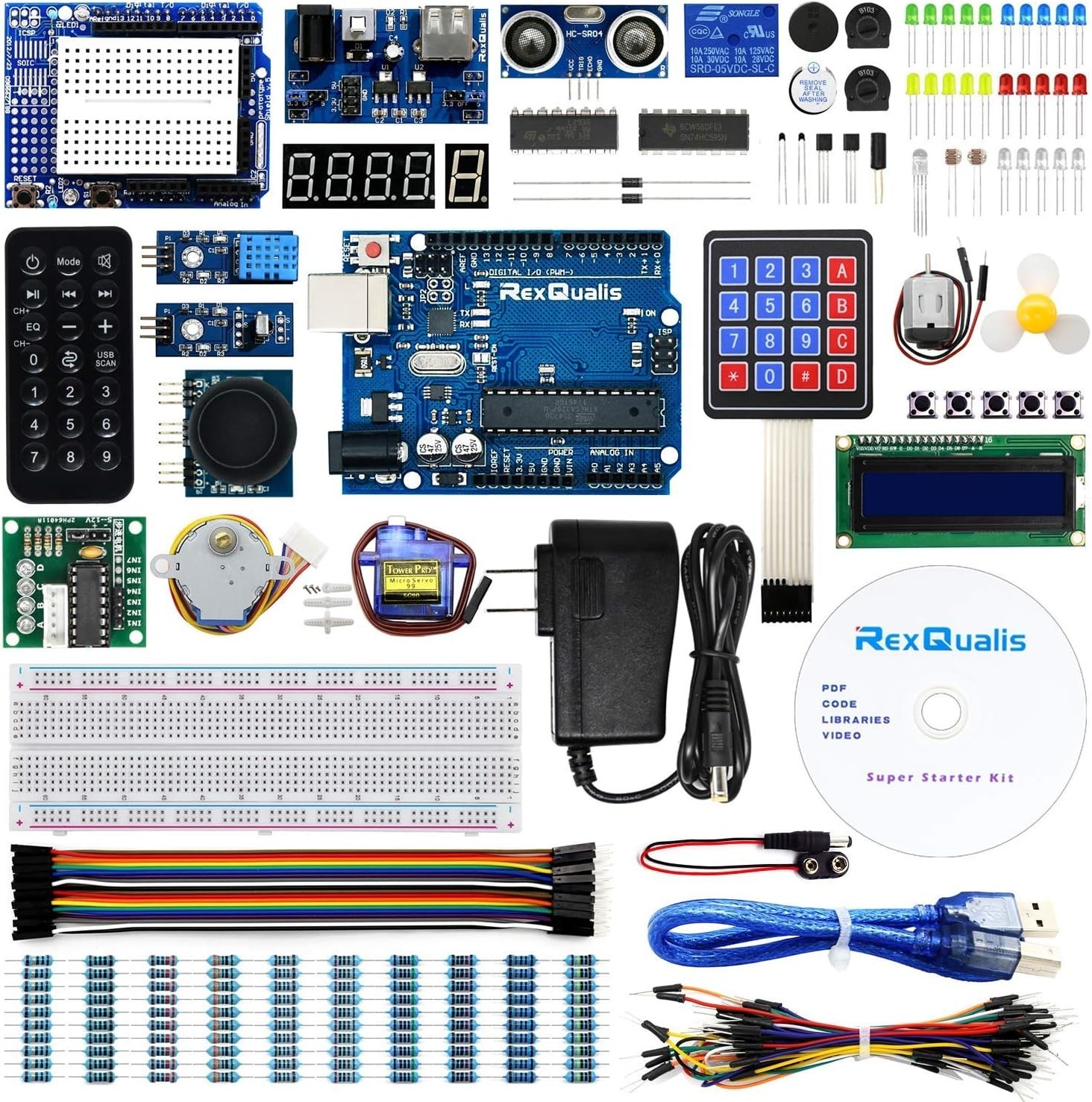 Super Starter Kit Based on Arduino UNO R3 with Tutorial and Controller Board Com$42.59View on eBay
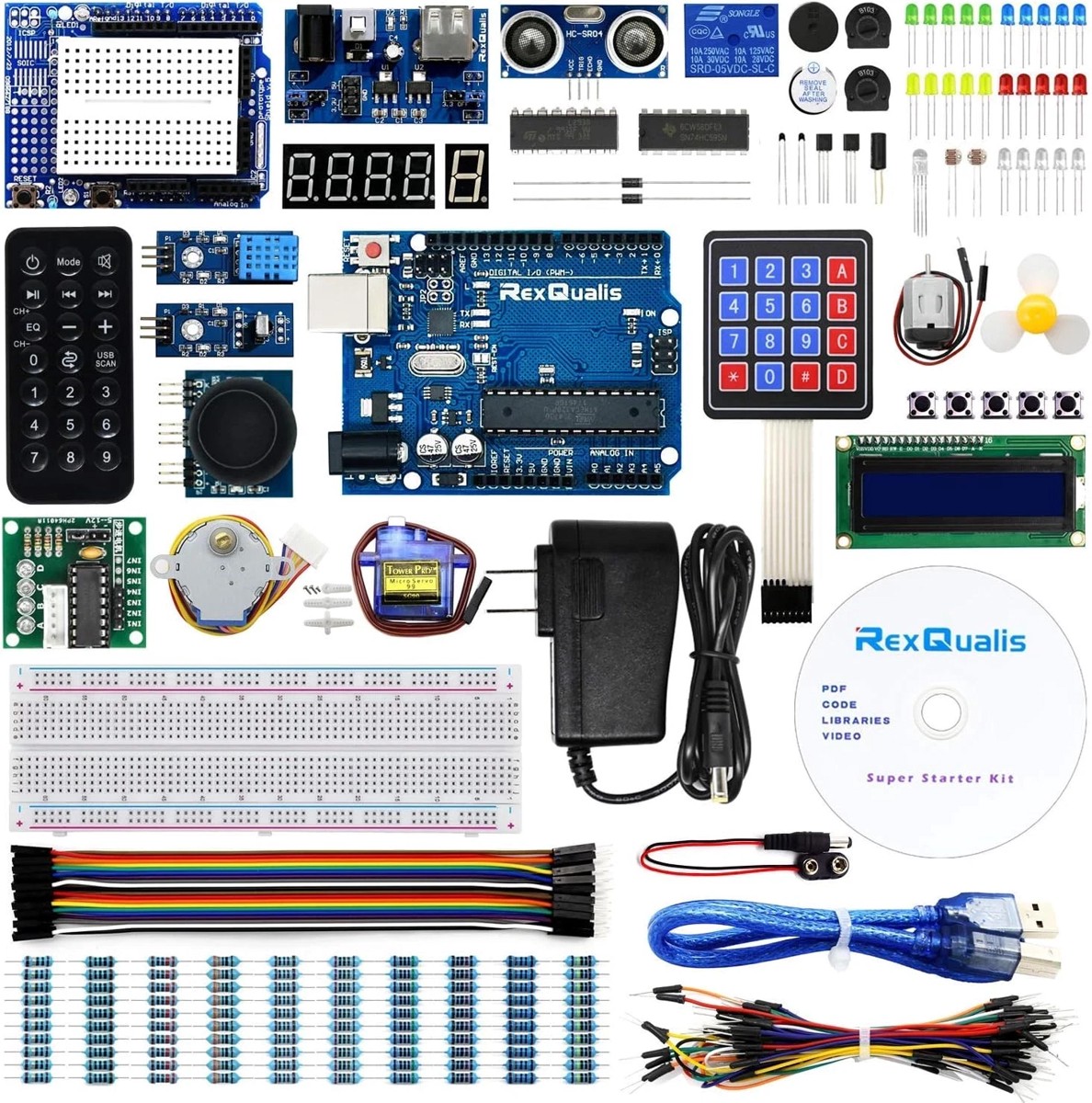 Super Starter Kit Based on Arduino UNO R3 with Tutorial and Controller Board Com$43.74View on eBay
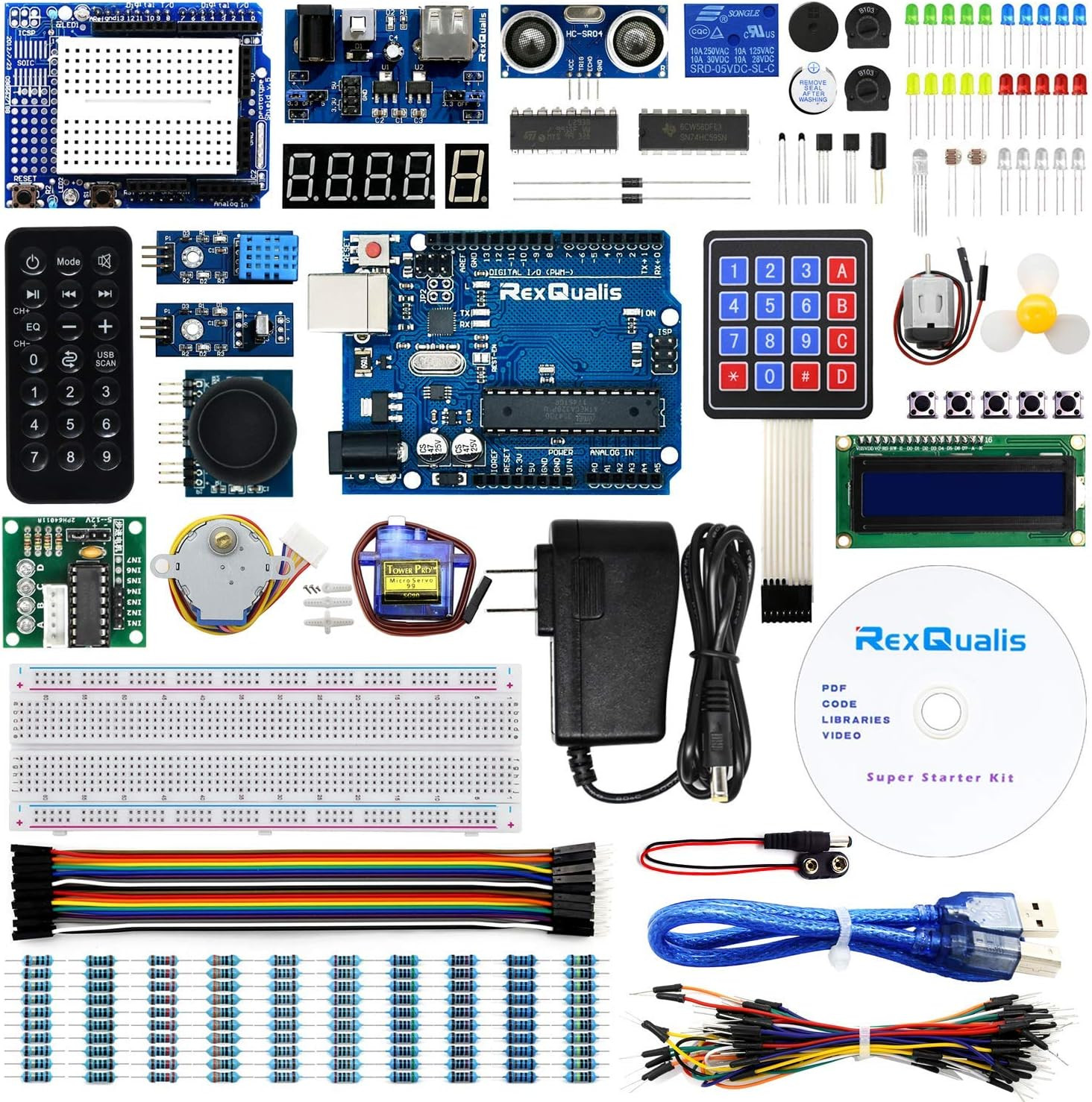 Super Starter Kit Based on Arduino UNO R3 with Tutorial and Controller Board Com$44.30View on eBay
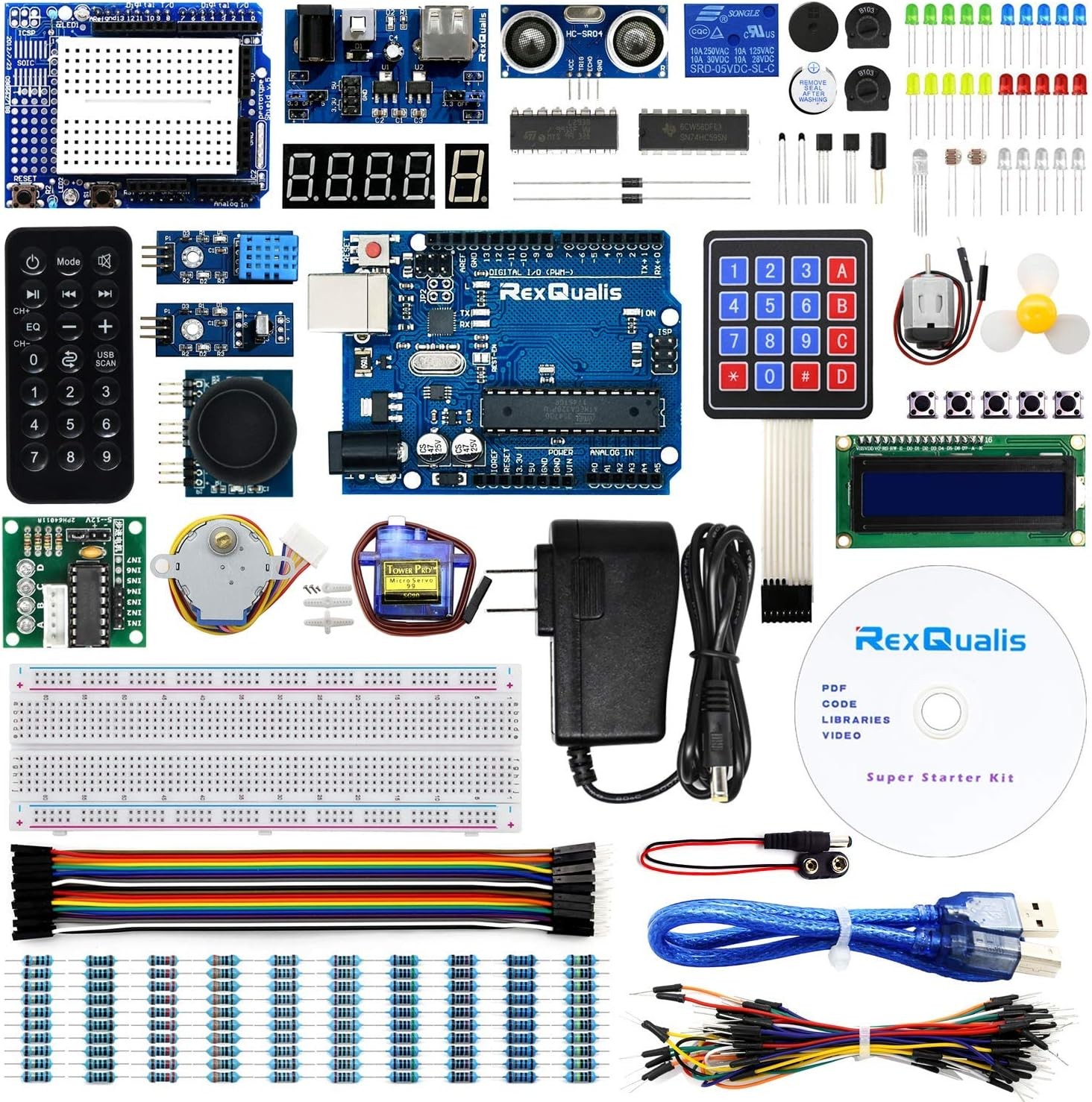 Super Starter Kit Based on Arduino UNO R3 with Tutorial and Controller Board Com$44.38View on eBay
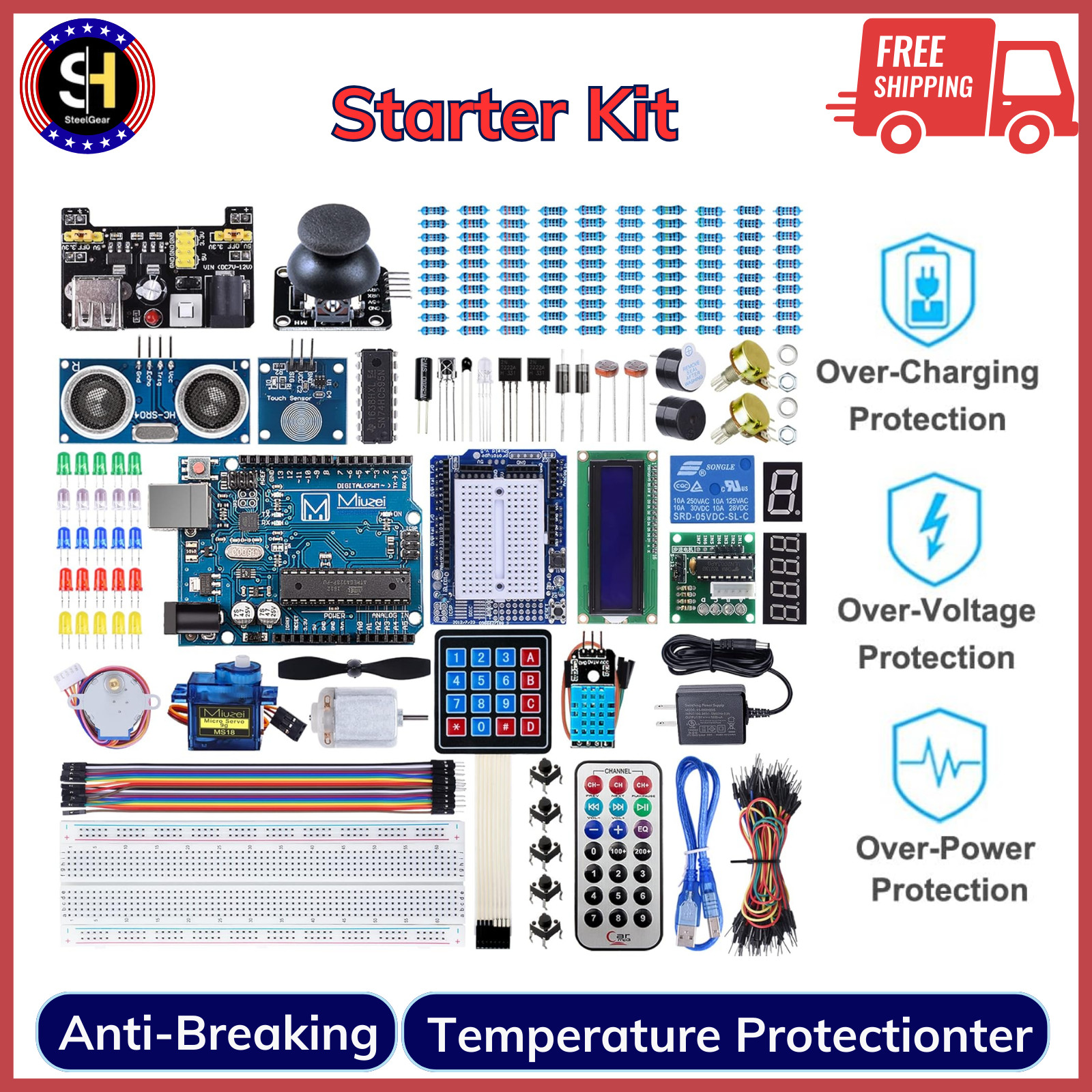 Complete Arduino Starter Kit: Microcontroller, Modules & Tutorials For Beginners$44.78View on eBay
- Super Starter Kit Based on Arduino UNO R3 with Tutorial and Controller Board Com$45.06View on eBay
- Arduino UNO R3 Super Starter Kit with Sensors, LCD, Motor Modules & Tutorial Set$45.43View on eBay
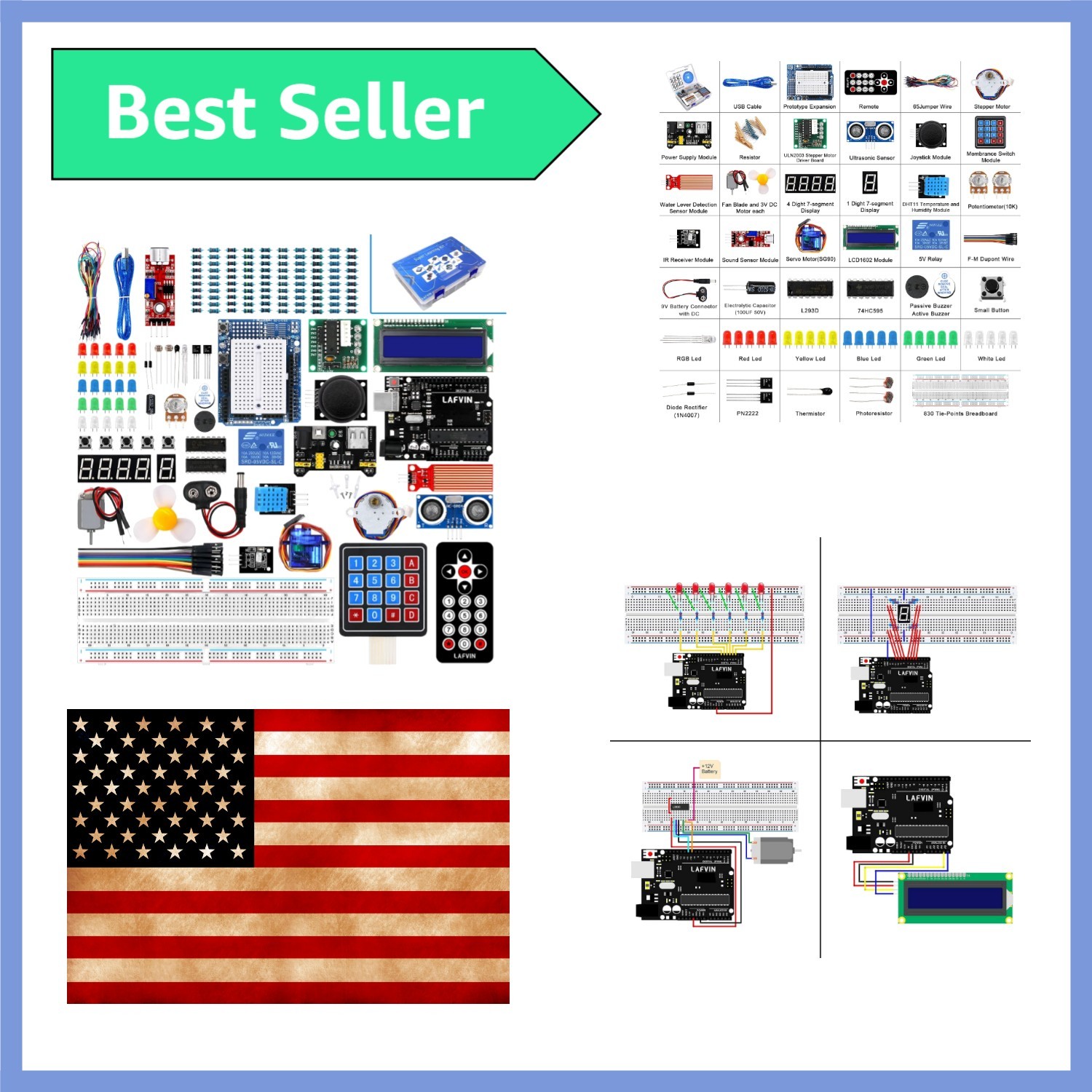 Super Starter Kit Based on Arduino UNO R3 with Tutorial and Controller Board Com$47.58View on eBay
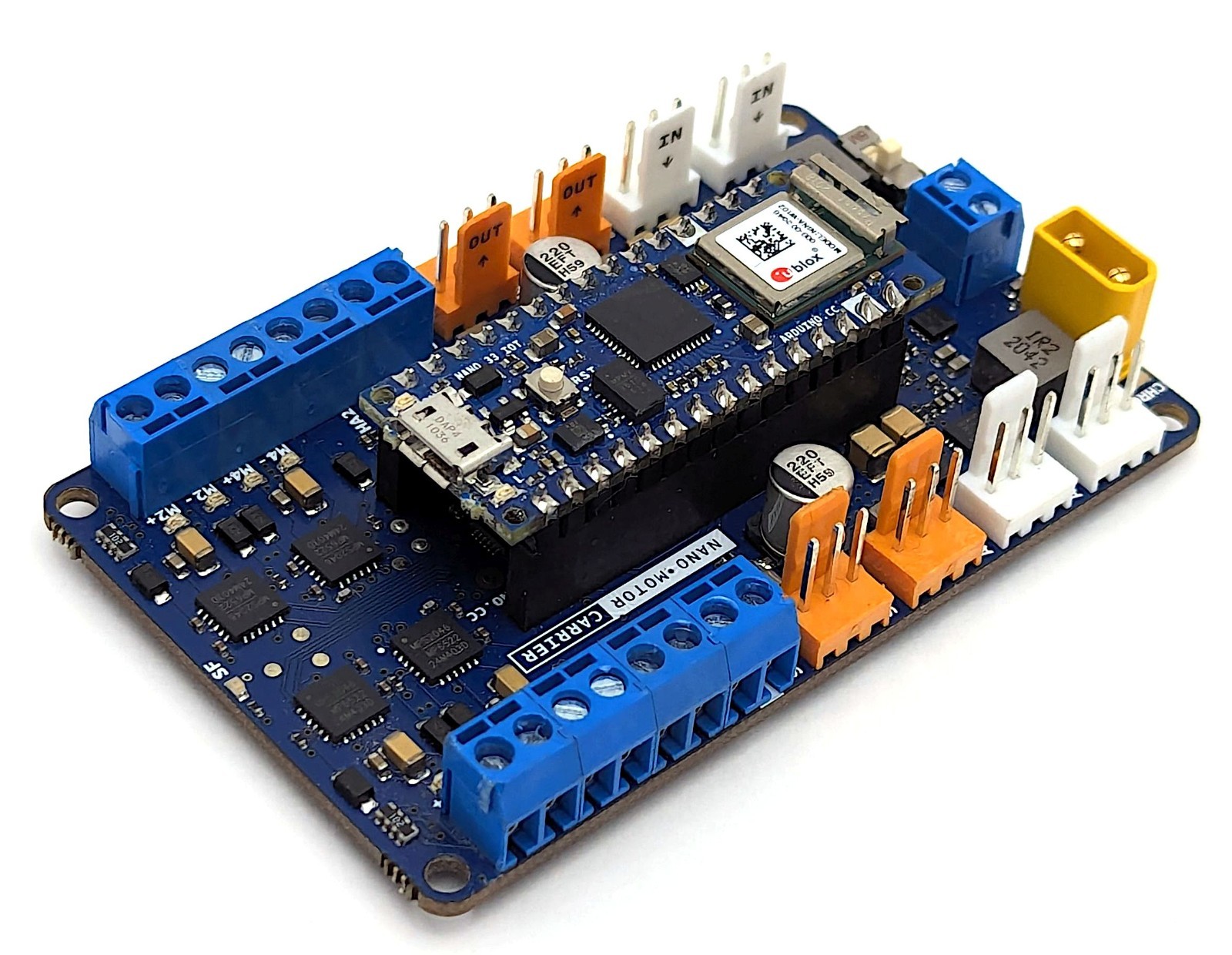 Arduino Nano Motor Carrier Module w/ Nano 33 IoT Board Development Kit Robotics$49.99View on eBay
- Super Starter Kit Based on Arduino UNO R3 with Tutorial and Controller Board Com$51.07View on eBay
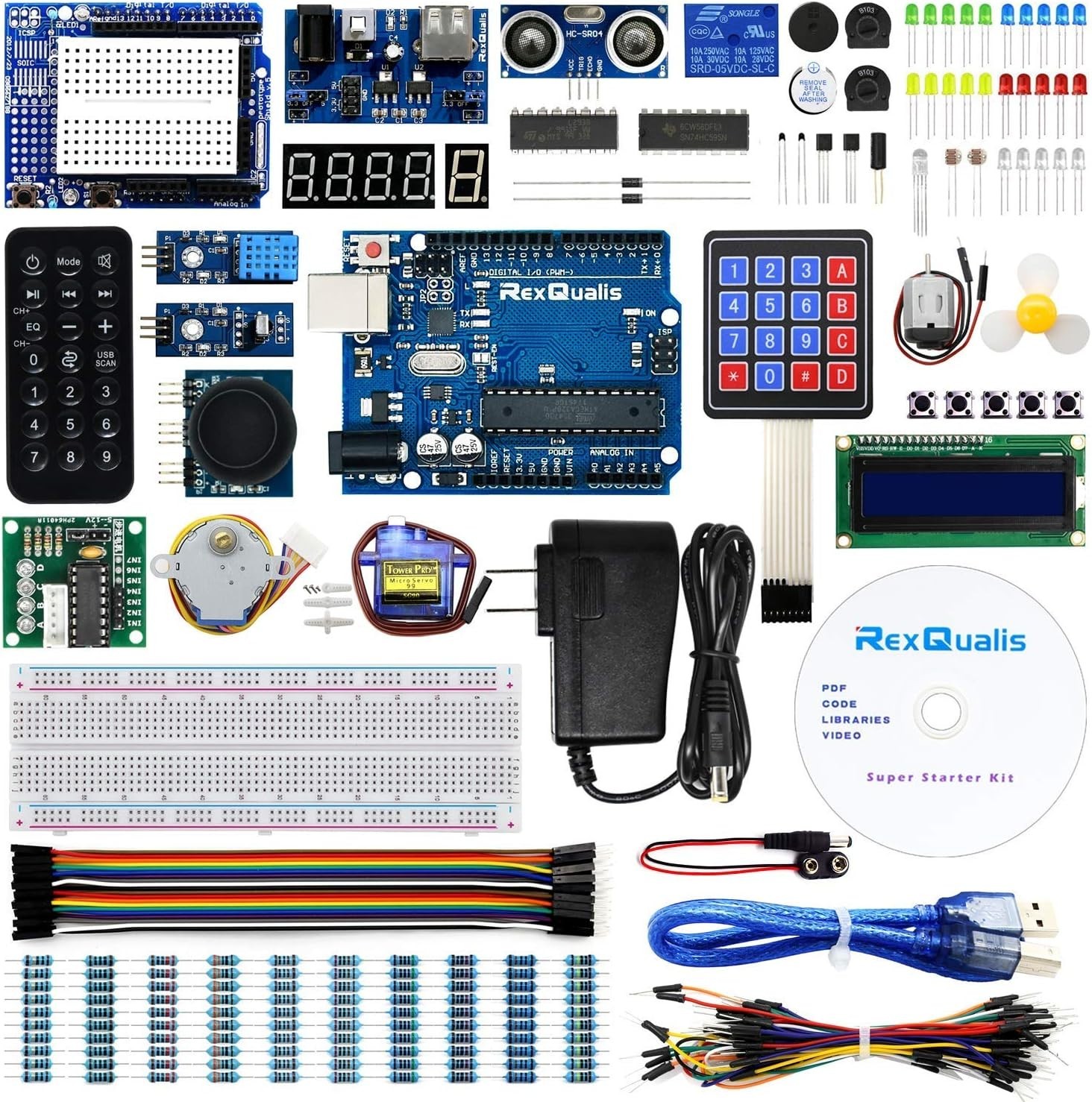 Super Starter Kit Based on Arduino UNO R3 with Tutorial and Controller Board Com$51.99View on eBay
- Super Starter Kit Based on Arduino UNO R3 with Tutorial and Controller Board Com$52.70View on eBay
- Rexqualis Super Starter Kit Based on Arduino UNO R3 with Tutorial and Controller$53.09View on eBay
- Super Starter Kit Based on Arduino UNO R3 with Tutorial and Controller Board Com$53.42View on eBay
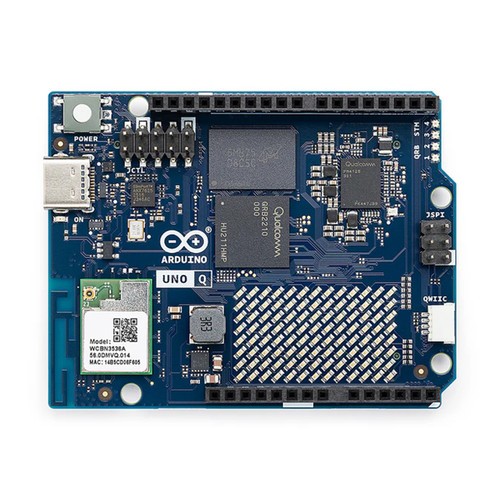 Arduino UNO Q Hybrid Board Qualcomm QRB2210 & STM32U585 AI Vision IoT$59.00View on eBay
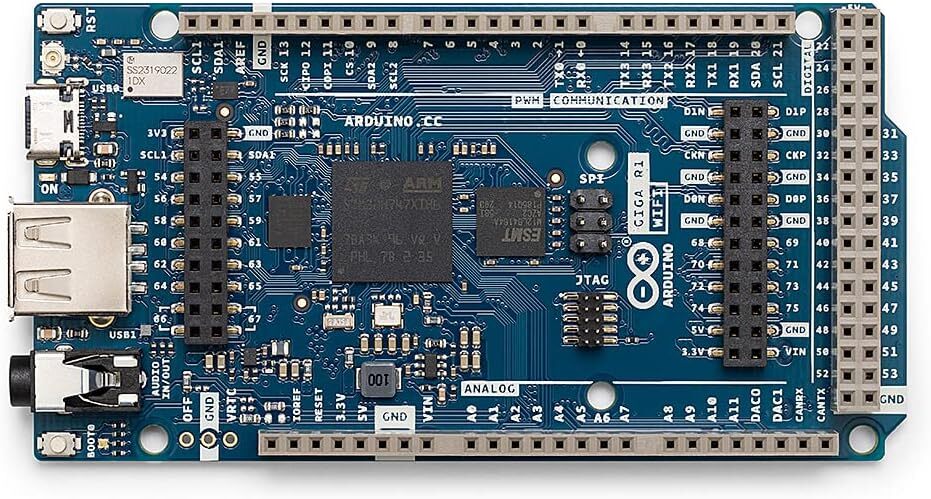 Arduino Giga R1 WiFi Microcontroller have Wi-Fi or Bluetooth ABX00063$69.90View on eBay
Highlights
- UNO R3 uses ATmega328P at 16 MHz with 32 KB flash and 2 KB SRAM; Nano is functionally identical but breadboard-friendly.
- Mega 2560 offers 54 digital I/O, 16 analog inputs, and 256 KB flash for large sketches and many peripherals.
- 32-bit boards (Due, GIGA R1, Nano 33) run ARM Cortex-M at 48–480 MHz with 64–1024 KB flash and native USB.
- Wireless boards (Nano 33 IoT, ESP32-based) add Wi-Fi/BLE but require 3.3 V logic and careful power budgeting.
Best use cases
- Best fit: UNO R3 or compatible starter kit for first-time learners, classroom projects, and simple sensor/actuator control.
- Best fit: Nano or Nano 33 for compact wearables, breadboard prototypes, and robotics where space is tight.
- Best fit: Mega 2560 for 3D printers, CNC, or projects needing many GPIO pins and large programs.
- Wrong fit: 32-bit boards for beginners relying on 5 V shields; skip unless you need ARM performance or wireless.
Buying tips
- Match logic voltage: 5 V boards (UNO, Mega, Nano) work with most shields; 3.3 V boards (Due, Nano 33 IoT) need level shifters for 5 V peripherals.
- Count I/O: UNO has 14 digital/6 analog; Mega has 54 digital/16 analog; choose Mega when your project exceeds 20 pins.
- Verify USB-serial chip: genuine FTDI or ATmega16U2 is more reliable than CH340, which may need drivers on macOS.
- For wireless, prefer ESP32-based or Nano 33 IoT over adding shields, which reduces reliability and increases power draw.
Specs
| Microcontroller | ATmega328P / ATmega2560 / ARM Cortex |
|---|---|
| Logic Voltage | 5 V (AVR) / 3.3 V (ARM) |
| Digital I/O Pins | 14 (UNO) / 54 (Mega) / 22 (Nano 33) |
| Flash Memory | 32 KB (UNO) / 256 KB (Mega) / 1 MB (GIGA) |
Related searches
What to check before buying
- Confirm your computer has the required USB port (Type-B for UNO/Mega, Mini-USB for Nano, Type-C for newer boards).
- Check power supply: 7–12 V DC input on UNO/Mega; Nano accepts 5 V via USB or 7–12 V on VIN.
- Ensure you have the correct breadboard and jumper wires; Nano needs a breadboard, UNO works with shields.
- For 3.3 V boards, verify all peripherals are 3.3 V compatible or acquire level shifters before purchase.
FAQ
Data sources: eBay / Amazon listings and product attribute feeds. Updated Nov 25, 2026.
Some links on this page are affiliate links. If you buy after clicking one, we may earn a commission at no extra cost to you. This does not change which products appear here or their order. Affiliate disclosure.