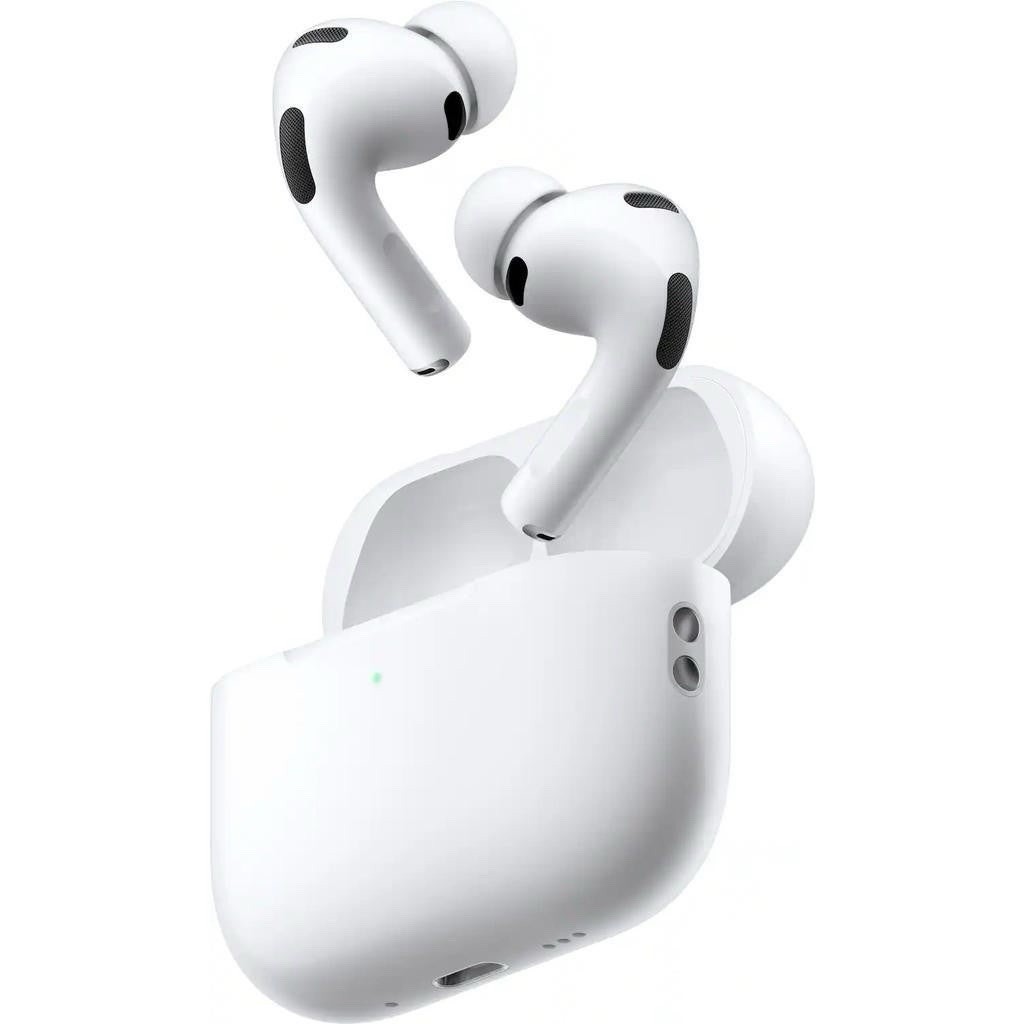

Photos from current listings. Actual item, color, and included accessories may vary.
AirPods Pro Buying Guide
AirPods Pro buying is a compatibility and generation decision first, not a price hunt — the wrong model can leave core features locked to iPhone, iPad, or Mac. Sealed-genuine units dominate resale, so confirming the exact generation, USB-C vs Lightning case, and Apple serial eligibility matters more than cosmetic condition. Fit and ear-tip sizing drive ANC performance, so budget for the right tip size before judging sound or noise cancellation.
Key takeaways
- Generation split is decisive: 1st-gen runs Lightning and the H2 chip is absent; 2nd-gen (USB-C) adds Adaptive Audio, Conversation Awareness, and USB-C charging with the same H2 silicon.
- Active Noise Cancellation and Transparency depend on a proper ear-tip seal — the included XS/S/M/L silicone tips materially change bass and ANC isolation.
- Genuine Apple units pair instantly via iCloud and expose serial and warranty status in Settings; sealed resale units should match that behavior on first pairing.
At a glance
- Category
- In-Ear Earphones
- Last updated
- Nov 28, 2026
Current offers
Highlights
- Generation split is decisive: 1st-gen runs Lightning and the H2 chip is absent; 2nd-gen (USB-C) adds Adaptive Audio, Conversation Awareness, and USB-C charging with the same H2 silicon.
- Active Noise Cancellation and Transparency depend on a proper ear-tip seal — the included XS/S/M/L silicone tips materially change bass and ANC isolation.
- Genuine Apple units pair instantly via iCloud and expose serial and warranty status in Settings; sealed resale units should match that behavior on first pairing.
- Charging case tiers differ: Lightning (1st-gen and early 2nd-gen) vs USB-C (late 2nd-gen), and only MagSafe-compatible cases support magnetic Qi charging.
Best use cases
- Pick the USB-C 2nd-gen for iPhone 15/16 or USB-C iPad owners who want Adaptive Audio, Conversation Awareness, and one cable for everything; skip Lightning units to avoid a second charging cable.
- Choose 1st-gen only for iPhone 14 or earlier users on Lightning who prioritize ANC over the newest firmware features; skip it if you need USB-C charging or lossless-adjacent Adaptive Audio.
- Buy sealed genuine with serial verification for gifting or resale confidence; skip unsealed marketplace units with mismatched serials or missing ear tips, since ANC performance and warranty depend on genuine parts.
Buying tips
- Confirm the generation by model number (A2084/A2190 1st-gen; A3047/A3048/A3049 USB-C 2nd-gen) before paying — generation, not condition, sets feature set.
- Prioritize USB-C cases for multi-device households; Lightning cases strand Android and USB-C laptop users without a second cable.
- Inspect ear-tip condition and included sizes — missing M or L tips forces aftermarket foam that can alter ANC tuning and fit.
- Verify Apple serial and warranty status through Settings > Bluetooth > AirPods info panel immediately after pairing; genuine units register cleanly.
Specs
| Generation | 1st-gen Lightning vs 2nd-gen USB-C |
|---|---|
| Chip | H1 (1st-gen) vs H2 (2nd-gen) |
| Charging Case | Lightning vs USB-C / MagSafe |
| ANC & Tips | ANC with XS/S/M/L silicone tips |
Related searches
What to check before buying
- Phone/tablet port: match case connector (USB-C vs Lightning) to your daily charging cable before choosing a generation.
- Ear canal sizing: confirm XS/S/M/L tip availability so ANC seal is achievable without aftermarket tips.
- OS baseline: iPhone needs iOS 17+ for 2nd-gen Adaptive Audio features; older iOS limits feature access.
- Companion parts: budget for a USB-C or Lightning cable and a MagSafe-compatible case if wireless charging matters.
FAQ
Data sources: eBay / Amazon listings and product attribute feeds. Updated Nov 28, 2026.
Some links on this page are affiliate links. If you buy after clicking one, we may earn a commission at no extra cost to you. This does not change which products appear here or their order. Affiliate disclosure.