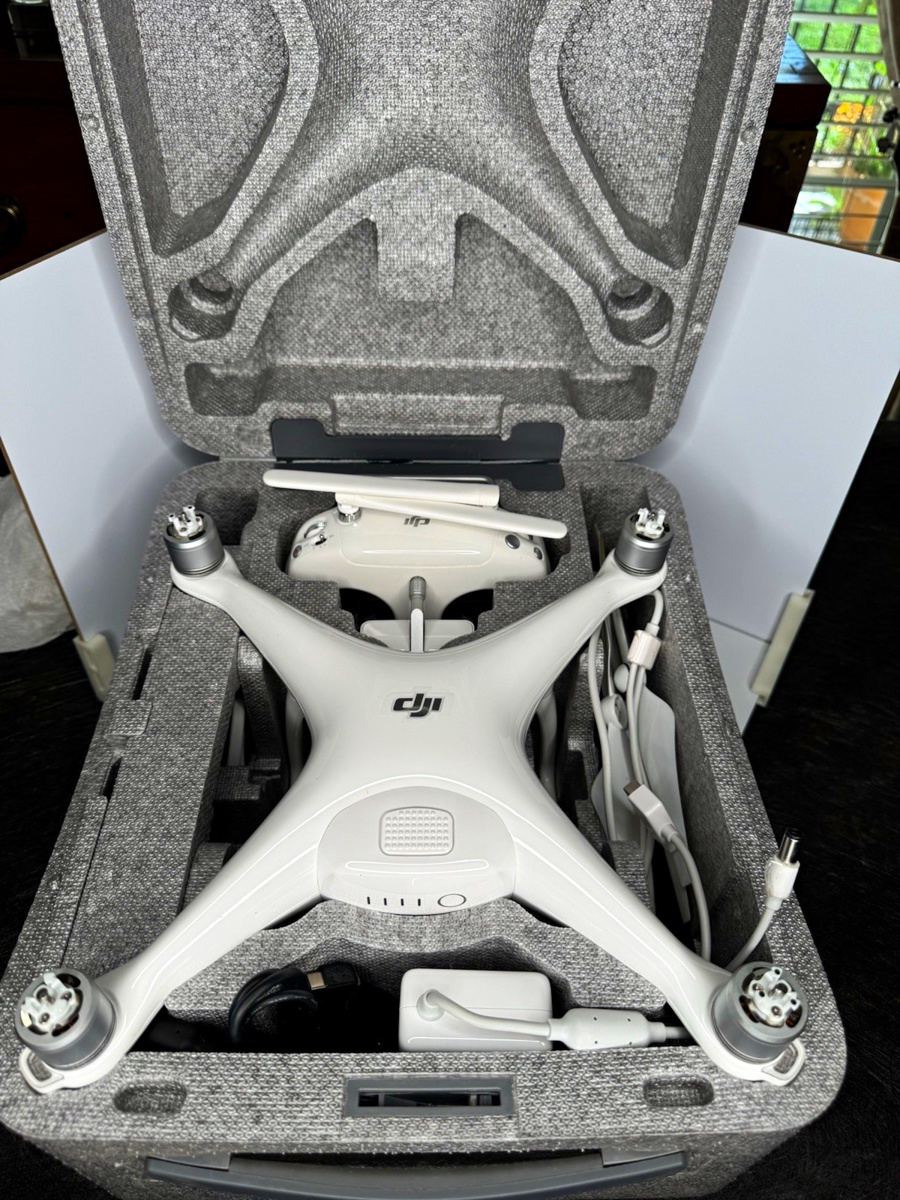

Photos from current listings. Actual item, color, and included accessories may vary.
DJI Phantom 4 Buying Guide
The DJI Phantom 4 is a ready-to-fly quadcopter from DJI's legacy Phantom line, representing the first generation with forward and downward obstacle-avoidance sensors and a 4K fixed camera on a 3-axis gimbal. The primary buyer trade-off is between the Phantom 4's proven reliability and its discontinued support status versus newer platforms with longer firmware life and lighter airframes. The decision rule: buy a Phantom 4 only if you need a stable, repairable 4K aerial platform for hobby or legacy commercial work at a low entry cost; skip it if you require current firmware updates, sub-250g registration-free flight, or active parts availability.
Key takeaways
- Phantom 4 (2016) introduced dual forward-facing and downward stereo vision sensors for obstacle avoidance; the later Phantom 4 Pro added rear sensors and a 1-inch sensor.
- Camera: 1/2.3-inch CMOS, 12.4MP stills, 4K/30fps video, 94-degree field of view, fixed f/2.8 aperture, 3-axis gimbal stabilization.
- Max flight time ~28 minutes per battery; max speed 20 m/s (sport mode); transmission uses DJI Lightbridge at 2.4GHz/5.8GHz with ~5km range in FCC mode.
At a glance
- Category
- Drones & Consumer Robotics
- Status
- Listings available
- Last updated
- Nov 28, 2026
Current offers
Highlights
- Phantom 4 (2016) introduced dual forward-facing and downward stereo vision sensors for obstacle avoidance; the later Phantom 4 Pro added rear sensors and a 1-inch sensor.
- Camera: 1/2.3-inch CMOS, 12.4MP stills, 4K/30fps video, 94-degree field of view, fixed f/2.8 aperture, 3-axis gimbal stabilization.
- Max flight time ~28 minutes per battery; max speed 20 m/s (sport mode); transmission uses DJI Lightbridge at 2.4GHz/5.8GHz with ~5km range in FCC mode.
- Airframe weight 1380g, requiring FAA registration in the US and equivalent registration in most jurisdictions; folded size is not available (fixed arms).
Best use cases
- Best fit: hobbyist or budget aerial photographer wanting stable 4K footage and obstacle avoidance for open-field flying; pick a Phantom 4 with at least two batteries and a recent gimbal calibration.
- Best fit: legacy commercial operator with existing Phantom 4 batteries and charger who needs a backup airframe; choose a used unit with clean gimbal ribbon and no crash history.
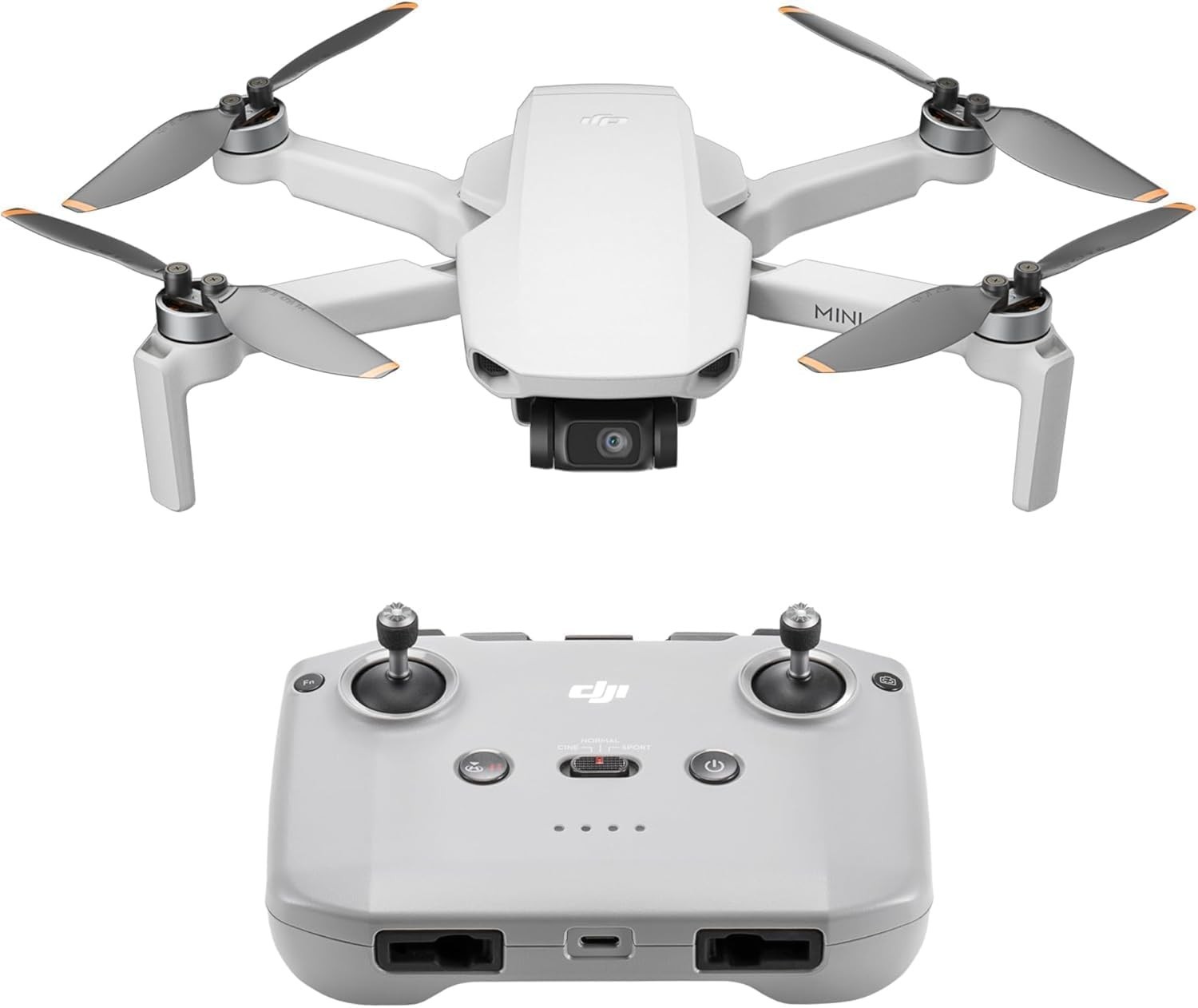
- Wrong fit: buyers wanting sub-250g registration-free flight, active firmware support, or current DJI Care refresh; skip the Phantom 4 and choose a DJI Mini series instead.
- Wrong fit: indoor or tight-space flyers; the Phantom 4's 1380g weight and fixed arms make it unsuitable for confined areas—choose a smaller folding drone.
Buying tips
- Battery health is the top risk: Phantom 4 batteries lose capacity with age; insist on cells showing under 50 charge cycles and no swelling, as replacement batteries are increasingly scarce.
- Verify gimbal and camera function: the Phantom 4 gimbal ribbon cable is a common failure point; test full tilt range and look for horizon drift in sample footage before buying used.
- Check firmware and app compatibility: the Phantom 4 uses the DJI GO app (not DJI Fly); confirm the aircraft links to a compatible phone or tablet, as newer OS versions may drop support.
- Inspect for crash damage: look for cracked motor mounts, bent landing gear, and propeller nicks; a crashed Phantom 4 often has hidden ESC or frame stress fractures.
Specs
| Camera Sensor | 1/2.3" CMOS, 12.4MP |
|---|---|
| Video Resolution | 4K/30fps, 1080p/120fps |
| Flight Time | ~28 min rated |
| Weight Class | 1380g (registration required) |
Alternatives to compare
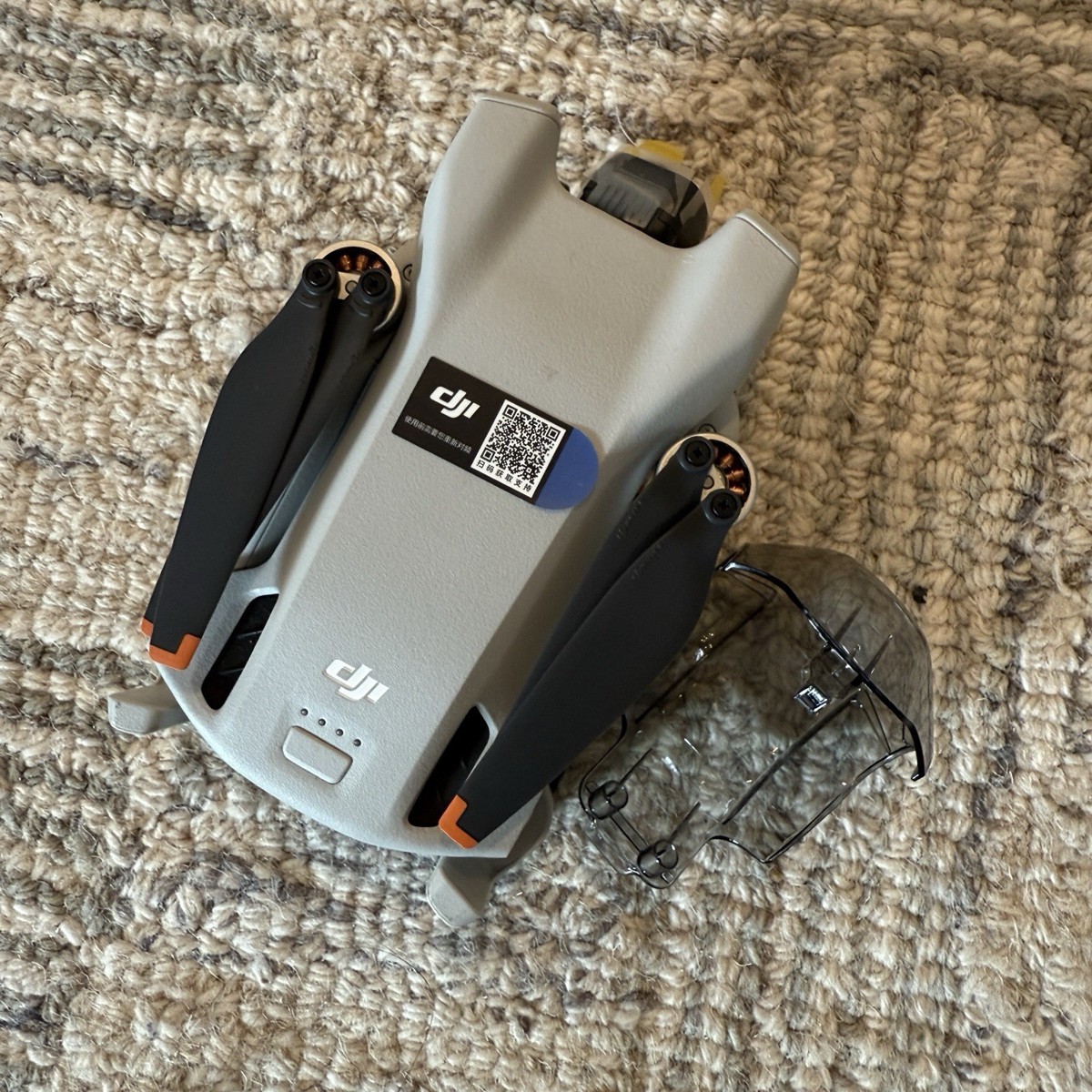
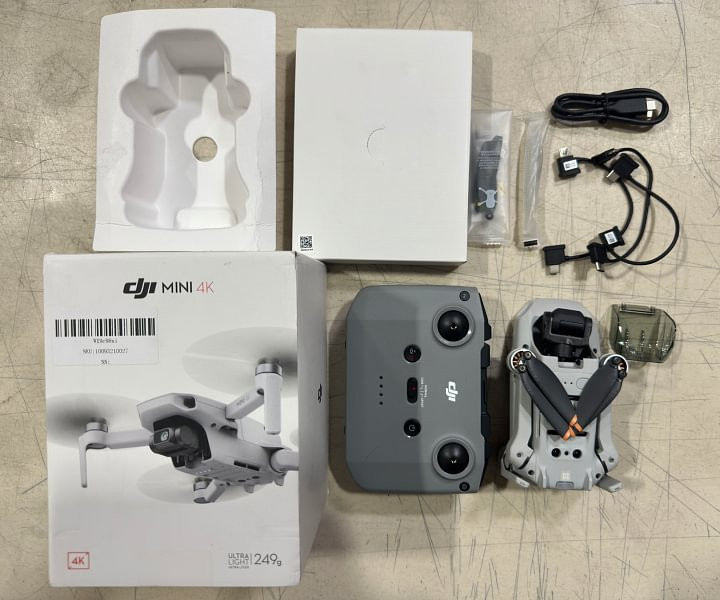
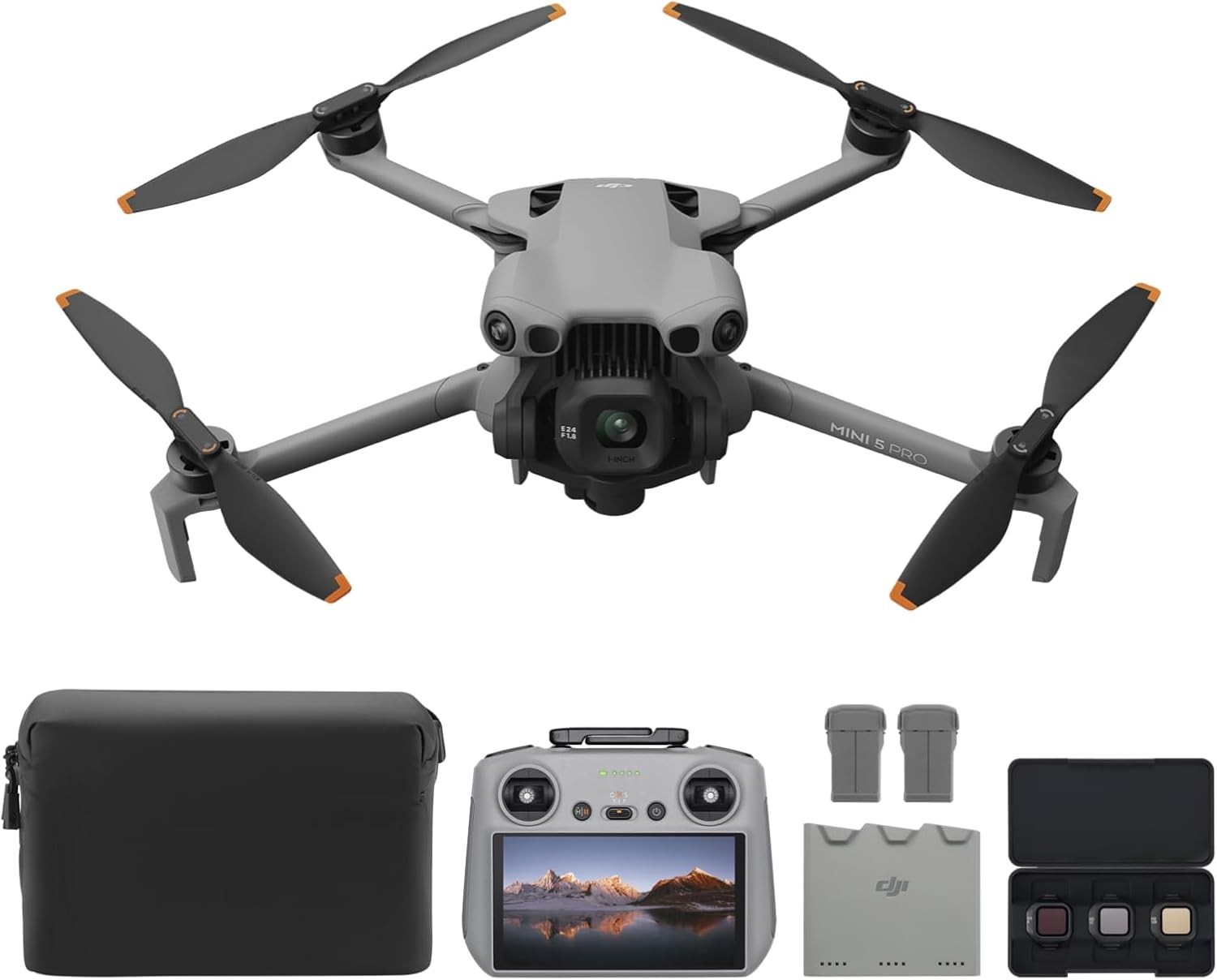
Related searches
What to check before buying
- Confirm you have a compatible mobile device with the DJI GO app installed and a stable OS version that still supports the app.
- Verify local drone regulations: at 1380g the Phantom 4 exceeds 250g thresholds, requiring registration and often remote ID compliance in the US and EU.
- Check that the seller includes the original remote controller, charger, and at least one battery; missing accessories are expensive to source separately.
- Inspect the gimbal lock and camera lens for scratches or haze; a damaged lens or gimbal motor can cost more than the airframe is worth to repair.
FAQ
Data sources: eBay / Amazon listings and product attribute feeds. Updated Nov 28, 2026.
Some links on this page are affiliate links. If you buy after clicking one, we may earn a commission at no extra cost to you. This does not change which products appear here or their order. Affiliate disclosure.