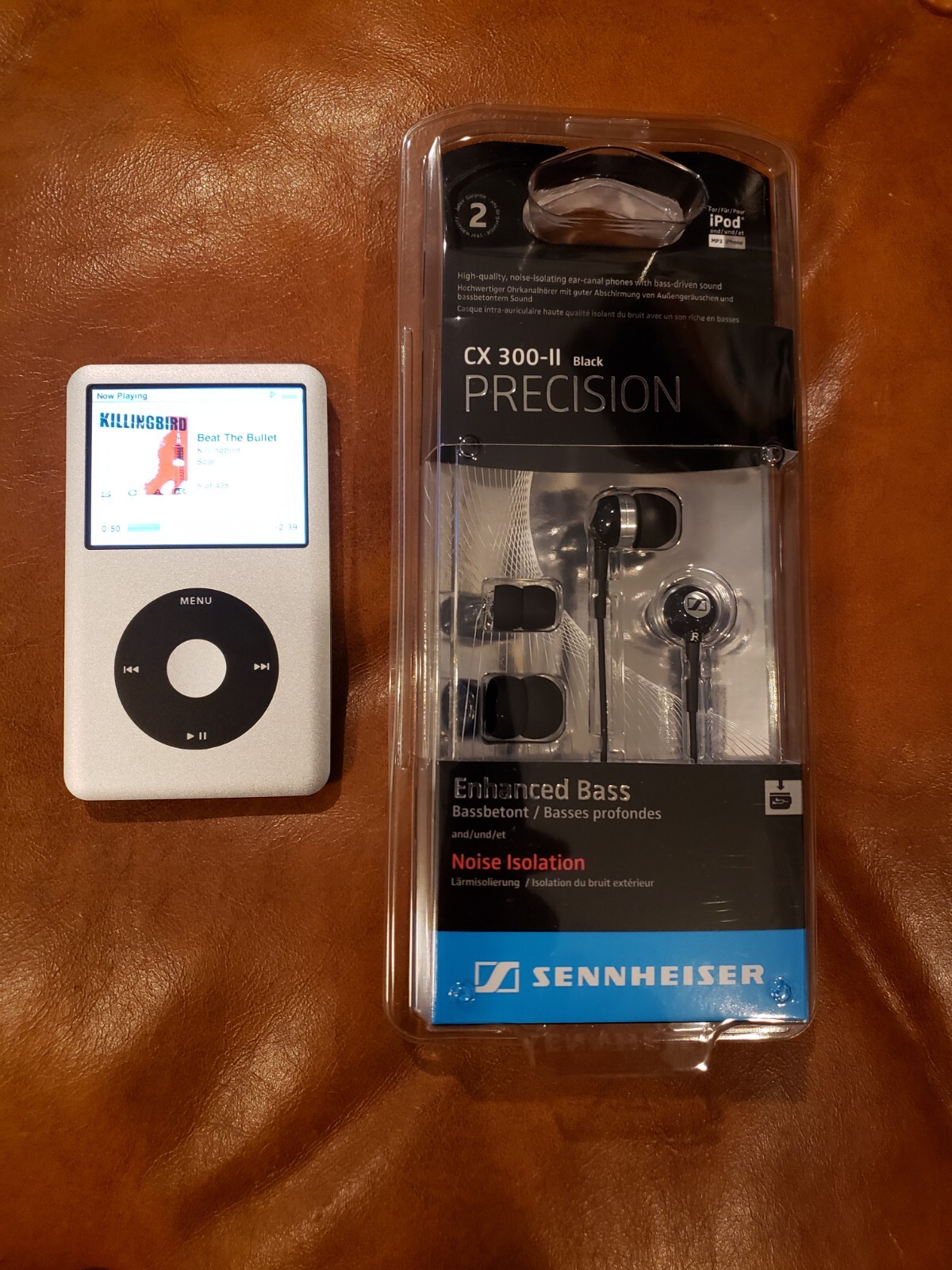

Photos from current listings. Actual item, color, and included accessories may vary.
New iPod Classic Buying Guide
The 'new iPod Classic' is a modernized or refurbished take on Apple's discontinued click-wheel player, built around either original 30-pin logic boards or aftermarket USB-C/Bluetooth retrofits. The core trade-off is storage medium and battery access: original 1.8-inch spinning drives fail from shock and age, while flash-modded units (iFlash/SD) add durability but vary wildly in firmware quality. Buy a flash-converted unit with a user-replaceable battery and verified DAC/output stage, and skip sealed original-drive units unless you need collector-original condition.
Key takeaways
- Original iPod Classic 6th/7th gen tops out at 160GB with a 1.8-inch HDD; flash mods via iFlash or SD-to-ZIF adapters scale to 512GB-1TB with far better shock tolerance.
- The 30-pin dock connector carries analog line-out plus USB data; USB-C retrofit boards add modern charging but bypass Apple's authentication, affecting some accessories.
- 7th-gen (2009) adds Genius Mixes and a slightly brighter screen versus 6th-gen; both share the same 320x240 2.5-inch display and click wheel.
At a glance
- Category
- Digital Audio Players
- Last updated
- Nov 28, 2026
Current offers
Highlights
- Original iPod Classic 6th/7th gen tops out at 160GB with a 1.8-inch HDD; flash mods via iFlash or SD-to-ZIF adapters scale to 512GB-1TB with far better shock tolerance.
- The 30-pin dock connector carries analog line-out plus USB data; USB-C retrofit boards add modern charging but bypass Apple's authentication, affecting some accessories.
- 7th-gen (2009) adds Genius Mixes and a slightly brighter screen versus 6th-gen; both share the same 320x240 2.5-inch display and click wheel.
- Battery capacity differs by chassis: thin 80/120GB units use a smaller cell than thick 160GB units, so flash conversions in thin shells need low-profile cells.
Best use cases
- Best fit: lossless library holders who want offline playback with no app dependency — pick a 7th-gen flash-modded 256GB+ unit with a fresh battery.
- Best fit: tinkerers who want a repairable retro player — choose an iFlash-converted unit with a documented battery replacement and microSD access.
- Wrong fit: buyers wanting streaming, Bluetooth, or modern codec support — skip iPod Classics and choose an Android-based DAP instead.
- Wrong fit: collectors seeking untouched original condition — avoid flash-modded units and source sealed or low-cycle original-HDD models.
Buying tips
- Storage math: a 160GB original drive holds roughly 3,000-4,000 ALAC tracks; a 512GB microSD flash mod holds 10,000+ lossless tracks.
- Demand iFlash or equivalent SD-to-ZIF adapter documentation; generic no-name adapters frequently cause database corruption and boot loops.
- Confirm the battery is a fresh cell rated for the correct thin or thick chassis — mismatched cells cause swelling or short runtime.
- Check the charge port standard: original 30-pin needs a legacy dock cable, while USB-C retrofits require a board-specific firmware that may limit syncing to legacy iTunes.
Specs
| Storage Medium | 1.8-inch HDD vs microSD flash mod |
|---|---|
| Connector | 30-pin dock vs USB-C retrofit |
| Max Capacity | 160GB stock / 1TB flash-modded |
| Generation | 6th-gen (2007) vs 7th-gen (2009) |
Related searches
What to check before buying
- Verify chassis thickness (thin 80/120GB vs thick 160GB) to match battery and back-cover compatibility.
- Confirm the flash adapter brand and microSD slot accessibility for future storage upgrades.
- Check that the unit syncs with your computer's OS and iTunes/Finder version before buying.
- Confirm the included cable type (30-pin vs USB-C) and whether a wall charger is bundled.
FAQ
Data sources: eBay / Amazon listings and product attribute feeds. Updated Nov 28, 2026.
Some links on this page are affiliate links. If you buy after clicking one, we may earn a commission at no extra cost to you. This does not change which products appear here or their order. Affiliate disclosure.