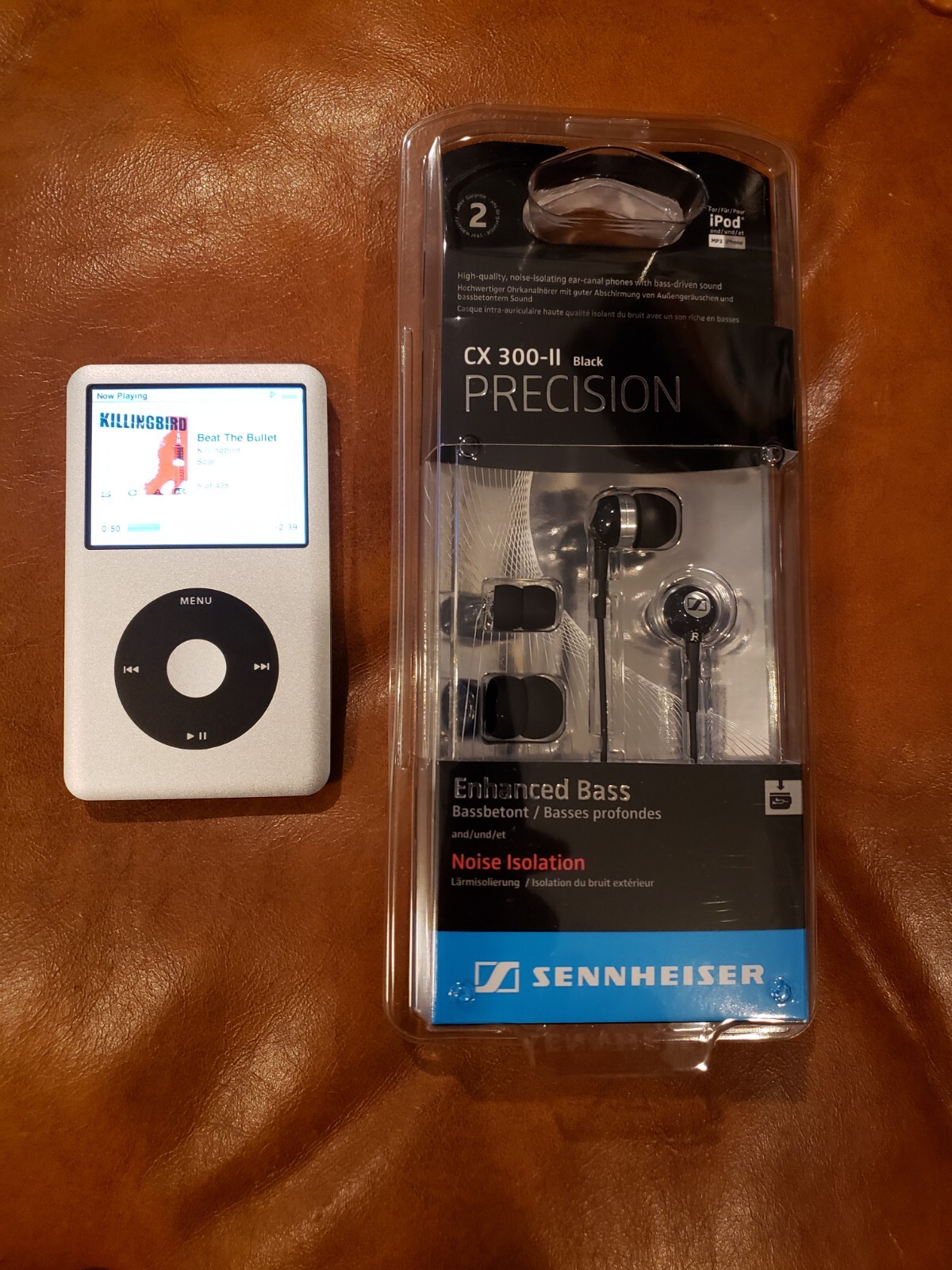

Photos from current listings. Actual item, color, and included accessories may vary.
iPod Classic 7 Gen Buying Guide
The iPod Classic 7th generation (also called the 160 GB Classic) is the final Apple hard-drive-based player, prized for its 160 GB capacity, aluminum front, and click-wheel interface. The core trade-off is mechanical: a 1.8-inch spinning HDD and aging battery versus flash-modded units that trade capacity-per-dollar for shock resistance and modern storage. Buy a refurbished original only with a fresh battery and verified HDD health, or buy a professionally flash-converted unit if you need durability and don't require the stock hard drive.
Key takeaways
- 7th Gen is defined by the 160 GB thin aluminum model (2009) with 36-hour audio battery rating; earlier 6th Gen topped out at 120 GB and 80 GB.
- Stock storage is a 1.8-inch 160 GB HDD with moving parts; flash conversions typically use a microSD-to-ZIF adapter with SDHC/SDXC cards up to 512 GB or more.
- The 30-pin dock connector carries USB data, line-out, and charging; 7th Gen does not support Bluetooth or Wi-Fi, so wireless requires a 30-pin transmitter.
At a glance
- Category
- Digital Audio Players
- Last updated
- Nov 28, 2026
Current offers
Highlights
- 7th Gen is defined by the 160 GB thin aluminum model (2009) with 36-hour audio battery rating; earlier 6th Gen topped out at 120 GB and 80 GB.
- Stock storage is a 1.8-inch 160 GB HDD with moving parts; flash conversions typically use a microSD-to-ZIF adapter with SDHC/SDXC cards up to 512 GB or more.
- The 30-pin dock connector carries USB data, line-out, and charging; 7th Gen does not support Bluetooth or Wi-Fi, so wireless requires a 30-pin transmitter.
- DAC is the internal Wolfson-class audio path; output is via 3.5 mm headphone jack and 30-pin line-out — no digital USB audio out without a compatible dock.
Best use cases
- Best fit: Buy a stock 160 GB 7th Gen with a verified healthy HDD and new battery if you want maximum original capacity, click-wheel nostalgia, and a plug-and-play library.
- Best fit: Buy a flash-modded 7th Gen with a microSD adapter if you want shock resistance for commuting, running, or travel and don't mind opening the unit for card swaps.
- Wrong fit: Skip any 7th Gen with the original battery if you need all-day playback — a 10-year-old cell will not hold the rated 36 hours; budget for a battery service.
- Wrong fit: Skip the 7th Gen entirely if you need Bluetooth, streaming, or USB-C charging; a 30-pin adapter is required and wireless is not native.
Buying tips
- Confirm the model is 7th Gen by the 160 GB capacity and thin aluminum front (PC: 160 GB, model A1238); the 120 GB and 80 GB are 6th Gen with different battery ratings.
- For flash mods, choose a microSD-to-ZIF adapter rated for the 1.8-inch ZIF interface and use cards of 128 GB or larger; format the card to FAT32 before installation.
- Check battery health by asking for a battery cycle count or runtime test; a healthy replacement should deliver 20–30 hours of audio, not the original 36-hour spec.
- Verify the 30-pin port and headphone jack are clean and functional; replacement parts are available but require soldering and case opening.
Specs
| Storage Type | 1.8" HDD vs microSD flash mod |
|---|---|
| Capacity Tier | 160 GB stock / 256-512 GB flash |
| Battery Rating | 36 hr audio (new stock cell) |
| Connector | 30-pin dock (USB 2.0 data) |
Related searches
What to check before buying
- Confirm your computer has USB-A or a 30-pin dock cable; the 7th Gen syncs via 30-pin to USB, and modern USB-C Macs need an adapter.
- Measure your library: 160 GB holds roughly 20,000–40,000 tracks at 256 kbps; flash mods above 256 GB require a known-good adapter and card.
- Check the case for dents or warping around the aluminum front and click wheel; a warped case can bind the wheel and indicates drop damage.
- Verify the hold switch and headphone jack ribbons are intact; these are the most common failure points after battery replacement.
FAQ
Data sources: eBay / Amazon listings and product attribute feeds. Updated Nov 28, 2026.
Some links on this page are affiliate links. If you buy after clicking one, we may earn a commission at no extra cost to you. This does not change which products appear here or their order. Affiliate disclosure.