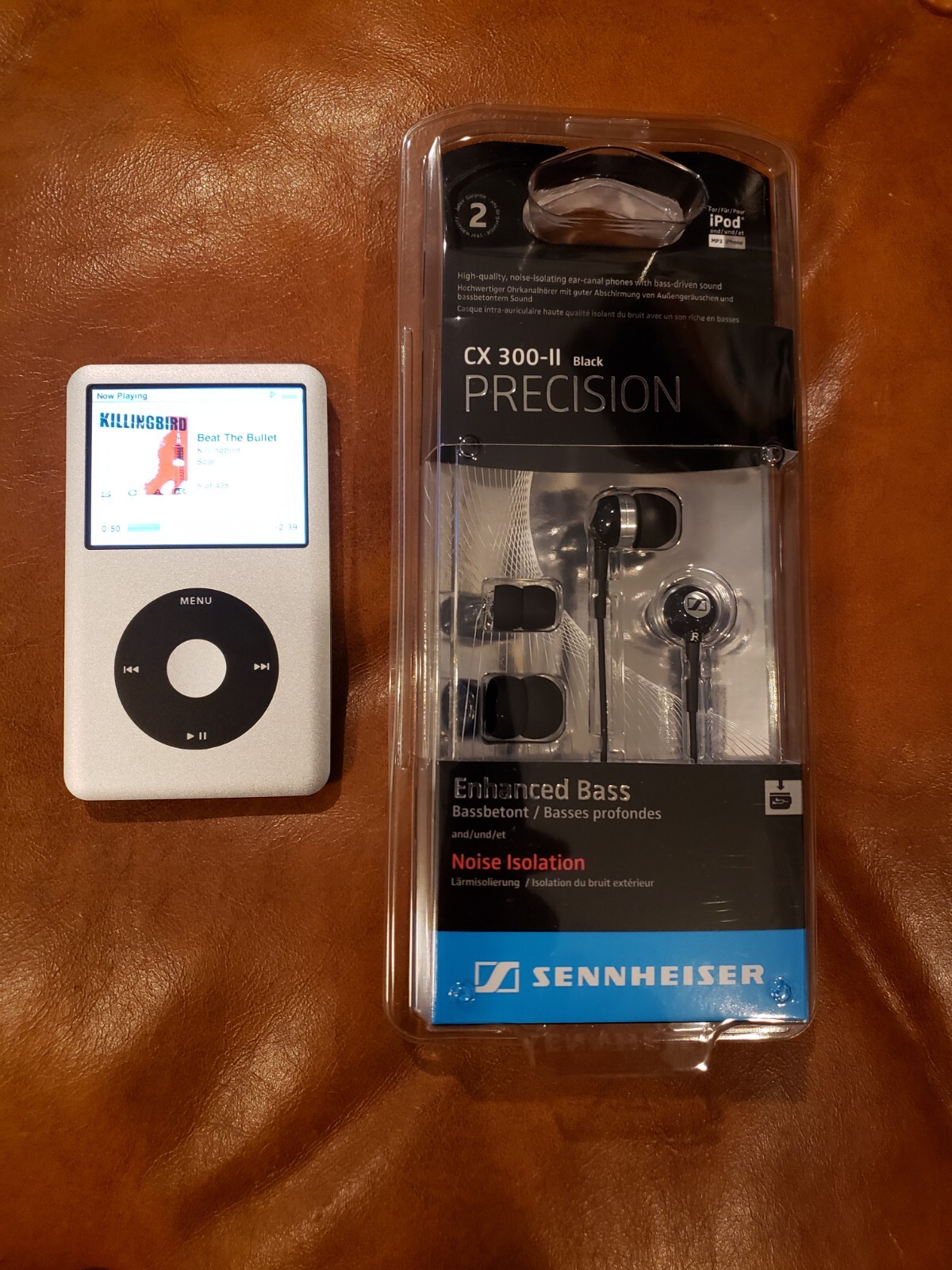

Photos from current listings. Actual item, color, and included accessories may vary.
iPod Classic 30 Buying Guide
The iPod Classic 30 refers to the fifth-generation iPod (5th/5.5th gen) with a 30GB hard drive, a 2.5-inch color LCD, and a 30-pin dock connector. The primary trade-off is the aging 1.8-inch Toshiba microdrive versus modern flash storage: the original HDD is fragile and slow, while a flash-modded unit is rugged and fast but depends on the quality of the modification. The decision rule is simple: buy a verified-working HDD unit only if you value period-correct authenticity; otherwise choose a professionally flash-modded unit with a fresh battery and tested logic board.
Key takeaways
- 30GB model uses a 1.8-inch Toshiba microdrive (MK3008GAL) with 4200 RPM and a 30-pin dock connector; no Lightning or USB-C support without an adapter.
- 5th gen (2005) and 5.5th gen (late 2006) differ mainly in search functionality and a brighter screen; both share the same 30-pin dock and 30GB HDD architecture.
- Flash mods replace the microdrive with a CF or SDXC adapter; a 30GB HDD unit can be upgraded to 128GB+ only if the mod uses a compatible adapter and the logic board is healthy.
At a glance
- Category
- Digital Audio Players
- Last updated
- Nov 28, 2026
Current offers
Highlights
- 30GB model uses a 1.8-inch Toshiba microdrive (MK3008GAL) with 4200 RPM and a 30-pin dock connector; no Lightning or USB-C support without an adapter.
- 5th gen (2005) and 5.5th gen (late 2006) differ mainly in search functionality and a brighter screen; both share the same 30-pin dock and 30GB HDD architecture.
- Flash mods replace the microdrive with a CF or SDXC adapter; a 30GB HDD unit can be upgraded to 128GB+ only if the mod uses a compatible adapter and the logic board is healthy.
- Battery capacity is roughly 600-650 mAh; real-world playback is 12-14 hours on original cells, and aftermarket replacements vary widely in quality and longevity.
Best use cases
- Best fit: buy a 30GB HDD unit if you want an authentic 2005-era iPod for a collection and will use it gently indoors; skip it if you plan to jog or commute daily.
- Best fit: buy a flash-modded 30GB unit if you want reliable daily commuting playback with a modern battery; skip the HDD version if durability and fast sync matter.
- Best fit: choose a 5.5th gen 30GB if you want the brighter screen and search feature; skip the 5th gen if those refinements matter, but both are otherwise functionally identical.
- Wrong fit: do not buy a 30GB unit for lossless hi-res files or streaming; skip it if you need Bluetooth, Wi-Fi, or modern codec support beyond AAC/MP3/ALAC/WAV.
Buying tips
- Confirm the model is 5th or 5.5th gen by the model number (A1136 for 30GB); A1238 is the 80GB/160GB 6th gen and is a different architecture.
- For flash mods, require a CF-to-1.8-inch adapter or an SDXC-based adapter rated for the iPod's power draw; cheap SD adapters can cause boot loops.
- Check the battery replacement date and cell type; a quality 600-650 mAh cell should deliver 10-14 hours, and a low-quality cell will drop below 6 hours within months.
- Inspect the 30-pin dock connector for bent pins and confirm the headphone jack is not loose; these are the two most common failure points on used units.
Specs
| Storage Type | 1.8-inch microdrive vs flash mod |
|---|---|
| Dock Connector | 30-pin (no Lightning/USB-C) |
| Battery Life | 12-14 hr (original cell) |
| Generation | 5th / 5.5th gen (A1136) |
Related searches
What to check before buying
- Verify the model number on the back: A1136 is the 30GB 5th gen; confirm it is not a 6th gen A1238 if you need 30GB specifically.
- Check the battery health by asking for a playback time test or a battery cycle count; original cells are likely degraded after 15+ years.
- Confirm the dock connector type is 30-pin and that a 30-pin to USB cable is included; Lightning and USB-C cables will not fit without an adapter.
- For flash-modded units, ask which adapter brand and SD card model were used; require a photo of the opened unit showing the adapter and battery.
FAQ
Data sources: eBay / Amazon listings and product attribute feeds. Updated Nov 28, 2026.
Some links on this page are affiliate links. If you buy after clicking one, we may earn a commission at no extra cost to you. This does not change which products appear here or their order. Affiliate disclosure.