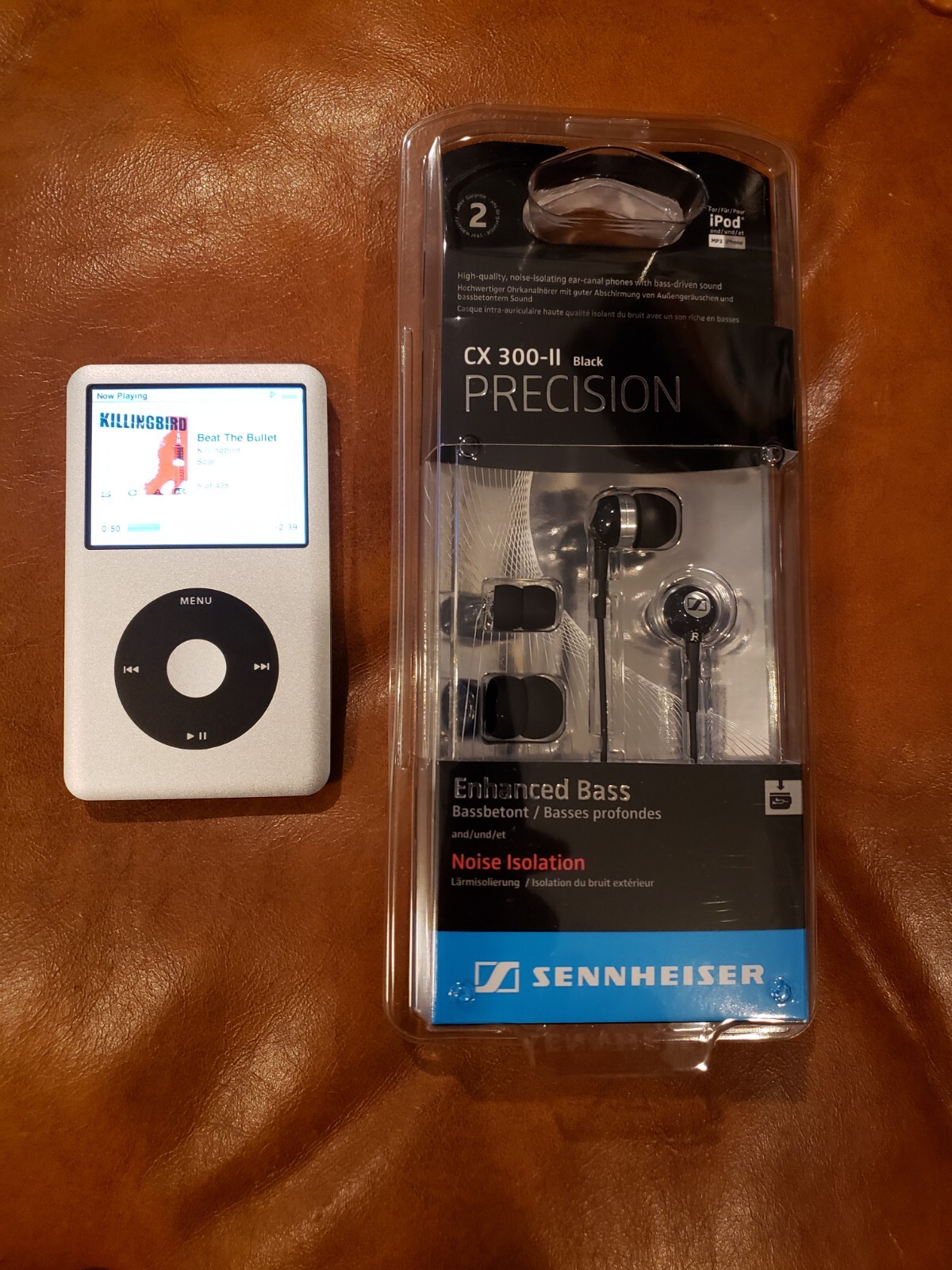

Photos from current listings. Actual item, color, and included accessories may vary.
iPod Classic 1 Gen Buying Guide
The first-generation iPod Classic (released 2001) is a 5GB hard-drive-based MP3 player with a monochrome 2-inch LCD and a mechanical scroll wheel, not the later click-wheel or color-screen models. The core trade-off is collector-grade originality versus usable modern functionality: original 5GB drives, batteries, and FireWire-only sync are aging failure points, while any 'upgraded' unit is a modified device with its own compatibility limits. Buy original only if you accept FireWire charging and limited format support; buy a verified refurbished unit or a later click-wheel generation if you need USB sync and larger capacity.
Key takeaways
- First-gen uses a mechanical (moving) scroll wheel and four separate buttons around it, unlike the solid-state click wheel introduced on the 3rd generation.
- Storage is a 5GB 1.8-inch Toshiba hard drive; no flash storage option exists, and the drive is the most common failure point after 20+ years.
- Charging and syncing require FireWire (IEEE 1394) via the original dock connector; standard USB does not charge the 1st-gen iPod Classic.
At a glance
- Category
- Digital Audio Players
- Last updated
- Nov 28, 2026
Current offers
Highlights
- First-gen uses a mechanical (moving) scroll wheel and four separate buttons around it, unlike the solid-state click wheel introduced on the 3rd generation.
- Storage is a 5GB 1.8-inch Toshiba hard drive; no flash storage option exists, and the drive is the most common failure point after 20+ years.
- Charging and syncing require FireWire (IEEE 1394) via the original dock connector; standard USB does not charge the 1st-gen iPod Classic.
- Display is a 2-inch 160x128 monochrome LCD with no color, album art, or video support; audio formats are limited to MP3, WAV, AIFF, and Audible.
Best use cases
- Best fit: collector or retro-tech enthusiast who wants an original 2001 unit with the mechanical wheel and FireWire cable for display or period-correct use—buy a tested unit with a verified battery.
- Best fit: casual listener who wants the iPod Classic form factor but needs daily USB sync and reliable battery—skip the 1st gen and buy a 6th/7th-gen Classic with click wheel and 80–160GB drive.
- Wrong fit: anyone expecting modern Bluetooth, streaming, or USB-C charging—no 1st-gen iPod supports wireless audio or USB power delivery.
- Wrong fit: buyers wanting to load a large FLAC or high-bitrate library—the 5GB drive and limited codec support make the 1st gen impractical for large libraries.
Buying tips
- Confirm the unit includes a FireWire 400 cable and charger; without them you cannot charge or sync a stock 1st-gen iPod, and FireWire 400 accessories are increasingly scarce.
- Check the battery health before buying: a 20-year-old original cell typically holds under 2 hours; budget for a professional battery replacement or choose a unit already serviced.
- Verify the hard drive spins up and is recognized by a computer; clicking or whirring noises indicate a failing 1.8-inch drive, which is difficult and costly to replace.
- Inspect the mechanical scroll wheel for smooth rotation and button response; worn wheels are a common failure on heavily used 1st-gen units and are not easily repaired.
Specs
| Storage Type | 5GB 1.8-inch hard drive |
|---|---|
| Charging Port | FireWire 400 only |
| Scroll Wheel | Mechanical (moving) wheel |
| Display | 2-inch monochrome LCD |
Related searches
What to check before buying
- Confirm you have a FireWire 400 port or a FireWire-to-Thunderbolt/USB adapter chain compatible with your computer, since USB alone will not charge this model.
- Measure your intended dock or case clearance: the 1st-gen iPod is thicker than later Classics and requires a dedicated 1st-gen dock or a universal cradle.
- Check the unit's serial number and model number (M8541 for 5GB) to confirm it is a true 1st generation and not a later click-wheel model.
- Verify the seller includes or you can source a replacement battery service, as original batteries are not user-replaceable and are likely degraded.
FAQ
Data sources: eBay / Amazon listings and product attribute feeds. Updated Nov 28, 2026.
Some links on this page are affiliate links. If you buy after clicking one, we may earn a commission at no extra cost to you. This does not change which products appear here or their order. Affiliate disclosure.