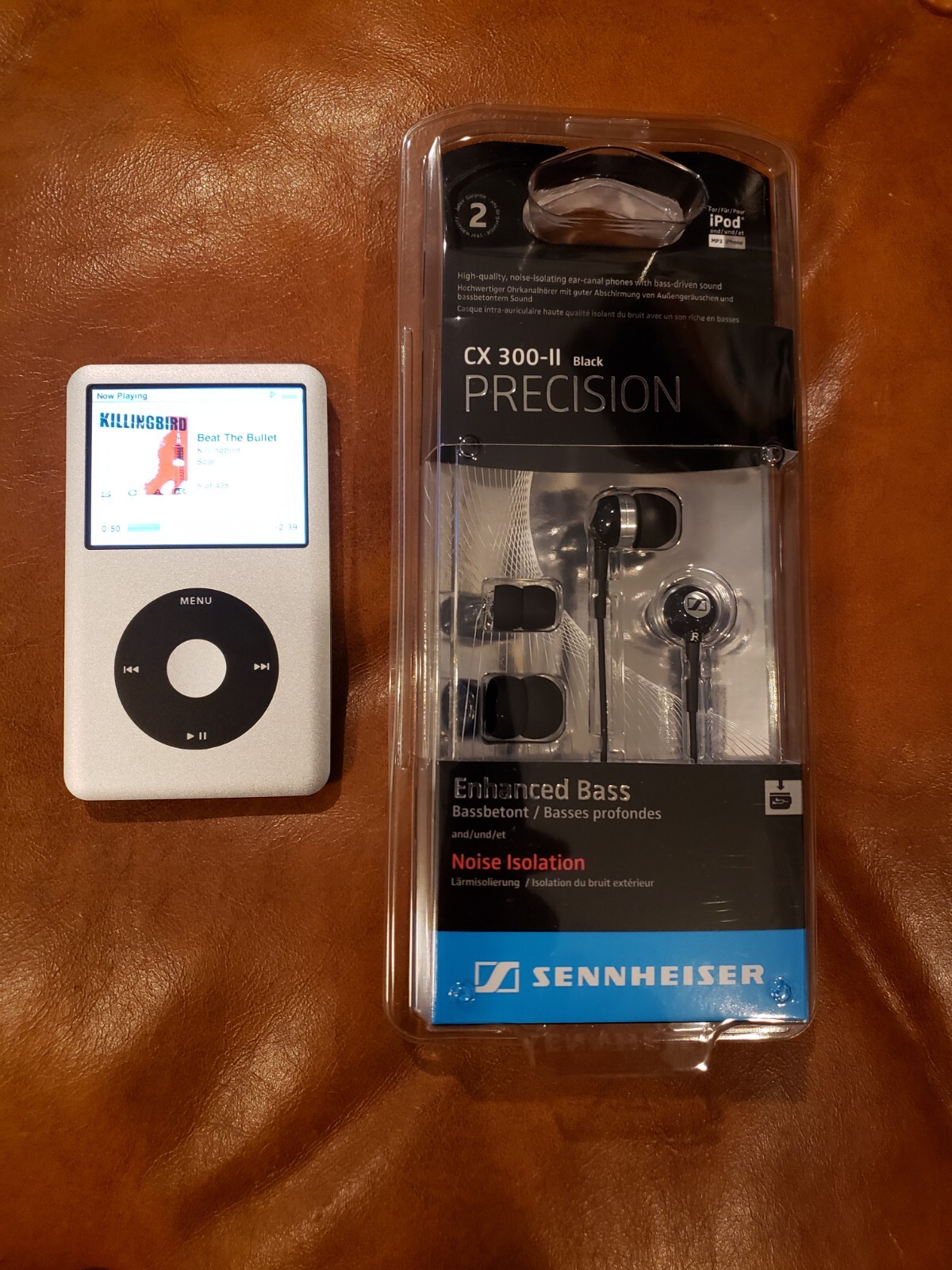

Photos from current listings. Actual item, color, and included accessories may vary.
iPod 4 Classic Buying Guide
The 'iPod 4 Classic' name conflates two distinct Apple generations: the 4th-gen iPod (2004, monochrome screen, Click Wheel) and the iPod Classic 4th-gen family (2004-2005, monochrome or first color display). The primary trade-off is archival authenticity versus modern usability: original 30-pin drives, batteries, and monochrome screens versus flash-modded units that remain serviceable. Decision rule: buy only if you accept vintage battery/HDD serviceability or a verified flash-conversion; skip otherwise.
Key takeaways
- 4th-gen iPod (2004) uses a monochrome 2-inch LCD and Click Wheel; the later 'iPod Classic' 4th-gen (2004-2005) introduced the first color screen on select models.
- Original storage is a 1-inch microdrive HDD (20GB/40GB/60GB tiers); these drives are now failure-prone, so flash-modded units using SD/microSD adapters are the durable choice.
- The 30-pin dock connector and 3.5mm headphone jack define compatibility: charging, syncing, and line-out all require 30-pin or USB-A-era accessories.
At a glance
- Category
- Digital Audio Players
- Last updated
- Nov 28, 2026
Current offers
Highlights
- 4th-gen iPod (2004) uses a monochrome 2-inch LCD and Click Wheel; the later 'iPod Classic' 4th-gen (2004-2005) introduced the first color screen on select models.
- Original storage is a 1-inch microdrive HDD (20GB/40GB/60GB tiers); these drives are now failure-prone, so flash-modded units using SD/microSD adapters are the durable choice.
- The 30-pin dock connector and 3.5mm headphone jack define compatibility: charging, syncing, and line-out all require 30-pin or USB-A-era accessories.
- Battery is a soldered lithium-ion cell; replacement requires opening the case, so units with documented battery service history or fresh cells are decisively better.
Best use cases
- Best fit: buy a 4th-gen iPod with confirmed flash modification and a fresh battery for reliable daily offline music playback with the classic Click Wheel.
- Best fit: buy an original monochrome 4th-gen unit only as a collector or archival piece where original HDD and battery are acceptable risks.
- Wrong fit: skip any 4th-gen iPod if you need Bluetooth, streaming, USB-C charging, or modern hi-res codec support—none of these exist on this generation.
Buying tips
- Choose the color-screen 'iPod Classic' 4th-gen variant only if photo/album art display matters; monochrome 4th-gen is functionally identical for audio.
- Verify flash-modded units use a proper SD-to-CF or microSD adapter with a capacity the firmware supports (generally up to 128GB on 4th-gen with Rockbox or stock limits).
- Confirm the 30-pin port is intact and that a charger/sync cable is included; 30-pin cables are not interchangeable with Lightning or USB-C.
- Prefer units with a replaced battery rated for 8+ hours or documented cell replacement; original 2004 cells are almost certainly degraded.
Specs
| Generation | 4th-gen (2004) / Classic 4th-gen (2004-05) |
|---|---|
| Display | 2-inch monochrome or color LCD |
| Storage | 20/40/60GB microdrive or flash-mod |
| Connector | 30-pin dock / 3.5mm jack |
Related searches
What to check before buying
- Confirm which generation you are buying: monochrome 4th-gen (2004) versus color 'iPod Classic' 4th-gen (2004-2005) by screen type and model number.
- Check that a 30-pin USB or FireWire cable and charger are included or available, since modern USB-C cables will not fit.
- Ask for battery health evidence (runtime hours, replacement date) and whether the HDD has been replaced with flash storage.
- Verify the headphone jack and Hold switch function, as these are common failure points on 20-year-old units.
FAQ
Data sources: eBay / Amazon listings and product attribute feeds. Updated Nov 28, 2026.
Some links on this page are affiliate links. If you buy after clicking one, we may earn a commission at no extra cost to you. This does not change which products appear here or their order. Affiliate disclosure.