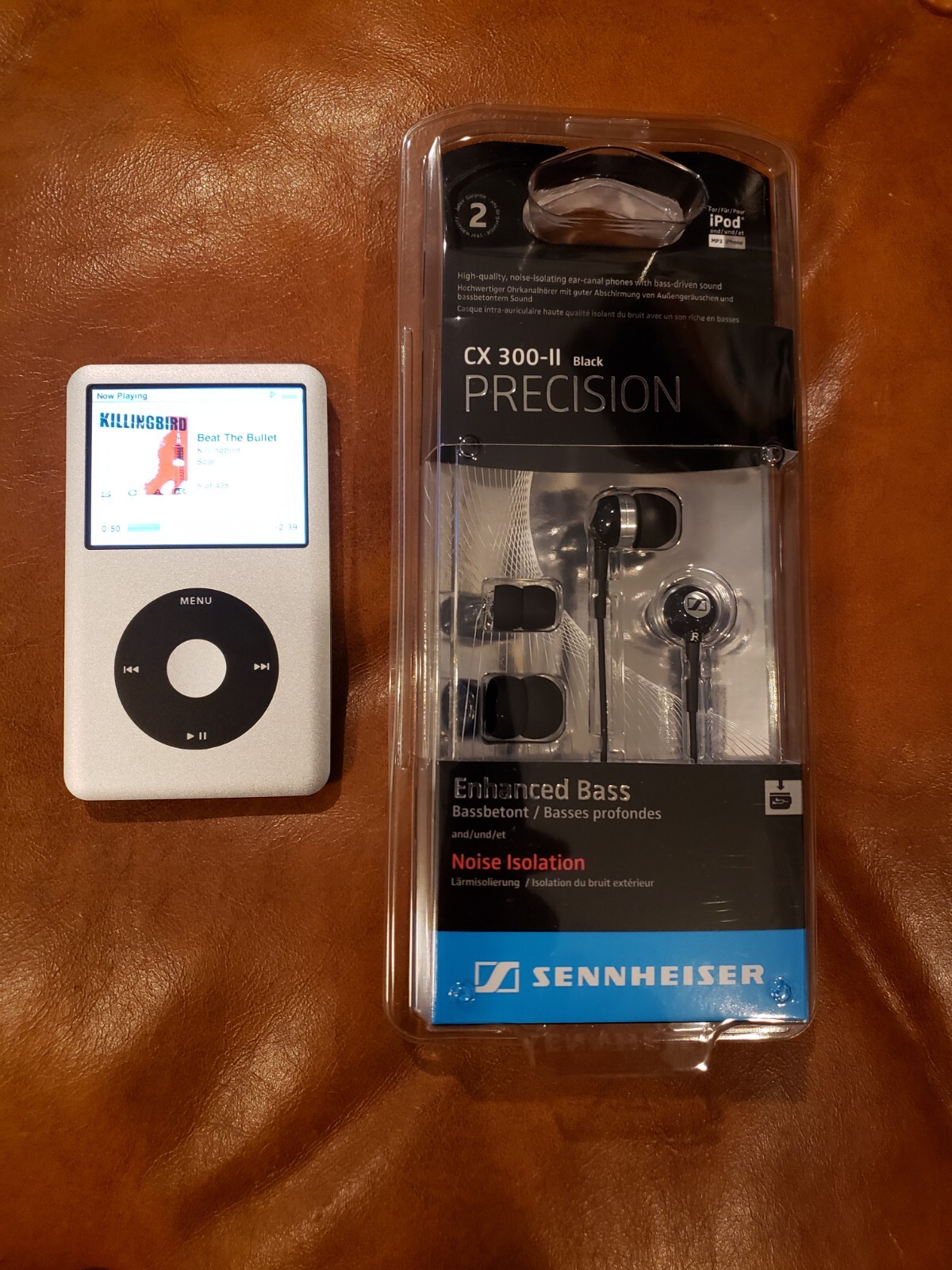

Photos from current listings. Actual item, color, and included accessories may vary.
Apple iPod Classic Buying Guide
The Apple iPod Classic is a discontinued hard-drive-based portable music player prized for its click-wheel interface, massive local storage, and native iTunes syncing. The core trade-off is between the 6th/7th-gen 80/120/160GB thin models and the earlier thicker generations, with storage tier and drive condition determining real-world reliability. Buy a tested unit with a verified battery and matching drive capacity—skip any listing with an unverified drive or swollen battery.
Key takeaways
- 6th/7th-gen Classics use a 1.8-inch Toshiba hard drive in 80GB, 120GB, or 160GB tiers; the 160GB thin model is physically slimmer than the original 160GB thick model.
- All iPod Classics use a 30-pin dock connector (not Lightning or USB-C), so syncing and charging require a 30-pin cable or dock.
- The 7th-gen 160GB Classic is the final generation, adding Genius Mixes and a slightly refined click wheel over the 6th-gen 80/120GB units.
At a glance
- Category
- Digital Audio Players
- Last updated
- Nov 28, 2026
Current offers
Highlights
- 6th/7th-gen Classics use a 1.8-inch Toshiba hard drive in 80GB, 120GB, or 160GB tiers; the 160GB thin model is physically slimmer than the original 160GB thick model.
- All iPod Classics use a 30-pin dock connector (not Lightning or USB-C), so syncing and charging require a 30-pin cable or dock.
- The 7th-gen 160GB Classic is the final generation, adding Genius Mixes and a slightly refined click wheel over the 6th-gen 80/120GB units.
- Battery life is rated around 36 hours audio for 6th/7th-gen models, but original cells are now aged; replacement batteries are common and expected.
Best use cases
- Best fit: buyers with a large local iTunes library who want offline playback without streaming—pick the 160GB 7th-gen for maximum capacity.
- Best fit: collectors and nostalgia users who want the classic click-wheel experience—choose a 6th-gen 80GB if budget and size are priorities.
- Wrong fit: users who rely on Bluetooth headphones or streaming apps—the iPod Classic has no Bluetooth and no Wi-Fi streaming.
- Wrong fit: buyers expecting modern USB-C charging or hi-res codec support—stick with a 30-pin cable and standard AAC/MP3 files.
Buying tips
- Choose 160GB only if your library exceeds roughly 20,000 songs at 256kbps; otherwise the 80GB or 120GB tiers are lighter and cheaper.
- Confirm the drive is a genuine 1.8-inch Toshiba unit and that the unit powers on and mounts to a computer before purchase.
- Prefer 7th-gen 160GB units for the newest firmware and thinner body; 6th-gen 160GB units are thicker and older.
- Budget for a replacement battery and a 30-pin cable if not included—these are consumables on a 15+ year-old device.
Specs
| Storage Tier | 80GB / 120GB / 160GB HDD |
|---|---|
| Connector | 30-pin dock (USB cable) |
| Generation | 6th gen vs 7th gen (160GB) |
| Battery (rated) | ~36 hr audio playback |
Related searches
What to check before buying
- Verify the unit powers on, holds a charge for at least a few hours, and mounts as an external drive on a Mac or PC.
- Confirm the drive capacity reported in iTunes/Finder matches the advertised 80GB, 120GB, or 160GB tier.
- Check the 30-pin port for bent pins and the headphone jack for crackle—both are common wear points.
- Ensure you have a 30-pin to USB cable and a computer with iTunes or Finder for syncing.
FAQ
Data sources: eBay / Amazon listings and product attribute feeds. Updated Nov 28, 2026.
Some links on this page are affiliate links. If you buy after clicking one, we may earn a commission at no extra cost to you. This does not change which products appear here or their order. Affiliate disclosure.