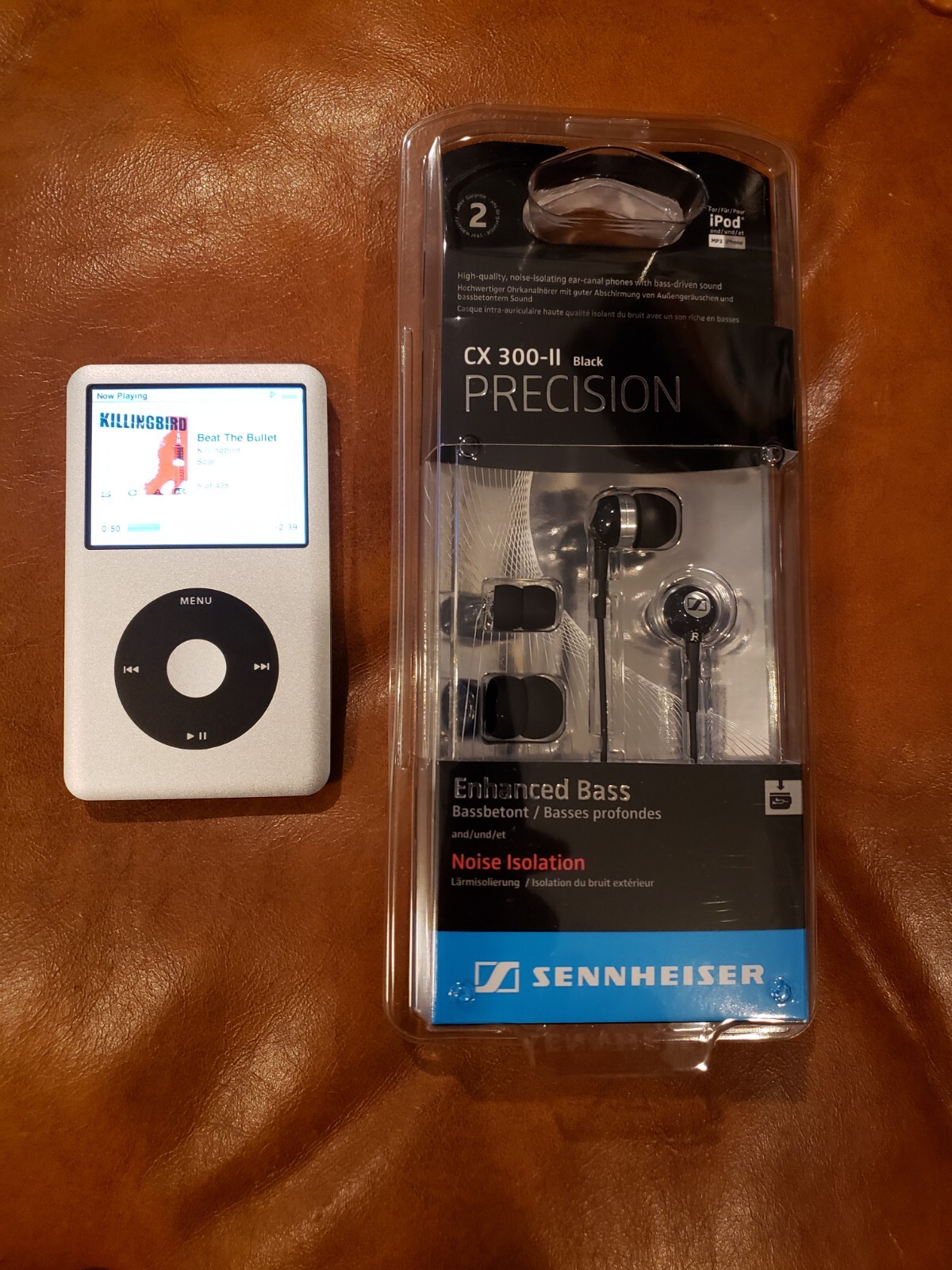

Photos from current listings. Actual item, color, and included accessories may vary.
2007 iPod Classic Buying Guide
The 2007 iPod Classic is Apple's sixth-generation hard-drive player, offered in 80GB and 160GB capacities with a 2.5-inch color LCD, Click Wheel, and 30-pin dock connector. The core trade-off is mechanical: a spinning 1.8-inch hard drive delivers massive capacity at low cost but introduces shock sensitivity, seek noise, and eventual wear that flash-based players avoid. Buy the 160GB only if you need a pocket jukebox for a large local library; otherwise a flash-based iPod Nano or touch is the durable choice.
Key takeaways
- Two 2007 tiers: 80GB (thinner, ~140g) and 160GB (thicker, ~160g), both using 1.8-inch hard drives with 30-pin dock output.
- Audio output via 30-pin line-out or 3.5mm headphone jack; no Bluetooth, no Wi-Fi, no app support, and no digital streaming.
- Codec support covers AAC, MP3, Apple Lossless, WAV, AIFF, Audible, and MP4/MOV video at up to 640x480.
At a glance
- Category
- Digital Audio Players
- Last updated
- Nov 28, 2026
Current offers
Highlights
- Two 2007 tiers: 80GB (thinner, ~140g) and 160GB (thicker, ~160g), both using 1.8-inch hard drives with 30-pin dock output.
- Audio output via 30-pin line-out or 3.5mm headphone jack; no Bluetooth, no Wi-Fi, no app support, and no digital streaming.
- Codec support covers AAC, MP3, Apple Lossless, WAV, AIFF, Audible, and MP4/MOV video at up to 640x480.
- Battery is a soldered lithium-ion cell rated for roughly 30-36 hours audio; replacement requires opening the metal front panel.
Best use cases
- Best fit: buy the 160GB tier if you maintain a large ALAC/MP3 library and want offline playback with wired headphones or a 30-pin dock.
- Wrong fit: skip the Classic if you stream, use Bluetooth headphones, or expect app-based playback; a flash-based iPod touch or Nano is the correct pick.
- Best fit: choose the 80GB tier for lighter pocket carry and modest libraries; skip the 160GB if thickness and weight matter more than capacity.
- Wrong fit: skip any Classic for gym, running, or rough daily carry; the hard drive is the failure point and flash players are the durable alternative.
Buying tips
- Capacity rule: 80GB holds roughly 20,000 songs at 128kbps AAC; 160GB roughly doubles that, so match tier to library size in GB, not song count.
- Storage check: hard-drive Classics report SMART health in service diagnostics; a drive with reallocated sectors or loud clicking is a failing unit.
- Battery rule: a 2007 unit with original cell will hold well under rated runtime; budget for a replacement battery and opening tools.
- Compatibility rule: the 30-pin dock works with older speaker docks and car adapters; Lightning accessories need a 30-pin adapter and do not charge all docks.
Specs
| Storage Tier | 80GB thin vs 160GB thick |
|---|---|
| Drive Type | 1.8-inch hard drive (not flash) |
| Connector | 30-pin dock + 3.5mm jack |
| Wireless | None (no Bluetooth/Wi-Fi) |
Related searches
What to check before buying
- Confirm the exact capacity tier (80GB thin vs 160GB thick) and that the unit powers on, mounts in iTunes/Finder, and plays from the hard drive.
- Inspect the 3.5mm jack and 30-pin port for corrosion or bent pins; these are the most common connectivity failures on used units.
- Test the Click Wheel and hold switch for full travel, and check the screen for dead pixels or backlight bleed.
- For dock or car use, confirm your accessory is 30-pin or has a compatible adapter, and that it supplies the correct charging voltage.
FAQ
Data sources: eBay / Amazon listings and product attribute feeds. Updated Nov 28, 2026.
Some links on this page are affiliate links. If you buy after clicking one, we may earn a commission at no extra cost to you. This does not change which products appear here or their order. Affiliate disclosure.