
Photos from current listings. Actual item, color, and included accessories may vary.
737 Cockpit Flight Simulator Buying Guide
A 737 cockpit flight simulator is a home or semi-pro setup reproducing the Boeing 737 flight deck for procedures, familiarity, or entertainment, built around a yoke, throttle quadrant, rudder pedals, and increasingly a full MCP/overhead panel and enclosed shell. The core trade-off is fidelity versus space and cost: a desk-mounted yoke and pedal set teaches flows and IFR scan, while a full fixed-base shell demands room, rigidity, and PC performance that most buyers under-budget. The decision rule is simple: buy a certified or well-reviewed force-feedback-capable yoke and metal pedals if you want aircraft handling fidelity, and reserve full-shell cockpits for buyers who have dedicated floor space, a fixed PC location, and a build budget that includes avionics panels, not just a frame.
Median $270.43
Key takeaways
- Yoke pitch/roll travel and force curve define handling fidelity far more than shell detail; look for at least 100mm pitch travel and hall-effect or load-cell sensors to avoid potentiometer wear.
- Boeing 737 layout uses a dual-yoke, central pedestal throttle with speedbrake and flap detents, and toe-brake rudder pedals—any cockpit claiming 737 fidelity must replicate this control geometry, not just a generic HOTAS.
- Full-shell cockpits are fixed-base unless paired with a motion platform; fixed-base shells still require rigid aluminum extrusion or welded steel frames to prevent flex that ruins trim and autopilot practice.
At a glance
- Category
- Flight Sim Cockpits, Mounts & VR
- Last updated
- Nov 24, 2026
Current offers
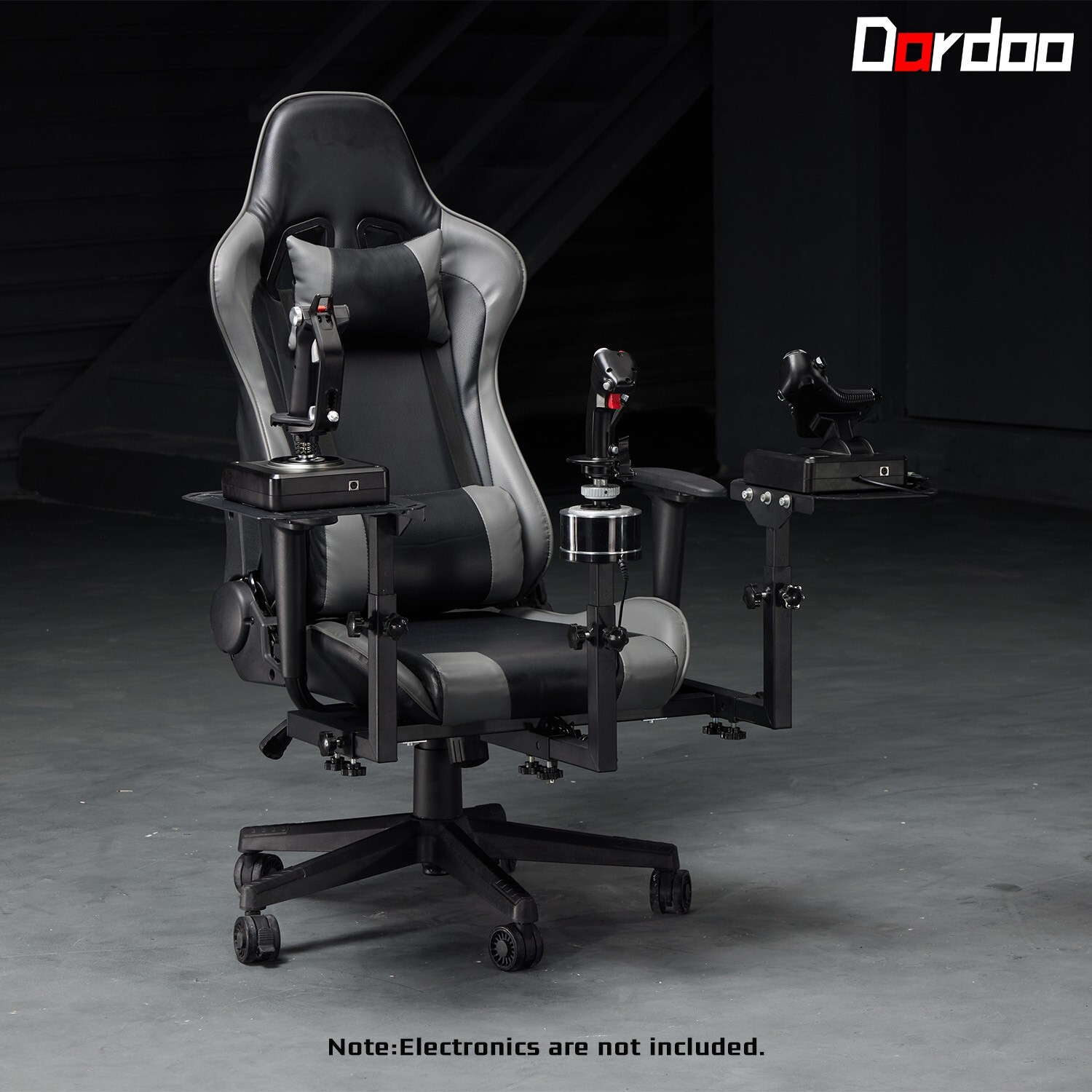 Dardoo Flight Simulator Cockpit Gray Chair Joystick Chair Mount Multifunctional$229.99Last checked Nov 18, 2026View on eBay
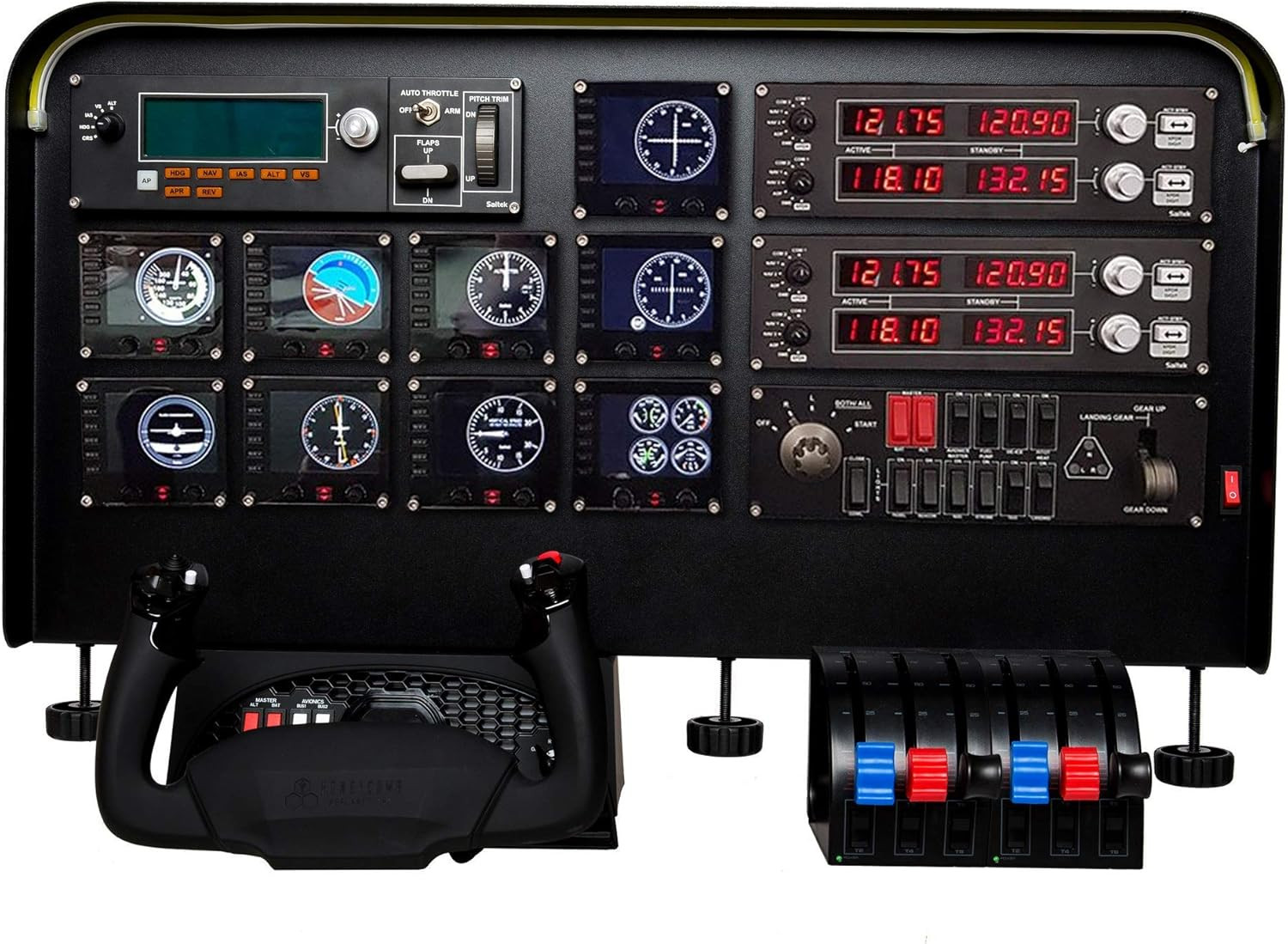 Complete Flight Simulator Cockpit - Compatible with Logitech Saitek Honeycomb$255.86Last checked Nov 18, 2026View on eBay
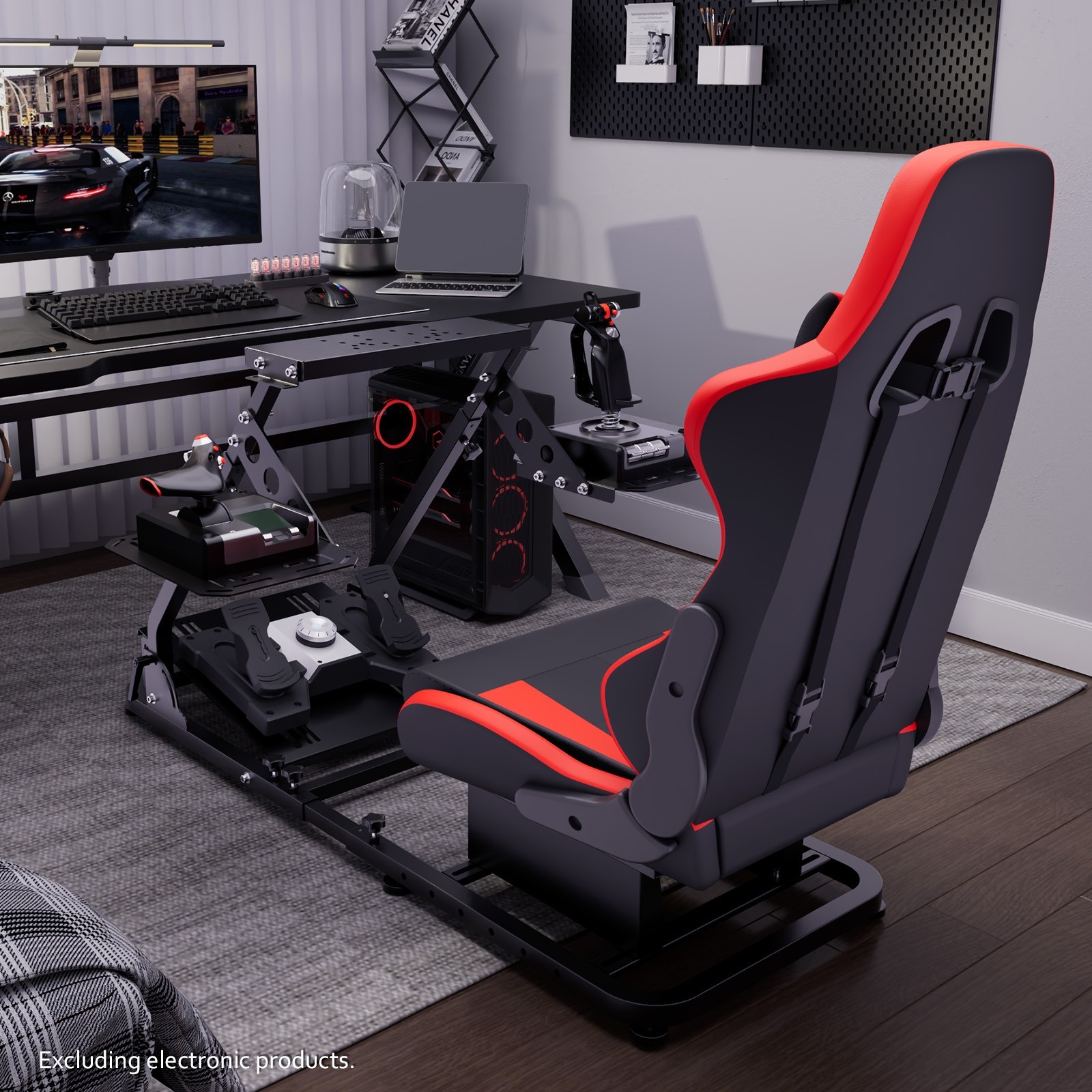 Hottoby Flight Simulator Cockpit with Red Seat Fits Logitech Thrustmaster Saitek$284.99Last checked Nov 18, 2026View on eBay
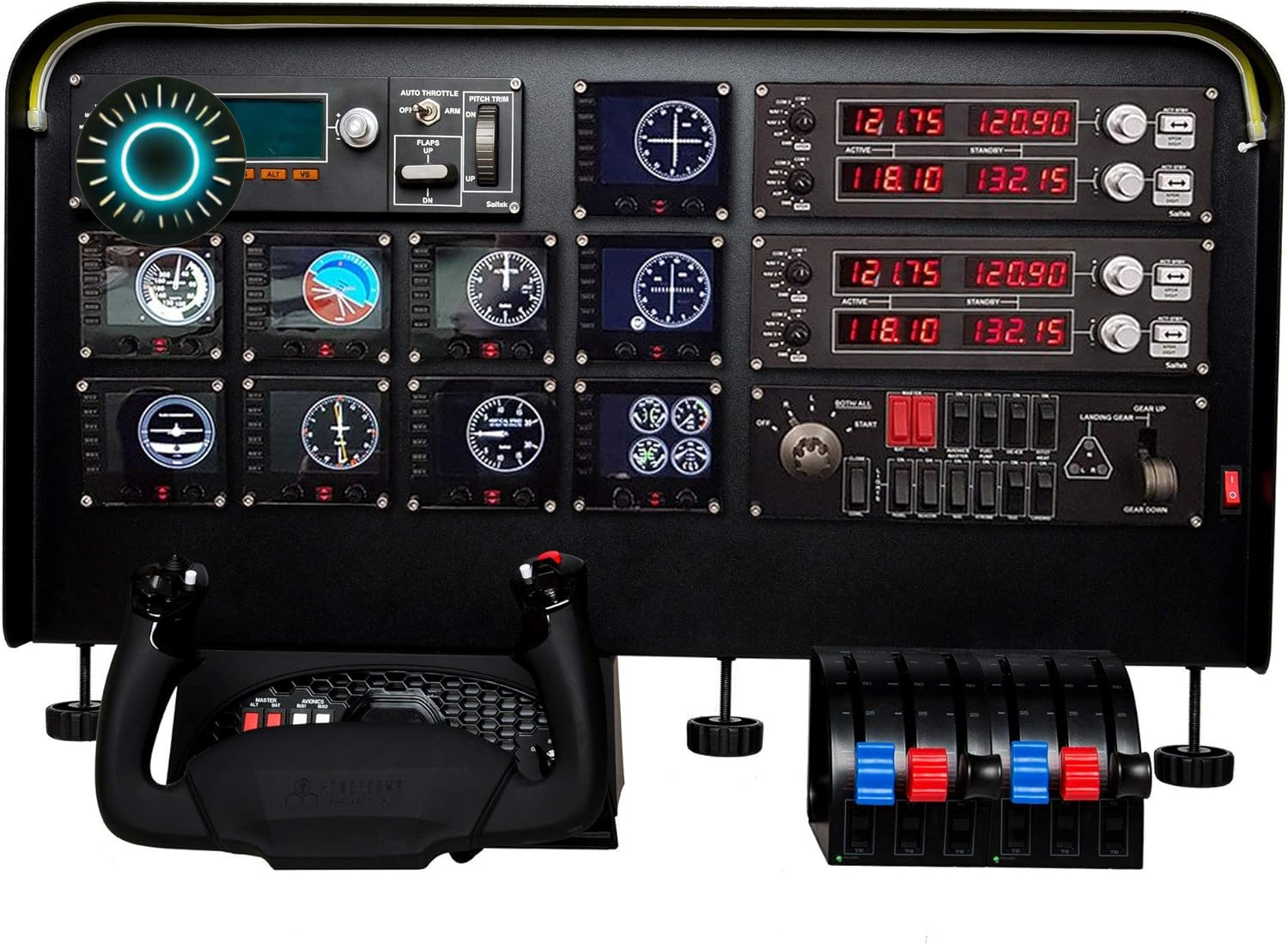 Complete Flight Simulator Cockpit - Compatible with Logitech Saitek Honeycomb$314.60Last checked Nov 18, 2026View on eBay
Highlights
- Yoke pitch/roll travel and force curve define handling fidelity far more than shell detail; look for at least 100mm pitch travel and hall-effect or load-cell sensors to avoid potentiometer wear.
- Boeing 737 layout uses a dual-yoke, central pedestal throttle with speedbrake and flap detents, and toe-brake rudder pedals—any cockpit claiming 737 fidelity must replicate this control geometry, not just a generic HOTAS.
- Full-shell cockpits are fixed-base unless paired with a motion platform; fixed-base shells still require rigid aluminum extrusion or welded steel frames to prevent flex that ruins trim and autopilot practice.
- PC requirements scale with avionics: MSFS 2020/2024 and X-Plane 12 need a modern 6-core CPU and 8GB+ VRAM GPU for multi-monitor or VR at acceptable frame rates; addon 737 modules (PMDG, Zibo freeware) further stress CPU single-thread performance.
Best use cases
- Best fit: airline-interview or type-rating candidates who need flows, checklist drills, and MCP/overhead familiarization—choose a yoke plus metal pedals and a 737-style MCP panel, skipping the full shell to save space.
- Best fit: enthusiasts with a dedicated room and fixed PC who want immersion—choose an aluminum-extrusion shell kit with pre-drilled panel mounts and plan for triple monitors or a VR headset rather than a single ultrawide.
- Wrong fit: buyers in apartments or shared rooms with no fixed floor footprint—a full 737 shell occupies roughly 2m x 2m and cannot be folded; choose a desk-mounted yoke and clamp pedals instead.
- Wrong fit: motion-sickness-prone VR users—begin with a fixed-base shell and triple monitors before investing in a motion platform, since VR plus motion compounds disorientation and cost.
Buying tips
- Match yoke sensor type to use: potentiometer yokes are budget-grade and wear out; hall-effect or load-cell yokes hold calibration and are the minimum for procedure training.
- For pedals, prioritize metal construction and adjustable toe-brake tension—plastic pedals flex under rudder input and make crosswind and engine-out practice unrealistic.
- Size the shell to your room before ordering: a 737 fixed-base shell needs roughly 2m x 2m of floor plus clearance for entry, and monitor stands add depth—measure doorways and ceiling height too.
- Choose avionics panels by bus standard: USB HID plug-and-play panels work with MSFS and X-Plane without drivers; proprietary serial or Ethernet panels lock you into one simulator ecosystem.
Specs
| Control Type | Yoke + throttle + rudder pedals |
|---|---|
| Sensor Technology | Hall-effect / load-cell vs potentiometer |
| Cockpit Build | Desk-mounted vs fixed-base shell |
| Sim Compatibility | MSFS 2020/2024, X-Plane 12, USB HID |
Related searches
What to check before buying
- Room footprint: measure at least 2.4m x 2.4m of clear floor for a full shell, and confirm doorway width exceeds the widest shell module for delivery and assembly.
- PC and display plan: confirm GPU has enough outputs for triple monitors or a VR headset, and that the CPU meets MSFS/X-Plane recommended specs before buying the shell.
- Power and cabling: plan for a dedicated circuit or UPS for PC, monitors, and panel backlighting; USB hub with external power is required for 10+ avionics panels.
- Companion parts: budget for a 737-style MCP, radios, and overhead panel separately from the shell—most shell kits ship frame and seats only, not avionics.
FAQ
Data sources: eBay / Amazon listings and product attribute feeds. Updated Nov 24, 2026.
Some links on this page are affiliate links. If you buy after clicking one, we may earn a commission at no extra cost to you. This does not change which products appear here or their order. Affiliate disclosure.