
Photos from current listings. Actual item, color, and included accessories may vary.
Flight Simulator With Cockpit Buying Guide
A flight simulator cockpit is a frame-and-seat rig that rigidly locks your stick, throttle, and pedals into realistic relative positions, converting loose desk peripherals into a stable, immersive pit. The core trade-off is frame stiffness and mounting compatibility versus footprint and cost: thin stamped steel and universal clamp decks flex under force-loaded sticks, while welded 40x40 or larger aluminum extrusion with pre-drilled hardpoints stays solid through hard maneuvering. The decision rule is simple: buy a cockpit whose frame material, tube gauge, and mounting pattern are explicitly rated for your specific peripheral family (Logitech G-series, Thrustmaster, Honeycomb, Saitek) and whose seat rail and footprint fit your room—skip any rig that only promises 'universal compatibility' without hardpoint specs.
Median $270.43
Key takeaways
- Frame stiffness is set by material and profile: welded 1.5–2 mm steel tube or 40x40 mm aluminum extrusion resists stick input flex; thin 1 mm bolted square tube visibly deflects under a heavy spring-loaded joystick.
- Peripheral mounting is family-specific: Logitech G29/G920/G923, Thrustmaster T300/T16000, Honeycomb Alpha/Bravo, and Saitek/Logitech Pro Flight each use different bolt patterns and clamp widths—pre-drilled hardpoints beat universal clamps.
- Seat construction separates tiers: integrated racing-style bucket seats with adjustable fore/aft rails and reclining backs support long sessions; fixed fiberglass or hard plastic shells without rails force the frame, not the seat, to fit you.
At a glance
- Category
- Flight Sim Cockpits, Mounts & VR
- Last updated
- Nov 24, 2026
Current offers
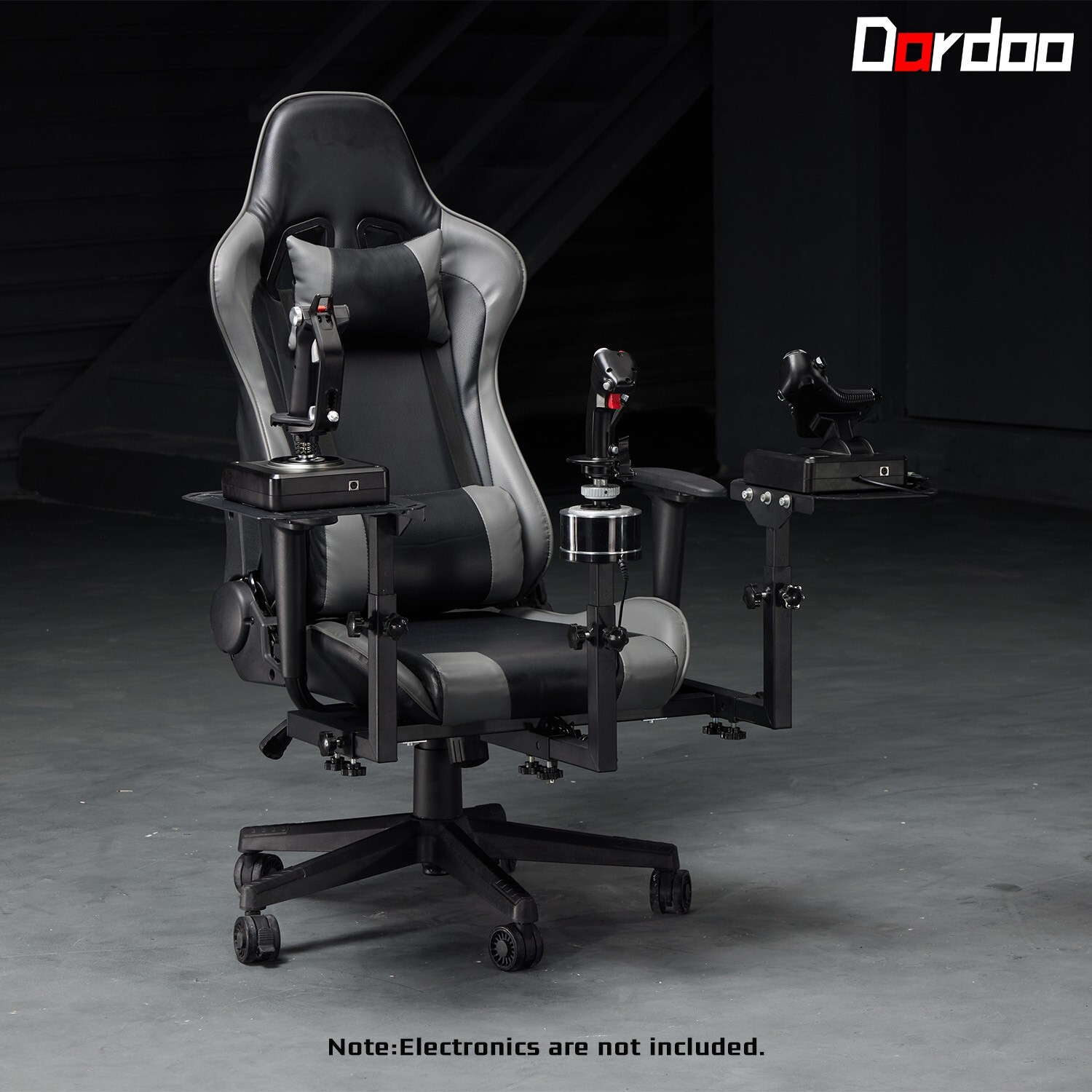 Dardoo Flight Simulator Cockpit Gray Chair Joystick Chair Mount Multifunctional$229.99Last checked Nov 18, 2026View on eBay
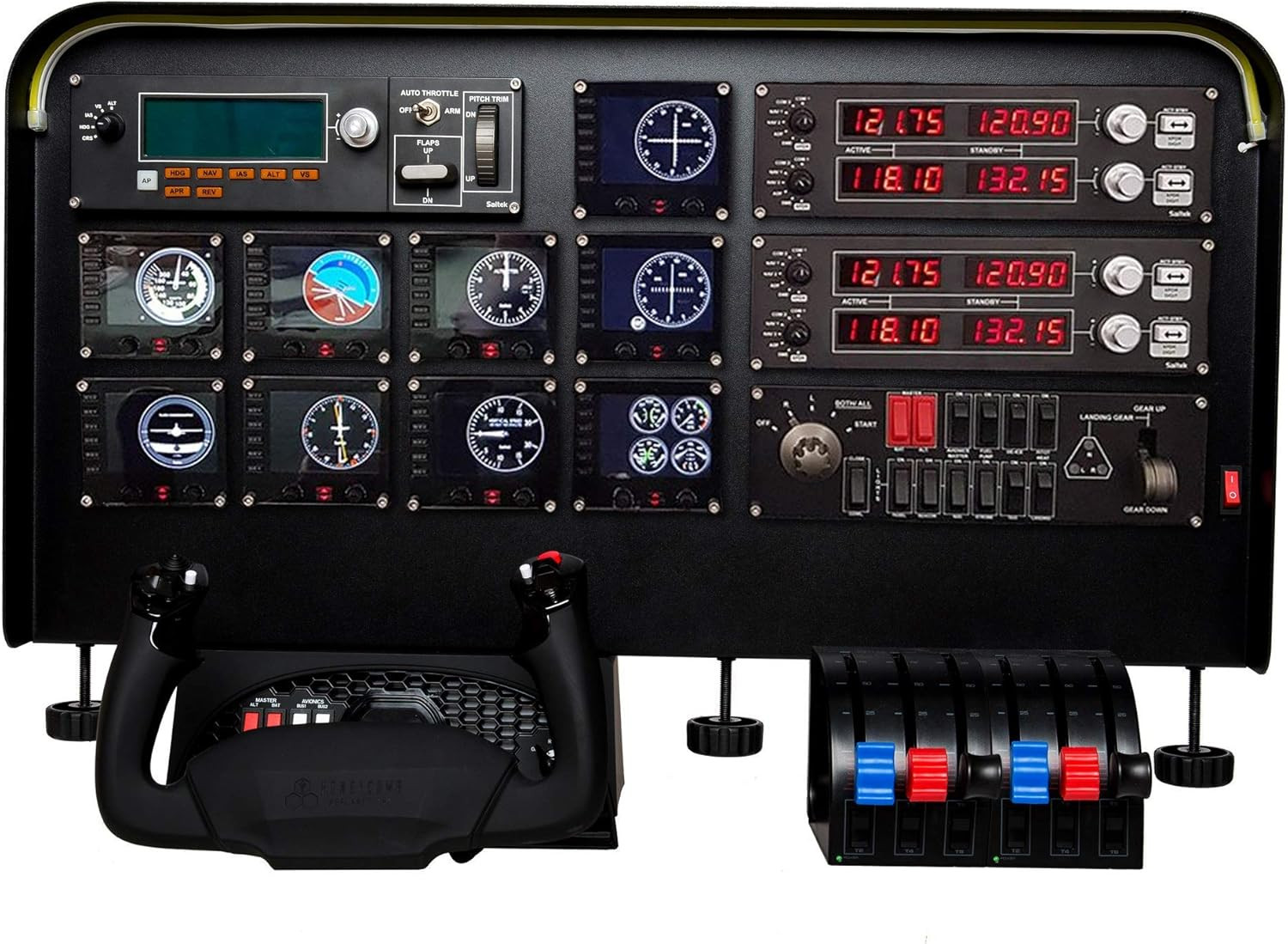 Complete Flight Simulator Cockpit - Compatible with Logitech Saitek Honeycomb$255.86Last checked Nov 18, 2026View on eBay
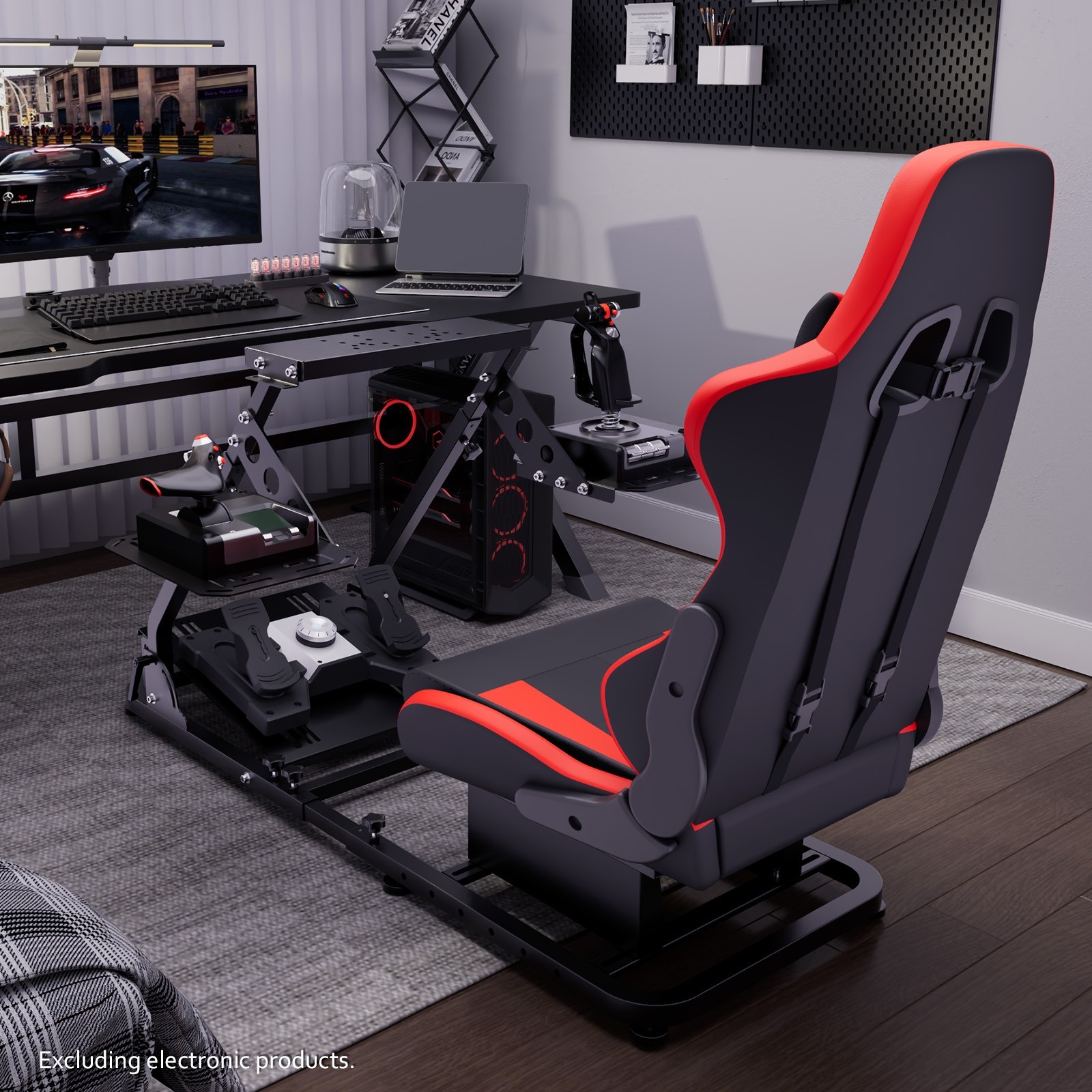 Hottoby Flight Simulator Cockpit with Red Seat Fits Logitech Thrustmaster Saitek$284.99Last checked Nov 18, 2026View on eBay
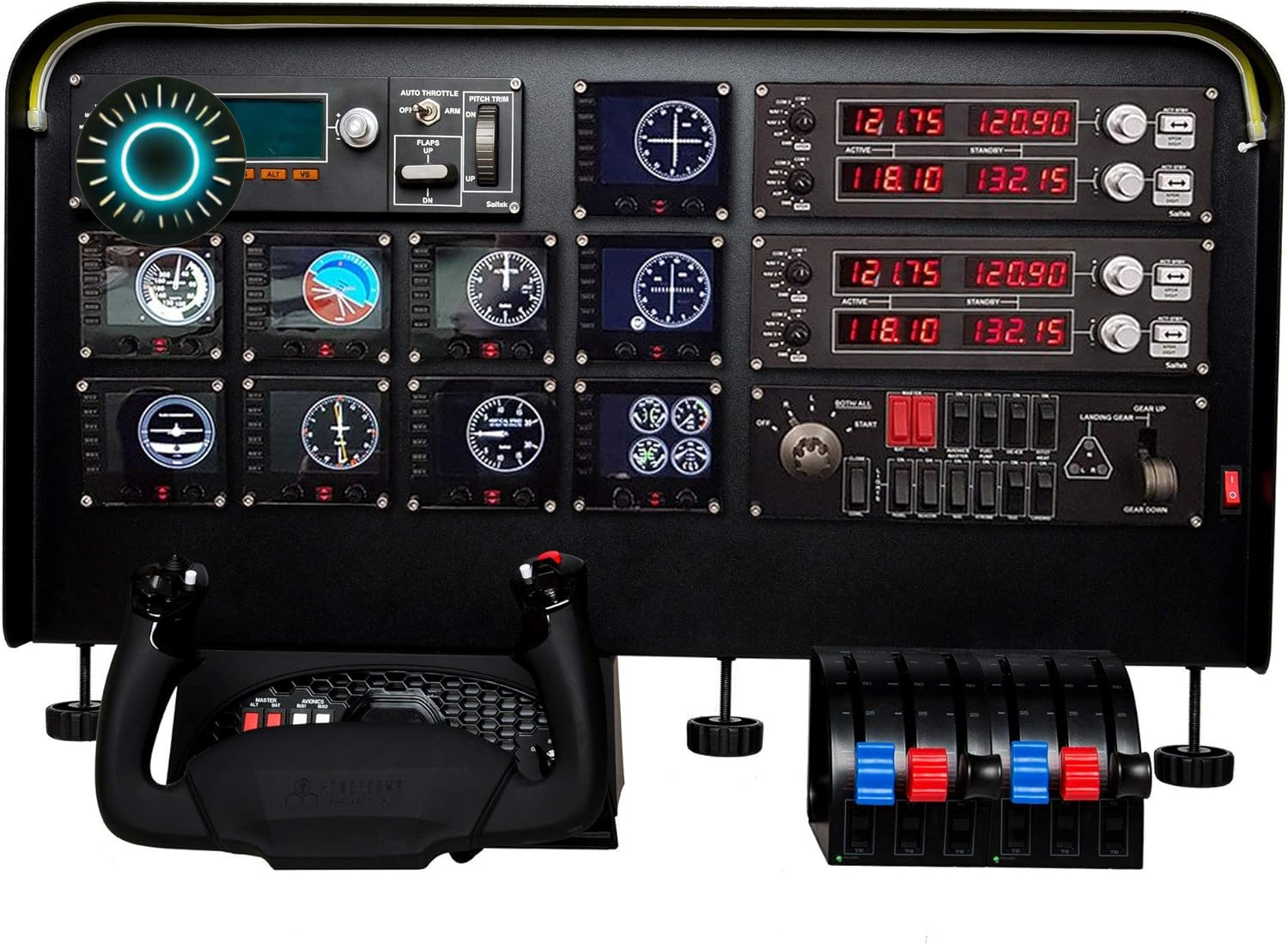 Complete Flight Simulator Cockpit - Compatible with Logitech Saitek Honeycomb$314.60Last checked Nov 18, 2026View on eBay
Highlights
- Frame stiffness is set by material and profile: welded 1.5–2 mm steel tube or 40x40 mm aluminum extrusion resists stick input flex; thin 1 mm bolted square tube visibly deflects under a heavy spring-loaded joystick.
- Peripheral mounting is family-specific: Logitech G29/G920/G923, Thrustmaster T300/T16000, Honeycomb Alpha/Bravo, and Saitek/Logitech Pro Flight each use different bolt patterns and clamp widths—pre-drilled hardpoints beat universal clamps.
- Seat construction separates tiers: integrated racing-style bucket seats with adjustable fore/aft rails and reclining backs support long sessions; fixed fiberglass or hard plastic shells without rails force the frame, not the seat, to fit you.
- Pedal deck rigidity matters most: a flexing brake deck under load-cell or stiff spring pedals ruins braking consistency; look for a reinforced cross-brace or direct-bolt pedal plate rather than a single unsupported span.
Best use cases
- Best fit: a dedicated sim room or corner with at least 150 x 80 cm of floor space and a rig using 40x40 aluminum extrusion or welded steel—pick this if you run load-cell pedals or a high-tension stick and need zero flex.
- Best fit: mixed-use desk gamer—choose a compact foldable or caster-mounted cockpit with a seat that slides out, so the rig rolls away and your monitor or TV doubles as the display.
- Wrong fit: buying a budget bolted square-tube rig with universal clamp decks for a direct-drive wheelbase or heavy force-feedback stick; the frame will flex and the clamps will creep during long flights.
- Wrong fit: a fixed-shell seat cockpit in a small bedroom—without adjustable seat rails or a compact footprint, you will not be able to align eye height with your monitor or enter and exit comfortably.
Buying tips
- Measure your peripheral bolt patterns before buying: Logitech G-series wheels and Honeycomb Alpha use specific hole spacings, so confirm the rig lists pre-drilled patterns for your exact model family, not just brand names.
- Match frame gauge to input force: 1.5 mm or thicker steel tube or 40x40 mm aluminum extrusion for force-feedback sticks and load-cell pedals; lighter 1 mm bolted tube is acceptable only for entry-level spring sticks.
- Check seat rail travel and recline: adjustable fore/aft rails with at least 15–20 cm of travel and a reclining back let you set eye line to monitor height and reach pedals without stretching.
- Plan the display and PC relationship: a cockpit frame does not include monitors or a PC, so confirm your rig has VESA or monitor-stand mounting or leave room for a freestanding triple-monitor stand behind the seat.
Specs
| Frame Material | Steel tube vs aluminum extrusion |
|---|---|
| Tube/Profile Gauge | 1–2 mm steel / 40x40 mm extrusion |
| Peripheral Mounting | Pre-drilled hardpoints vs clamps |
| Seat Adjustment | Fixed shell vs rails + recline |
Related searches
What to check before buying
- Room footprint: measure floor area against the rig's assembled length and width, including seat recline and pedal deck extension, and confirm doorways and hallways allow delivery and setup.
- Peripheral compatibility: list your exact stick, throttle, wheel, and pedal models and confirm the cockpit lists matching bolt patterns or clamp widths for each.
- Display and power: confirm monitor or VR placement relative to seated eye height, and verify a nearby outlet or USB hub reaches the rig for powered peripherals.
- Seat and frame fit: check the seat's weight rating, rail travel range, and whether the frame includes caster wheels or leveling feet for your floor type.
FAQ
Data sources: eBay / Amazon listings and product attribute feeds. Updated Nov 24, 2026.
Some links on this page are affiliate links. If you buy after clicking one, we may earn a commission at no extra cost to you. This does not change which products appear here or their order. Affiliate disclosure.