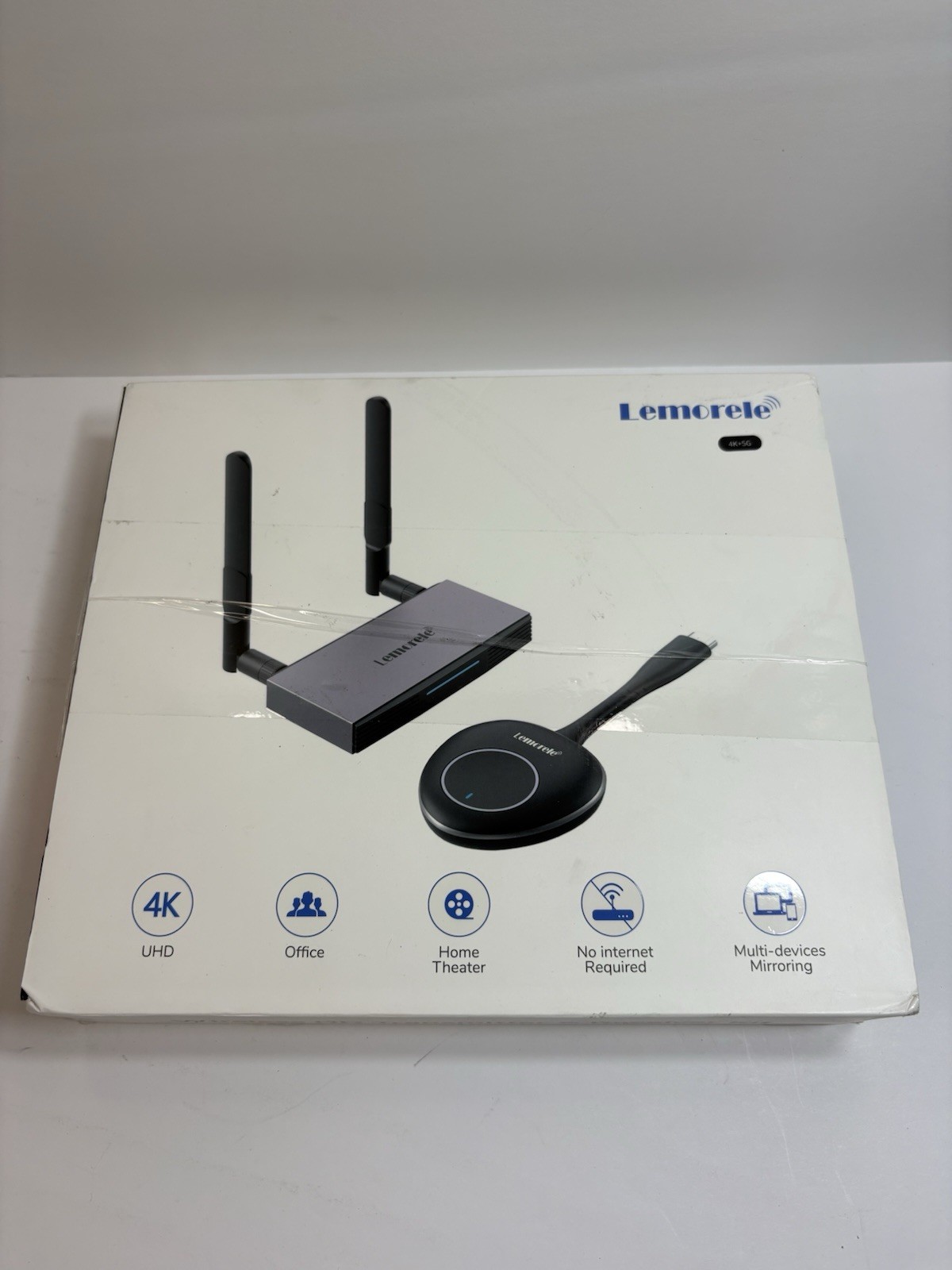

Photos from current listings. Actual item, color, and included accessories may vary.
Wireless HDMI Kit Buying Guide
A wireless HDMI kit replaces a physical HDMI cable with a 1TX/1RX transmitter-receiver pair that compresses and streams video over 5GHz or 60GHz RF. The core trade-off is latency and resolution versus link stability: 60GHz kits deliver near-zero-lag 4K but need line-of-sight, while 5GHz kits penetrate walls at 1080p with 100-200ms lag. Buy a 60GHz kit only for line-of-sight 4K gaming or presentations; buy a 5GHz kit for through-wall 1080p media playback.
Median $64.48
Key takeaways
- 60GHz (802.11ad/WiGig) kits deliver sub-5ms latency and uncompressed-feel 4K60 but drop when any obstacle blocks the beam.
- 5GHz MIMO kits reach 1080p60 at 100-200ms latency and pass through drywall and furniture, but cannot sustain 4K without heavy compression.
- IR backchannel support lets the receiver relay remote commands to a source hidden in a cabinet, enabling full control of a set-top box.
At a glance
- Category
- AV Cables & Interconnects
- Last updated
- Nov 27, 2026
Current offers

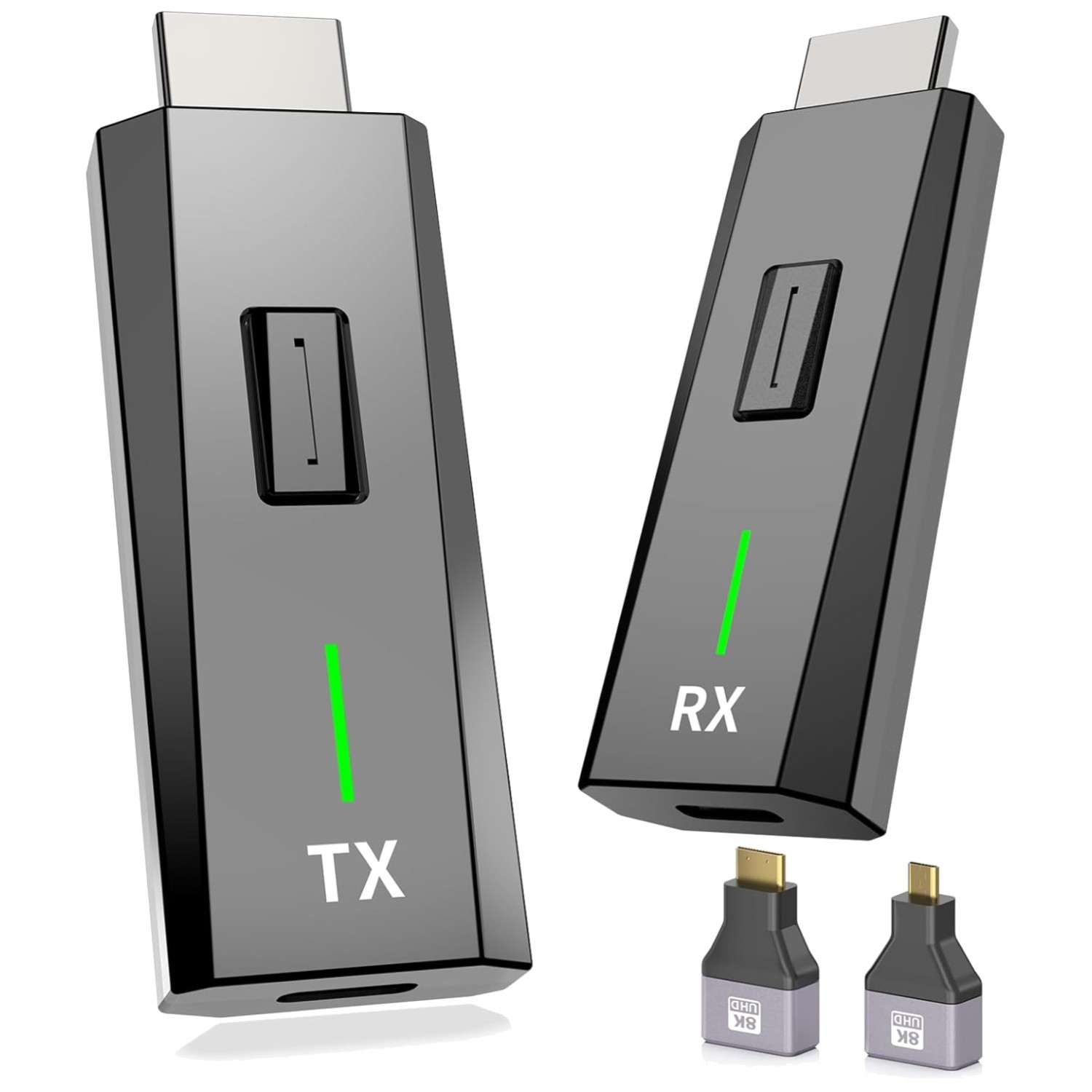
Highlights
- 60GHz (802.11ad/WiGig) kits deliver sub-5ms latency and uncompressed-feel 4K60 but drop when any obstacle blocks the beam.
- 5GHz MIMO kits reach 1080p60 at 100-200ms latency and pass through drywall and furniture, but cannot sustain 4K without heavy compression.
- IR backchannel support lets the receiver relay remote commands to a source hidden in a cabinet, enabling full control of a set-top box.
- 1TX-to-multiple-RX kits broadcast one source to several displays; 1TX/1RX fixed pairs cannot be expanded without a matching extra receiver.
Best use cases
- Pick a 60GHz 1TX/1RX kit for a projector mounted across a living room from a console: line-of-sight 4K60 at sub-5ms keeps gaming responsive.
- Pick a 5GHz kit for a bedroom TV fed from a cable box in another room: wall penetration matters more than the extra 4K resolution you cannot see at 1080p.
- Pick a 1TX-to-multi-RX kit for retail or classroom signage where one player drives several screens; skip fixed 1TX/1RX pairs, which cannot add displays.
Buying tips
- Match the kit's HDMI version to your source: HDMI 2.0 handles 4K60 4:4:4, while HDMI 1.4 caps at 4K30 and 1080p120, so a 1.4 kit wastes a 4K120 console.
- For 60GHz links, keep transmitter-to-receiver distance under the rated line-of-sight range and clear the Fresnel zone; any wall or person in the path causes a dropout.
- Prefer kits with a dedicated IR blaster and receiver pair if your source box uses an IR remote; without it you cannot change channels from the display room.
- Check the transmitter's input count: single-HDMI kits need a switcher for console plus streaming stick, while 1TX/1RX kits with a loop-out pass the signal to a local TV.
Specs
| RF Band | 60GHz line-of-sight vs 5GHz through-wall |
|---|---|
| Max Resolution | 4K60 (HDMI 2.0) vs 1080p60 (HDMI 1.4) |
| Latency | Sub-5ms (60GHz) vs 100-200ms (5GHz) |
| TX-RX Config | 1TX/1RX vs 1TX-to-multi-RX expandable |
Related searches
What to check before buying
- Measure the line-of-sight distance between transmitter and receiver; 60GHz kits typically cover a single room, not a full house.
- Confirm both endpoints have a free HDMI port and USB power source within cable reach; most transmitters draw power from USB, not HDMI.
- Verify your source outputs the resolution and frame rate you expect; a 1080p source will not become 4K through any wireless kit.
- Check whether your IR remote needs the kit's IR window aimed at the source box; the receiver's IR receiver must face your seating position.
FAQ
Data sources: eBay / Amazon listings and product attribute feeds. Updated Nov 27, 2026.
Some links on this page are affiliate links. If you buy after clicking one, we may earn a commission at no extra cost to you. This does not change which products appear here or their order. Affiliate disclosure.