
Photos from current listings. Actual item, color, and included accessories may vary.
HDMI Adapter Buying Guide
HDMI adapters convert legacy or mobile video outputs—Wii, PS2, VGA, Lightning, USB-C—into a standard HDMI signal for modern TVs, monitors, and projectors. The primary trade-off is active conversion quality and power delivery versus passive pin-adapter simplicity: passive adapters only reformat an already-digital HDMI signal, while active converters must digitize analog or alt-mode video without scaling artifacts. Buy a powered active converter with the correct source chipset for legacy consoles or VGA, and a certified passive adapter only for USB-C/ Lightning alt-mode devices that already output DisplayPort or HDMI.
Median $34.97
Key takeaways
- Active converters contain a video decoder/scaler chip; passive adapters only rewire HDMI pins—never expect a passive dongle to accept composite, component, or VGA.
- Legacy console adapters (Wii, PS1/PS2) output 480i/480p and must upscale to 720p/1080p; check the stated output resolution because cheap chips often lock to 720p.
- VGA-to-HDMI converters are directional and require a 3.5 mm audio input plus USB power—VGA carries no audio and the ADC chip needs bus power.
At a glance
- Category
- AV Cables & Interconnects
- Last updated
- Nov 28, 2026
Current offers
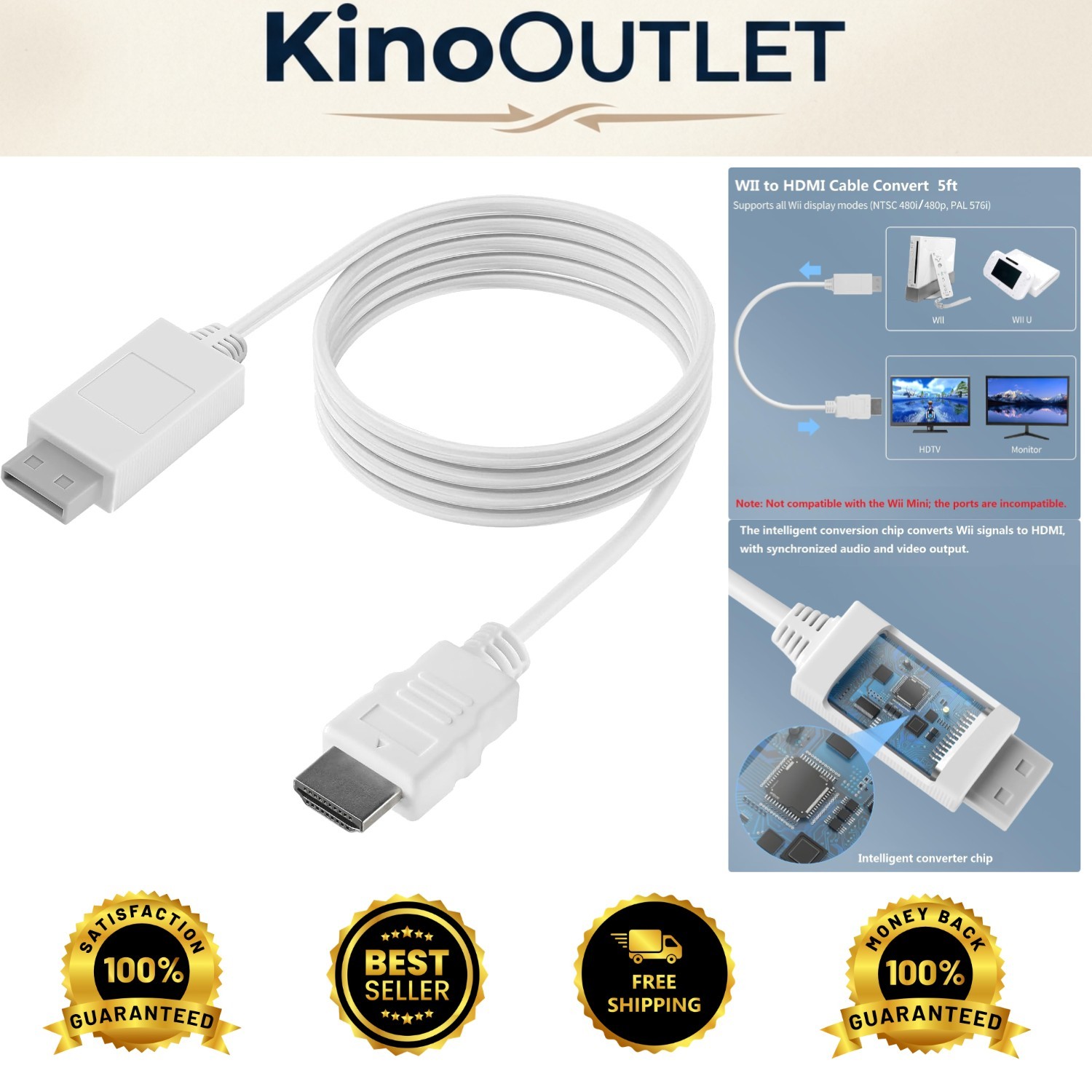 5ft WII to HDMI Adapter - Compatible with HDTV, Monitors, and Projectors$29.95View on eBay
 High-speed 4K HDMI Cable For 1.5 Minutes$10.99View on Mallflare
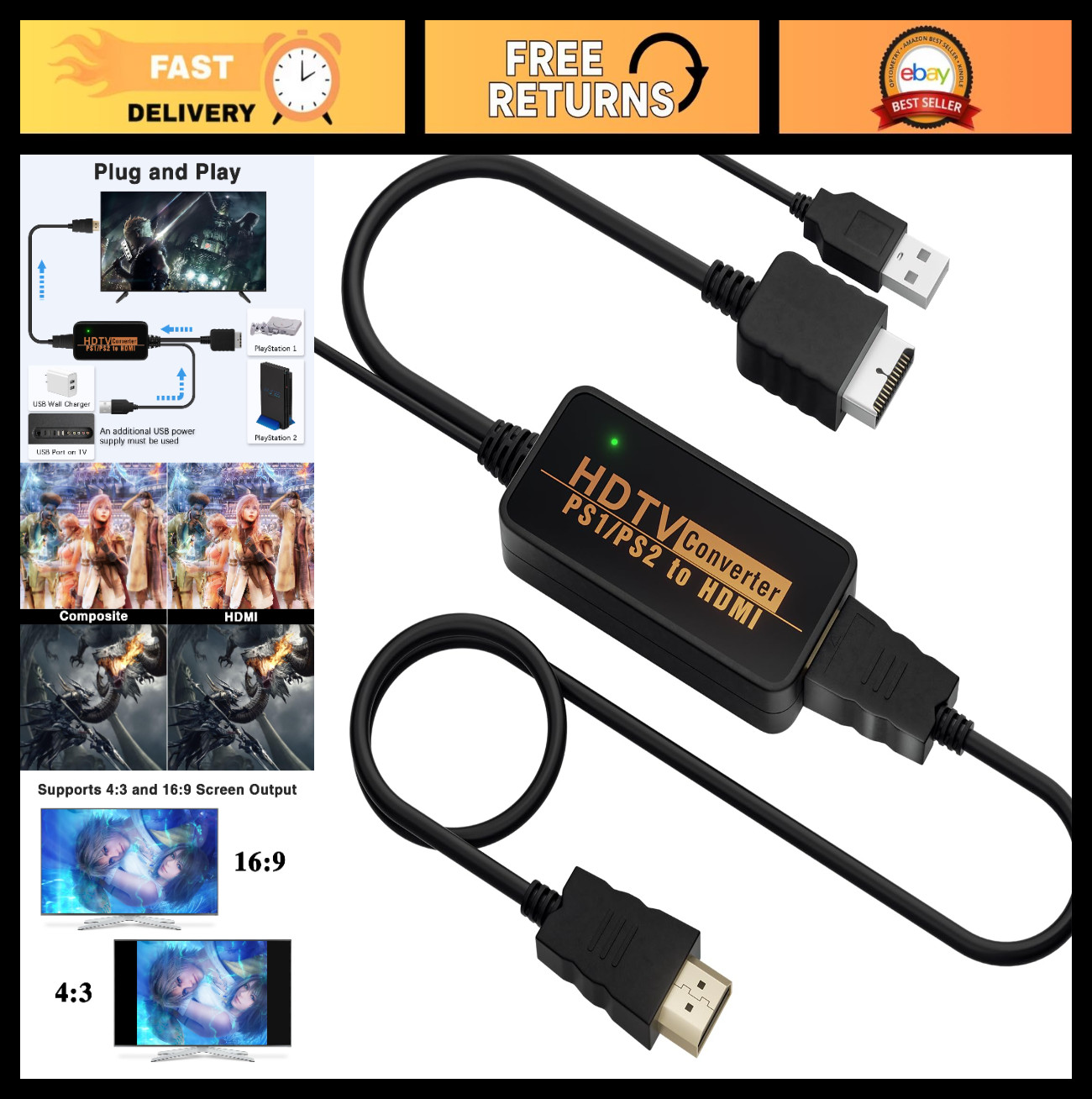 HDMI Adapter for PS1/PS2 - HD Converter, 4:3/16:9, USB Powered, Plug & Play$39.99Last checked Nov 22, 2026View on eBay
 4K HDMI cable (1.5 meters), high-speed 48Gbps, supports 8K@60Hz/4K@120Hz, HDR, Ethernet, audio return (ARC), gold-plated connector, nylon braided suitable for PS5, Xbox, computers, and tvs$15.99View on Mallflare
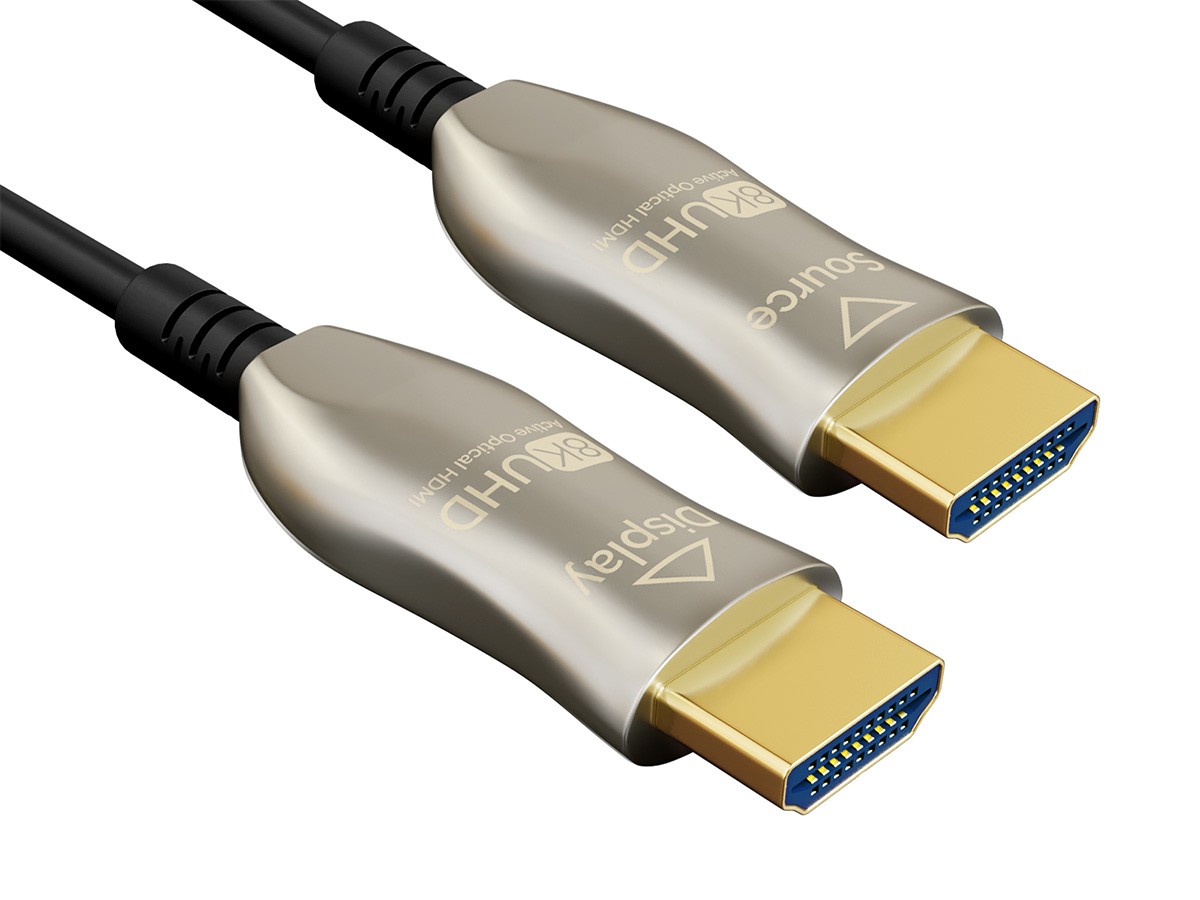 50ft 8K Fiber Optic HDMI 2.1 Cable, 48Gbps, for Projector & Long Runs, CL3 In...$98.99View on eBay
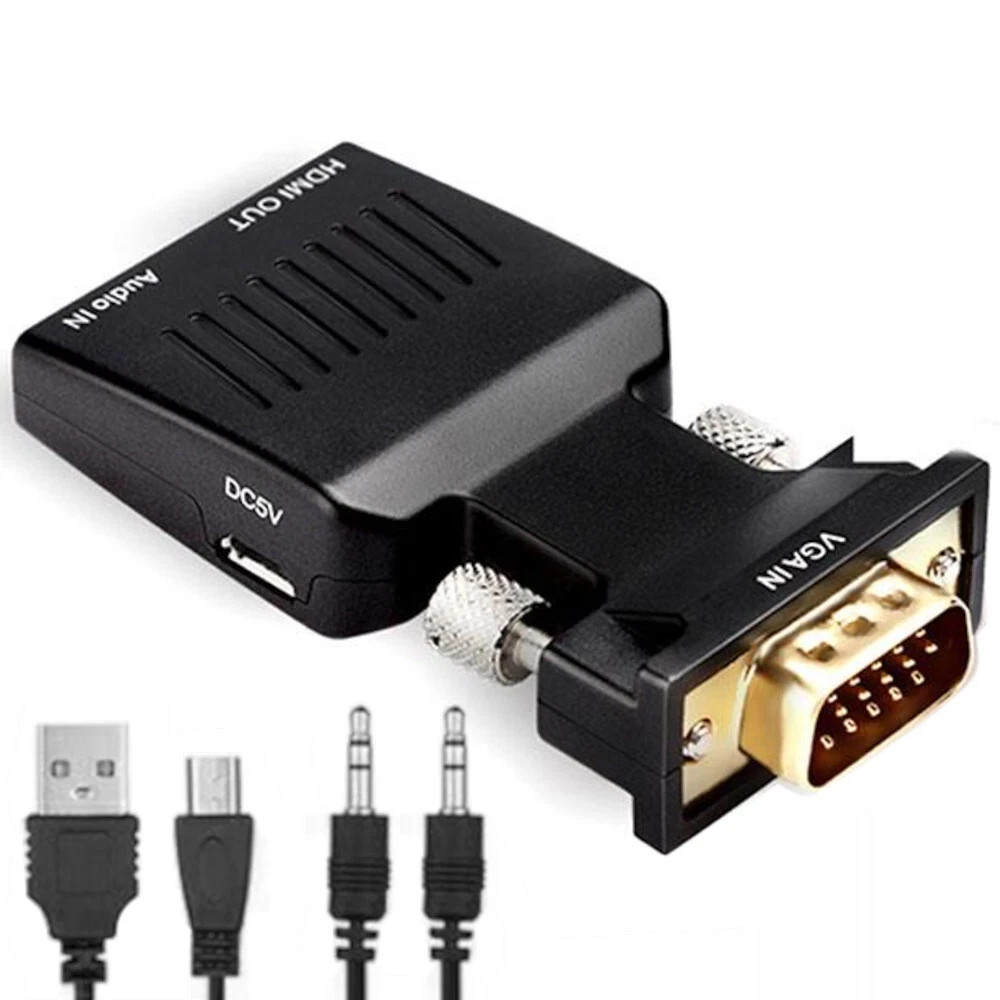 LOT VGA to HDMI Adapter with Audio PC to TV Monitor Projector Converter 1080P$129.44View on eBay
Highlights
- Active converters contain a video decoder/scaler chip; passive adapters only rewire HDMI pins—never expect a passive dongle to accept composite, component, or VGA.
- Legacy console adapters (Wii, PS1/PS2) output 480i/480p and must upscale to 720p/1080p; check the stated output resolution because cheap chips often lock to 720p.
- VGA-to-HDMI converters are directional and require a 3.5 mm audio input plus USB power—VGA carries no audio and the ADC chip needs bus power.
- USB-C and Lightning HDMI adapters rely on alt-mode/DisplayPort output, so the phone or laptop must support video-out; charge-through and 4K60 support are separate chip tiers.
Best use cases
- Best fit: Wii-to-HDMI for a modern TV—pick a powered adapter that outputs 720p and includes a 3.5 mm audio breakout, since the Wii's multi-AV port carries stereo analog audio.
- Best fit: PS1/PS2-to-HDMI—choose a model with a 4:3/16:9 switch and USB power; skip unpowered dongles because the console's AV port cannot drive the converter chip.
- Best fit: VGA-to-HDMI for an old PC or laptop—buy the powered converter with audio input and confirm 1080p output; skip VGA-to-HDMI cables that claim to work without USB power.
- Wrong fit: iPhone or USB-C phone to TV with a passive HDMI toy—use a certified MFi or USB-IF adapter with charge-through, because a bare pin adapter will not invoke alt-mode.
Buying tips
- Match the adapter to the source signal: composite/component (Wii, PS2) needs an active decoder; VGA needs an ADC with audio; USB-C/Lightning needs alt-mode passthrough with HDCP support.
- Verify output resolution at the source's native frame rate—480i consoles should output 720p60 or 1080p60, and 1080p VGA sources should pass 1080p60 without letterboxing.
- For USB-C, buy USB-IF certified adapters with 4K60 and 100 W pass-through if you charge while displaying; Lightning adapters need MFi certification for stable video-out.
- Power every active converter from a 5 V USB port or included supply; unpowered legacy adapters drop frames and flicker because the console port cannot source enough current.
Specs
| Adapter Type | Passive pin vs active converter |
|---|---|
| Source Input | Wii AV / PS2 AV / VGA / USB-C |
| Max Output | 720p60 to 4K60 by chip tier |
| Power Requirement | USB 5 V for active converters |
Related searches
What to check before buying
- Identify your source port exactly—Wii multi-AV, PS2 AV multi-out, VGA DE-15, USB-C, or Lightning—because each requires a different converter chip, not a cable swap.
- Confirm the display has a free HDMI input and set the correct aspect ratio (4:3 for retro consoles, 16:9 for modern sources) to avoid stretched or pillarboxed output.
- Check that a USB power source (TV USB port or 5 V charger) sits within cable reach for active converters, and that the adapter includes the needed audio cable for VGA or Wii.
- For phone-to-TV use, confirm your device supports video-out alt-mode; many budget Android phones and iPads with Lightning output only via certified adapters with HDCP.
FAQ
Data sources: eBay / Amazon listings and product attribute feeds. Updated Nov 28, 2026.
Some links on this page are affiliate links. If you buy after clicking one, we may earn a commission at no extra cost to you. This does not change which products appear here or their order. Affiliate disclosure.