
Photos from current listings. Actual item, color, and included accessories may vary.
Wireless HDMI Buying Guide
Wireless HDMI systems replace a copper run with a 60 GHz or 5 GHz radio link, trading guaranteed zero-latency, lossless bandwidth for cable-free placement. The core split is between 4K/60 Hz near-line-of-sight kits with sub-30 ms latency and older 1080p 5 GHz kits that add 100+ ms and are unusable for gaming. Buy a dedicated 60 GHz 4K kit for gaming or AV racks; skip 2.4/5 GHz 1080p extender boxes unless you only stream slides.
Median $82.24
Key takeaways
- 60 GHz (WiGig-class) kits deliver uncompressed 4K/60 Hz at ~10-30 ms latency but require clear line of sight and max ~30 ft; 5 GHz kits reach 100+ ft through walls but drop to 1080p and 100-200 ms.
- HDMI 2.0 (18 Gbps) is the minimum for 4K/60 Hz 4:4:4; cheaper kits use HDMI 1.4 (10.2 Gbps) and silently cap at 4K/30 Hz or 1080p/60 Hz.
- 1TX+1RX is point-to-point; 1TX+2RX or 1TX+4RX kits duplicate one source to multiple displays but usually halve per-receiver bandwidth or add multicast latency.
At a glance
- Category
- AV Cables & Interconnects
- Last updated
- Nov 28, 2026
Current offers
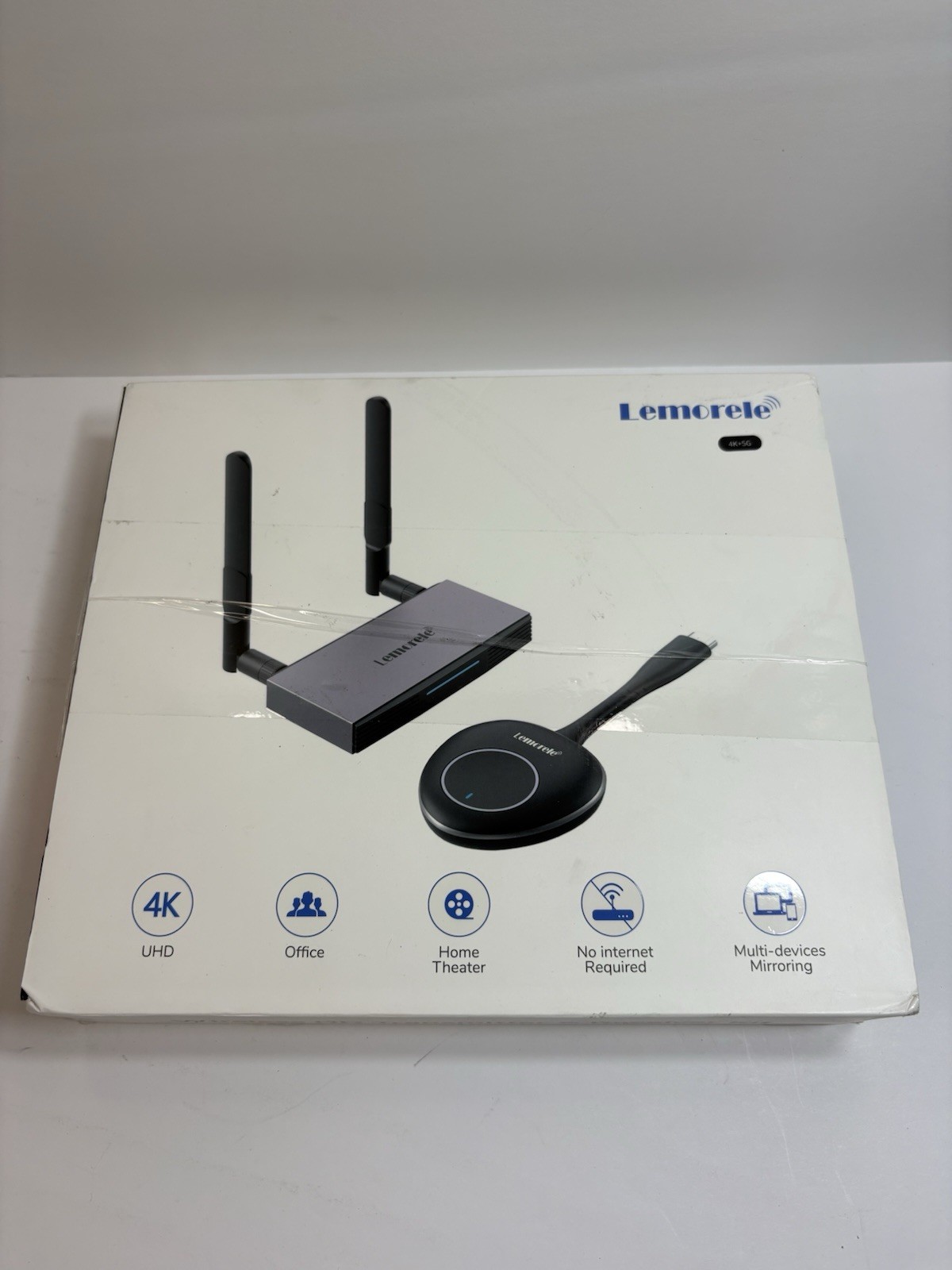 Lemorele Wireless HDMI Transmitter And Receiver Kit, 1TX 1RX With Expandable$60.00View on eBay
 WELUSOPU Wireless HDMI Transmitter And Receiver, HDMI Wireless 4K - White Q51$64.48View on eBay
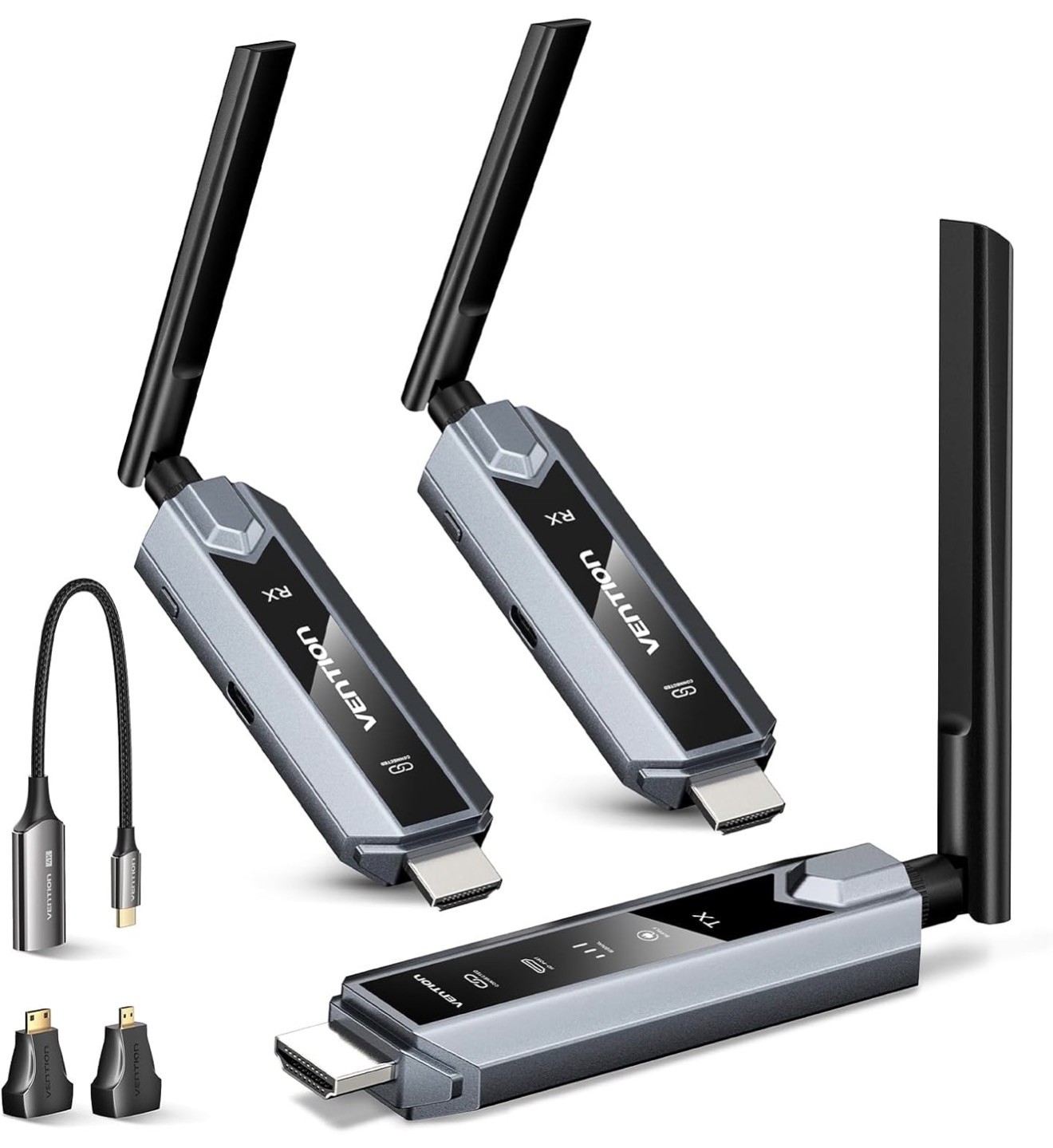 VENTION wireless HDMI 1TX+2RX 656ft$100.00View on eBay
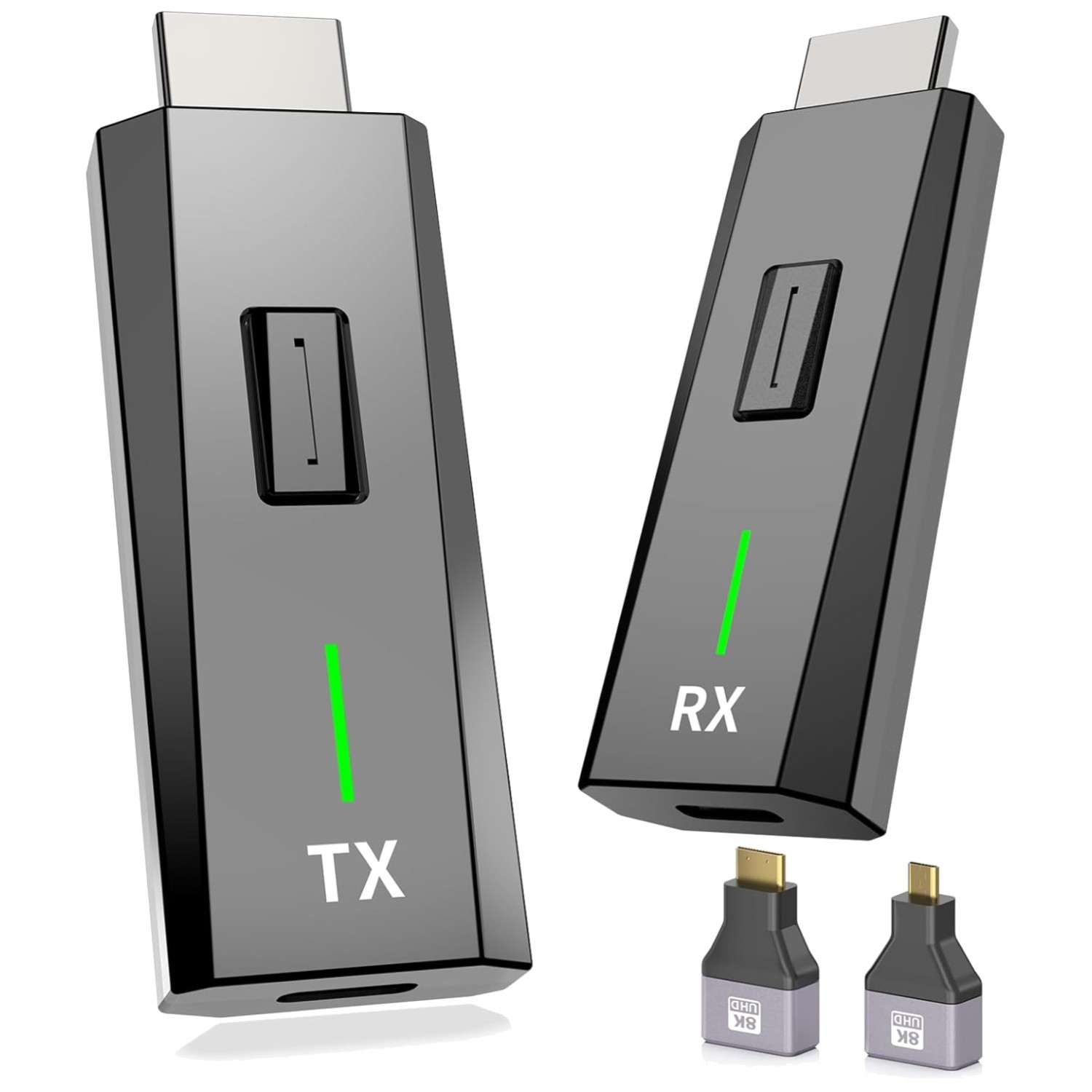 Wireless HDMI Monitor Kit for Laptop/PC/Projector$109.99View on eBay
Highlights
- 60 GHz (WiGig-class) kits deliver uncompressed 4K/60 Hz at ~10-30 ms latency but require clear line of sight and max ~30 ft; 5 GHz kits reach 100+ ft through walls but drop to 1080p and 100-200 ms.
- HDMI 2.0 (18 Gbps) is the minimum for 4K/60 Hz 4:4:4; cheaper kits use HDMI 1.4 (10.2 Gbps) and silently cap at 4K/30 Hz or 1080p/60 Hz.
- 1TX+1RX is point-to-point; 1TX+2RX or 1TX+4RX kits duplicate one source to multiple displays but usually halve per-receiver bandwidth or add multicast latency.
- H.264/H.265 compression kits are cheaper and go farther through walls, but add 50-200 ms encode/decode latency and visible artifacts on fast motion.
Best use cases
- Gaming console or PC to TV across a room: pick a 60 GHz uncompressed 4K/60 Hz 1TX+1RX kit with a stated latency under 30 ms; skip any 5 GHz or H.264 kit.
- Laptop to projector in a conference room: a 5 GHz 1080p 1TX+1RX kit is sufficient and cheaper; pick one with a USB-C or HDMI transmitter that bus-powers from the laptop.
- Whole-home or through-wall distribution: skip wireless HDMI entirely and use an HDMI-over-IP or MoCA/HDBaseT extender; 60 GHz will not penetrate drywall reliably.
- Multi-display digital signage: choose a 1TX+2RX or 1TX+4RX kit rated for 24/7 duty and confirm each RX gets full resolution, not a downscaled mirror.
Buying tips
- Match the kit's HDMI version to your display: HDMI 2.0 for 4K/60 Hz, HDMI 2.1 only if you need 4K/120 Hz (rare and expensive in wireless).
- Measure transmitter-to-receiver distance and count walls: 60 GHz kits are reliable to ~30 ft line-of-sight; beyond that choose 5 GHz and accept 1080p.
- For gaming, require a published latency figure of 30 ms or less and uncompressed transport; if the listing only says 'low latency' with no number, assume 100 ms+.
- Check power: transmitters draw 2.5-5 W and many are bus-powered from the source HDMI port; confirm your source port supplies enough or use the included USB adapter.
Specs
| Transport | 60 GHz uncompressed vs 5 GHz compressed |
|---|---|
| Max Resolution | 4K/60 Hz 4:4:4 vs 1080p/60 Hz |
| Latency | 10-30 ms (60 GHz) vs 100-200 ms (5 GHz) |
| Topology | 1TX+1RX / 1TX+2RX / 1TX+4RX |
Related searches
What to check before buying
- Measure the actual line-of-sight path between source and display; 60 GHz kits need an unobstructed straight shot and fail through people or walls.
- Confirm source and display both have HDMI 2.0 or better if you expect 4K/60 Hz; an HDMI 1.4 display will force 4K/30 Hz.
- Verify the receiver has its own power outlet or USB port near the display; most RX units are not bus-powered.
- Check plug standard and voltage for imported kits (US/UK/EU adapter) and that the transmitter fits your device's HDMI port spacing without blocking adjacent ports.
FAQ
Data sources: eBay / Amazon listings and product attribute feeds. Updated Nov 28, 2026.
Some links on this page are affiliate links. If you buy after clicking one, we may earn a commission at no extra cost to you. This does not change which products appear here or their order. Affiliate disclosure.