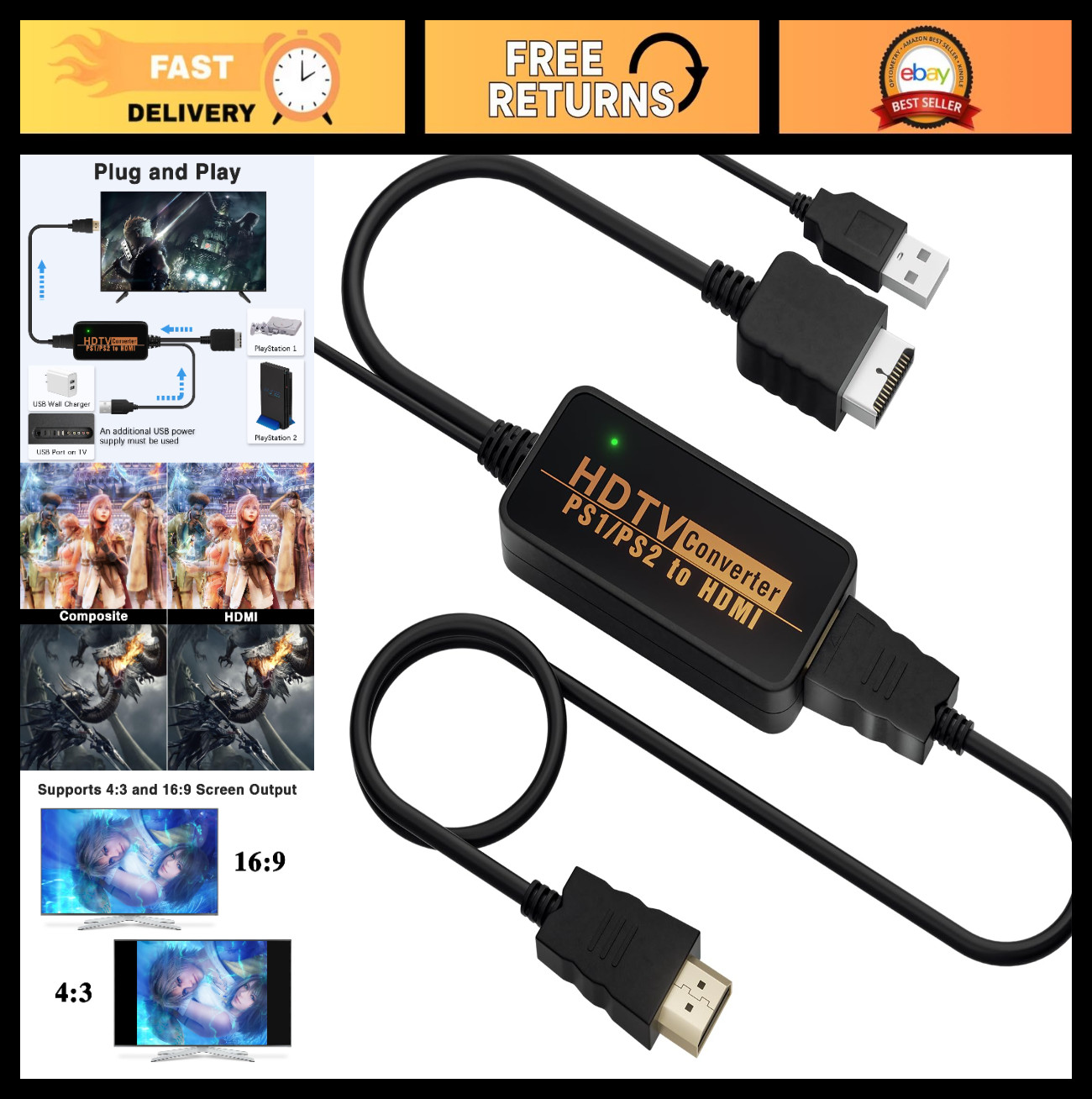

Photos from current listings. Actual item, color, and included accessories may vary.
USB C HDMI Adapter Buying Guide
A USB-C to HDMI adapter converts the DisplayPort Alt Mode signal carried over a USB-C port into HDMI for monitors, TVs, and projectors. The critical trade-off is protocol support: adapters using USB-C DisplayPort Alt Mode deliver full HDMI 2.0/2.1 bandwidth, while cheap USB 2.0/3.0 data-only adapters rely on DisplayLink compression and add latency. The decision rule is simple: buy an adapter explicitly rated for DisplayPort Alt Mode with the HDMI version and resolution/refresh rate your display requires, and skip any adapter that does not state Alt Mode or HDMI version.
Key takeaways
- Alt Mode vs DisplayLink: Native USB-C DisplayPort Alt Mode adapters pass HDMI signals directly with no drivers; DisplayLink adapters compress video over USB data and add CPU load plus visible latency.
- HDMI version tiers: HDMI 2.0 caps at 4K 60Hz 8-bit, HDMI 2.1 supports 4K 120Hz and 8K 60Hz with DSC; match the adapter's HDMI version to your display and source device.
- Power delivery passthrough: Adapters with USB-C PD input (typically 60W–100W) let you charge the laptop or phone while outputting video; adapters without PD consume a port and cannot charge.
At a glance
- Category
- AV Cables & Interconnects
- Last updated
- Nov 28, 2026
Current offers
Highlights
- Alt Mode vs DisplayLink: Native USB-C DisplayPort Alt Mode adapters pass HDMI signals directly with no drivers; DisplayLink adapters compress video over USB data and add CPU load plus visible latency.
- HDMI version tiers: HDMI 2.0 caps at 4K 60Hz 8-bit, HDMI 2.1 supports 4K 120Hz and 8K 60Hz with DSC; match the adapter's HDMI version to your display and source device.
- Power delivery passthrough: Adapters with USB-C PD input (typically 60W–100W) let you charge the laptop or phone while outputting video; adapters without PD consume a port and cannot charge.
- Build and connector retention: Aluminum housings with strain relief and gold-plated HDMI contacts resist bending and corrosion; captive short pigtails reduce port leverage versus long rigid plugs.
Best use cases
- Best fit: Laptop or Android phone with confirmed DisplayPort Alt Mode to a 4K 60Hz TV or monitor — pick a bus-powered USB-C to HDMI 2.0 adapter with PD passthrough and aluminum shell.
- Best fit: Home theater or presentation use needing 4K 120Hz or 8K — choose an adapter rated HDMI 2.1 with DSC and confirm both source and display support the required bandwidth.
- Wrong fit: iPhone with Lightning port — a USB-C to HDMI adapter will not work; use Apple's Lightning Digital AV adapter or a certified MFi equivalent.
- Wrong fit: Desktop or laptop without USB-C Alt Mode (older USB-A-only machines) — use a USB-A to HDMI adapter with DisplayLink only if you accept driver installation and added latency.
Buying tips
- Confirm Alt Mode support: Check that the adapter spec explicitly lists 'DisplayPort Alt Mode' or 'DP Alt Mode'; adapters listing only 'USB 3.0 to HDMI' are data adapters, not native video.
- Match HDMI version to resolution and refresh: For 4K 60Hz choose HDMI 2.0; for 4K 120Hz or 8K choose HDMI 2.1 with DSC; for 1080p 60Hz HDMI 1.4 is sufficient but offers no headroom.
- Check power passthrough wattage: Pick an adapter with USB-C PD input rated at least 60W (100W preferred) so it can charge a laptop while driving the display; bus-powered adapters draw from the host port.
- Prefer aluminum housing and strain relief: Metal shells dissipate heat and resist cracking; reinforced strain relief at both USB-C and HDMI ends prevents the most common failure point.
Specs
| Video Protocol | DP Alt Mode vs DisplayLink |
|---|---|
| HDMI Version | HDMI 2.1 / 2.0 / 1.4 |
| Max Resolution | 4K 60Hz / 4K 120Hz / 8K 60Hz |
| Power Delivery | 60W–100W PD passthrough |
Related searches
What to check before buying
- Measure the distance from your device to the display: most adapters have a short 6–8 inch pigtail; you will need a separate HDMI cable of the correct length and HDMI version.
- Confirm your display's HDMI input version and resolution/refresh: a 4K 60Hz TV needs HDMI 2.0 on both adapter and TV; a 4K 120Hz TV needs HDMI 2.1 end-to-end.
- Check your device's USB-C port supports DisplayPort Alt Mode: consult the device manual or spec sheet; USB-C ports that are data/charge only will not output video.
- Account for power: if you plan to charge while outputting video, choose an adapter with USB-C PD input and a charger of at least 60W; otherwise the device battery drains faster.
FAQ
Data sources: eBay / Amazon listings and product attribute feeds. Updated Nov 28, 2026.
Some links on this page are affiliate links. If you buy after clicking one, we may earn a commission at no extra cost to you. This does not change which products appear here or their order. Affiliate disclosure.