
Photos from current listings. Actual item, color, and included accessories may vary.
HDMI HDMI Connector Buying Guide
HDMI connectors are the physical interface that carries digital video and audio between source devices and displays, with performance and durability determined primarily by HDMI version support (bandwidth), connector construction, and cable build quality. The core trade-off is between certified high-bandwidth cabling (HDMI 2.1/48Gbps) for 4K/120Hz and 8K, and older or uncertified cables that may pass lower resolutions but fail at higher refresh rates or HDR. The decision rule: for any modern 4K/120Hz or 8K setup, buy only Ultra High Speed certified cables with full-size or Micro HDMI connectors as needed; for legacy 1080p or 4K/30Hz, Premium High Speed cables suffice and Ultra High Speed is unnecessary overkill.
Median $15.99
Key takeaways
- HDMI 2.1 Ultra High Speed cables support 48Gbps bandwidth, enabling 4K at 120Hz, 8K at 60Hz, and Dynamic HDR; HDMI 2.0 Premium High Speed is limited to 18Gbps for 4K/60Hz.
- Connector types differ by device class: full-size (Type A) for TVs, monitors, and consoles; Micro (Type D) for compact cameras and Raspberry Pi; Mini (Type C) for older DSLRs and some tablets.
- Cable construction matters: 28AWG is thin and flexible for short runs, while 24AWG or lower provides lower resistance for runs over 3 meters; active (fiber-optic) cables are required for runs beyond 5 meters at 48Gbps.
At a glance
- Category
- AV Cables & Interconnects
- Last updated
- Nov 28, 2026
Current offers
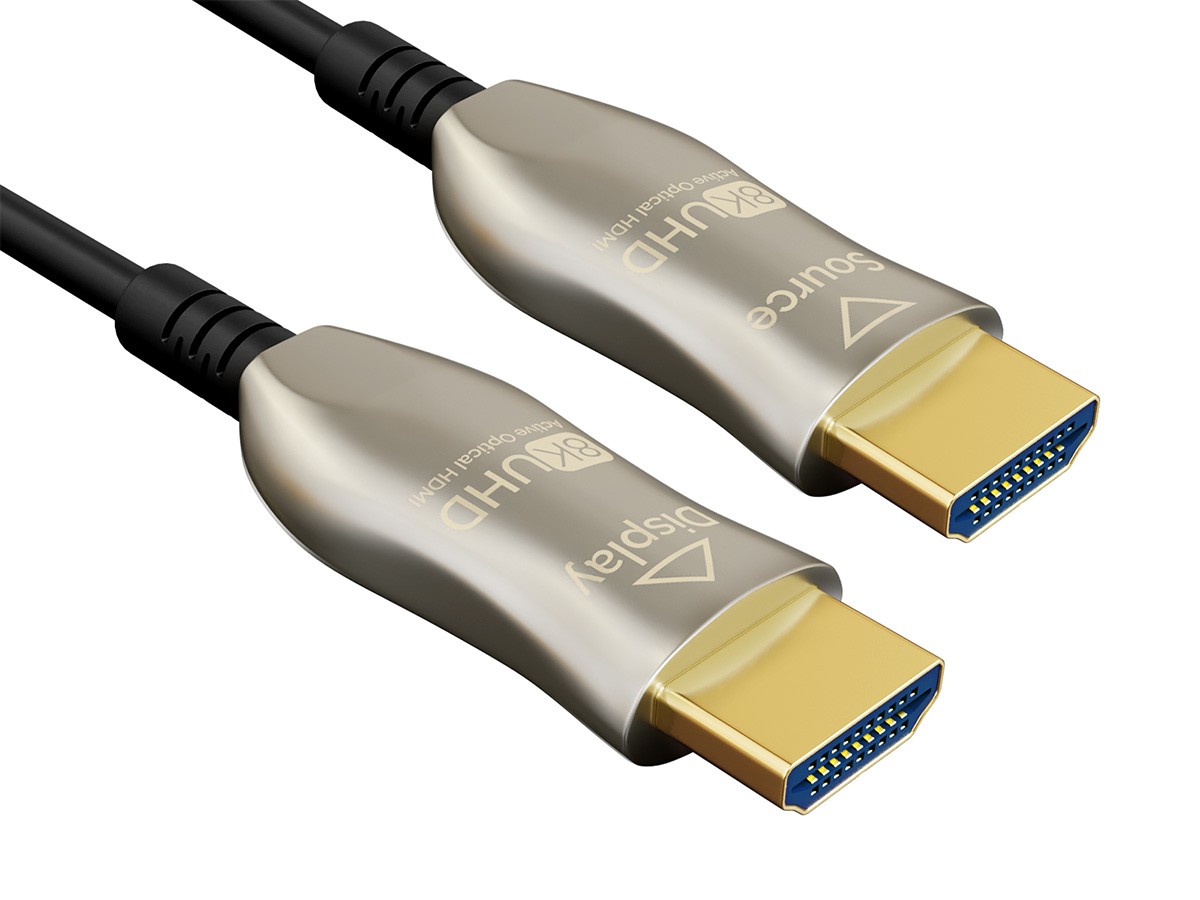 50ft 8K Fiber Optic HDMI 2.1 Cable, 48Gbps, for Projector & Long Runs, CL3 In...$98.99View on eBay
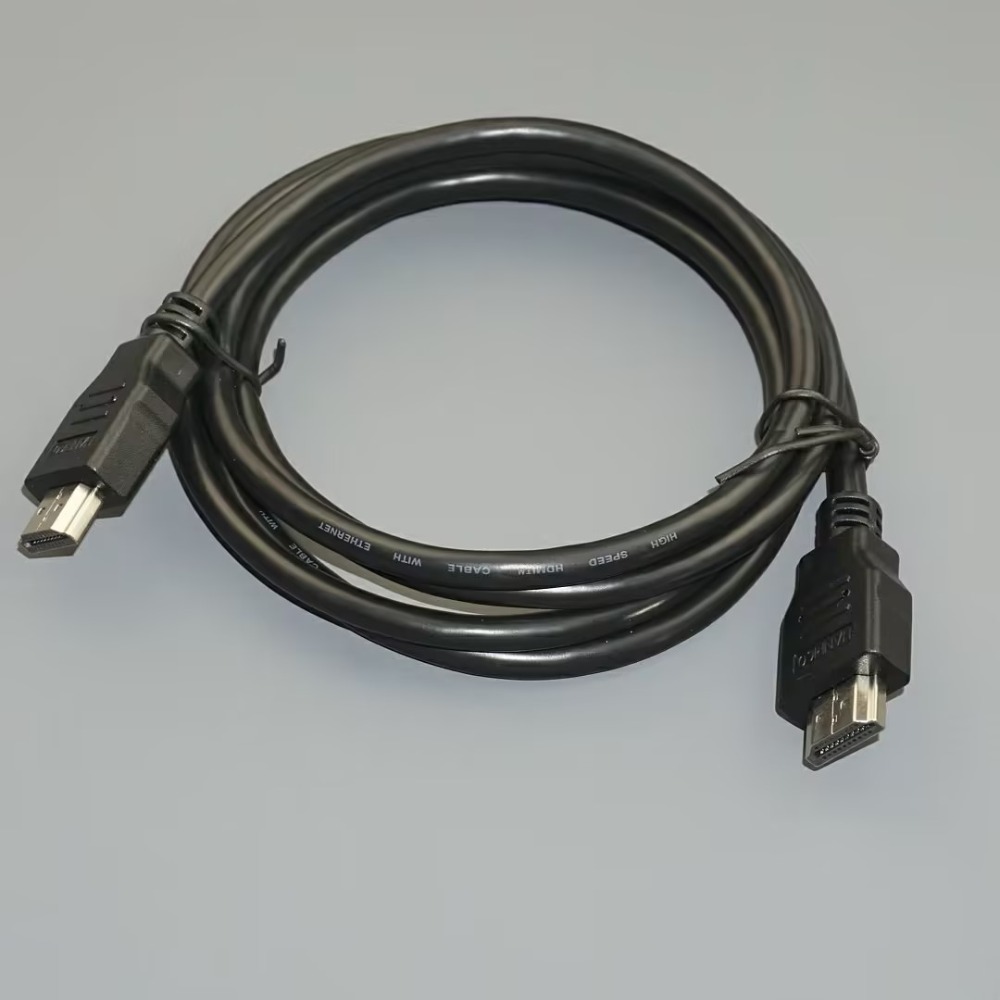 High-speed 4K HDMI Cable For 1.5 Minutes$10.99View on Mallflare
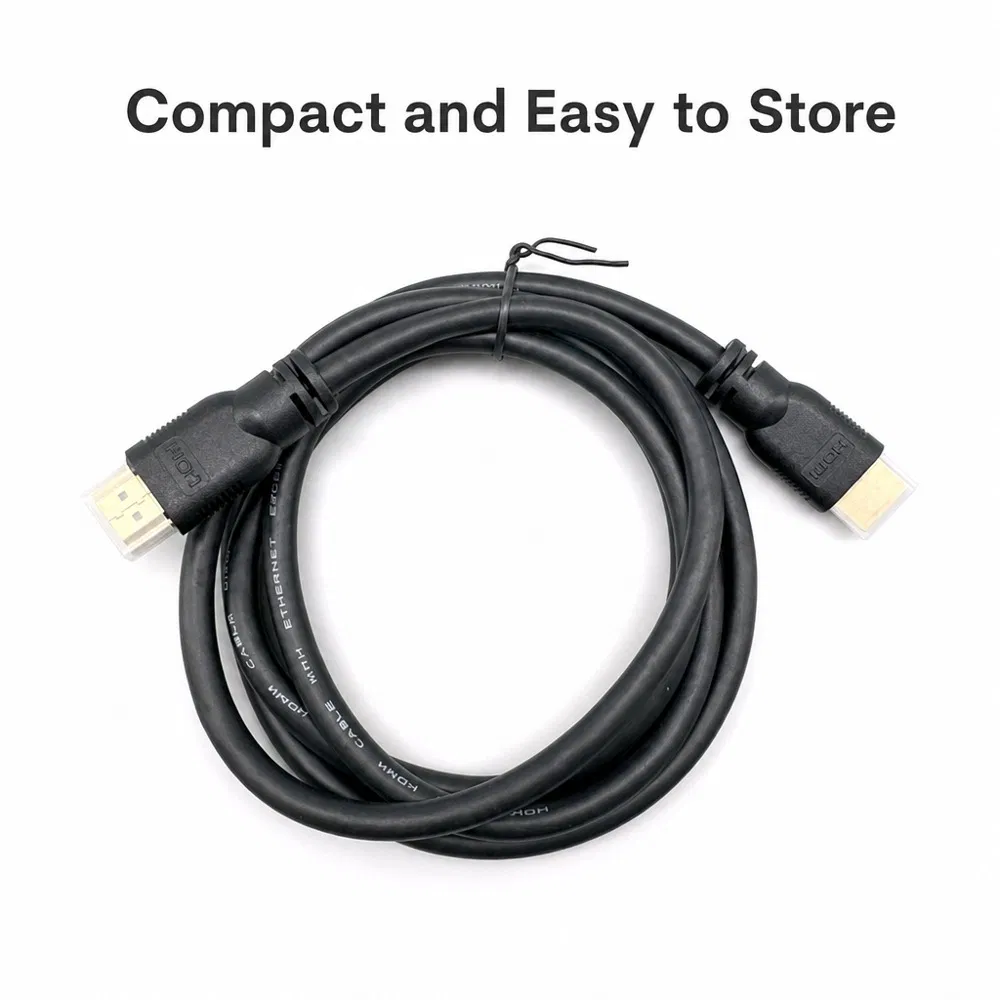 4K HDMI cable (1.5 meters), high-speed 48Gbps, supports 8K@60Hz/4K@120Hz, HDR, Ethernet, audio return (ARC), gold-plated connector, nylon braided suitable for PS5, Xbox, computers, and tvs$15.99View on Mallflare
Highlights
- HDMI 2.1 Ultra High Speed cables support 48Gbps bandwidth, enabling 4K at 120Hz, 8K at 60Hz, and Dynamic HDR; HDMI 2.0 Premium High Speed is limited to 18Gbps for 4K/60Hz.
- Connector types differ by device class: full-size (Type A) for TVs, monitors, and consoles; Micro (Type D) for compact cameras and Raspberry Pi; Mini (Type C) for older DSLRs and some tablets.
- Cable construction matters: 28AWG is thin and flexible for short runs, while 24AWG or lower provides lower resistance for runs over 3 meters; active (fiber-optic) cables are required for runs beyond 5 meters at 48Gbps.
- Gold-plated connectors resist corrosion but do not improve signal; the critical durability factor is strain relief and shielding (triple-layer shielding reduces EMI in dense installations).
Best use cases
- Best fit: Home theater with 4K/120Hz console or PC — pick Ultra High Speed (48Gbps) full-size Type A cables, 2–3m length, 24AWG for runs over 2m; skip any cable not explicitly certified.
- Best fit: Raspberry Pi or compact camera to monitor — choose Micro HDMI (Type D) to full-size HDMI adapter cable, ensuring the Micro end has a reinforced housing to prevent pin damage.
- Wrong fit: Connecting a 1080p Blu-ray player to a 1080p TV — a Premium High Speed (18Gbps) cable is sufficient and cheaper; Ultra High Speed adds no benefit.
- Wrong fit: Long in-wall run over 5m at 4K/120Hz — passive copper cables will fail; use an active fiber-optic HDMI cable or an HDMI over Cat6 extender instead.
Buying tips
- Match cable certification to resolution and refresh rate: Ultra High Speed (48Gbps) for 4K/120Hz or 8K; Premium High Speed (18Gbps) for 4K/60Hz; High Speed (10.2Gbps) for 1080p.
- For runs under 3m, 28AWG is fine; for 3–5m, choose 24AWG to reduce signal attenuation; for over 5m at high bandwidth, use active fiber-optic HDMI cables.
- Connector gender and orientation: most devices require male-to-male cables; for wall plates or extensions, use male-to-female adapters, but avoid stacking more than one adapter to prevent signal loss.
- Check for Ethernet Channel (HEC) only if you need network over HDMI; otherwise standard Ultra High Speed cables suffice. Avoid cables marketed with 'version numbers' without certification labels.
Specs
| HDMI Version | 2.1 (48Gbps) / 2.0 (18Gbps) |
|---|---|
| Connector Type | Type A / Type C / Type D |
| Cable Length | 0.5m–5m passive; active >5m |
| Wire Gauge | 28AWG (short) / 24AWG (long) |
Related searches
What to check before buying
- Measure the distance between source and display along the cable path; add 0.5m slack; choose passive copper for ≤5m, active fiber for >5m at 48Gbps.
- Confirm connector type on both devices: full-size (Type A), Mini (Type C), or Micro (Type D); most TVs and consoles use full-size, while compact devices may use Micro or Mini.
- Verify device HDMI version: HDMI 2.1 ports are needed for 4K/120Hz; if your display or source is HDMI 2.0, a Premium High Speed cable is sufficient.
- Check installation environment: for in-wall runs, use CL3-rated jacketing; for tight spaces, right-angle or slim connectors may be needed; avoid sharp bends under 30mm radius.
FAQ
Data sources: eBay / Amazon listings and product attribute feeds. Updated Nov 28, 2026.
Some links on this page are affiliate links. If you buy after clicking one, we may earn a commission at no extra cost to you. This does not change which products appear here or their order. Affiliate disclosure.