
Photos from current listings. Actual item, color, and included accessories may vary.
HDMI Cord Buying Guide
HDMI cords are the digital link between source devices (phones, consoles, PCs) and displays, and the primary trade-off is bandwidth headroom versus run length and cable build. Passive copper handles up to 3m at 48Gbps reliably; longer runs or higher resolutions demand active or fiber-optic construction. Choose a certified Ultra High Speed (48Gbps) passive cable for short runs, and step up to active/fiber for runs beyond 3m or for 8K/120Hz over distance.
Median $34.97
Key takeaways
- HDMI 2.1 (Ultra High Speed) certifies 48Gbps for 8K60 and 4K120; HDMI 2.0 (Premium High Speed) caps at 18Gbps for 4K60.
- Passive copper cables reliably carry 48Gbps up to 3m; beyond 3m use active copper or fiber-optic (AOC) to avoid signal dropouts.
- Fiber-optic HDMI cables are directional—source and display ends are labeled and must be connected correctly.
At a glance
- Category
- AV Cables & Interconnects
- Last updated
- Nov 28, 2026
Current offers
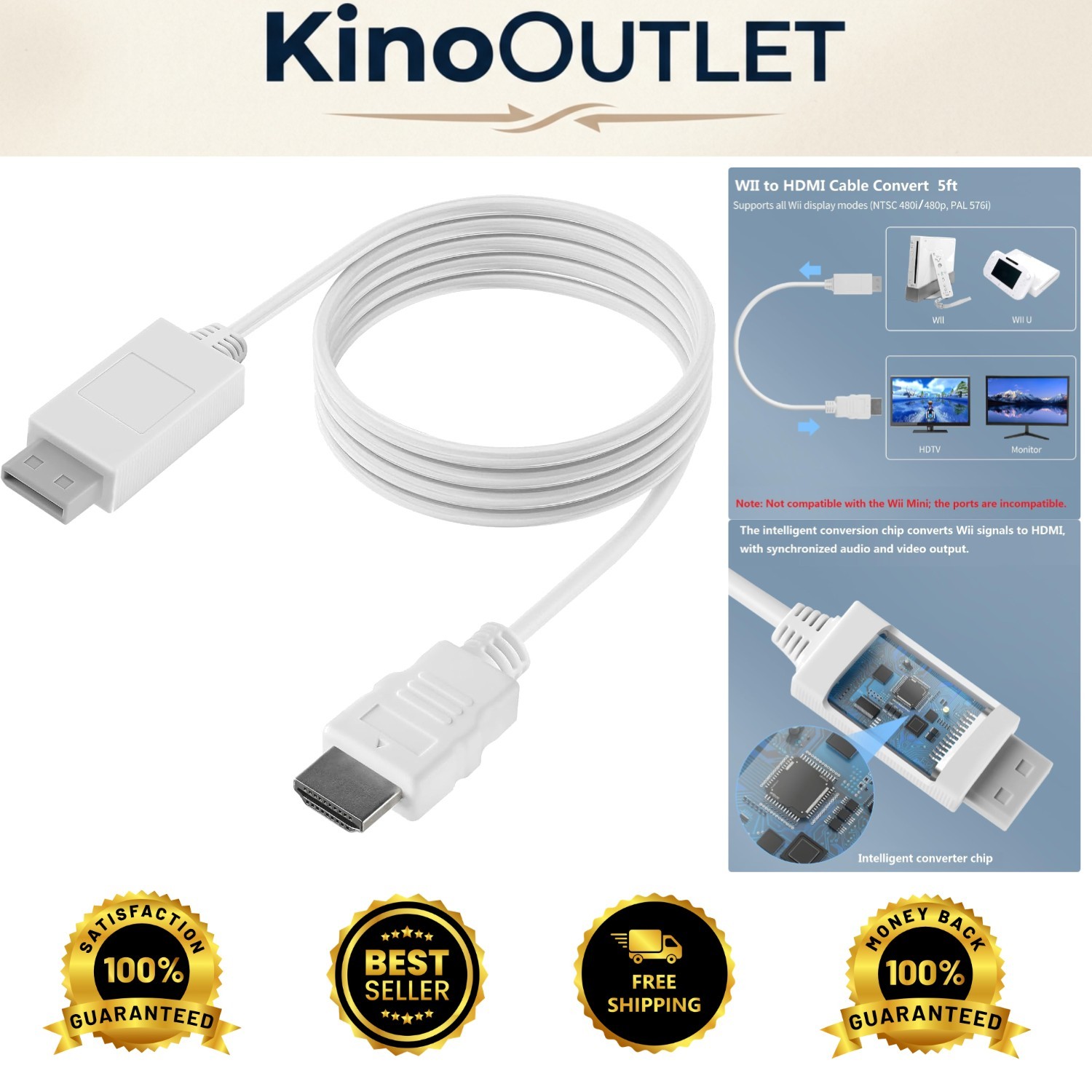 5ft WII to HDMI Adapter - Compatible with HDTV, Monitors, and Projectors$29.95View on eBay
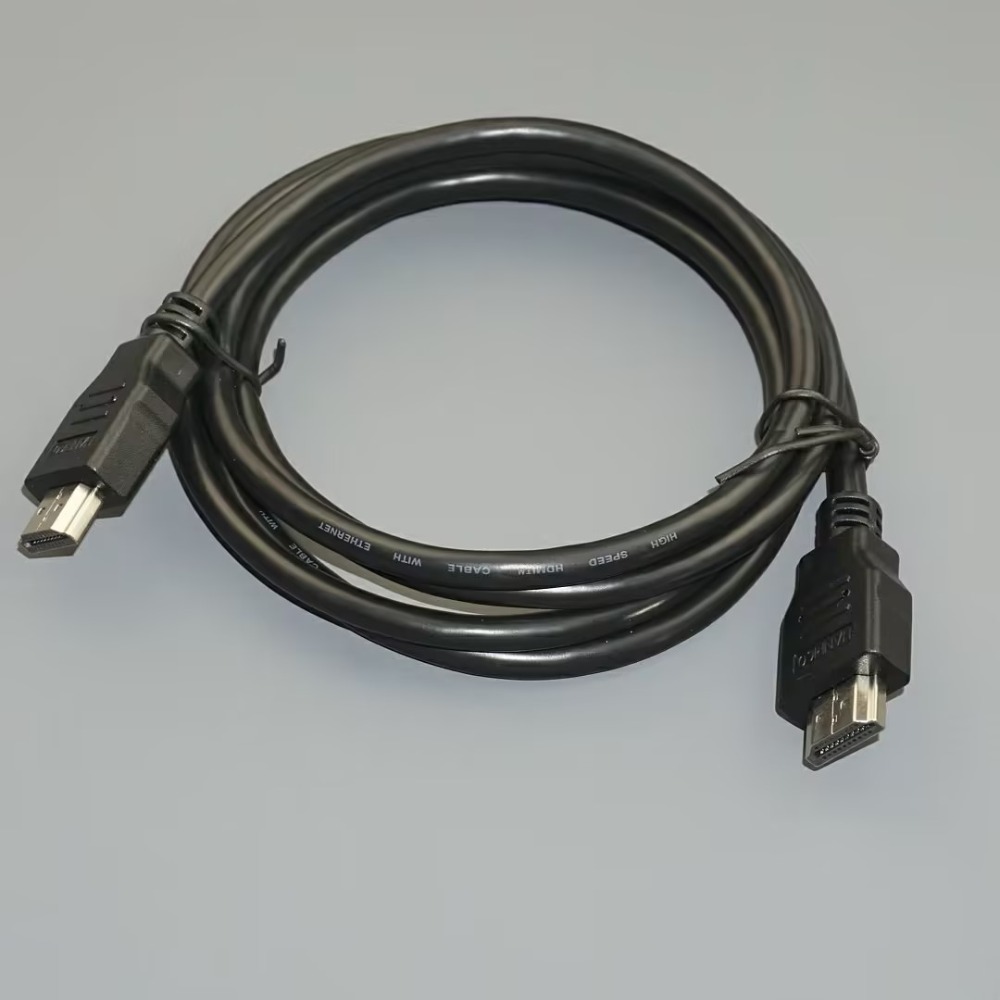 High-speed 4K HDMI Cable For 1.5 Minutes$10.99View on Mallflare
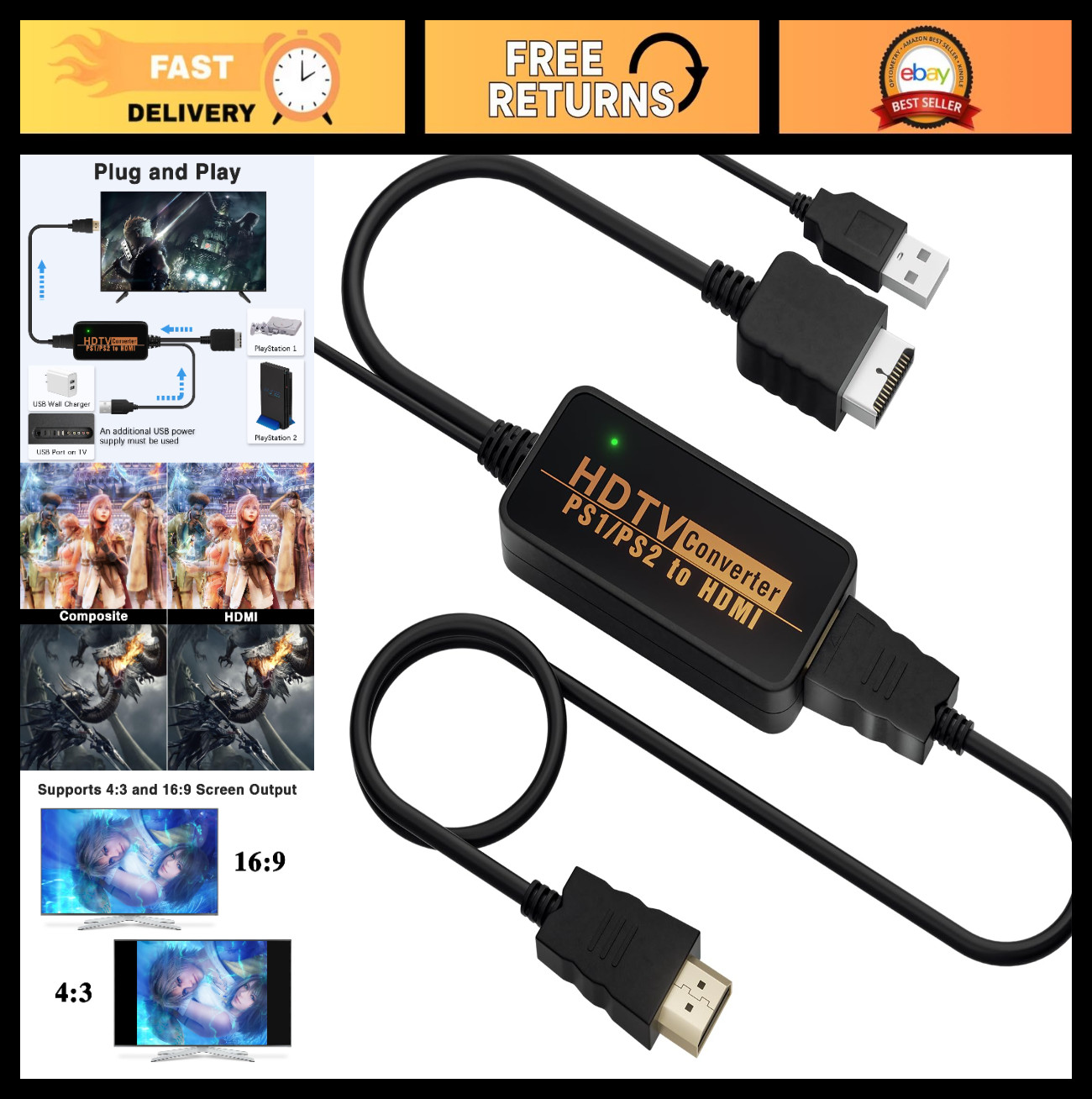 HDMI Adapter for PS1/PS2 - HD Converter, 4:3/16:9, USB Powered, Plug & Play$39.99Last checked Nov 22, 2026View on eBay
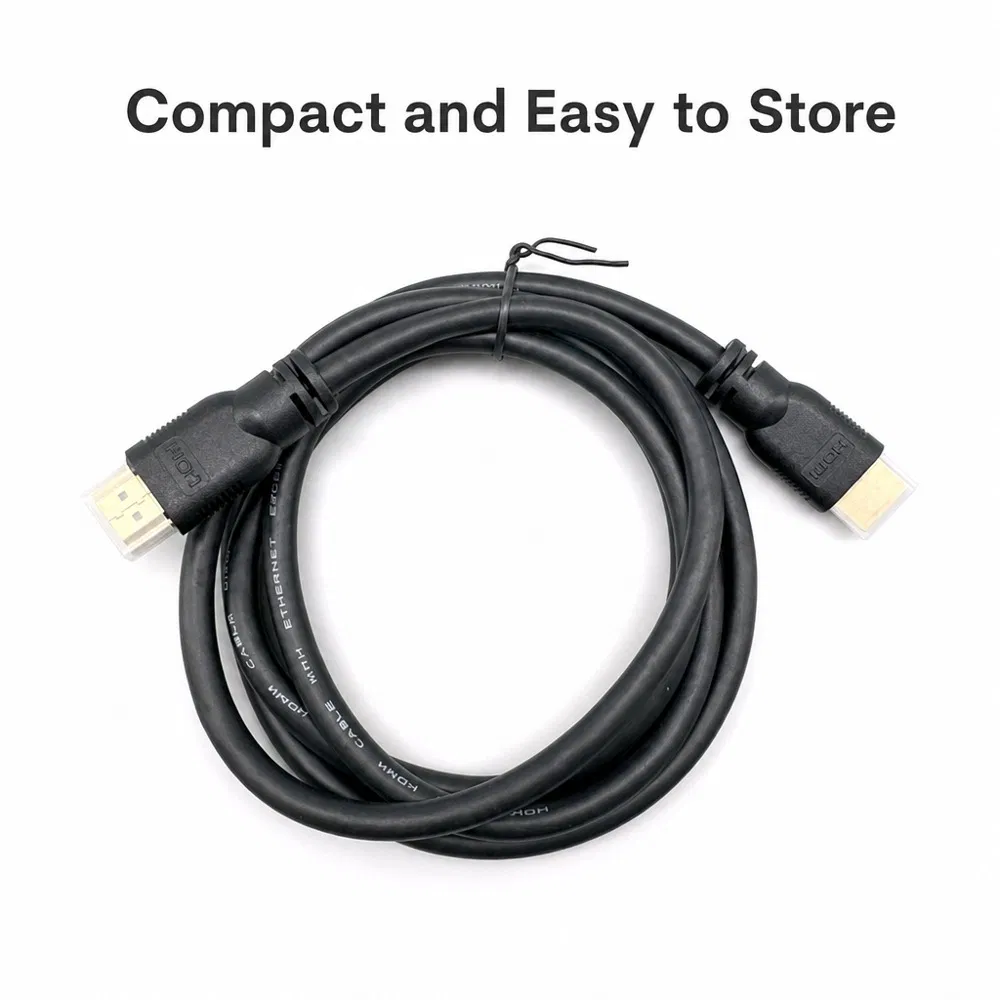 4K HDMI cable (1.5 meters), high-speed 48Gbps, supports 8K@60Hz/4K@120Hz, HDR, Ethernet, audio return (ARC), gold-plated connector, nylon braided suitable for PS5, Xbox, computers, and tvs$15.99View on Mallflare
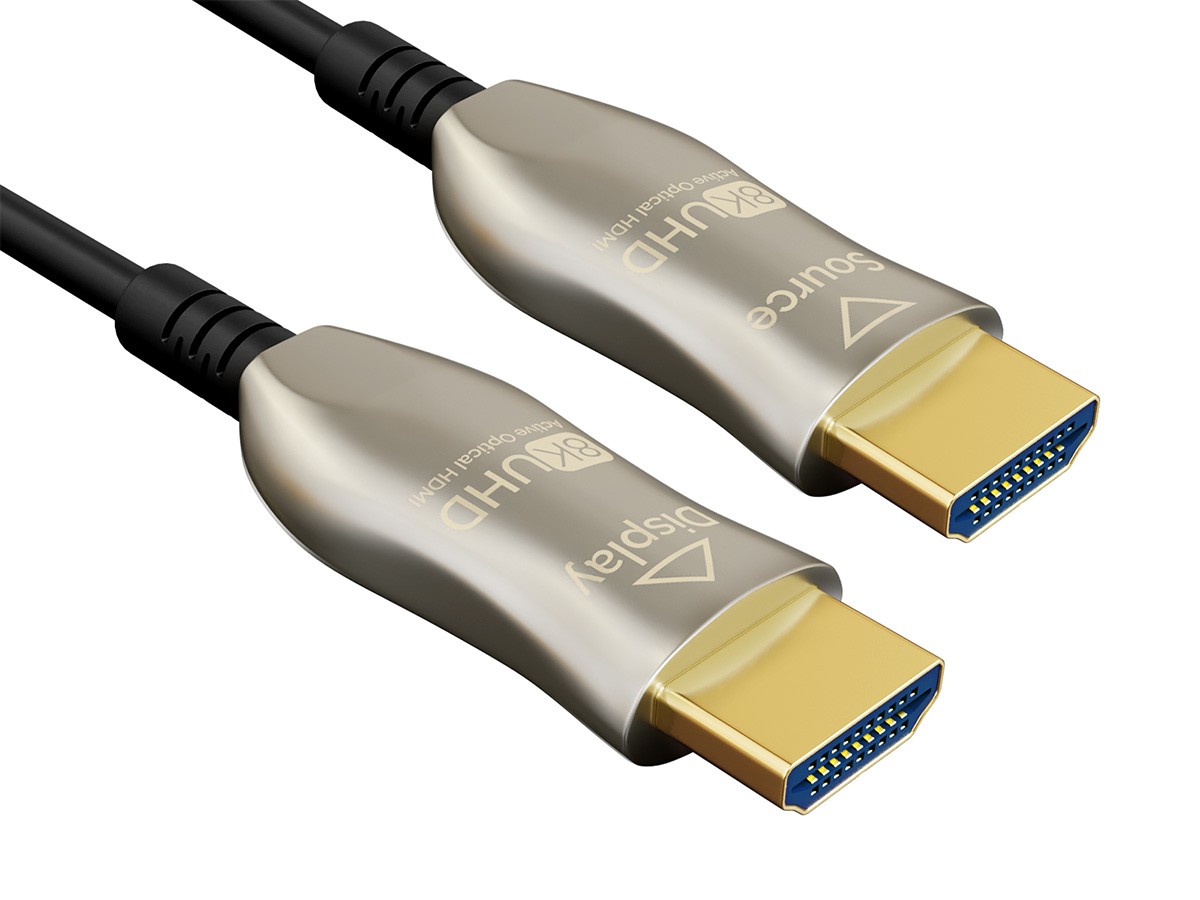 50ft 8K Fiber Optic HDMI 2.1 Cable, 48Gbps, for Projector & Long Runs, CL3 In...$98.99View on eBay
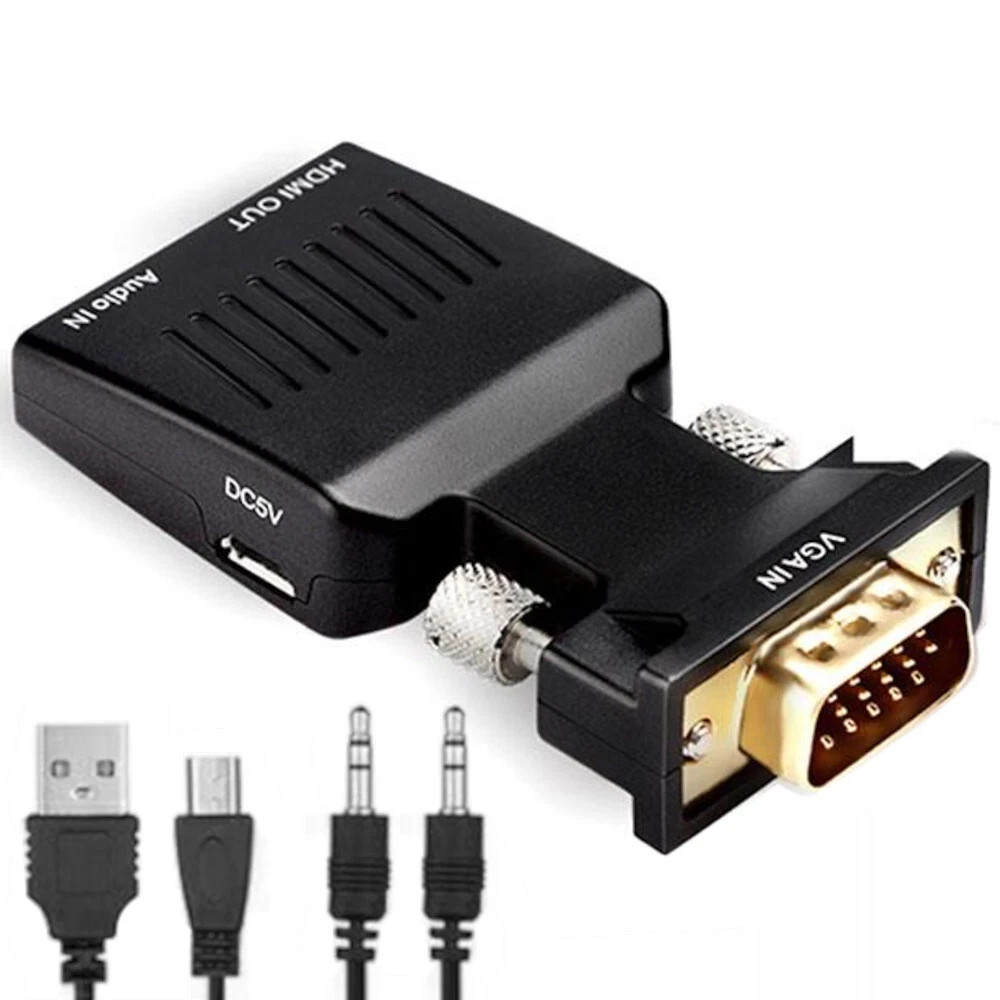 LOT VGA to HDMI Adapter with Audio PC to TV Monitor Projector Converter 1080P$129.44View on eBay
Highlights
- HDMI 2.1 (Ultra High Speed) certifies 48Gbps for 8K60 and 4K120; HDMI 2.0 (Premium High Speed) caps at 18Gbps for 4K60.
- Passive copper cables reliably carry 48Gbps up to 3m; beyond 3m use active copper or fiber-optic (AOC) to avoid signal dropouts.
- Fiber-optic HDMI cables are directional—source and display ends are labeled and must be connected correctly.
- For phone-to-TV, you need a USB-C to HDMI adapter with DisplayPort Alt Mode, or a Lightning Digital AV adapter for older iPhones.
Best use cases
- Phone or tablet to TV: pick a USB-C to HDMI adapter (DisplayPort Alt Mode) or Lightning Digital AV adapter; a plain HDMI cord alone will not mirror a phone.
- PS5/Xbox Series X to TV: choose a certified Ultra High Speed (48Gbps) passive cable up to 3m for full 4K120/8K60 HDR.
- Projector or long in-wall run over 5m: specify a fiber-optic (AOC) or active HDMI 2.1 cable rated for 48Gbps and CL3 in-wall rating.
- Legacy console (Wii, PS2, PSP) to modern TV: use a dedicated console-to-HDMI upscaler adapter; generic HDMI cords do not convert analog output.
Buying tips
- Match bandwidth to resolution: 18Gbps (HDMI 2.0) for 4K60; 48Gbps (HDMI 2.1) for 4K120, 8K60, or 10K at lower refresh.
- Keep passive copper runs at 3m or less; for 5m+ choose active copper or fiber-optic to maintain 48Gbps without signal loss.
- For phone mirroring, confirm your phone supports DisplayPort Alt Mode over USB-C; Samsung Galaxy S8 and later and many Android flagships do, while some budget models do not.
- Check connector gender and adapter need: male-to-male HDMI cords connect devices with HDMI ports; phones require an adapter with the correct USB-C or Lightning plug.
Specs
| Bandwidth Tier | 18Gbps (HDMI 2.0) vs 48Gbps (HDMI 2.1) |
|---|---|
| Max Passive Length | 3m for 48Gbps; 5m for 18Gbps |
| Connector Type | Male-male HDMI; adapters for USB-C/Lightning |
| Cable Construction | Passive copper vs active/fiber-optic (AOC) |
Related searches
What to check before buying
- Measure the exact run length from source to display; add 0.5m slack and choose fiber-optic if the run exceeds 3m for 48Gbps.
- Confirm your phone or tablet supports USB-C DisplayPort Alt Mode (or use a Lightning Digital AV adapter for iPhone 14 and earlier).
- Verify the display's HDMI version and HDCP support: HDCP 2.2/2.3 is required for 4K streaming from apps and disc players.
- For in-wall installation, select a cable with CL3 or CL2 fire rating and ensure the connector housing fits your wall plate or conduit.
FAQ
Data sources: eBay / Amazon listings and product attribute feeds. Updated Nov 28, 2026.
Some links on this page are affiliate links. If you buy after clicking one, we may earn a commission at no extra cost to you. This does not change which products appear here or their order. Affiliate disclosure.