
Photos from current listings. Actual item, color, and included accessories may vary.
HDMI Cable With Ethernet Buying Guide
HDMI cables with Ethernet (HEAC) combine high-speed video with a dedicated data channel, letting one cable carry both to a display and network device. The core trade-off is generation and build quality: older High Speed (10.2 Gbps) and Premium High Speed (18 Gbps) copper cables work for 4K60, but 8K/4K120 and long runs demand Ultra High Speed (48 Gbps) copper or fiber-optic construction. Buy the certified generation for your resolution/refresh rate and choose fiber-optic for runs beyond 5 m; copper beyond that length is a compromise that risks signal dropouts.
Median $15.99
Key takeaways
- Ethernet channel is standard on High Speed (1.4), Premium (2.0) and Ultra High Speed (2.1) cables; older Standard Speed cables lack it entirely.
- Ultra High Speed (48 Gbps) is required for 8K60 and 4K120 with HDR; Premium High Speed (18 Gbps) tops out at 4K60 4:4:4.
- Copper HDMI degrades past 5 m at 4K and past 3 m at 8K; fiber-optic (AOC) cables maintain full bandwidth to 15–30 m and beyond.
At a glance
- Category
- AV Cables & Interconnects
- Last updated
- Nov 28, 2026
Current offers
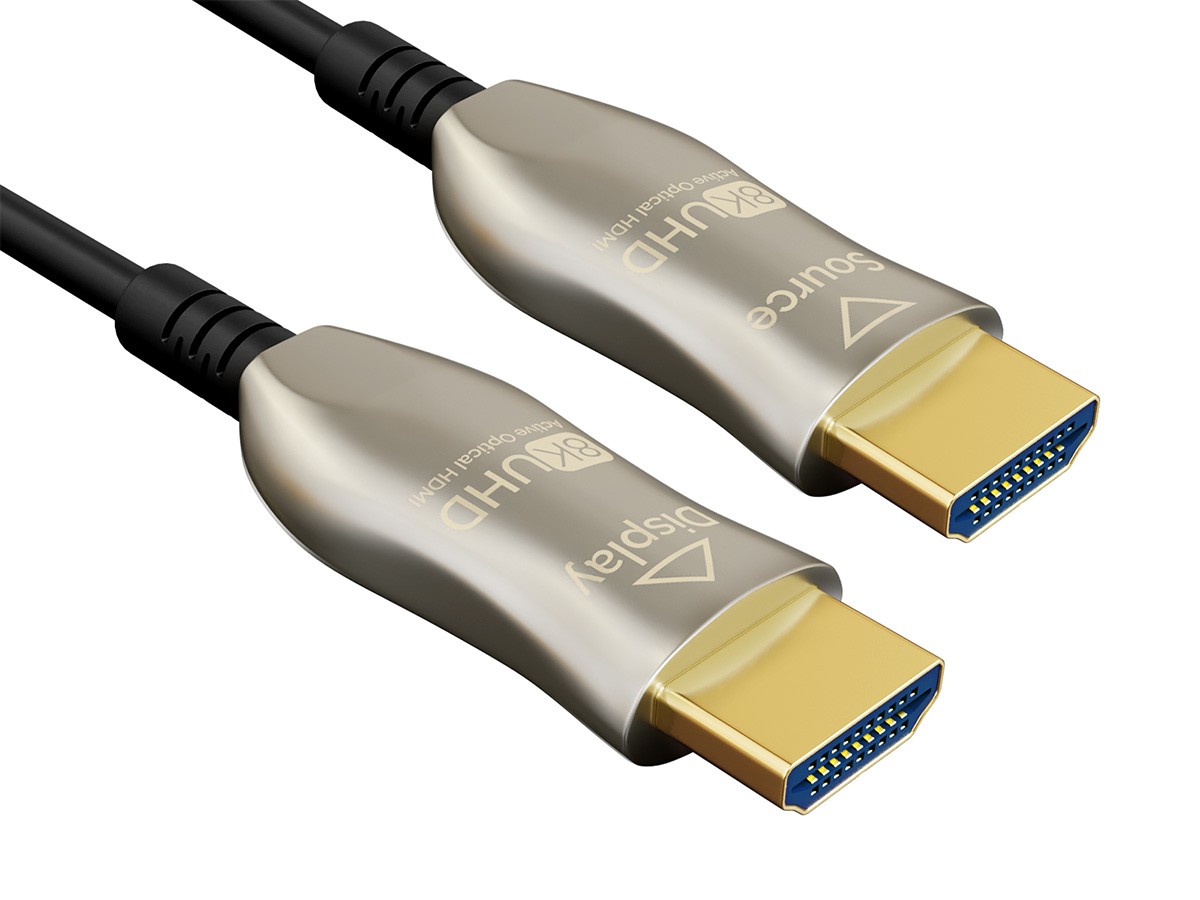 50ft 8K Fiber Optic HDMI 2.1 Cable, 48Gbps, for Projector & Long Runs, CL3 In...$98.99View on eBay
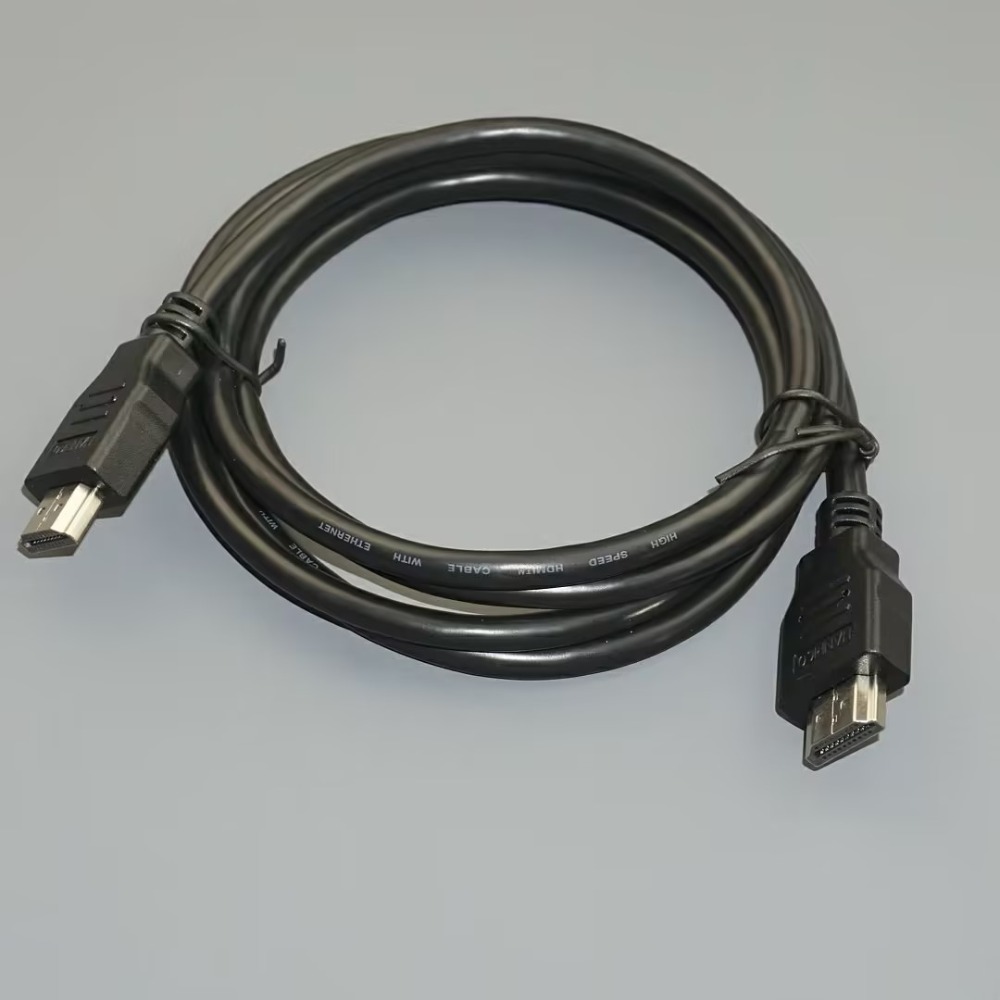 High-speed 4K HDMI Cable For 1.5 Minutes$10.99View on Mallflare
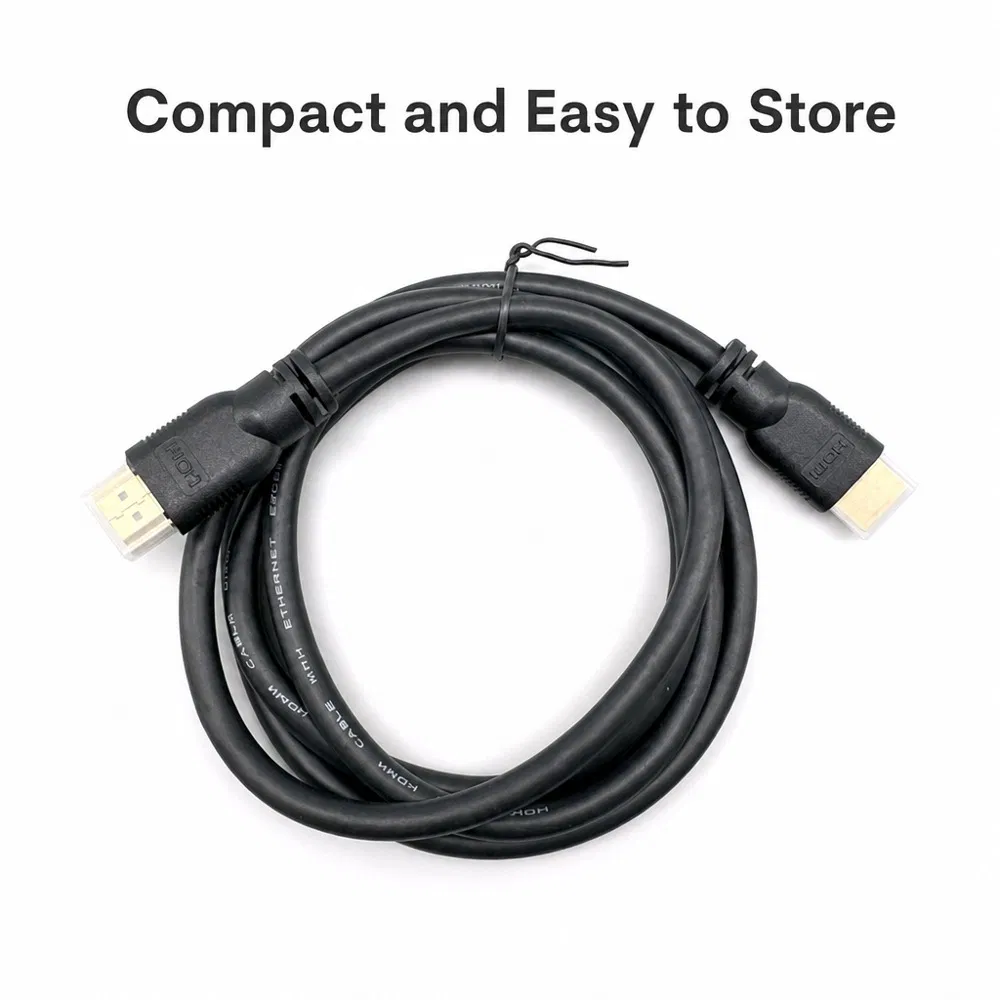 4K HDMI cable (1.5 meters), high-speed 48Gbps, supports 8K@60Hz/4K@120Hz, HDR, Ethernet, audio return (ARC), gold-plated connector, nylon braided suitable for PS5, Xbox, computers, and tvs$15.99View on Mallflare
Highlights
- Ethernet channel is standard on High Speed (1.4), Premium (2.0) and Ultra High Speed (2.1) cables; older Standard Speed cables lack it entirely.
- Ultra High Speed (48 Gbps) is required for 8K60 and 4K120 with HDR; Premium High Speed (18 Gbps) tops out at 4K60 4:4:4.
- Copper HDMI degrades past 5 m at 4K and past 3 m at 8K; fiber-optic (AOC) cables maintain full bandwidth to 15–30 m and beyond.
- Connector build matters: gold plating resists corrosion, nylon braiding protects the conductor bundle, and CL3-rated jackets are mandatory for in-wall installation.
Best use cases
- For a 4K60 TV, console, or streaming box on a run under 3 m: pick a Certified Premium High Speed (18 Gbps) cable with Ethernet—it fully covers 4K60 HDR and ARC at the lowest cost.
- For PS5, Xbox Series X, or a 4K120/8K display: pick a Certified Ultra High Speed (48 Gbps) cable with Ethernet; 18 Gbps Premium cables cannot carry 4K120 or 8K60.
- For projector or ceiling-mounted TV runs over 5 m: pick a fiber-optic (AOC) HDMI 2.1 cable rated CL3 for in-wall use; standard copper at that length will drop 4K/8K signals.
- Skip HDMI-with-Ethernet if you need a true network link—HEAC's data pair is not a full Ethernet port and most consumer devices never implement it; use Wi-Fi or a dedicated network cable for internet.
Buying tips
- Match the cable generation to your source and display: 18 Gbps Premium for 4K60, 48 Gbps Ultra for 4K120/8K60, and avoid unrated 'high speed' cables that lack certification.
- Calculate run length before buying: at 4K, copper is reliable to about 5 m; beyond that, or at any 8K run over 3 m, step up to fiber-optic AOC.
- For in-wall installation, select a CL3 (or CL2) rated jacket; non-rated cables violate electrical code and may void insurance if installed inside a wall.
- Look for the official certification label (Premium or Ultra High Speed) with a scannable hologram; uncertified cables often fail at rated bandwidth and drop HDR or 4K120.
Specs
| Bandwidth Tier | 10.2 / 18 / 48 Gbps |
|---|---|
| Max Resolution | 4K60 / 8K60 / 4K120 |
| Cable Construction | Copper vs Fiber-optic (AOC) |
| Jacket Rating | CL3 in-wall / CL2 / none |
Related searches
What to check before buying
- Measure the exact source-to-display distance along the cable path (not straight-line) and add 0.5 m of slack; order the next standard length up.
- Confirm both devices support HDMI 2.0 or 2.1 if you need Ethernet, ARC/eARC, or 4K120—older HDMI 1.3/1.4 ports limit the link regardless of cable.
- For wall or ceiling runs, verify the jacket is CL3-rated and that the connector housing fits through your conduit or wall plate opening.
- Check that your display and source have the specific feature you need (eARC, VRR, ALLM) and that the cable generation matches it; an 18 Gbps cable cannot pass 48 Gbps features.
FAQ
Data sources: eBay / Amazon listings and product attribute feeds. Updated Nov 28, 2026.
Some links on this page are affiliate links. If you buy after clicking one, we may earn a commission at no extra cost to you. This does not change which products appear here or their order. Affiliate disclosure.