
Photos from current listings. Actual item, color, and included accessories may vary.
HDMI Cable Buying Guide
HDMI cables are the deceptively simple link between a video source and a display, but the wrong cable grade silently caps resolution, refresh rate, and HDR. The core trade-off is bandwidth certification versus run length: full 48 Gbps HDMI 2.1 requires ultra-high-speed certified copper up to ~3 m, while longer runs need active copper or fiber-optic construction. The decision rule: match the cable's certified bandwidth to your source's maximum output and never exceed passive copper distance limits for that bandwidth.
Median $34.97
Key takeaways
- Certified categories are the only reliable bandwidth indicator: Standard (1080i), High Speed (4K30/18 Gbps), Premium (4K60 HDR), Ultra High Speed (8K60/4K120, 48 Gbps).
- Passive copper holds 48 Gbps only to roughly 3 m; beyond that, active copper or AOC (fiber) is required for stable HDMI 2.1 signals.
- Connector plating and strain relief matter more than conductor marketing: gold plating prevents corrosion, while braided nylon or reinforced PVC jackets resist bend fatigue.
At a glance
- Category
- AV Cables & Interconnects
- Last updated
- Nov 28, 2026
Current offers
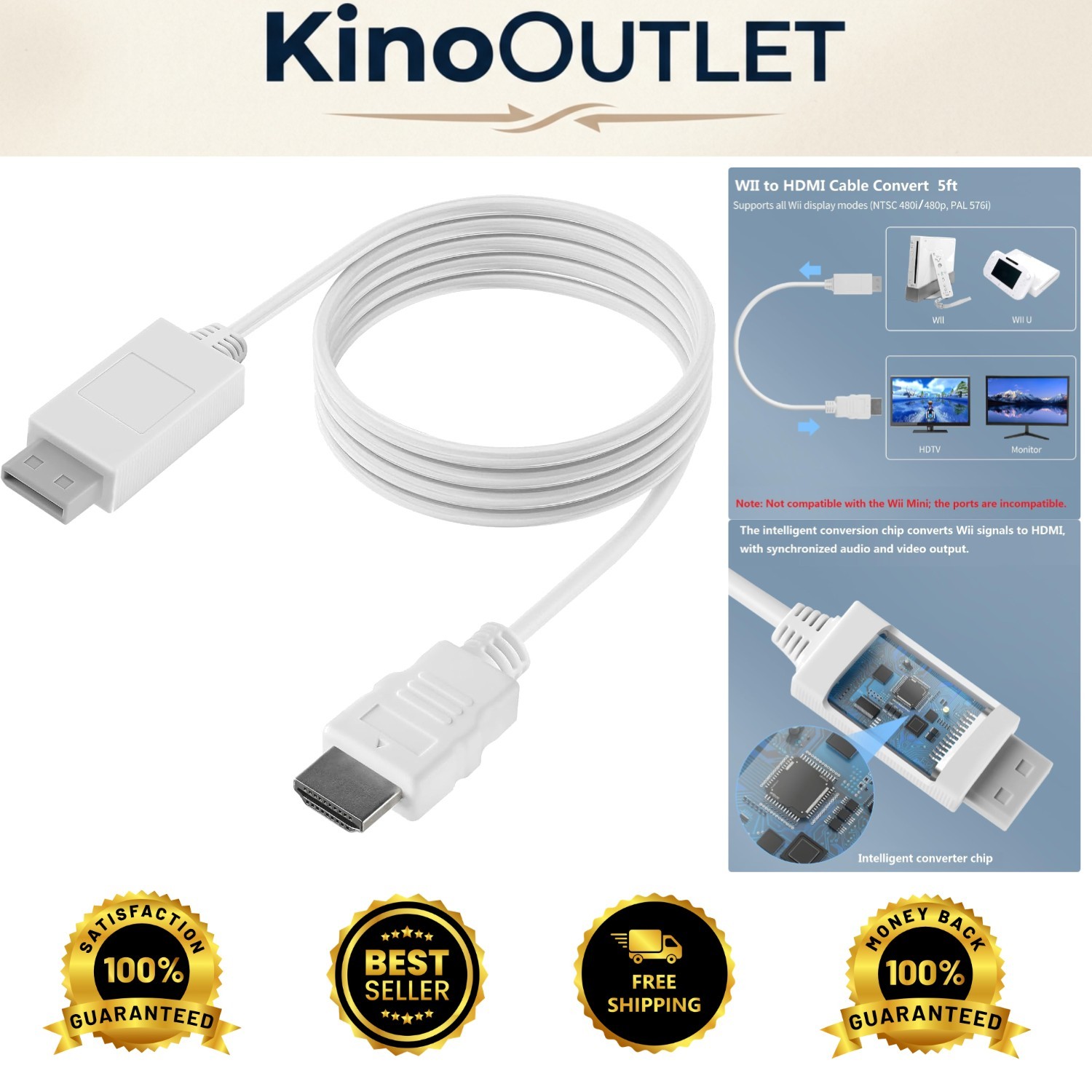 5ft WII to HDMI Adapter - Compatible with HDTV, Monitors, and Projectors$29.95View on eBay
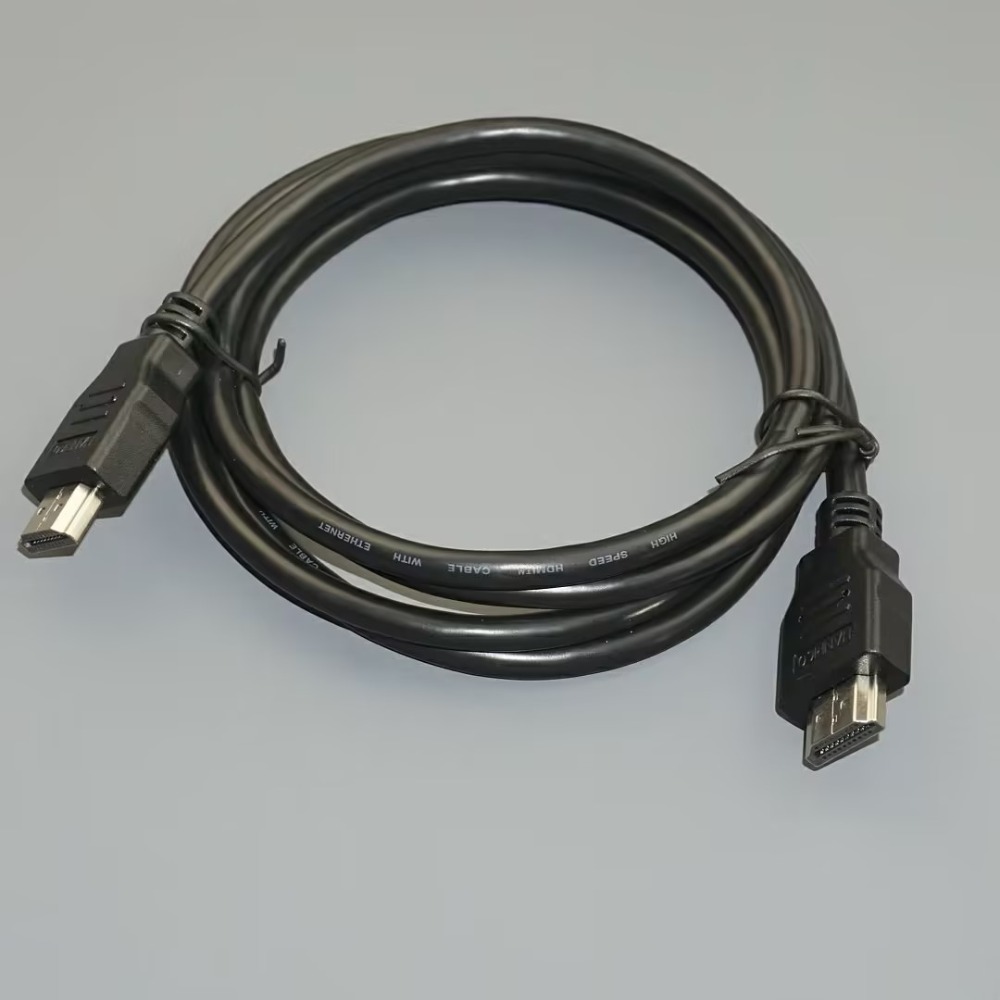 High-speed 4K HDMI Cable For 1.5 Minutes$10.99View on Mallflare
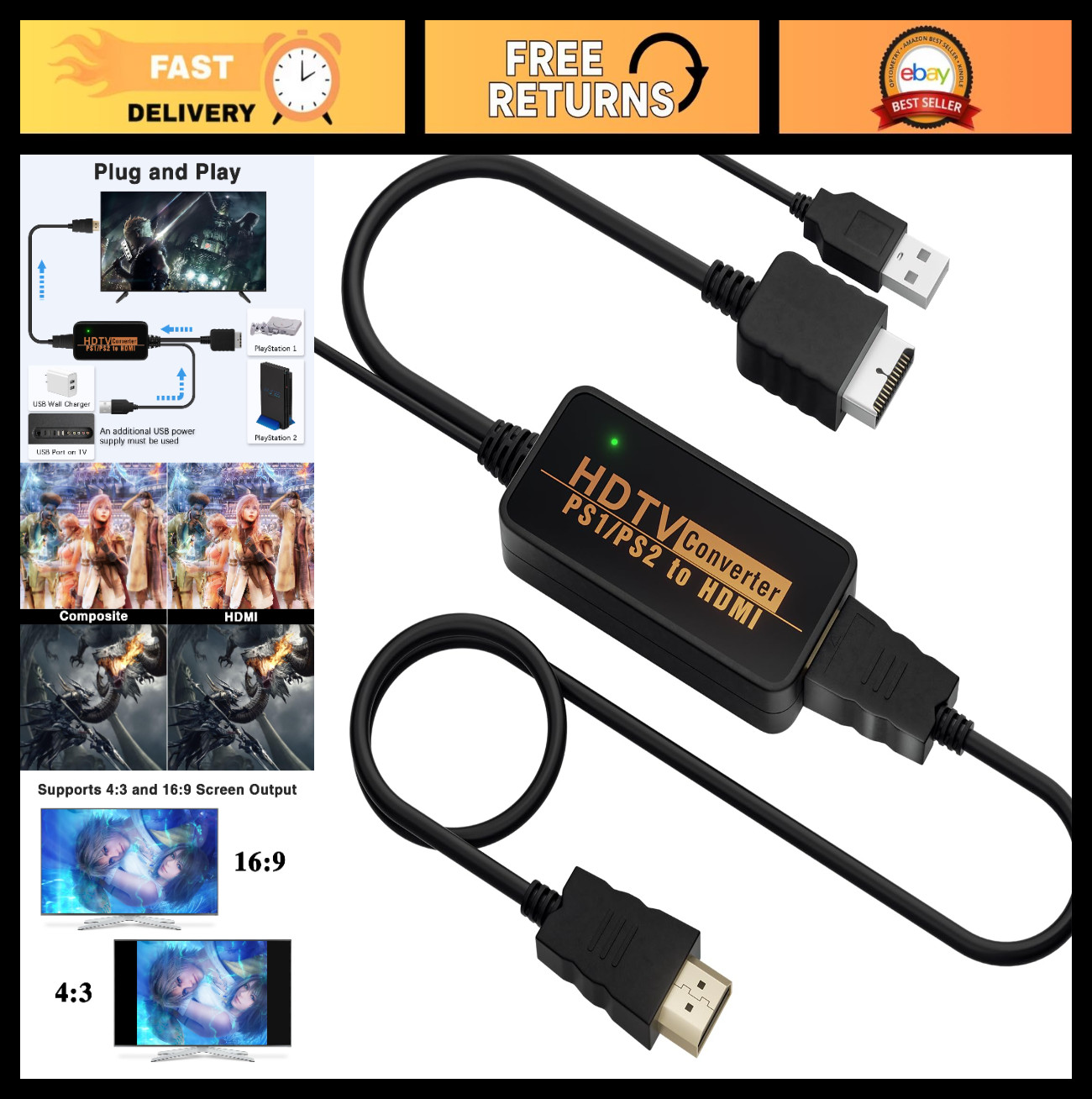 HDMI Adapter for PS1/PS2 - HD Converter, 4:3/16:9, USB Powered, Plug & Play$39.99Last checked Nov 22, 2026View on eBay
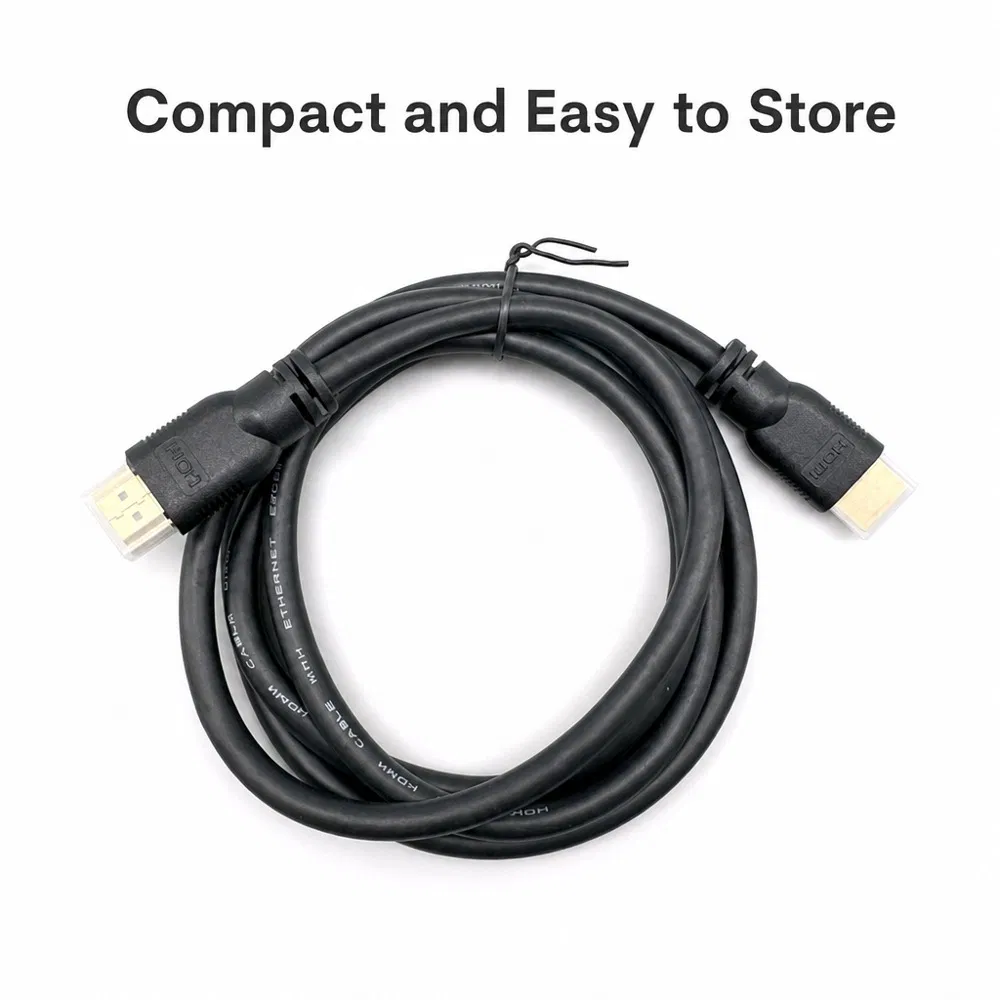 4K HDMI cable (1.5 meters), high-speed 48Gbps, supports 8K@60Hz/4K@120Hz, HDR, Ethernet, audio return (ARC), gold-plated connector, nylon braided suitable for PS5, Xbox, computers, and tvs$15.99View on Mallflare
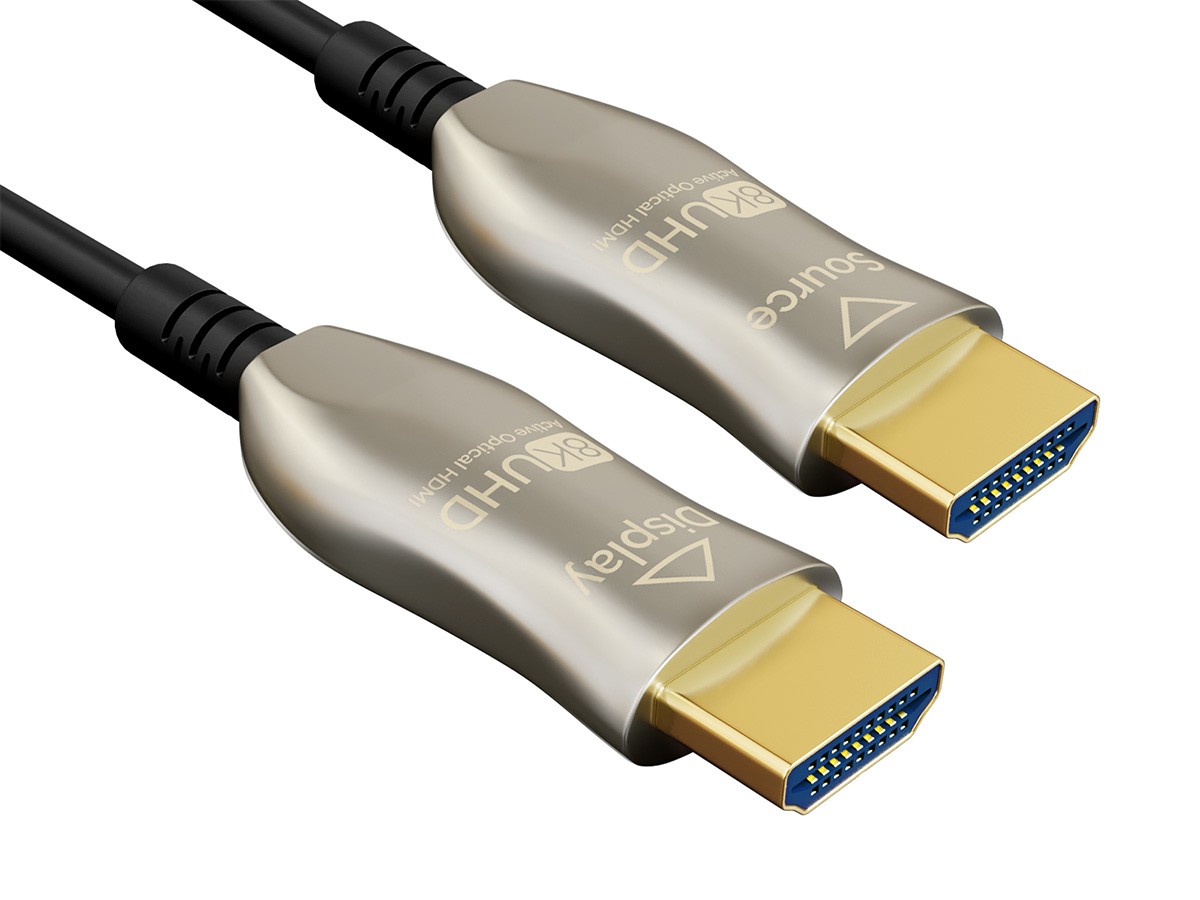 50ft 8K Fiber Optic HDMI 2.1 Cable, 48Gbps, for Projector & Long Runs, CL3 In...$98.99View on eBay
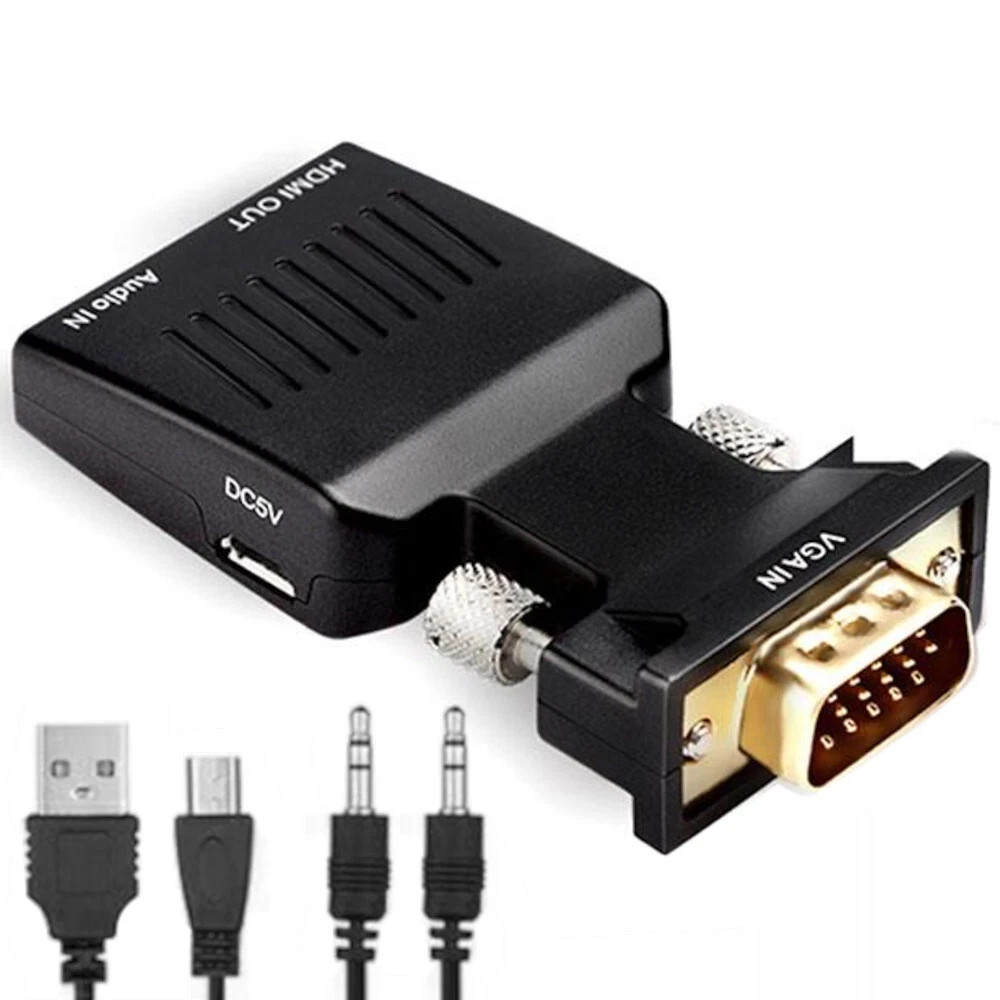 LOT VGA to HDMI Adapter with Audio PC to TV Monitor Projector Converter 1080P$129.44View on eBay
Highlights
- Certified categories are the only reliable bandwidth indicator: Standard (1080i), High Speed (4K30/18 Gbps), Premium (4K60 HDR), Ultra High Speed (8K60/4K120, 48 Gbps).
- Passive copper holds 48 Gbps only to roughly 3 m; beyond that, active copper or AOC (fiber) is required for stable HDMI 2.1 signals.
- Connector plating and strain relief matter more than conductor marketing: gold plating prevents corrosion, while braided nylon or reinforced PVC jackets resist bend fatigue.
- HDMI 2.1 features (VRR, ALLM, eARC) depend on both endpoints and the cable; eARC specifically needs Ethernet-enabled High Speed or better.
Best use cases
- 4K/120 Hz console or PC gaming: choose an Ultra High Speed certified cable (48 Gbps) under 3 m passive; skip Premium High Speed cables that cap at 4K60.
- Soundbar or AV receiver eARC: use a High Speed Ethernet-certified cable; any shorter Ultra High Speed cable also works for future-proofing.
- Samsung/Android phone to TV mirroring: skip HDMI entirely and use a USB-C to HDMI adapter or Cast/Miracast—phones have no native HDMI port.
- Projector or long in-wall run over 5 m: select an active optical (AOC) HDMI 2.1 cable with CL3 rating for in-wall safety; passive copper at that length will drop 4K120.
Buying tips
- For 4K60 HDR, buy Premium High Speed certified (18 Gbps); for 8K60 or 4K120, buy Ultra High Speed certified (48 Gbps) with the holographic verification label.
- Keep passive copper runs under 3 m for 48 Gbps and under 5 m for 18 Gbps; use active copper or fiber-optic beyond those distances.
- Match connector size to recessed ports: slim or 90-degree adapters help wall-mounted TVs, but each adapter adds signal loss—prefer a single correct-length cable.
- For in-wall installation, choose CL3-rated jackets and leave a pull string; HDMI connectors are wider than the cable and need a 1-inch conduit or wall plate.
Specs
| Bandwidth Tier | 18 Gbps vs 48 Gbps |
|---|---|
| Certification | Premium / Ultra High Speed |
| Max Passive Length | 3 m (48 Gbps) / 5 m (18 Gbps) |
| Long-Run Type | Active copper or fiber (AOC) |
Related searches
What to check before buying
- Measure the exact run from source to display including bends; add 0.5 m slack but avoid coiling excess near power cables.
- Confirm the source's maximum output (4K120, 8K60, HDR10, Dolby Vision) so you buy the matching certified bandwidth tier.
- Check port clearance on wall-mounted TVs and soundbars; recessed or side-facing ports may need a right-angle adapter.
- For in-wall runs, verify CL3/CL2 fire rating and conduit width before purchasing; fiber AOC cables are directional and must be pulled the correct way.
FAQ
Data sources: eBay / Amazon listings and product attribute feeds. Updated Nov 28, 2026.
Some links on this page are affiliate links. If you buy after clicking one, we may earn a commission at no extra cost to you. This does not change which products appear here or their order. Affiliate disclosure.