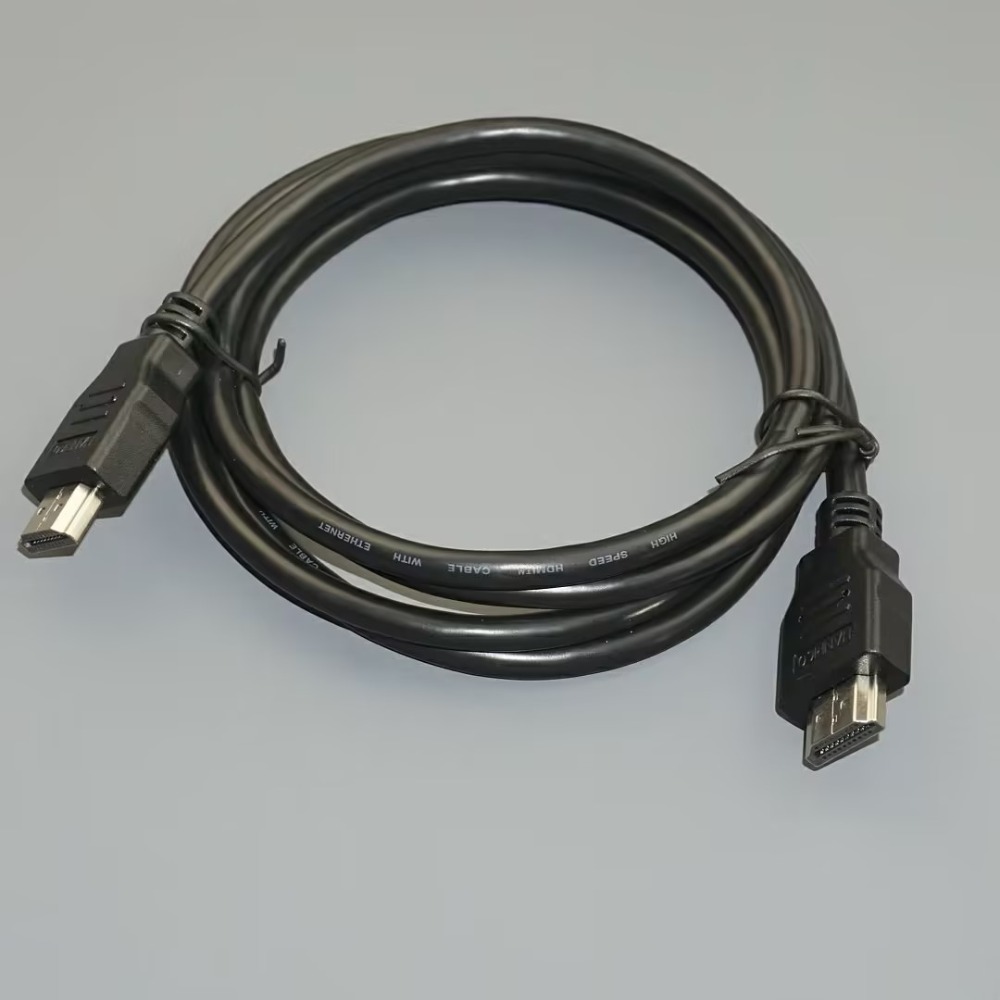

Photos from current listings. Actual item, color, and included accessories may vary.
4K HDMI Cable Buying Guide
A 4K HDMI cable is a passive or active copper link that must carry 18Gbps for 4K60 4:4:4 without dropouts; the core trade-off is conductor gauge and length versus signal integrity, not marketing labels. Buy a certified Premium High Speed (18Gbps) cable for runs under 3m and an active/optical or thicker-gauge cable for longer runs; skip any cable that cannot state its HDMI generation and bandwidth rating.
Median $13.49
Key takeaways
- HDMI 2.0 / Premium High Speed = 18Gbps, enough for 4K60 4:4:4 8-bit HDR; HDMI 2.1 / Ultra High Speed = 48Gbps for 4K120 and 8K60.
- Passive copper HDMI is reliable to roughly 3m at 18Gbps; beyond 5m you need 24AWG or thicker conductors, and beyond 10m an active or fiber-optic cable.
- Gold plating protects the connector shell from corrosion but does not extend bandwidth; conductor gauge (AWG) and shielding determine signal integrity.
At a glance
- Category
- AV Cables & Interconnects
- Last updated
- Nov 28, 2026
Current offers
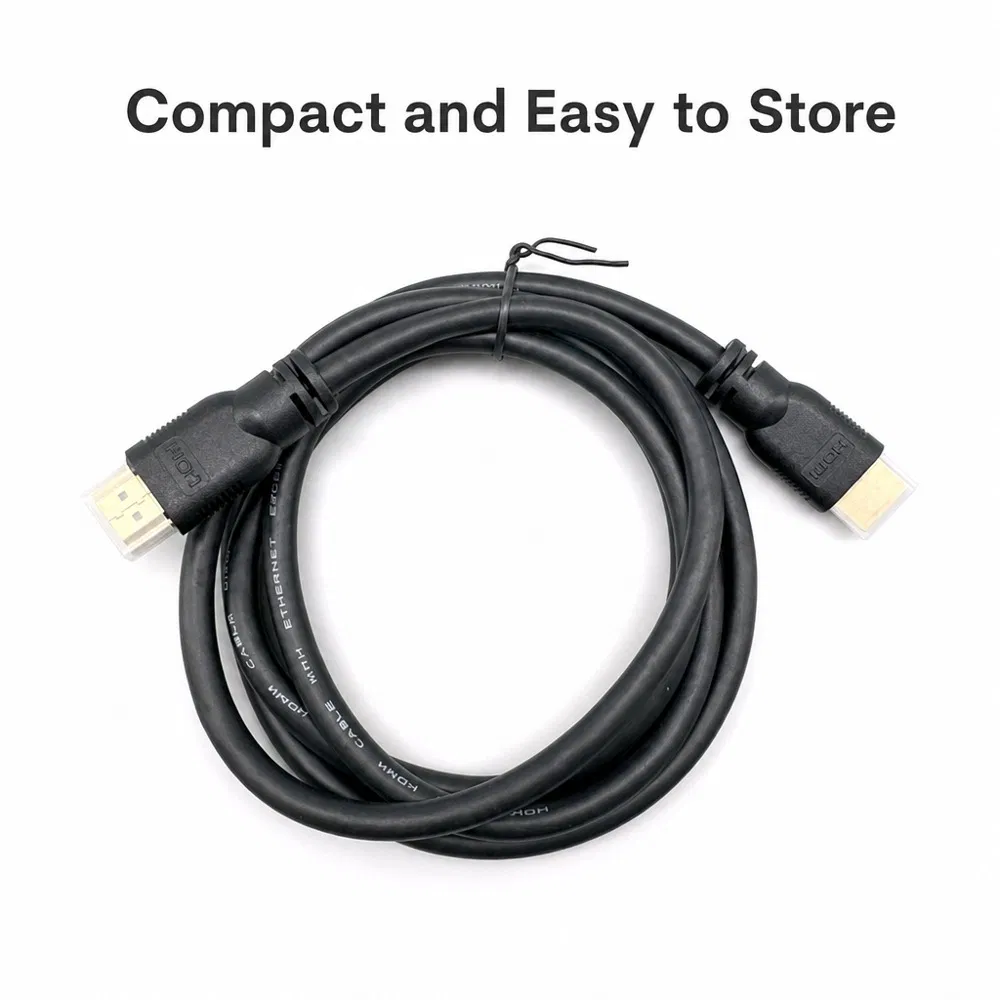
Highlights
- HDMI 2.0 / Premium High Speed = 18Gbps, enough for 4K60 4:4:4 8-bit HDR; HDMI 2.1 / Ultra High Speed = 48Gbps for 4K120 and 8K60.
- Passive copper HDMI is reliable to roughly 3m at 18Gbps; beyond 5m you need 24AWG or thicker conductors, and beyond 10m an active or fiber-optic cable.
- Gold plating protects the connector shell from corrosion but does not extend bandwidth; conductor gauge (AWG) and shielding determine signal integrity.
- Ethernet and ARC/eARC channels are part of the HDMI spec, but eARC (37Mbps audio) requires both source and sink to support HDMI 2.1-era eARC.
Best use cases
- PS5, Xbox Series X, or a 4K120 TV: buy an Ultra High Speed (48Gbps) certified cable at 2m or shorter; skip 18Gbps HDMI 2.0 cables that cap you at 4K60.
- 4K60 HDR TV, streaming box, or PC monitor at 1–3m: a Premium High Speed (18Gbps) cable is sufficient and cheaper; skip 48Gbps cables unless you plan a 4K120 upgrade.
- Projector or wall-run over 5m: use a 24AWG passive cable up to 7–10m or an active/fiber-optic cable beyond that; skip thin 30AWG cables for long runs.
- Soundbar with eARC: confirm the cable is at least High Speed with Ethernet and that both TV and soundbar support eARC; skip legacy HDMI 1.4 cables for eARC audio.
Buying tips
- Match bandwidth to resolution: 18Gbps (Premium High Speed) for 4K60; 48Gbps (Ultra High Speed) for 4K120/8K60. Certification labels are the reliable indicator.
- For runs over 3m, choose 24AWG or thicker copper; for runs over 10m, switch to active or fiber-optic HDMI to avoid sparkles and dropouts.
- Prefer cables with explicit HDMI version and bandwidth printed on the jacket or packaging; avoid unbranded cables with only '4K' claims and no Gbps rating.
- For in-wall installation, use CL3-rated cable and leave a pull string; passive copper beyond 7.5m is unreliable even at 18Gbps.
Specs
| HDMI Version | 2.0 (18Gbps) vs 2.1 (48Gbps) |
|---|---|
| Max Resolution | 4K60 vs 4K120 / 8K60 |
| Cable Length | Passive to 3m; active beyond 10m |
| Conductor Gauge | 24-30AWG copper; fiber for long runs |
Related searches
What to check before buying
- Measure the exact run from source to display and add 0.5m slack; cable length is the primary determinant of signal integrity.
- Confirm source and display HDMI versions: a 48Gbps cable cannot add 4K120 support if the TV port is HDMI 2.0.
- Check connector clearance behind wall-mounted TVs; right-angle or slim connectors help in tight spaces.
- For in-wall runs, verify CL3 fire rating and conduit size before purchasing.
FAQ
Data sources: eBay / Amazon listings and product attribute feeds. Updated Nov 28, 2026.
Some links on this page are affiliate links. If you buy after clicking one, we may earn a commission at no extra cost to you. This does not change which products appear here or their order. Affiliate disclosure.