Choosing keyboard switches means balancing typing feel, the physical switch format your keyboard uses, and how many replacements the project needs. The V3 Silver Pro and the Blue 3-Pin set take different routes on all three points. Here is the useful shortcut: identify the build format first, then choose between a no-bump press and audible tactile feedback.
Quick verdict
The V3 Silver Pro is the natural direction for a broader keyboard project. The Blue set is aimed at targeted repair or DIY work. Neither feel is automatically right for every typist; the choice depends on whether the build calls for a smooth press or a click-and-bump response, and whether the pack scope fits the job.
Comparison at a glance
| Switch | Listed price | Listed pack and mount | Listed feel |
|---|---|---|---|
| V3 Silver Pro Linear | USD 22.99 | 70 switches; 5-pin PCB mount | Linear |
| Blue 3-Pin Clicky | USD 9.73 | 12 switches; 3-pin | Clicky; tactile bump |
Where each product wins
Where the V3 Silver Pro wins
- Broader projects: The 70-switch quantity is the larger pack in this matchup, making it the more natural fit when many keys are part of the job.
- A defined mounting format: Its 5-pin PCB mount is a concrete detail to compare with the keyboard build before choosing.
- Uninterrupted keystrokes: The product is positioned around a linear feel with no tactile bump, which suits shoppers who want a direct press for typing or gaming.
Where the Blue 3-Pin Clicky wins
- Small-scale work: It is specifically suited to small DIY projects or replacing worn-out keys.
- Hot-swap use: It is described as compatible with most hot-swappable mechanical keyboards, giving it a clear role for that type of build.
- A more pronounced response: The crisp click and strong tactile bump make its intended typing feedback easy to identify.
Product notes
V3 Silver Pro Linear Mechanical Keyboard Switches
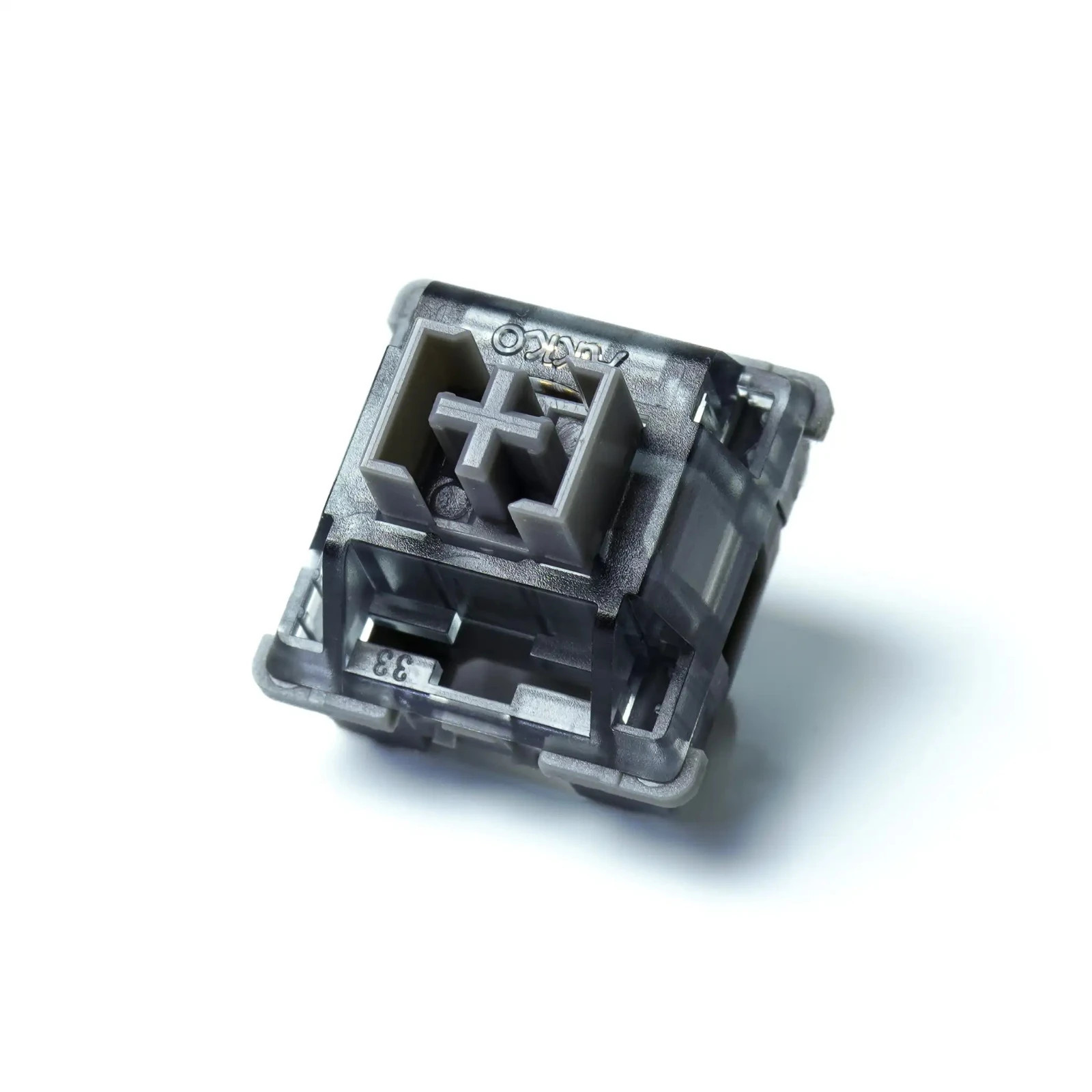
Construction details are the clearest reason to choose the V3 Silver Pro. The switch uses a POM stem, polycarbonate top housing, and nylon bottom housing, giving shoppers specific materials to compare when planning a keyboard build. Its listed 40g actuation force is another defined reference point, while the design is described for fast typing and gaming. The main limitation in this matchup is the USD 22.99 listed price, which represents a larger purchase than the smaller set here. Choose this switch when those construction details, the linear design, and the 5-pin format all align with the intended build.
Blue 3-Pin Clicky Mechanical Keyboard Switches
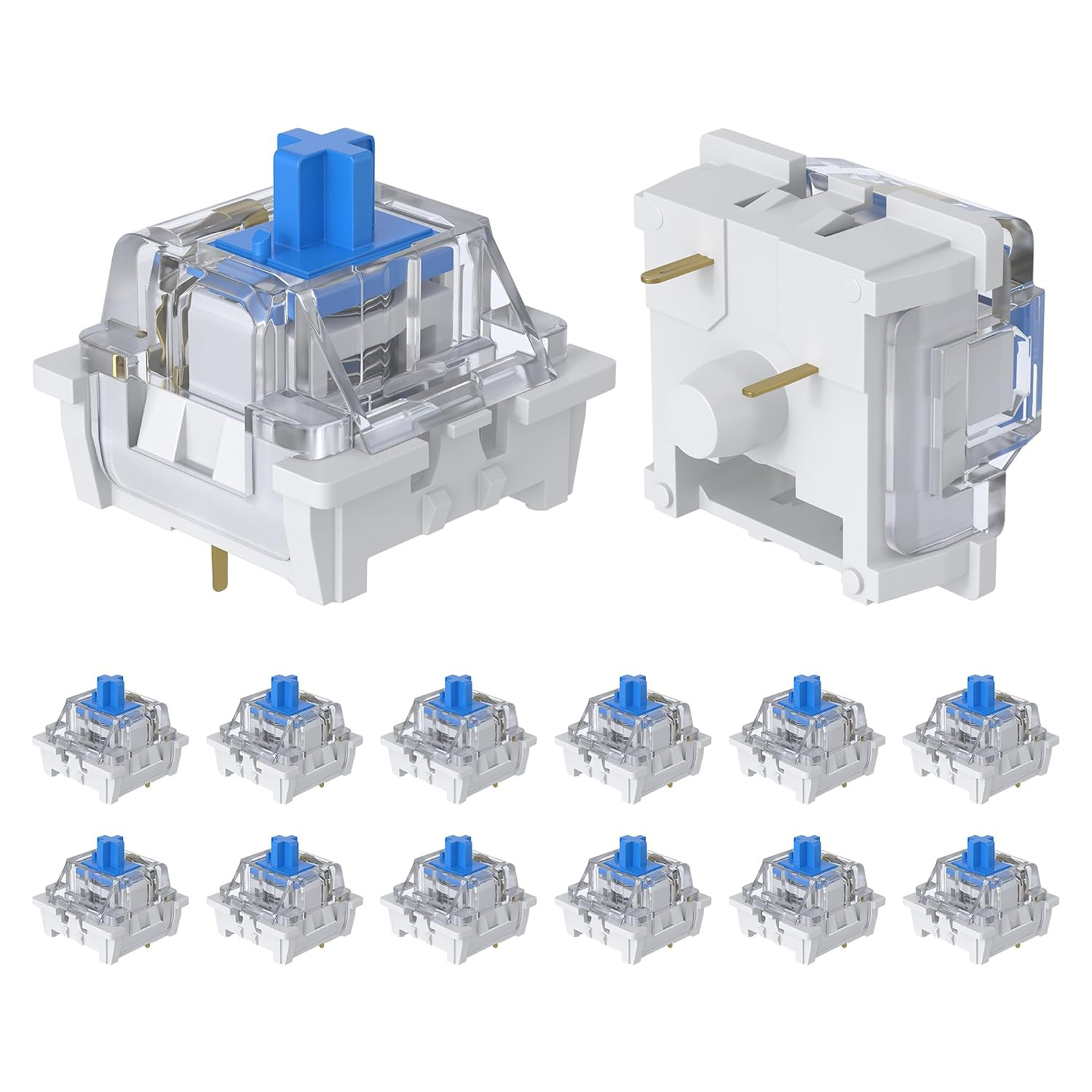
Factory pre-lubrication gives the Blue 3-Pin Clicky set a practical reason to consider it for a focused repair or DIY job. The switches combine that treatment with a POM stem, copper alloy spring, and transparent plastic housing. Their stated compatibility with most hot-swappable mechanical keyboards adds a clear use case without requiring a broad keyboard refresh. The limitation is the 12-piece count: it is a focused pack for selected keys rather than the larger quantity in this comparison. At USD 9.73, it also occupies a different price point from the V3 Silver Pro, so the job's scope should guide the choice as much as the clicky feel.
Final choice by use case
- For a broader keyboard project: choose V3 Silver Pro Linear. Its larger pack and specified mounting format make it the direct choice when the build calls for that scope.
- For a targeted repair or DIY job: choose Blue 3-Pin Clicky. Its stated small-project and worn-key use make that role straightforward.
- For typing feel: choose V3 when a linear, no-bump press is the goal; choose Blue when a crisp click and strong tactile bump are wanted.
The cleanest decision is practical rather than universal: match the mount and pack scope first, then choose between the two clearly different feels.