Choosing a gaming keyboard among PC monitors & peripherals can be harder than it looks: both contenders are wired mechanical boards, yet they emphasize different parts of the experience. The Lenovo (Lecoo) GK301 points toward an English QWERTY arrangement and simple setup language. The Professional K23 concentrates more of its description on key-control features. Decide first whether a conventional layout or those named controls matter more to you, then use finish, lighting wording, and price as tie-breakers.
Quick verdict
Start with the GK301 if a black keyboard suits your setup, and lean toward the K23 if you prefer white and want more specifically named gaming controls. Both descriptions cite a 60 million key-use figure, so that shared number does not separate them. The more useful distinction is the GK301's layout and setup focus versus the K23's anti-ghosting and rollover language.
| Detail | Lenovo (Lecoo) GK301 | Professional K23 |
|---|---|---|
| Listed price | USD 29.99 | USD 14.99 |
| Connection | USB | Wired |
| Lighting wording | RGB backlight | Rainbow backlight |
| Construction described | Metal panel | ABS plastic construction |
Where each keyboard wins
Lenovo (Lecoo) GK301 for familiar layout and setup
The GK301 is the clearer match for someone who wants an English QWERTY standard layout and Plug & Play capability named outright. That is useful for a shopper who prefers a familiar keyboard arrangement rather than choosing around gaming-control terms. This is a preference match, not a claim that a standard layout performs better than the K23.
Professional K23 for input-control features
The K23 is the better fit for a buyer specifically seeking described anti-ghosting and 26-key rollover. Those details give it more input-focused selection points, while its red key switches add another named design element. Choose it for those controls themselves, without assuming that either keyboard's lighting description creates a performance advantage.
Product notes
Lenovo (Lecoo) GK301 Wired Mechanical Gaming Keyboard
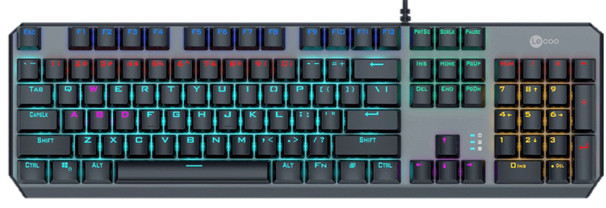
Choose the Lenovo (Lecoo) GK301 when its 60-million-click lifespan is a meaningful selection point. Its black finish also offers a defined look for shoppers who want a darker keyboard at their desk. The limitation is its USD 29.99 listed price: it sits $15 above the K23's USD 14.99. That difference is concrete, so the GK301 makes the most sense when its familiar format and stated lifespan matter more to you than keeping the initial amount lower. It is not a claim that either board is inherently better; it is a choice tied to the features and finish you want.
Professional K23 Mechanical Gaming Keyboard
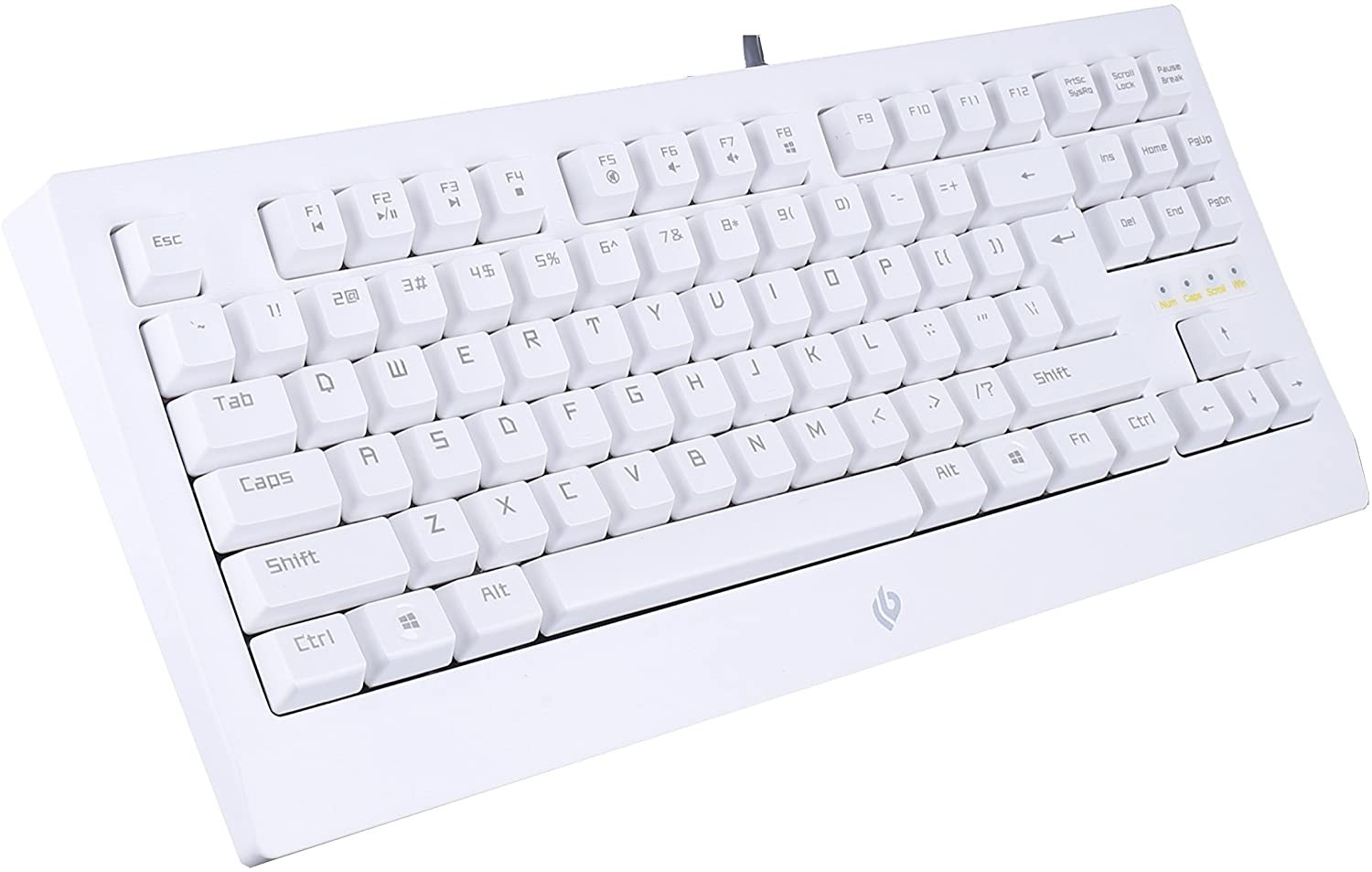
The K23 puts several play-focused controls in its description: red key switches, anti-ghosting, 26-key rollover, a Windows Key Lock mode, and collapsible feet. Choose it when those specific controls are central to your desk routine, especially if the Windows Key Lock mode is useful to you. The listed white color gives it a distinct visual direction. Its clear limitation is also that same white finish: it may not suit someone building around black peripherals. The ABS plastic construction is simply a build description, not a reason to rank it against another keyboard. That keeps the decision focused on the controls and appearance named here.
Final choice by use case
Choose the GK301 for conventional English QWERTY typing and Plug & Play setup. Choose the K23 if Windows Key Lock mode and collapsible feet are the more meaningful practical touches for how you use a keyboard. The two boards suit different routines, so the right pick is the one whose named controls, format, and finish best match your desk.