Choosing the right cable for room acoustics, seating & cables comes down to two different connection problems: do you need to link a DisplayPort computer to an HDMI display, or send HDMI video across a long route to a projector? The DisplayPort-to-HDMI lead is a focused 1080p solution, while the 50ft fiber optic HDMI cable targets long-distance, higher-resolution projector installations. Here is the practical split.
Quick verdict
Choose the DisplayPort To HDMI Cable 1080P Full HD Video Lead For PC Projector HDTV - 6ft when your source is a DisplayPort-enabled PC or laptop and the display accepts standard HDMI. Choose the 50ft 8K Fiber Optic HDMI 2.1 Cable, 48Gbps, for Projector & Long Runs, CL3 In when you need an HDMI connection for a distant projector and want the listed 8K or 4K high-frame-rate modes. The $97.24 price spread reflects two substantially different jobs, not simply two versions of the same cable.
Compact comparison
| DisplayPort-to-HDMI lead | 50ft fiber HDMI cable | |
|---|---|---|
| Listed price | USD 1.75 | USD 98.99 |
| Connection | DisplayPort male to standard HDMI male | HDMI 2.1 cable with 48Gbps listed bandwidth |
| Video description | 1080p Full HD at up to 60Hz | 8K at 60Hz or 4K at 120Hz |
| Best fit | PC, laptop, projector, HDTV, or monitor connection | Projector and long-run HDMI setups |
Where each product wins
- DisplayPort-to-HDMI lead: wins when the source specifically uses DisplayPort and the target is an HDMI display, with 1080p video and audio listed for presentations, gaming, and home entertainment.
- 50ft fiber HDMI cable: wins when distance and HDMI video specifications are the priority, with a 50ft design, active optical fiber, 48Gbps, 8K at 60Hz, and 4K at 120Hz listed for projector use.
Product notes
DisplayPort To HDMI Cable 1080P Full HD Video Lead For PC Projector HDTV - 6ft
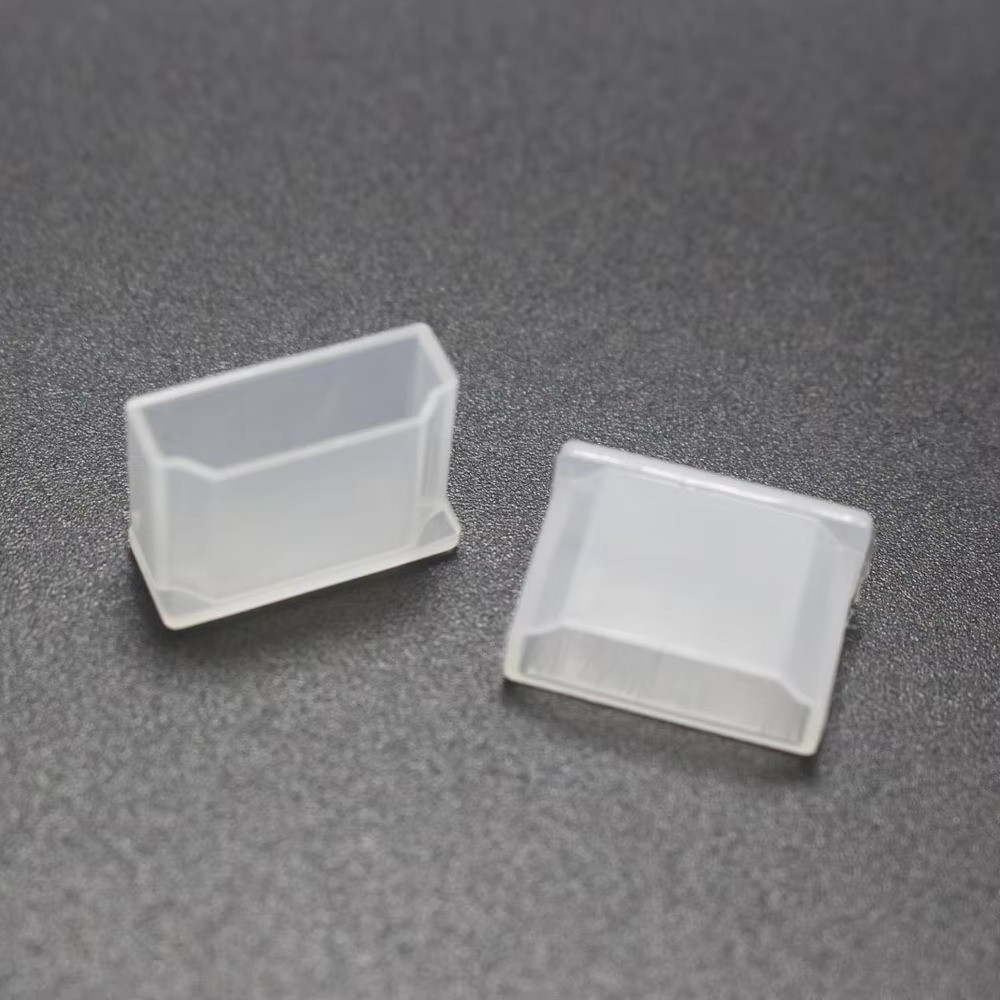
This cable makes the most sense for a DisplayPort-enabled computer, laptop, or graphics card feeding an HDMI monitor, HDTV, or projector. Its DisplayPort male-to-standard-HDMI male connection is the key reason to choose it; the listed 1080p Full HD support at up to 60Hz also gives the intended video ceiling a clear shape. Plug-and-play operation is another practical point, since the description specifies no drivers, software, or external power. The limitation is equally specific: this is a DisplayPort-to-HDMI lead, not a general HDMI cable for connecting two HDMI-equipped devices. Its 1080p focus also does not match the 8K and 4K modes named for the larger fiber cable. At USD 1.75, it is the straightforward choice for the narrower connection task.
50ft 8K Fiber Optic HDMI 2.1 Cable, 48Gbps, for Projector & Long Runs, CL3 In
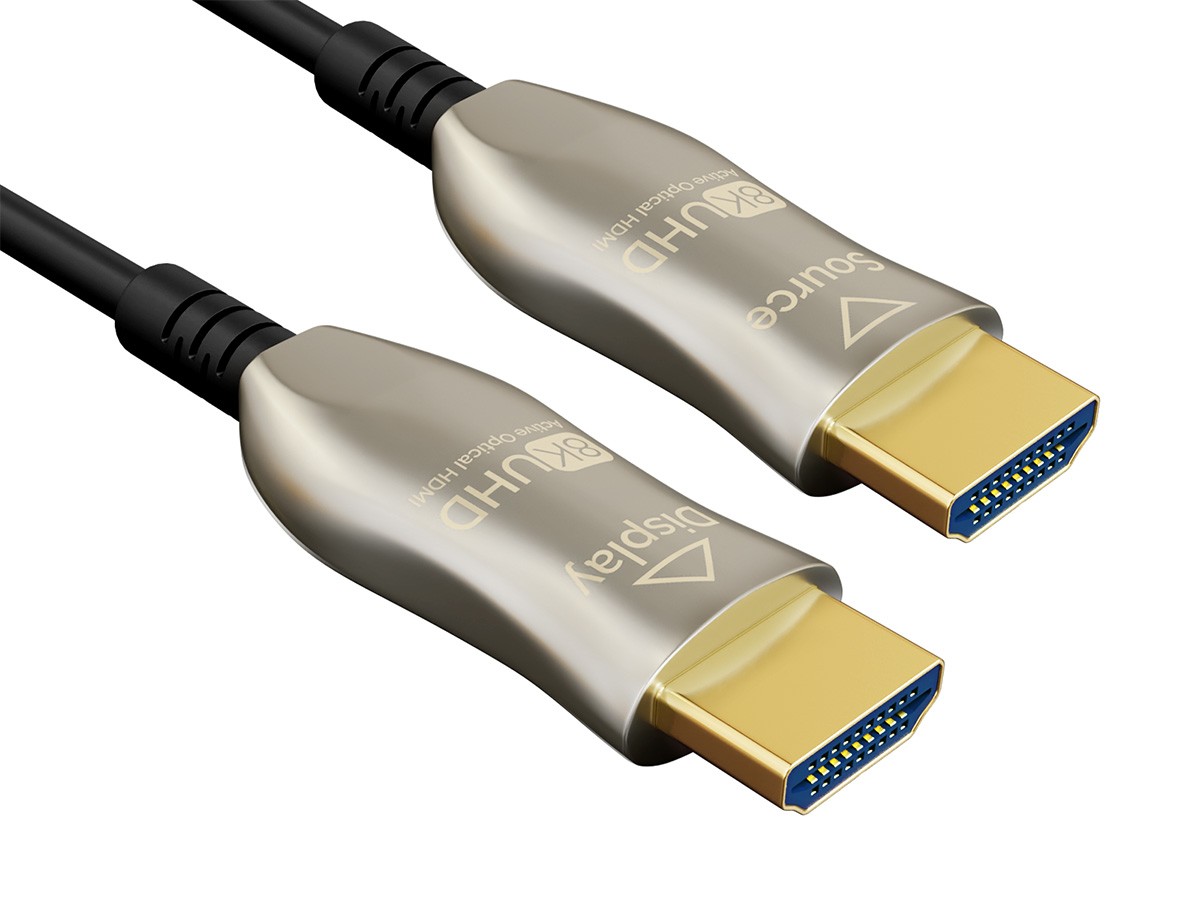
For a distant projector, this cable offers a very different specification: a 50ft run using active optical fiber, HDMI 2.1, and 48Gbps. The description lists 8K at 60Hz and 4K at 120Hz, making those formats central to the reason to choose it rather than a basic 1080p DisplayPort adapter. Its HDMI Type A male connector is marked "Source," so the source end has a clearly identified role in the connection. The limitation is the listed USD 98.99 price, which is $97.24 above the DisplayPort-to-HDMI lead. It also addresses an HDMI source-to-display run, not the specific job of converting a DisplayPort computer output to HDMI. Choose it for distance and the stated HDMI modes, not merely because its numbers are larger.
Final choice by use case
- PC or laptop with DisplayPort output to an HDMI projector, HDTV, or monitor: choose the DisplayPort-to-HDMI lead for its connector pairing and 1080p support.
- Projector positioned far from the source: choose the 50ft fiber optic HDMI cable because its title and description specifically identify long runs and projector use.
- 8K at 60Hz or 4K at 120Hz: choose the fiber HDMI cable, whose listed capabilities name both modes.
- A simple 1080p computer-to-HDMI connection: choose the DisplayPort lead and avoid paying for a cable built around a different HDMI use case.