Building from CPUs, motherboards & memory gets complicated when the boards serve very different processor families and build plans. The practical payoff is to sort by platform first, then condition and the specific connections or accessories that matter to your setup. Three AMD choices divide across two socket families, while the Dell is aimed at an Intel LGA1200 tower application.
The listed-price gap across this group is $110, but the price alone does not settle the decision. The MSI is listed new; the AORUS is open box; the ASUS is certified-refurbished; and the Dell is used. That makes a direct match between your intended system and each board's stated focus more useful than simply choosing the lowest figure.
Quick take
- Pick the MSI MAG B550 Tomahawk MAX WiFi for the stated AMD Ryzen processor families and a new-condition board with PCIe 4.0, 2.5G LAN, and Wi-Fi 6E in its description.
- Choose the AORUS X870E PRO ICE when a white-themed ATX build and Wi-Fi 7 are central to the plan.
- Look to the ASUS ROG STRIX B650-A GAMING WIFI when the included SATA cable, I/O shield, M.2 hardware, and Wi-Fi antenna are useful additions to your build list.
- The Dell Precision 3650 NDYHG is the focused route for the named Dell Precision 3650 Tower and Intel LGA1200 use case.
Listed price comparison
| Motherboard | Listed price | Relative listed-price bar |
|---|---|---|
| MSI MAG B550 Tomahawk MAX WiFi | USD 167.99 | |
| AORUS X870E PRO ICE | USD 199.99 | |
| ASUS ROG STRIX B650-A GAMING WIFI | USD 124.99 | |
| Dell Precision 3650 NDYHG | USD 89.99 |
Decision matrix
Choose by build direction, not by a generic feature checklist. The MSI is the new-condition AMD desktop route, with stated support for several Ryzen series. The AORUS suits an AM5 project where its white-and-silver theme and Wi-Fi 7 are priorities. The ASUS is another AM5 option, differentiated by its refurbished status, listed expansion slots, and included build accessories. The Dell belongs in the Precision 3650 Tower scenario named in its title and description, rather than being treated as a general substitute for the ATX boards.
Product notes
MSI MAG B550 Tomahawk MAX WiFi
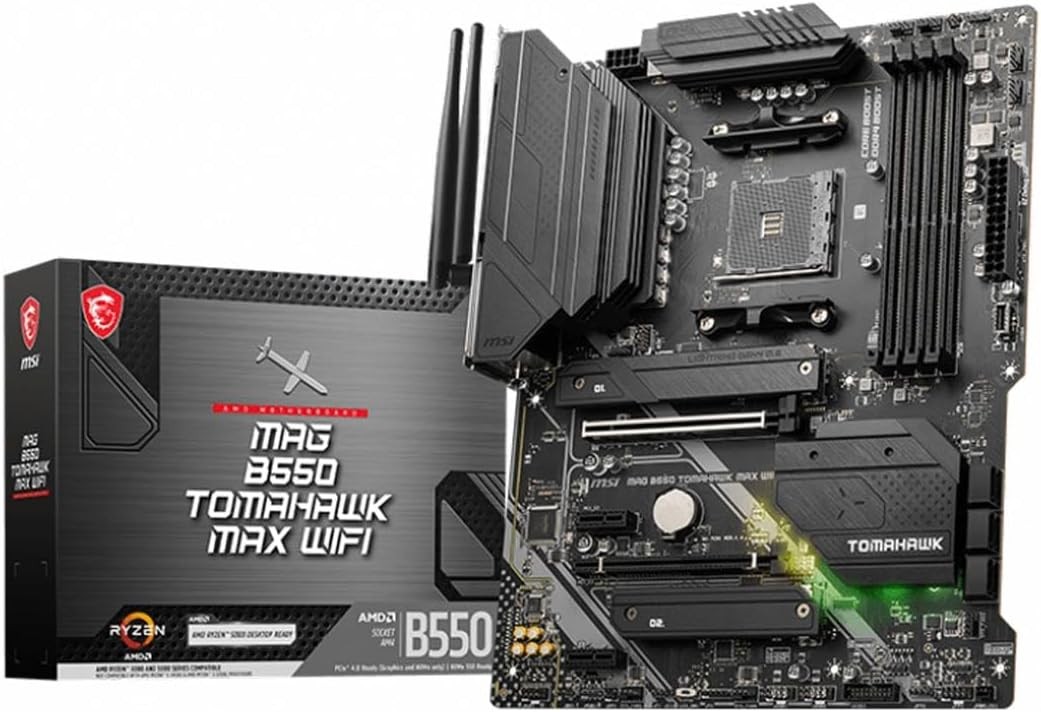
The MSI MAG B550 Tomahawk MAX WiFi is a sensible choice when your build uses one of its stated AMD Ryzen 5000 Series, 5000 G-Series, 4000G-Series, or 3000 Series processors. It is listed new, while the description also calls out PCIe 4.0, a Lightning Gen 4 x4 M.2 connection with Shield Frozr, 2.5G LAN, and AMD Wi-Fi 6E. That combination gives it a clear role in an AMD desktop build that matches those processor families. Its limitation is equally clear: this is an AM4 DDR4 ATX board, so it is aimed at that platform direction rather than an AM5 DDR5 build.
AORUS X870E PRO ICE
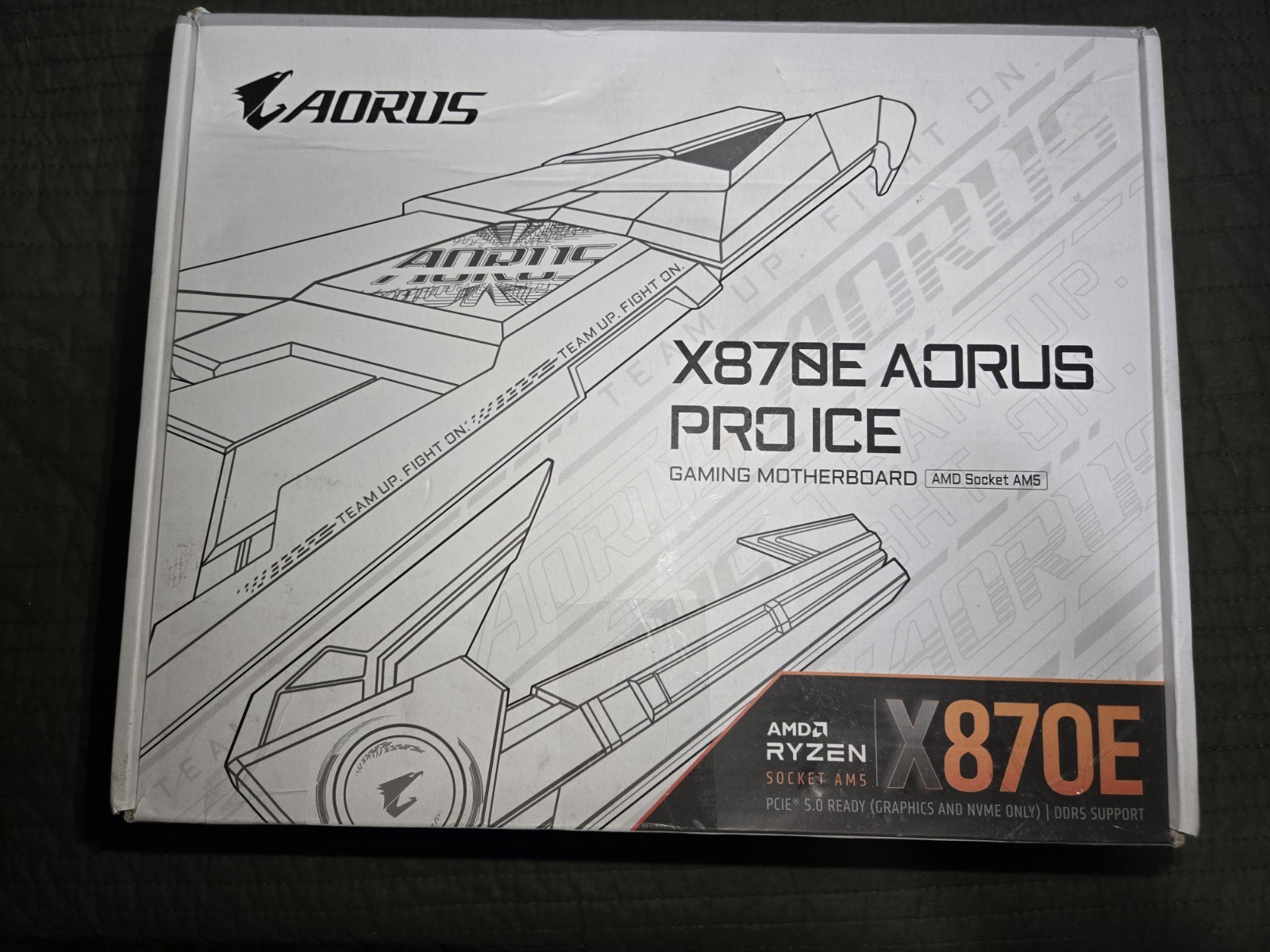
AORUS X870E PRO ICE stands out for a build centered on its stated silver-and-white appearance, alongside Wi-Fi 7 in the title. Its configuration includes four DDR5 DIMM slots, AMD EXPO support, on-board audio, HDMI, Ethernet, and M.2 expansion. Those listed details make it easy to identify for a feature-led desktop plan without treating any one specification as automatically superior. The limitation is condition: it is listed open box rather than new or refurbished. Its description also flags a specific lane consideration when certain secondary PCIe 5.0 M.2 slots are populated, which may scale the primary x16 graphics slot to x8.
ASUS ROG STRIX B650-A GAMING WIFI
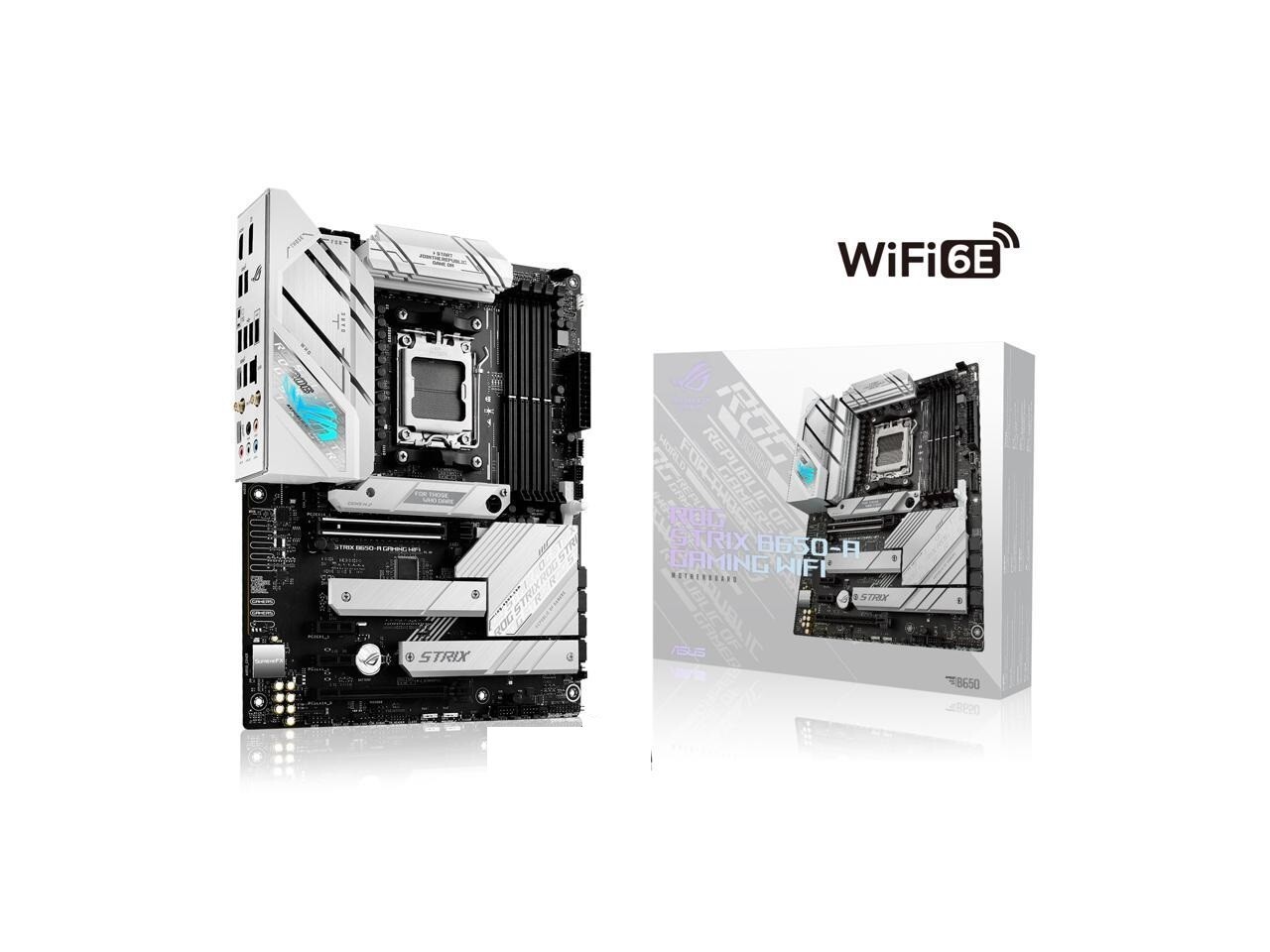
The ASUS ROG STRIX B650-A GAMING WIFI is the natural fit when the included SATA cable, I/O shield, M.2 screws, M.2 standoff, and Wi-Fi antenna match the parts you want on hand for assembly. It lists M.2, PCI Express x1, and PCI Express 4.0 x16 expansion slots, plus connections including USB-C, DisplayPort, HDMI, Ethernet, and optical S/PDIF out. Multi-GPU support and dual LAN are also among its listed features. The trade-off is its certified-refurbished condition. Shoppers comfortable with a refurbished board get a clearly described accessory bundle and a detailed port selection, but it is not the new-condition choice in this group.
Dell Precision 3650 NDYHG
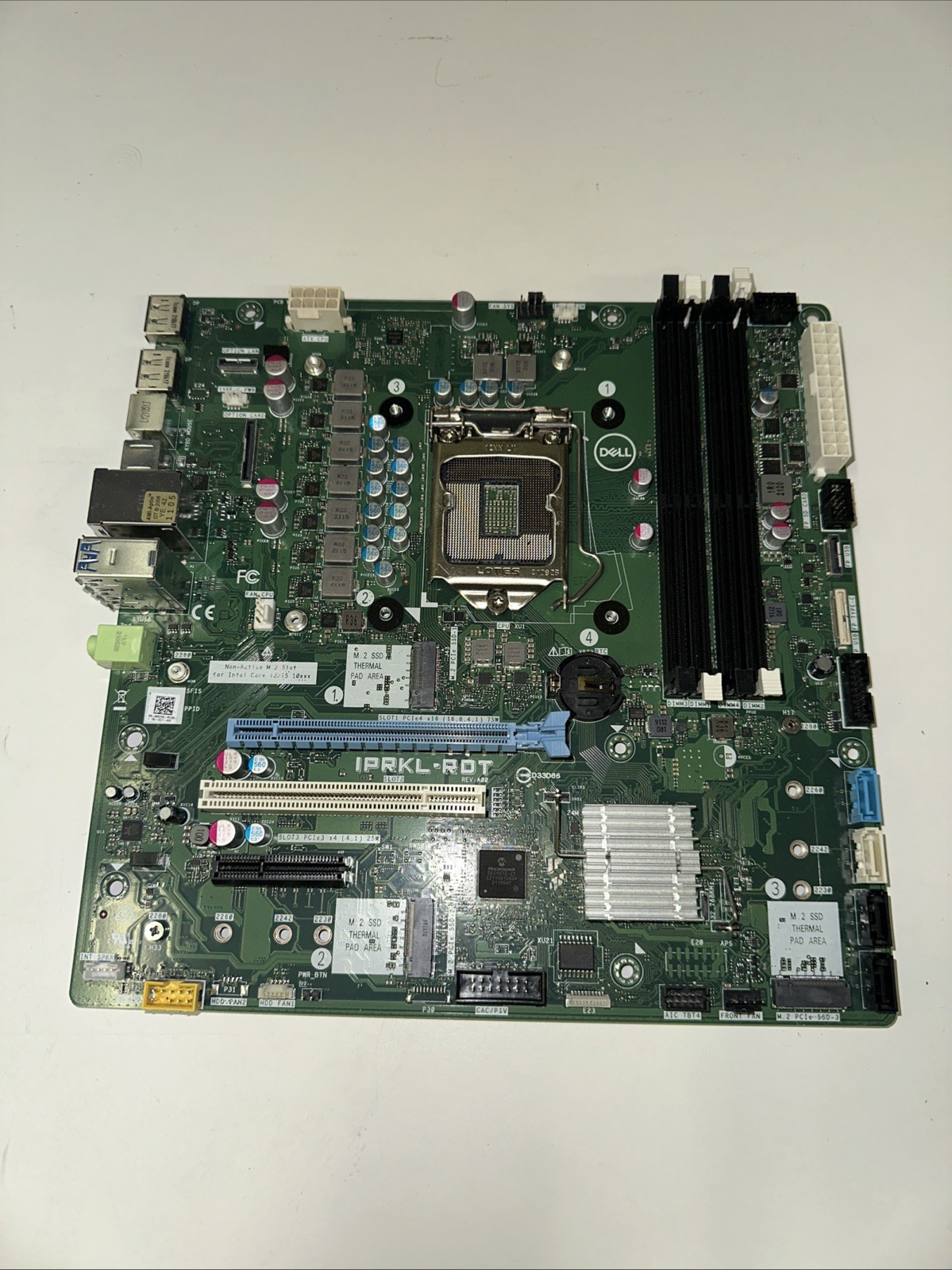
Dell Precision 3650 NDYHG has the most narrowly defined destination of the four: the Dell Precision 3650 Tower named directly in its title and description. It is an Intel-compatible LGA1200 motherboard with DDR4 SDRAM memory slots, and its listed details include BIOS unlocked, Computrace unlocked, and MDM not enabled. Choose it when that specific Dell tower is the build or replacement scenario you are addressing; the model-specific wording is its strongest reason to narrow the field. The limitation is its used condition, which is a distinct condition choice from the new, open-box, and refurbished alternatives. It is the lowest listed-price board here, but the tower focus should lead the decision.
Final recommendation by use case
For a desktop using the MSI's named Ryzen processor families, choose the MSI MAG B550 Tomahawk MAX WiFi. For a white-themed ATX project where Wi-Fi 7 is a stated priority, choose the AORUS X870E PRO ICE. Select the ASUS ROG STRIX B650-A GAMING WIFI when its included cable, shield, M.2 hardware, and Wi-Fi antenna are useful for your build plan. For a Dell Precision 3650 Tower, the Dell Precision 3650 NDYHG is the direct model-focused choice.