Choosing keyboard switches is usually a trade-off between a lower-priced smaller pack and a larger set with more lighting-related details. The 30-Pack Blue Mechanical Keyboard Switches emphasizes dustproof and waterproof wording and a 3-pin fit cue, while the 65-Pack Blue Clicky & Tactile Mechanical Keyboard Switches emphasizes RGB Ready support and standard MX compatibility. The useful question is which constraint matches your keyboard project-not which switch sounds more impressive.
Quick verdict
The 30-Pack Blue Mechanical Keyboard Switches is the practical pick when lower upfront spending matters: it is $13.99 versus $28.99 for the 65-Pack, a $15.00 listed spread. Choose the 65-Pack Blue Clicky & Tactile Mechanical Keyboard Switches when the larger quantity, RGB Ready wording, and included puller matter more than that gap. Both are blue, click-oriented choices, so shoppers seeking silent keyboard switches should not treat either as a quiet-first option.
At-a-glance comparison
| Comparison | 30-Pack Blue Mechanical Switches | 65-Pack Blue Clicky & Tactile Mechanical Switches |
|---|---|---|
| Listed price | $13.99 | $28.99 |
| Pack size | 30 switches | 65 switches |
| Fit wording | Most 3-pin mechanical keyboards | Standard MX mechanical keyboards |
| Distinguishing title cue | Dustproof & Waterproof | RGB Ready |
Where each product wins
30-Pack Blue Mechanical Keyboard Switches
This set has the clearest case for a build where explicit dustproof and waterproof wording matters, or where the blue-and-white mix is part of the visual plan. Its 3-pin mechanical-keyboard compatibility description is also a concrete fit cue. The combination of protection wording, color mix, and fit language makes it easy to match with a specific project.
65-Pack Blue Clicky & Tactile Mechanical Keyboard Switches
This set has the clearest case when lighting is central. RGB Ready appears in the title, and its compatibility details name SMD lights, RGB plug-in lights, and round biped lights. It also includes Outemu switches and one switch puller, giving it a concrete accessory distinction for a keyboard-building project.
Product notes
30-Pack Blue Mechanical Keyboard Switches - Clicky, Dustproof & Waterproof
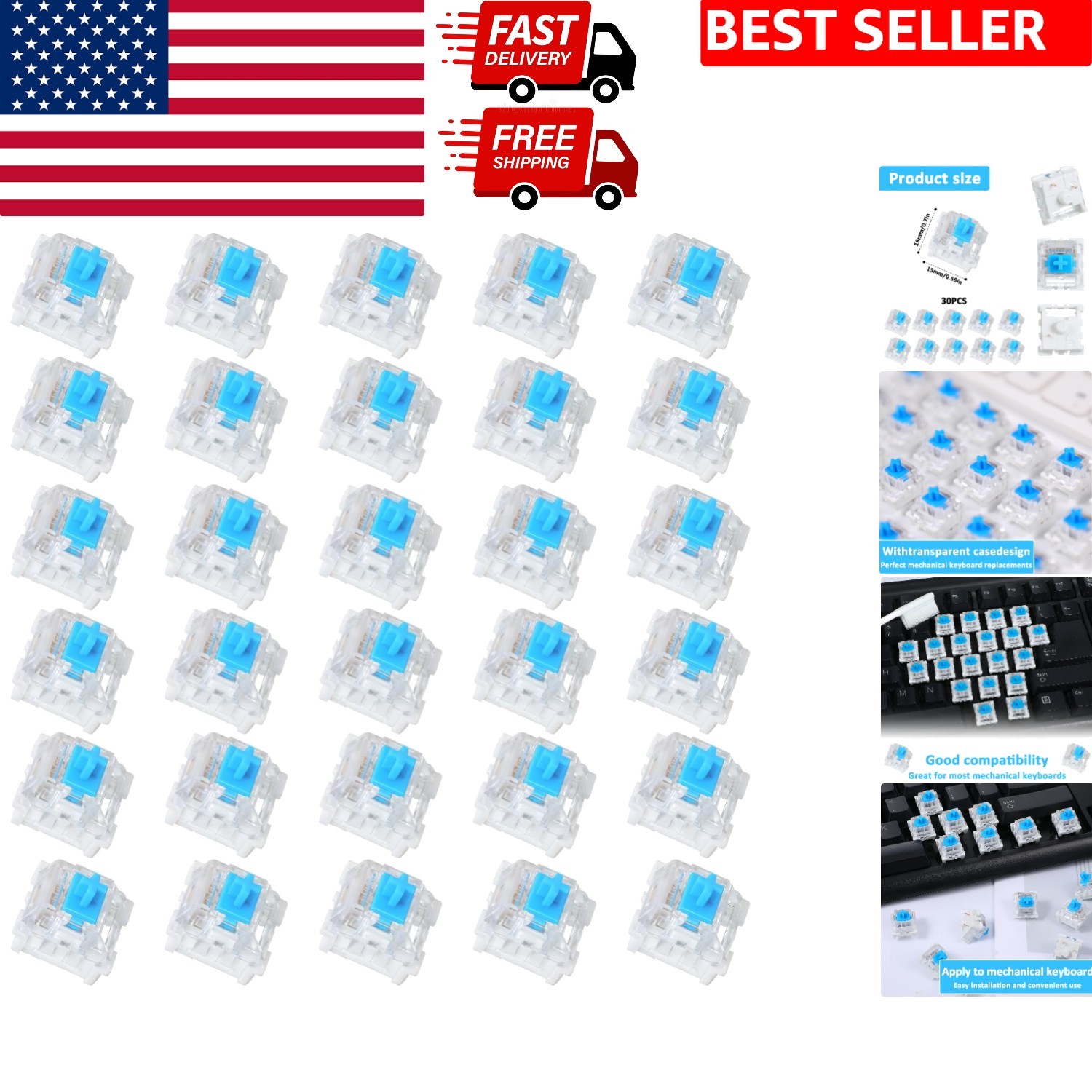
For shoppers building around a 3-pin mechanical keyboard, this set offers a clear reason to choose it: the blue-and-white mix is paired with dustproof and waterproof wording. It also suits a project aimed at everyday office use or a custom build. The limitation is the pack quantity named in the title: 30 switches is a smaller set than the 65-switch alternative, so it may not suit a project planned around the larger quantity. The zinc alloy contact material is another concrete identifier, but it does not establish a performance ranking on its own. This is the more focused choice when fit wording and protection language matter most.
65-Pack Blue Clicky & Tactile Mechanical Keyboard Switches - RGB Ready
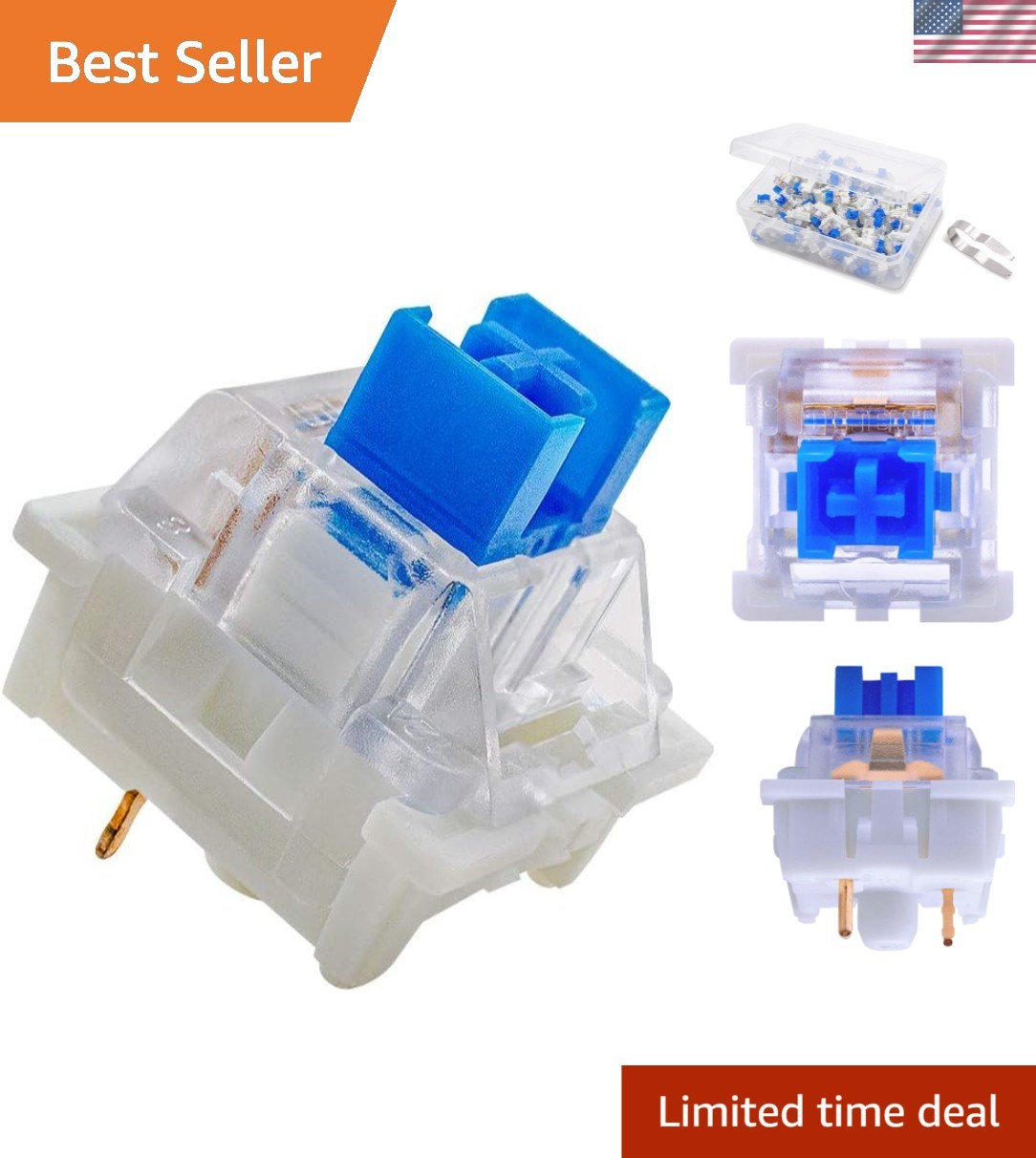
A concrete reason to choose this set is its lighting and accessory detail: it names support for SMD lights, RGB plug-in lights, and round biped lights, while including Outemu switches plus one switch puller. The stated 50gf actuation force and two-stage tactile feedback give shoppers characteristics to compare without treating the number as proof of superiority. Its limitation is the standard MX compatibility wording, which may be less directly aligned with a project specifically organized around a 3-pin fit cue. The clicky-and-tactile emphasis is also a poor match for someone whose priority is silent keyboard switches.
Final choice by use case
- Choose the 30-Pack Blue Mechanical Keyboard Switches for a 3-pin-focused build, a blue-and-white mix, dustproof and waterproof wording, or everyday office and custom-build use.
- Choose the 65-Pack Blue Clicky & Tactile Mechanical Keyboard Switches for a standard MX project where RGB lighting support, the named light-format compatibility, or the included switch puller matters.
- Choose neither for a silent-first brief: both titles center on clicky switches, so quiet operation is not the deciding strength of either choice.
For this comparison, start with the keyboard's fit description, then the desired lighting setup, and only then the quantity. That order keeps the decision tied to concrete product details rather than assuming one switch type is universally superior.