
Photos from current listings. Actual item, color, and included accessories may vary.
Cable Buying Guide
PC power cables split into two jobs: carrying mains AC safely and delivering regulated DC without voltage drop or melt risk. The decisive trade-off is conductor gauge and connector standard: 18AWG is the minimum for most internal runs, 16AWG is required for high-wattage EPS/PCIe, and C13/C14 vs C19/C20 must match the PSU inlet. Buy by connector standard and wire gauge, not by sleeving aesthetics.
Median $39.67
Key takeaways
- AC cords use IEC 60320: C13/C14 for most ATX PSUs, C19/C20 for 1500W+ units; NEMA 5-15P is the US wall plug standard.
- Internal DC gauge: 18AWG handles ~10A per conductor; 16AWG is the safe pick for EPS12V CPU and high-draw PCIe 8-pin runs.
- PCIe 8-pin is rated 150W per connector; a 6-pin to 8-pin adapter does not add capacity and can overload the source rail.
At a glance
- Category
- PC Power Supplies & Cables
- Last updated
- Nov 27, 2026
Current offers
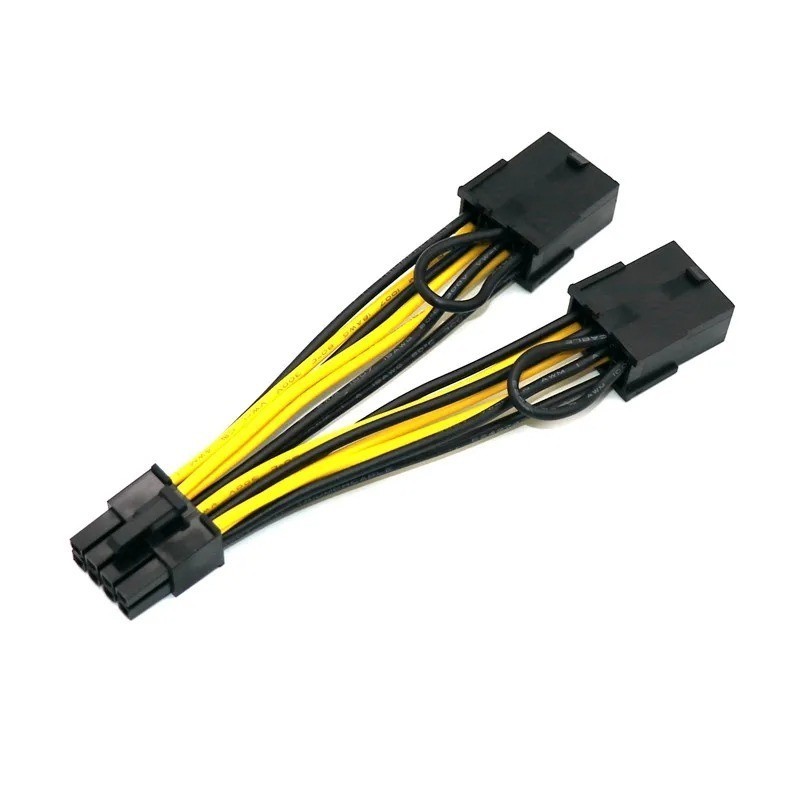 Dual PCIe 8Pin to CPU 8Pin Power Cable for NVIDIA TESLA K80 P40 P100 (12.5CM)$9.90View on eBay
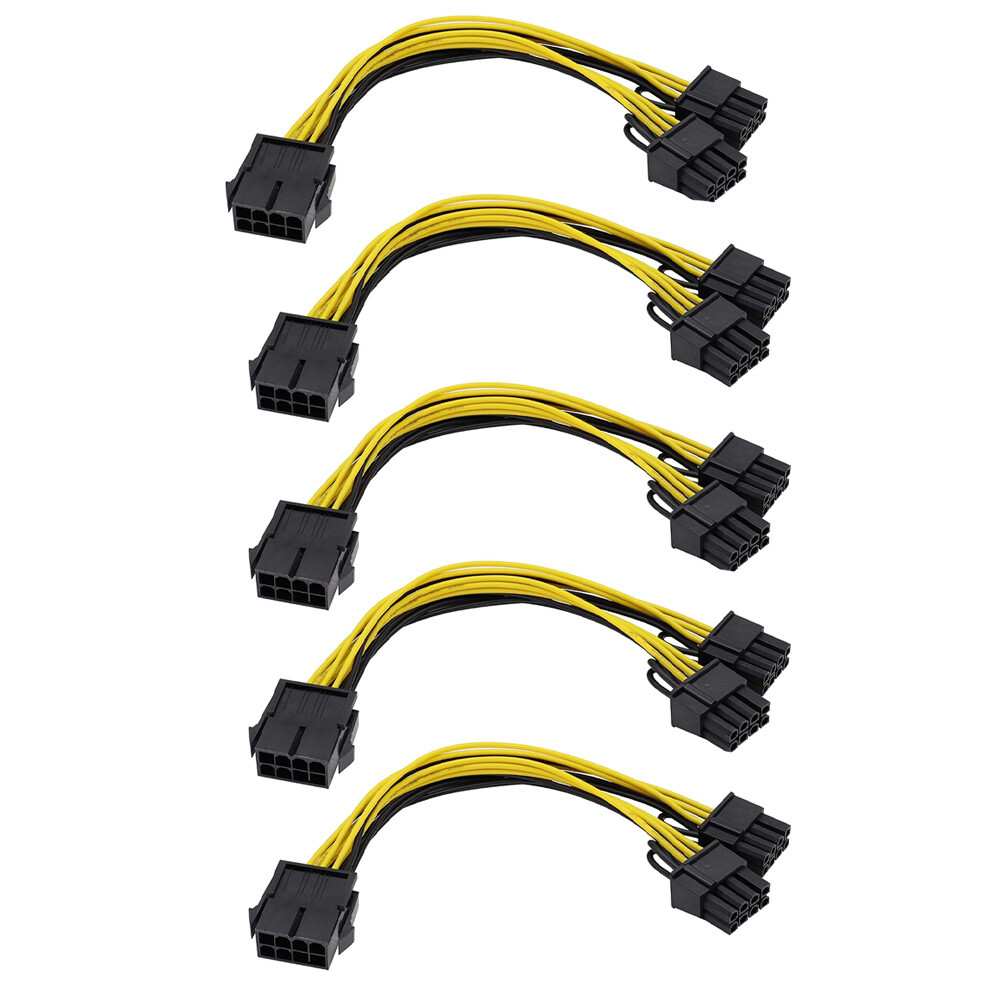 Graphics Card GPU VGA PCIe 8 Pin Female to Dual 8 Pin (6+2) Male Extension Cable$13.99View on eBay
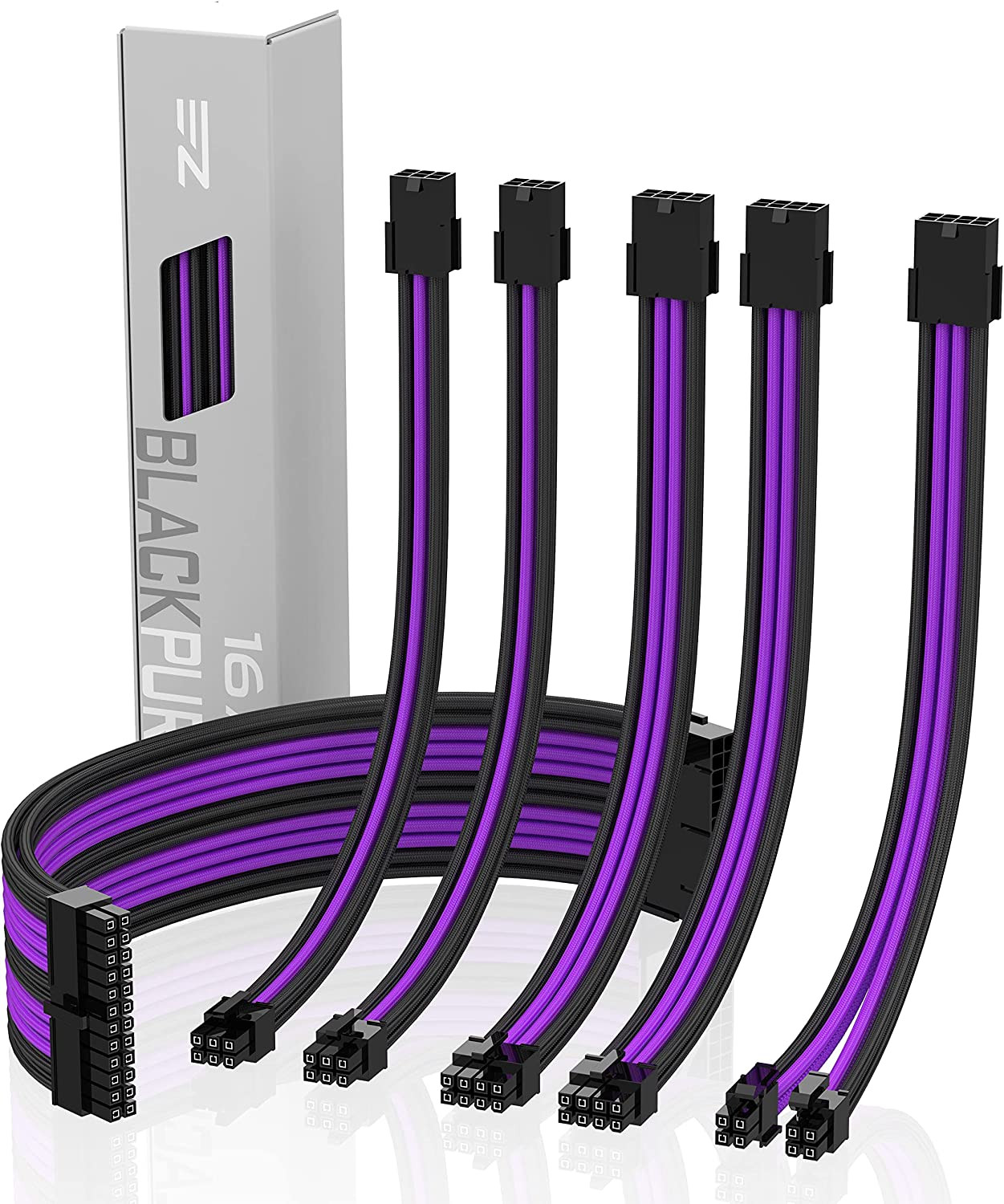 PSU Cable Extension Kit Sleeved Cable Custom Power Supply Sleeved Extension 16 A$39.67View on eBay
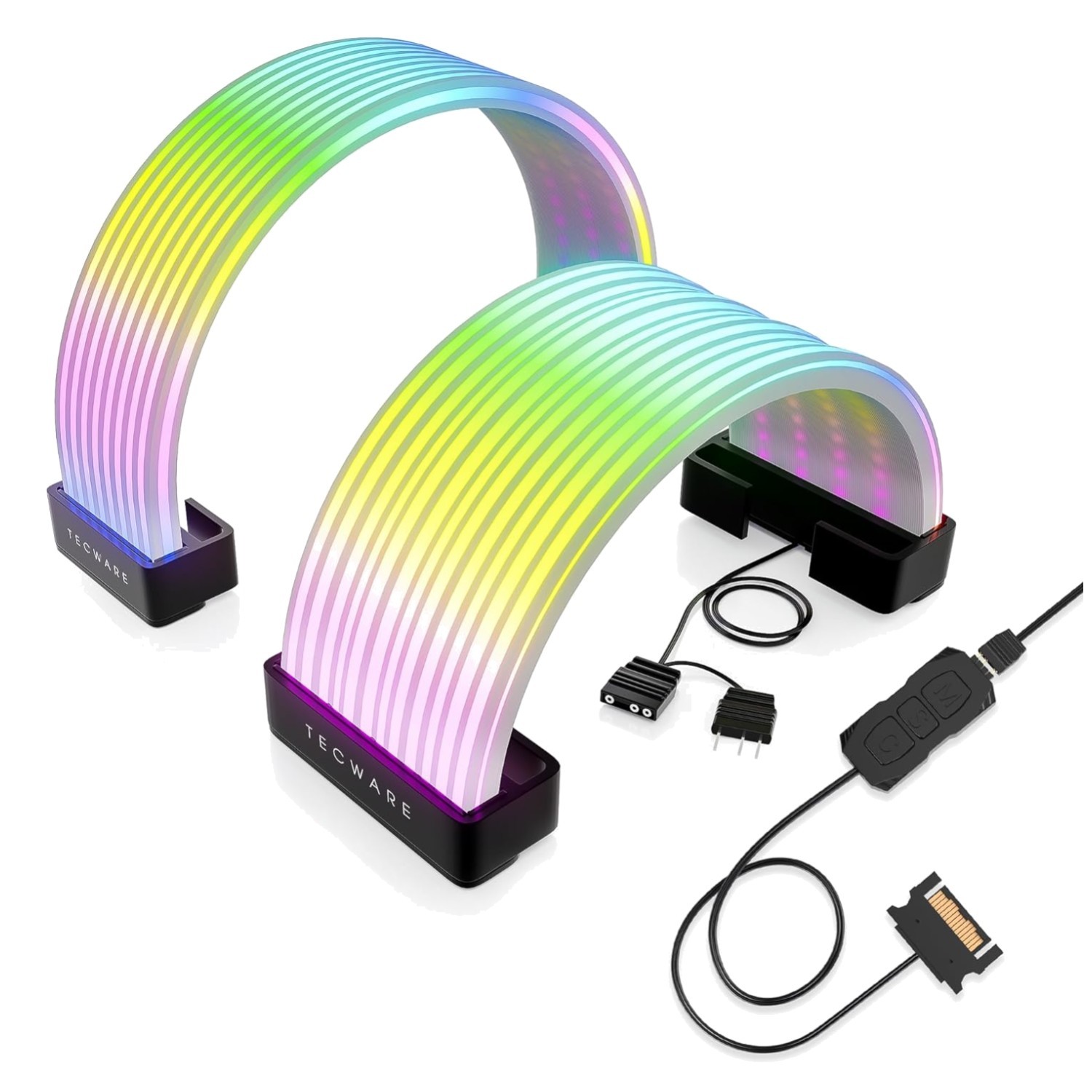 ARGB PSU Cable Extension Kit | RGB Lighting for PC Cables$74.24View on eBay
- ARGB PSU Cable Extension Kit | RGB Lighting for PC Cables^$74.24View on eBay
Highlights
- AC cords use IEC 60320: C13/C14 for most ATX PSUs, C19/C20 for 1500W+ units; NEMA 5-15P is the US wall plug standard.
- Internal DC gauge: 18AWG handles ~10A per conductor; 16AWG is the safe pick for EPS12V CPU and high-draw PCIe 8-pin runs.
- PCIe 8-pin is rated 150W per connector; a 6-pin to 8-pin adapter does not add capacity and can overload the source rail.
- Sleeved extension kits add resistance and length; full replacement cables from the PSU maker are safer for high-wattage builds.
Best use cases
- Pick a C13 18AWG AC cord for a standard 500-850W ATX PSU; skip C19 unless your PSU inlet is the larger 16A rectangle.
- Pick 16AWG EPS12V and native PCIe cables for a 1000W+ GPU build; skip dual 8-pin-to-CPU Tesla adapters on consumer boards.
- Pick a 16AWG sleeved extension kit only for looks on a mid-wattage build; skip extensions on 12VHPWR/RTX 40-series cards.
- Pick a 192-piece management kit for tidy routing; skip it if you need electrical adapters, not Velcro and ties.
Buying tips
- Match the PSU inlet: C14 plug into C13 inlet for standard ATX; C20 into C19 for high-wattage units.
- Count PCIe outputs on the PSU, not on the GPU: one 8-pin cable per 150W; never daisy-chain above the cable rating.
- Choose 16AWG for runs over 50cm or above 10A per conductor; 18AWG pure copper is the floor, not the upgrade.
- For 12VHPWR (RTX 40-series), use the PSU maker's native cable or included adapter; third-party extensions cause contact-resistance failures.
Specs
| AC Connector | IEC C13/C14 or C19/C20 |
|---|---|
| Wire Gauge | 18AWG min / 16AWG high-draw |
| PCIe Rating | 150W per 8-pin |
| Wall Plug | NEMA 5-15P (US) |
Related searches
What to check before buying
- Read the PSU label for inlet type (C13 vs C19) and total 12V amperage before ordering any AC or DC cable.
- Measure from PSU bay to GPU/CPU socket and add 5cm; extensions over 30cm add measurable voltage drop at 12V.
- Confirm wall socket standard: NEMA 5-15P for US; do not use a C19 cord on a 15A circuit.
- Check GPU power ports: 8-pin vs 12VHPWR vs 6-pin; adapters must match the source connector count exactly.
FAQ
Data sources: eBay / Amazon listings and product attribute feeds. Updated Nov 27, 2026.
Some links on this page are affiliate links. If you buy after clicking one, we may earn a commission at no extra cost to you. This does not change which products appear here or their order. Affiliate disclosure.