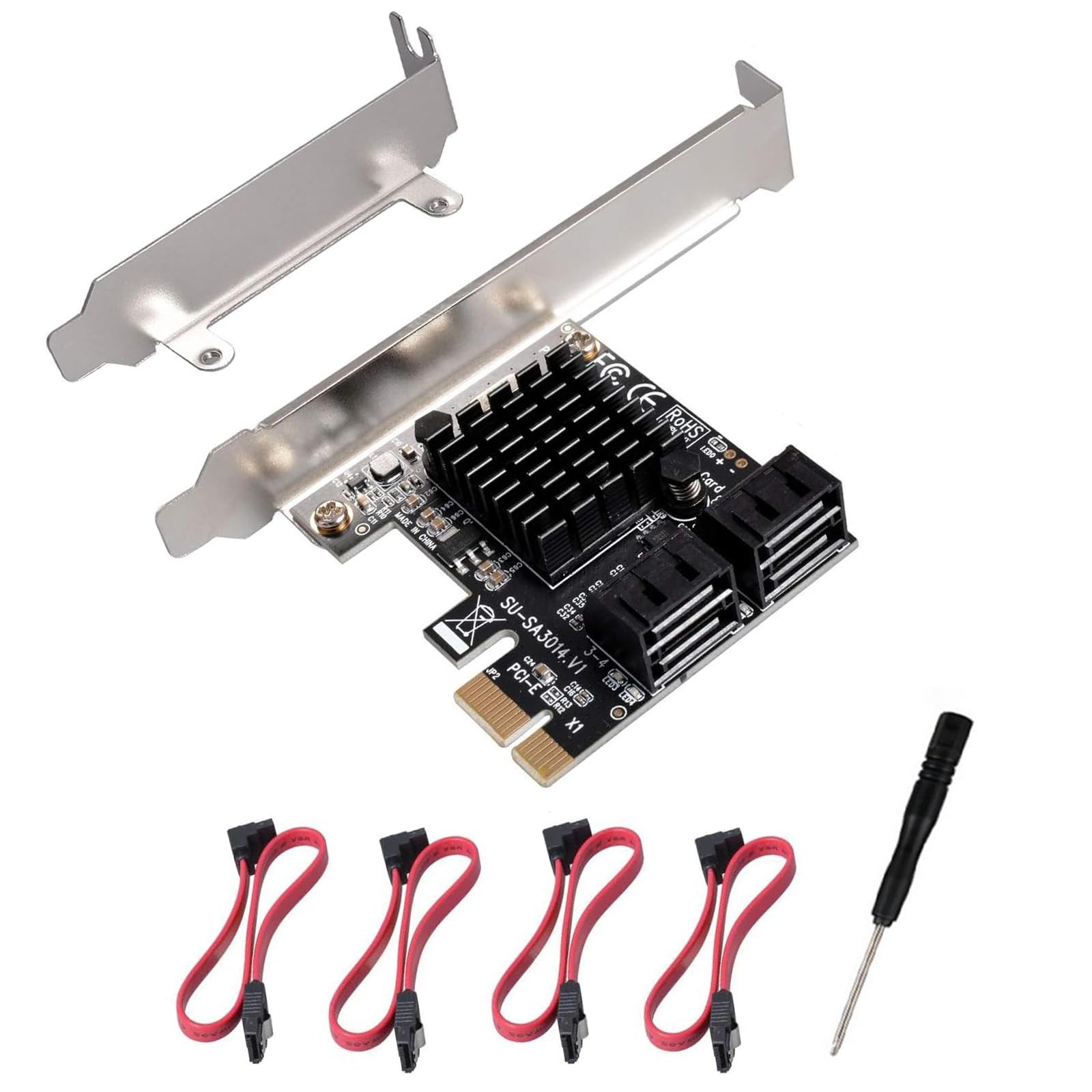

Photos from current listings. Actual item, color, and included accessories may vary.
PC Component Buying Guide
PC components are the modular parts—CPU, motherboard, RAM, GPU, storage, PSU, and case—that determine a build’s speed, longevity, and upgrade path. The core trade-off is platform generation and power-delivery quality versus short-term cost: modern sockets and 80 Plus Gold PSUs cost more upfront but keep resale value and avoid bottlenecks. Choose parts by exact socket/chipset, DDR generation, and wattage headroom—anything that cannot state those three specs is a compromise, not a deal.
Median $40.00
Key takeaways
- CPU socket and chipset lock the upgrade path: AM5 (LGA1718) supports DDR5 only, while AM4 (PGA1331) covers DDR4 and most budget builds through Ryzen 5000.
- PSU 80 Plus tier and +12V rail output decide stability: Gold/Platinum units deliver full rated wattage on +12V, while unrated units often cap near 70% under load.
- DDR generation is not backward-compatible: DDR4 and DDR5 have different keying and voltage regulation, so the motherboard spec fixes which RAM you buy.
At a glance
- Category
- PC Components & Upgrades
- Last updated
- Nov 25, 2026
Current offers
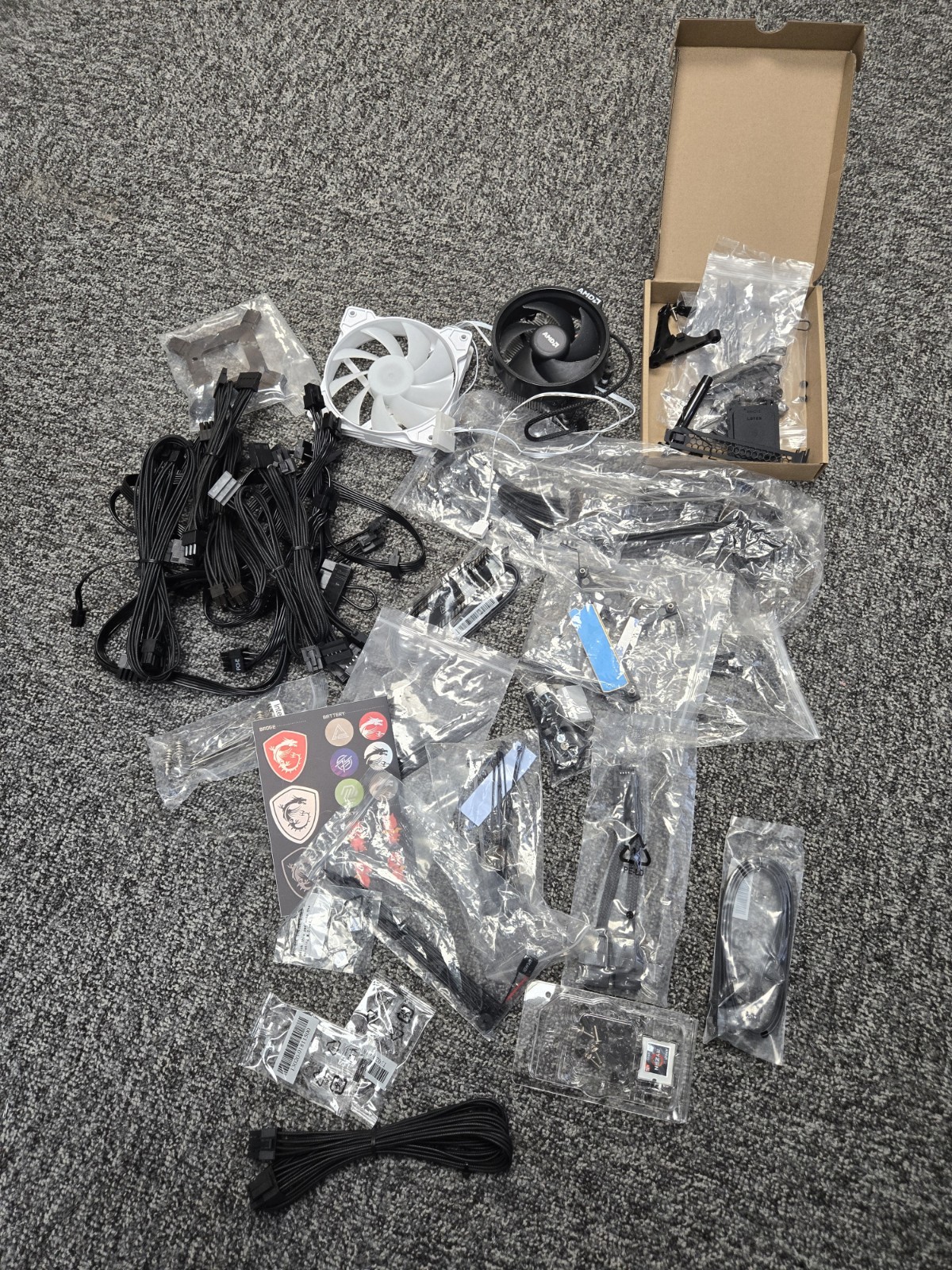
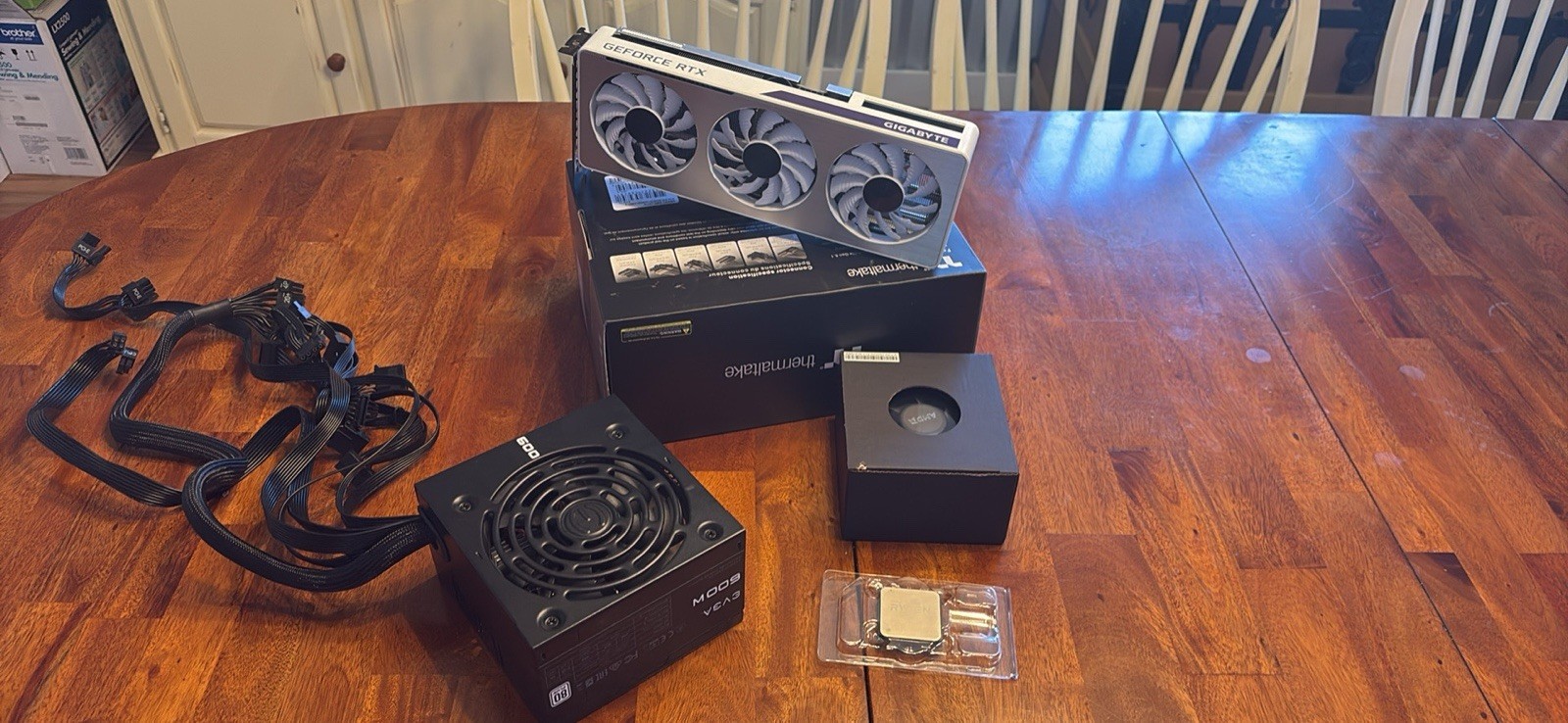
Highlights
- CPU socket and chipset lock the upgrade path: AM5 (LGA1718) supports DDR5 only, while AM4 (PGA1331) covers DDR4 and most budget builds through Ryzen 5000.
- PSU 80 Plus tier and +12V rail output decide stability: Gold/Platinum units deliver full rated wattage on +12V, while unrated units often cap near 70% under load.
- DDR generation is not backward-compatible: DDR4 and DDR5 have different keying and voltage regulation, so the motherboard spec fixes which RAM you buy.
- PCIe generation and lane count govern add-in cards: a PCIe 3.0 x1 slot caps SATA expansion cards and capture cards far below their rated throughput.
Best use cases
- New mid-range gaming build: pick a current-gen CPU socket, B-series chipset board, 2x8GB DDR5, 650–750W Gold PSU, and NVMe SSD—skip vintage bundles with DDR2 and no platform warranty.
- Office/media PC on a tight budget: a used AM4 or LGA1200 combo with 16GB DDR4 and a 500W Bronze PSU is the right tier; avoid low-end ‘read description’ lots that mix untested parts.
- Storage expansion only: choose a PCIe 3.0 x4 or x1 SATA card with a low-profile bracket only if your case is slim and your board has a free slot; full-height builds should use onboard SATA ports first.
- Wrong fit: buying a GPU or CPU without confirming PSU wattage, case clearance, and socket—this is the most common cause of no-boot builds and returned bundles.
Buying tips
- Match CPU to motherboard socket exactly: AM5 pairs only with 600/700-series chipsets, LGA1700 with 600/700-series Intel boards, and AM4 with 300–500-series boards.
- Size the PSU at 1.5x your GPU’s rated board power: a 200W GPU needs at least 500W total, and prefer 80 Plus Gold with two separate PCIe 8-pin cables over daisy-chained ones.
- Buy RAM in matched dual-channel kits at the board’s rated speed: 2x8GB or 2x16GB DIMMs, DDR4-3200 CL16 or DDR5-6000 CL30, rather than single sticks or mixed kits.
- For add-in cards, confirm slot length and lane width: SATA expansion needs PCIe x1 or x4, NVMe adapters need x4, and slim cases require the low-profile bracket included.
Specs
| CPU Socket | AM5 / AM4 / LGA1700 / LGA1200 |
|---|---|
| Memory Type | DDR5 vs DDR4 (not interchangeable) |
| PSU Efficiency | 80 Plus White to Titanium; Gold sweet spot |
| Add-in Slot | PCIe x1 / x4 / x16; gen 3–5 |
Related searches
What to check before buying
- Measure case clearance for GPU length, CPU cooler height, and radiator thickness before selecting a tier—mid towers typically cap GPUs near 330mm.
- Confirm PSU form factor (ATX vs SFX) and depth fit your case, and that its wattage and 8-pin/12VHPWR connectors match your GPU.
- Check motherboard RAM slots and maximum capacity (commonly 128GB on ATX, 64GB on ITX) and that the BIOS supports your CPU generation out of the box.
- Verify your wall voltage and plug standard (115V/230V, regional cord) and that the case has the front-panel headers your board expects.
FAQ
Data sources: eBay / Amazon listings and product attribute feeds. Updated Nov 25, 2026.
Some links on this page are affiliate links. If you buy after clicking one, we may earn a commission at no extra cost to you. This does not change which products appear here or their order. Affiliate disclosure.