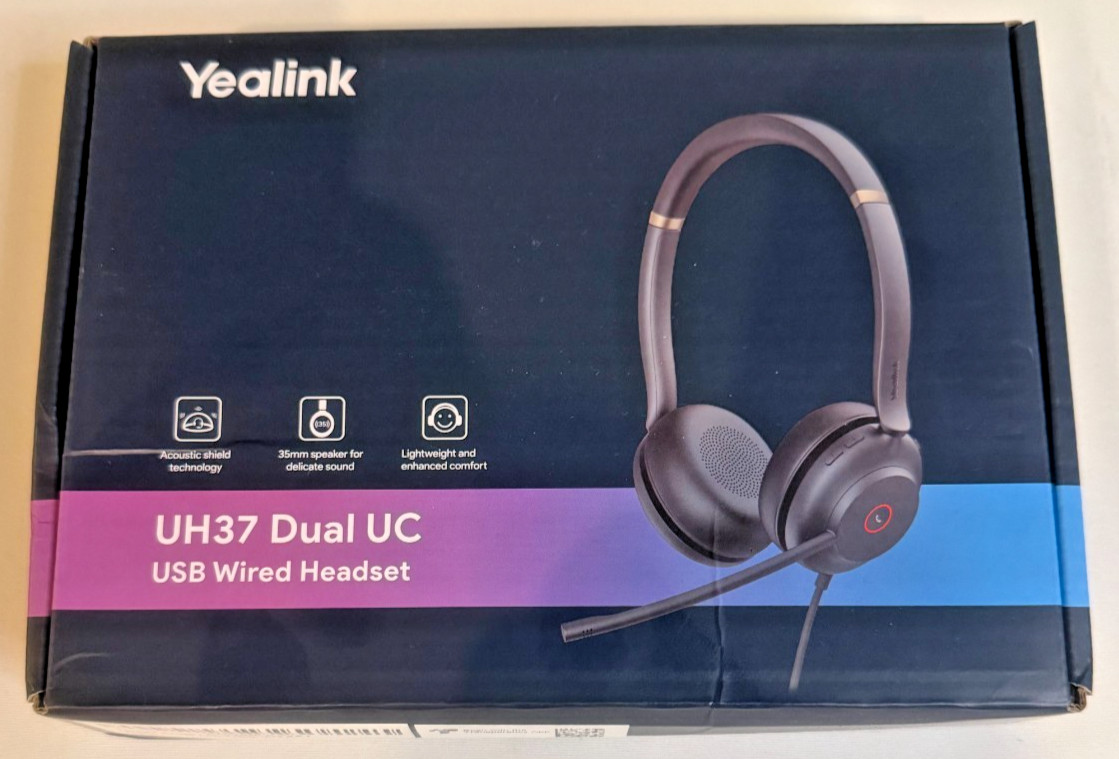

Photos from current listings. Actual item, color, and included accessories may vary.
Yealink UH37 USB Wired Headset Buying Guide
The Yealink UH37 is a UC-certified, USB wired dual-ear headset built for desk-phone and softphone platforms, not music listening. The core trade-off is fixed USB-A wired connectivity with a noise-canceling boom mic against wireless freedom and consumer audio tuning. The decision rule: buy it if you need all-day call clarity and platform certification on a fixed desk; skip it if you need Bluetooth mobility or hi-fi playback.
Key takeaways
- Dual-ear headband form factor with leatherette ear cushions and a flexible noise-canceling boom microphone for full-duplex voice capture.
- USB-A wired connection with integrated in-line call controls and a dedicated mute button; no battery, no charging, no pairing required.
- UC certification aligns with Microsoft Teams, Zoom, and major softphone platforms for plug-and-play driver-free operation on Windows and macOS.
At a glance
- Category
- Over-Ear Headphones
- Status
- Listings available
- Last updated
- Nov 28, 2026
Current offers
Highlights
- Dual-ear headband form factor with leatherette ear cushions and a flexible noise-canceling boom microphone for full-duplex voice capture.
- USB-A wired connection with integrated in-line call controls and a dedicated mute button; no battery, no charging, no pairing required.
- UC certification aligns with Microsoft Teams, Zoom, and major softphone platforms for plug-and-play driver-free operation on Windows and macOS.
- Acoustic design prioritizes speech intelligibility over music reproduction; the 28-micron-class driver tuning is voice-first, not bass-forward.
Best use cases
- Best fit: office or home-desk workers on Teams, Zoom, or a desk phone who need a fixed, always-on wired headset with a mute button in reach.
- Best fit: call-center and shared-desk environments where USB-A is standard and wireless pairing or battery charging would add friction.
- Wrong fit: mobile or hybrid workers who move between rooms or devices; the fixed USB-A cable and lack of Bluetooth make it a desk-bound tool.
- Wrong fit: music, gaming, or media consumption where wide soundstage and bass extension matter; pick a consumer over-ear instead.
Buying tips
- Confirm your platform: UC certification covers Teams, Zoom, and major softphones, but verify the exact variant (UC vs Teams-specific) matches your deployment.
- Check your port: this is USB-A; if your laptop or dock is USB-C only, budget for a USB-C-to-USB-A adapter or choose a USB-C-native headset.
- Match ear style to environment: dual-ear blocks office noise and improves focus; single-ear suits open offices where you need ambient awareness.
- Verify the cable length and in-line control position relative to your desk layout; fixed cables cannot be extended without an active USB extension.
Specs
| Connectivity | USB-A wired; no Bluetooth |
|---|---|
| Form Factor | Dual-ear headband / leatherette |
| Microphone | Noise-canceling boom mic |
| Certification | UC-certified (Teams/Zoom/softphone) |
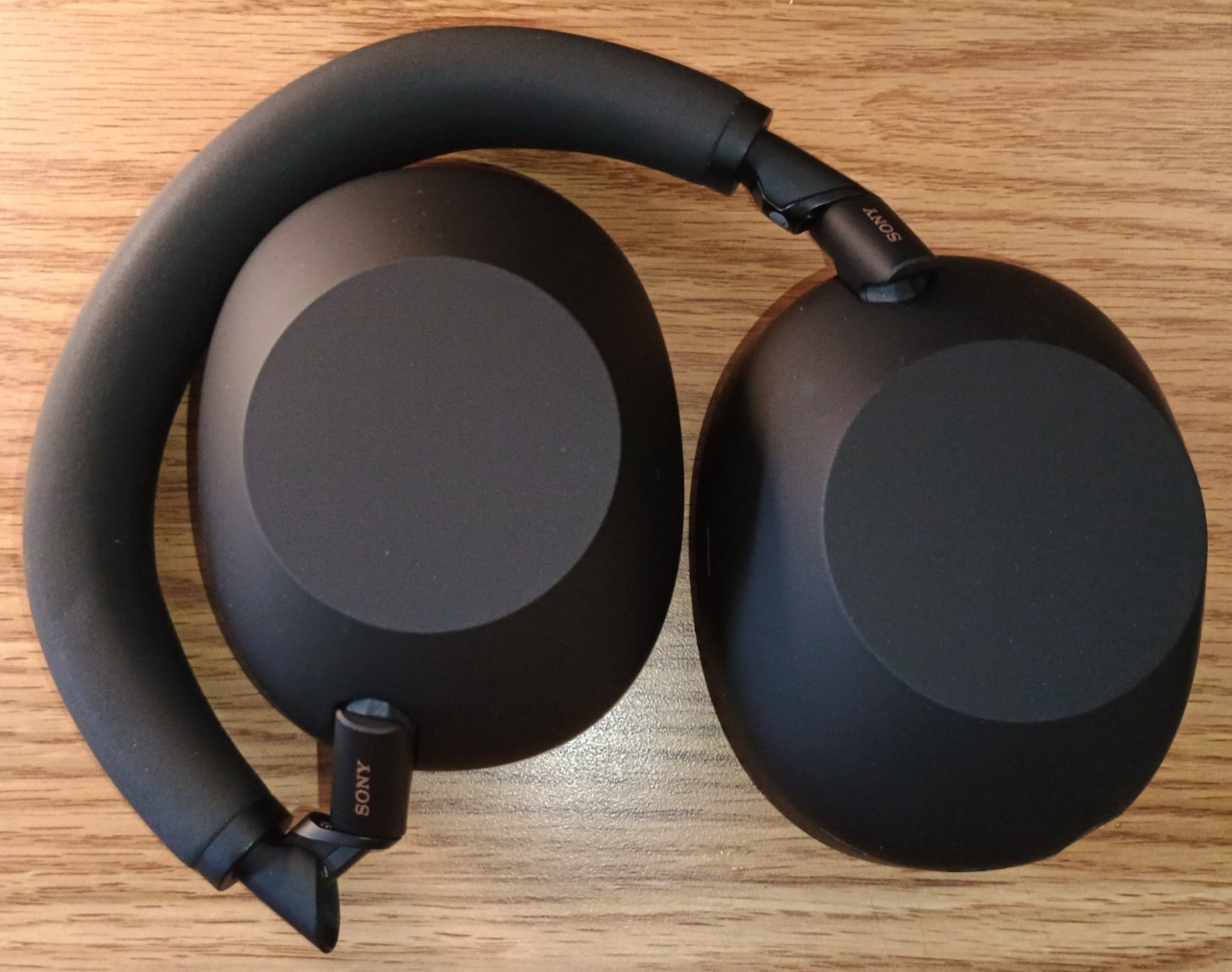
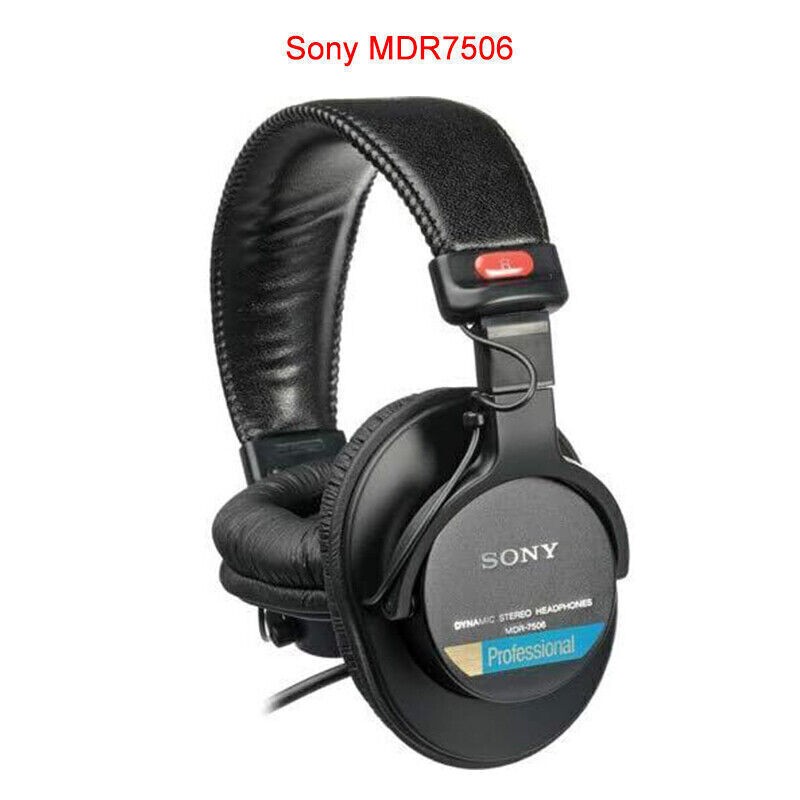
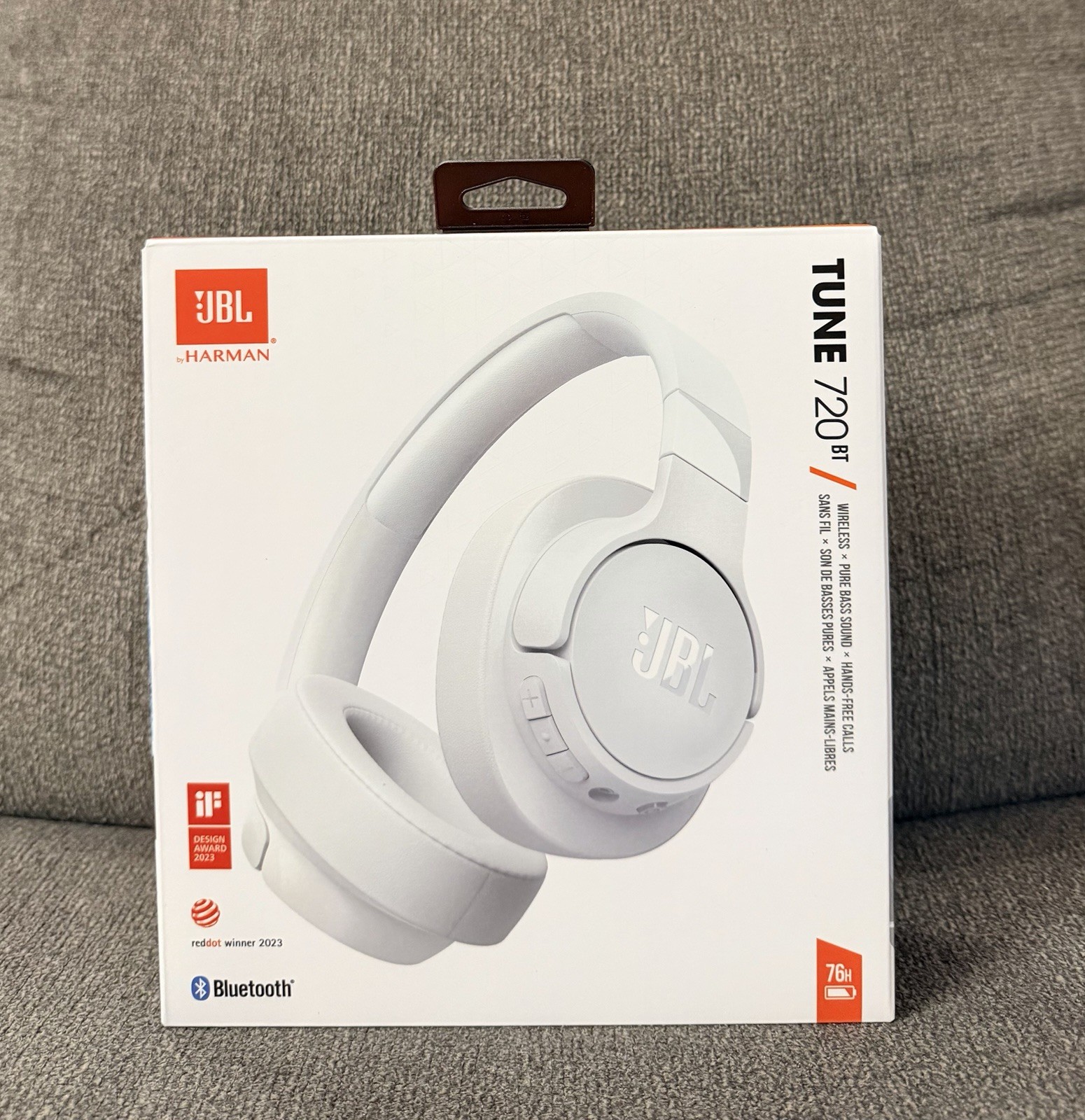
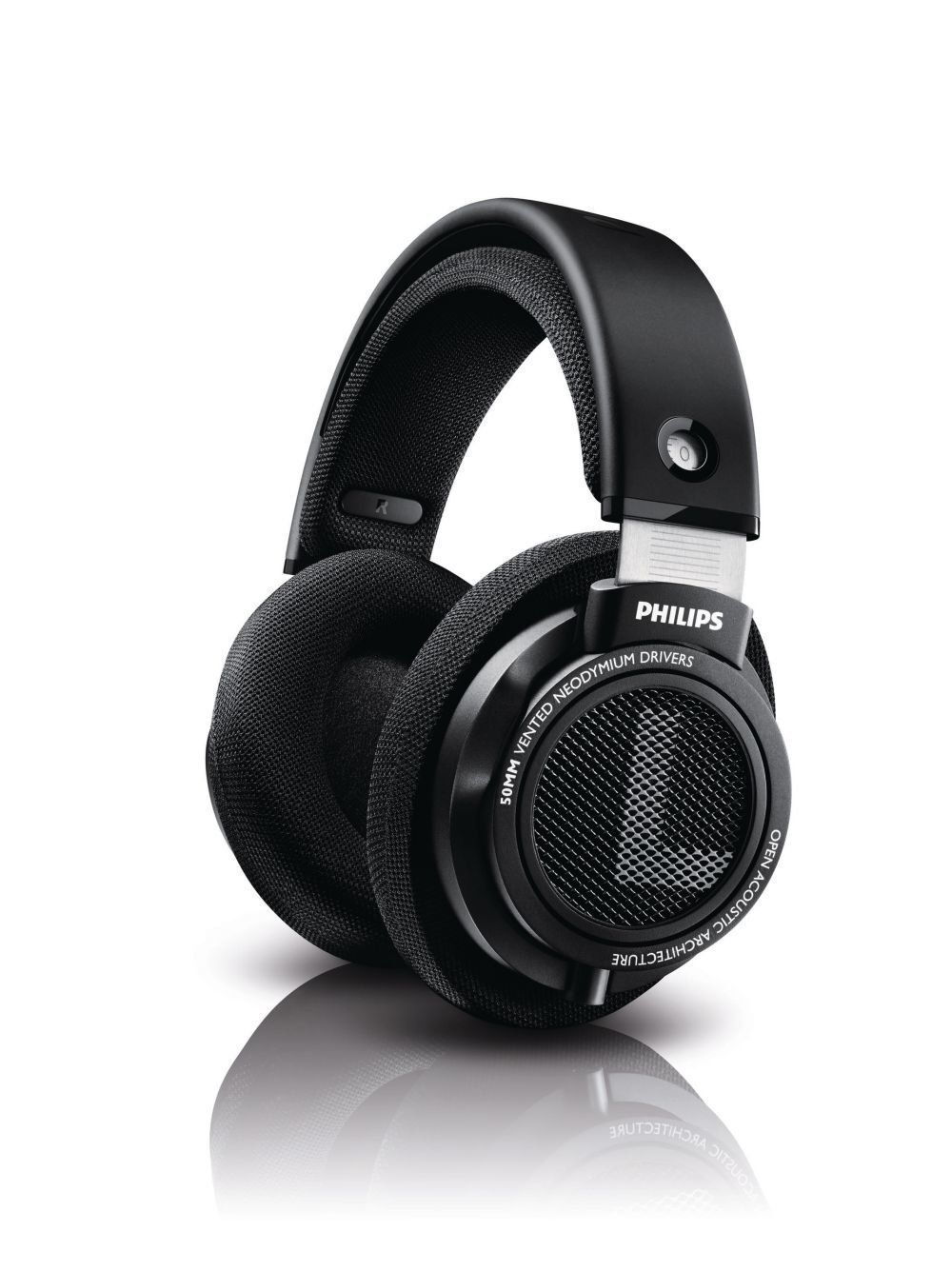
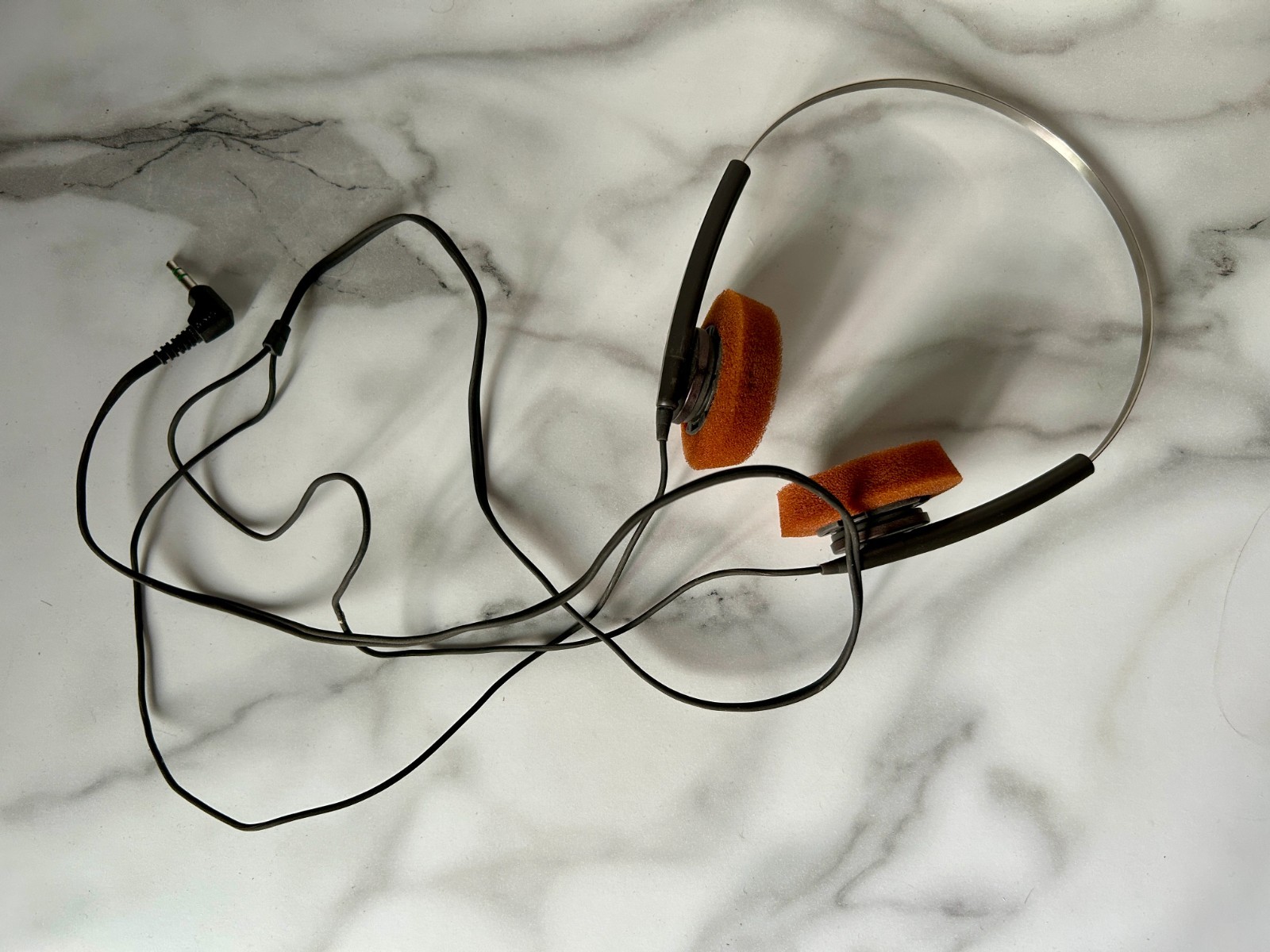
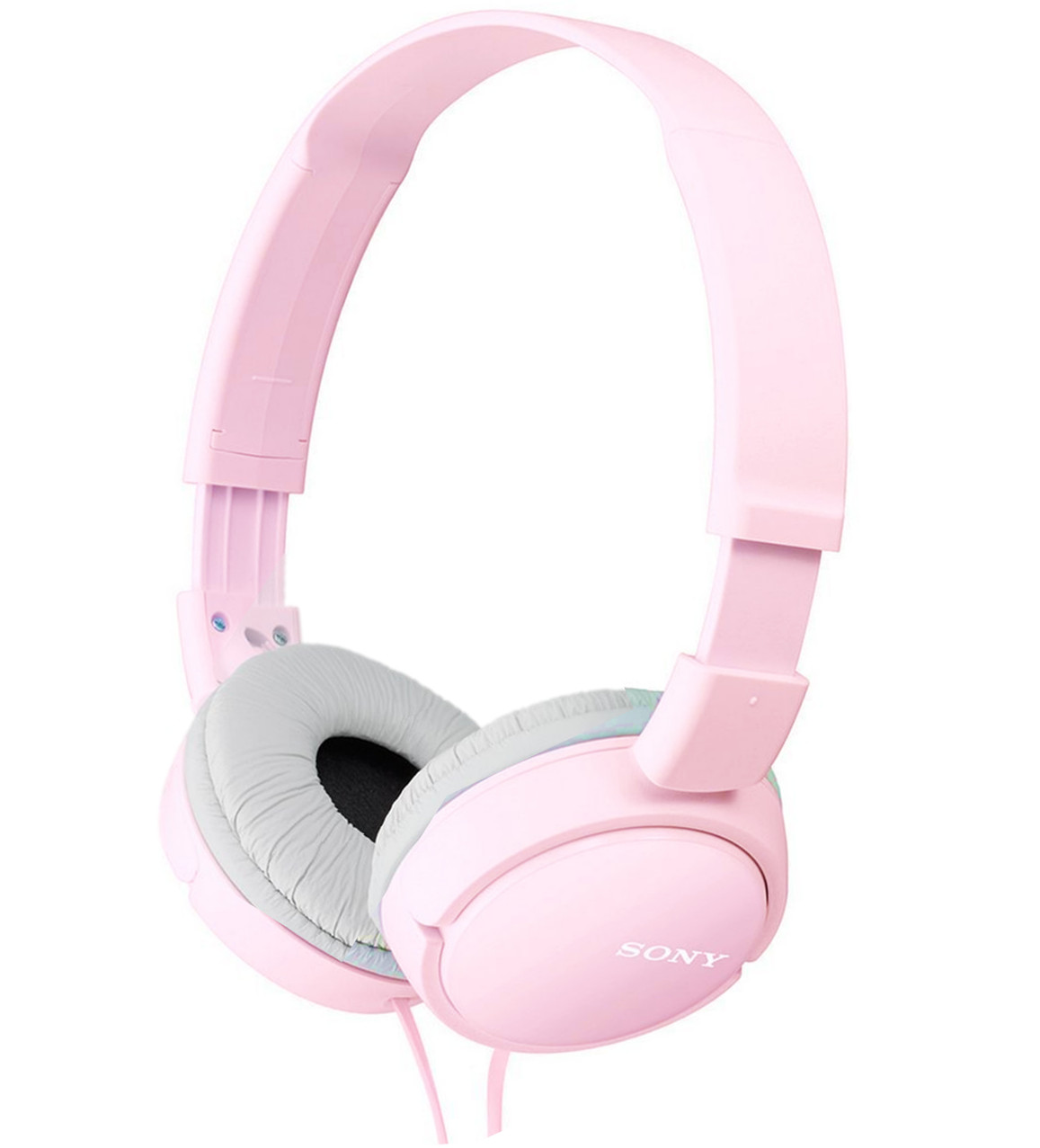
Alternatives to compare
Related searches
What to check before buying
- Measure your desk-to-port distance: ensure the fixed USB-A cable reaches your laptop or dock without strain.
- Confirm your softphone or desk-phone platform is UC-certified or plug-and-play compatible with Yealink USB headsets.
- Check your USB port type (USB-A vs USB-C) and whether a dock or adapter is needed.
- Verify headband and ear-cushion fit for all-day wear; dual-ear leatherette cushions can warm up in unventilated rooms.
FAQ
Data sources: eBay / Amazon listings and product attribute feeds. Updated Nov 28, 2026.
Some links on this page are affiliate links. If you buy after clicking one, we may earn a commission at no extra cost to you. This does not change which products appear here or their order. Affiliate disclosure.