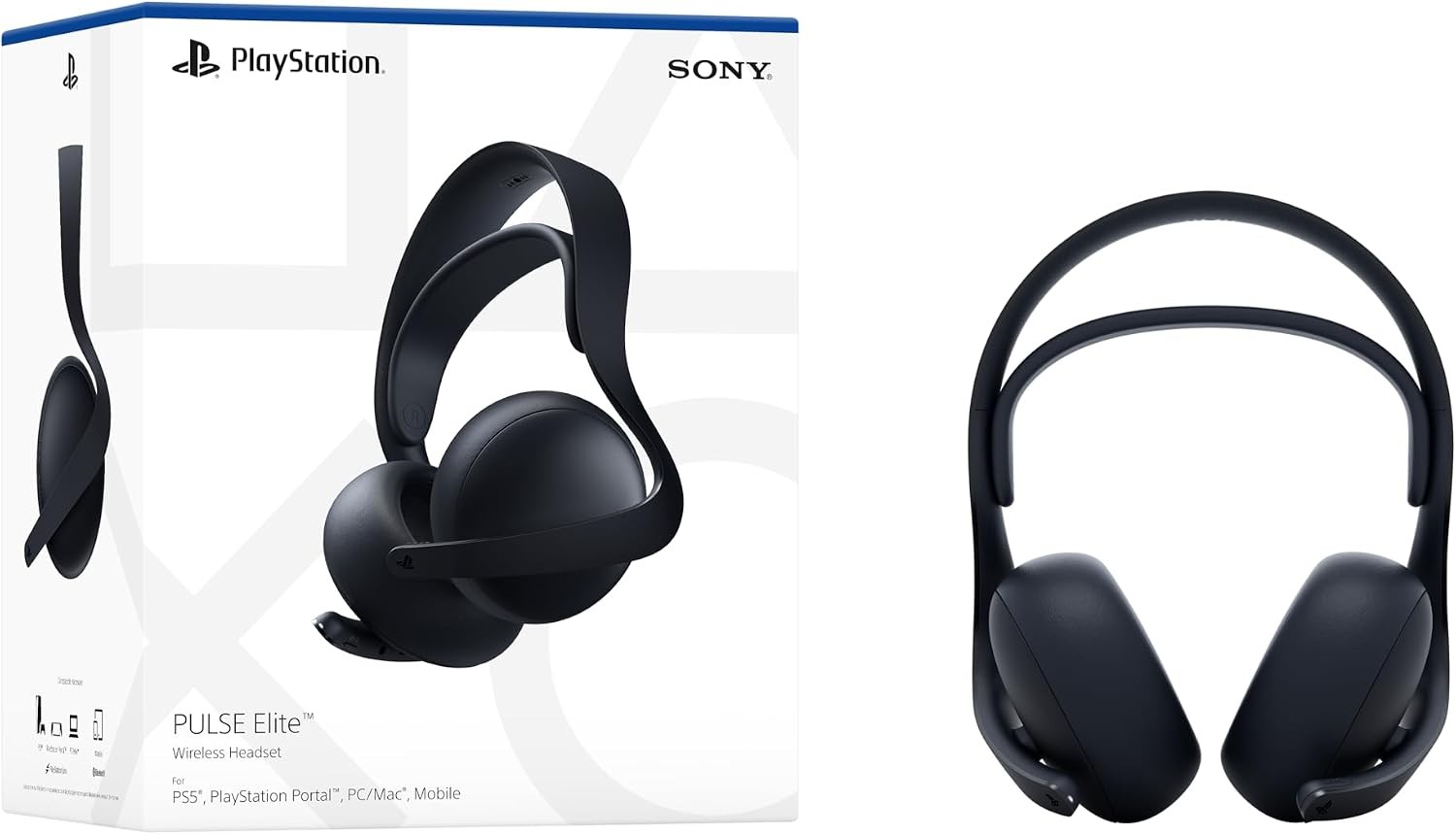

Photos from current listings. Actual item, color, and included accessories may vary.
Sony PULSE Elite Buying Guide
The Sony PULSE Elite is a PlayStation-first wireless headset built around planar magnetic drivers, a retractable boom mic, and 2.4 GHz lossless dongle connectivity — not Bluetooth. The core trade-off is ecosystem lock-in: you get class-leading positional audio and AI-enhanced mic clarity on PS5, but accept no Bluetooth and no wired 3.5 mm fallback. Buy it if PS5 is your primary platform; skip it if you need a jack, multipoint Bluetooth, or PC-first chat control.
Key takeaways
- Planar magnetic drivers deliver faster diaphragm response and tighter bass than conventional dynamic drivers, which is why positional cues and gunfire directionality outclass typical gaming headsets.
- 2.4 GHz dongle connection is lossless and low-latency; the PULSE Elite does not support Bluetooth audio at all, so phone/tablet use requires the dongle via USB-C.
- Retractable boom mic with AI-enhanced noise rejection outperforms built-in beamforming mics for party chat; it stows into the earcup for solo play.
At a glance
- Category
- Over-Ear Headphones
- Status
- Listings available
- Last updated
- Nov 28, 2026
Current offers
Highlights
- Planar magnetic drivers deliver faster diaphragm response and tighter bass than conventional dynamic drivers, which is why positional cues and gunfire directionality outclass typical gaming headsets.
- 2.4 GHz dongle connection is lossless and low-latency; the PULSE Elite does not support Bluetooth audio at all, so phone/tablet use requires the dongle via USB-C.
- Retractable boom mic with AI-enhanced noise rejection outperforms built-in beamforming mics for party chat; it stows into the earcup for solo play.
- PlayStation Link USB adapter supports lossless audio and can pair multiple PULSE Elite/Explore devices; battery is rated around 30 hours per charge via USB-C.
Best use cases
- Best fit: PS5 owners who want plug-and-play 3D audio, party chat, and a boom mic without a wired connection — buy the standard PULSE Elite dongle bundle.
- Best fit: PC players using a USB-C or USB-A port who want a clean 2.4 GHz headset and can live without Bluetooth — pair via the included PlayStation Link adapter.
- Wrong fit: Switch, Xbox, or mobile-only players — no Bluetooth and no 3.5 mm jack means no native compatibility; choose a Bluetooth or wired headset instead.
- Wrong fit: Buyers who need simultaneous phone + game audio — the PULSE Elite lacks Bluetooth multipoint; pick a dual-wireless headset if calls must mix with game chat.
Buying tips
- Confirm your PS5 is on current firmware — PULSE Elite requires system software that supports PlayStation Link; older firmware will not recognize the dongle.
- Match the dongle to your port: PlayStation Link adapter is USB-A, so USB-C-only laptops need a USB-C-to-A adapter or a USB-C hub.
- Plan for charging: USB-C cable is required and not always included in every regional bundle; budget a separate USB-C cable if your kit lacks one.
- For PC chat, verify the headset enumerates as a USB audio device with mic — no separate driver install is needed, but Windows must select 'PULSE Elite' as both output and input.
Specs
| Driver Type | Planar magnetic (PULSE Elite) |
|---|---|
| Wireless Link | 2.4 GHz PlayStation Link dongle |
| Bluetooth Audio | Not supported |
| Battery / Charge | ~30 hr / USB-C |
Alternatives to compare
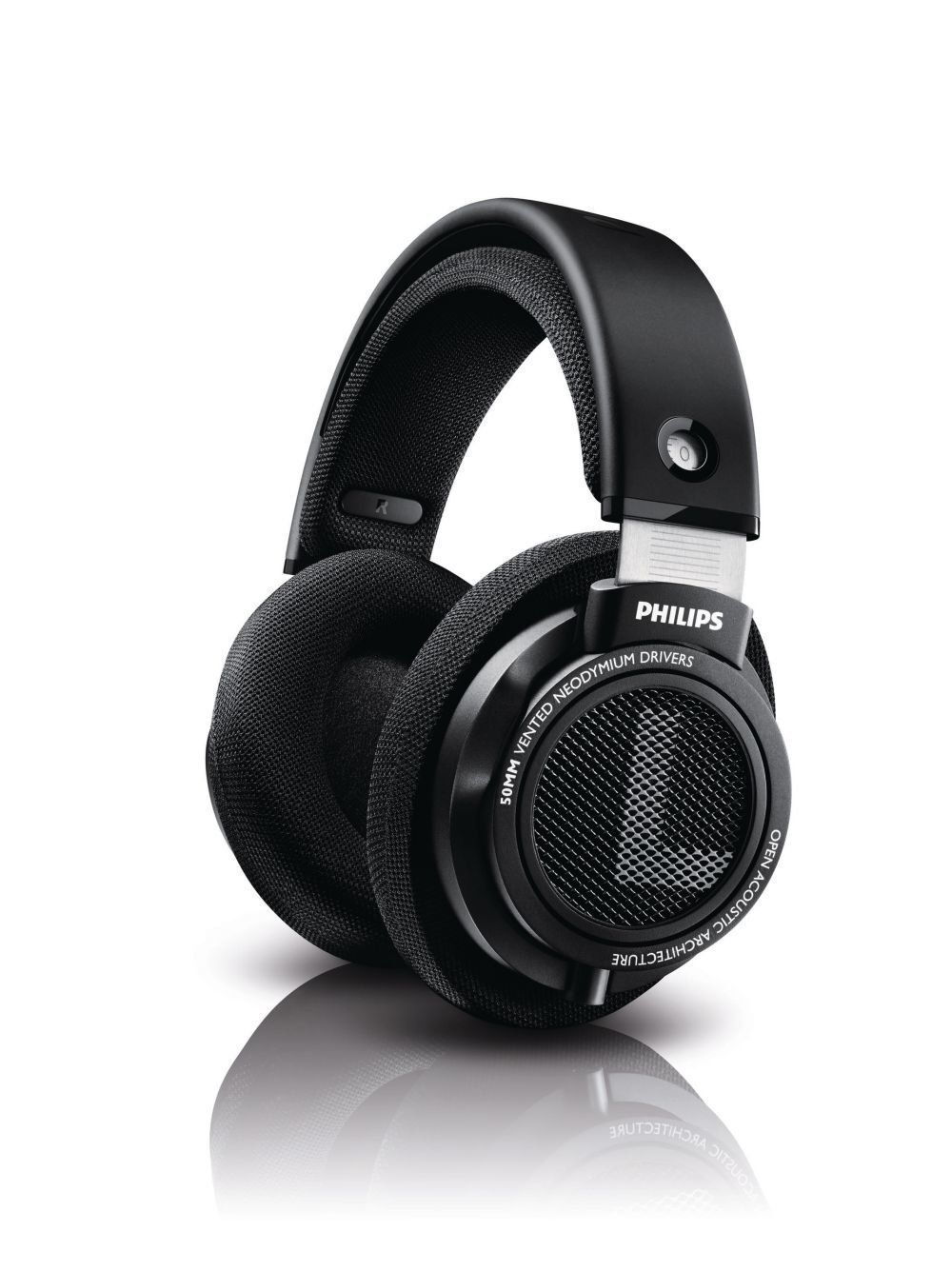
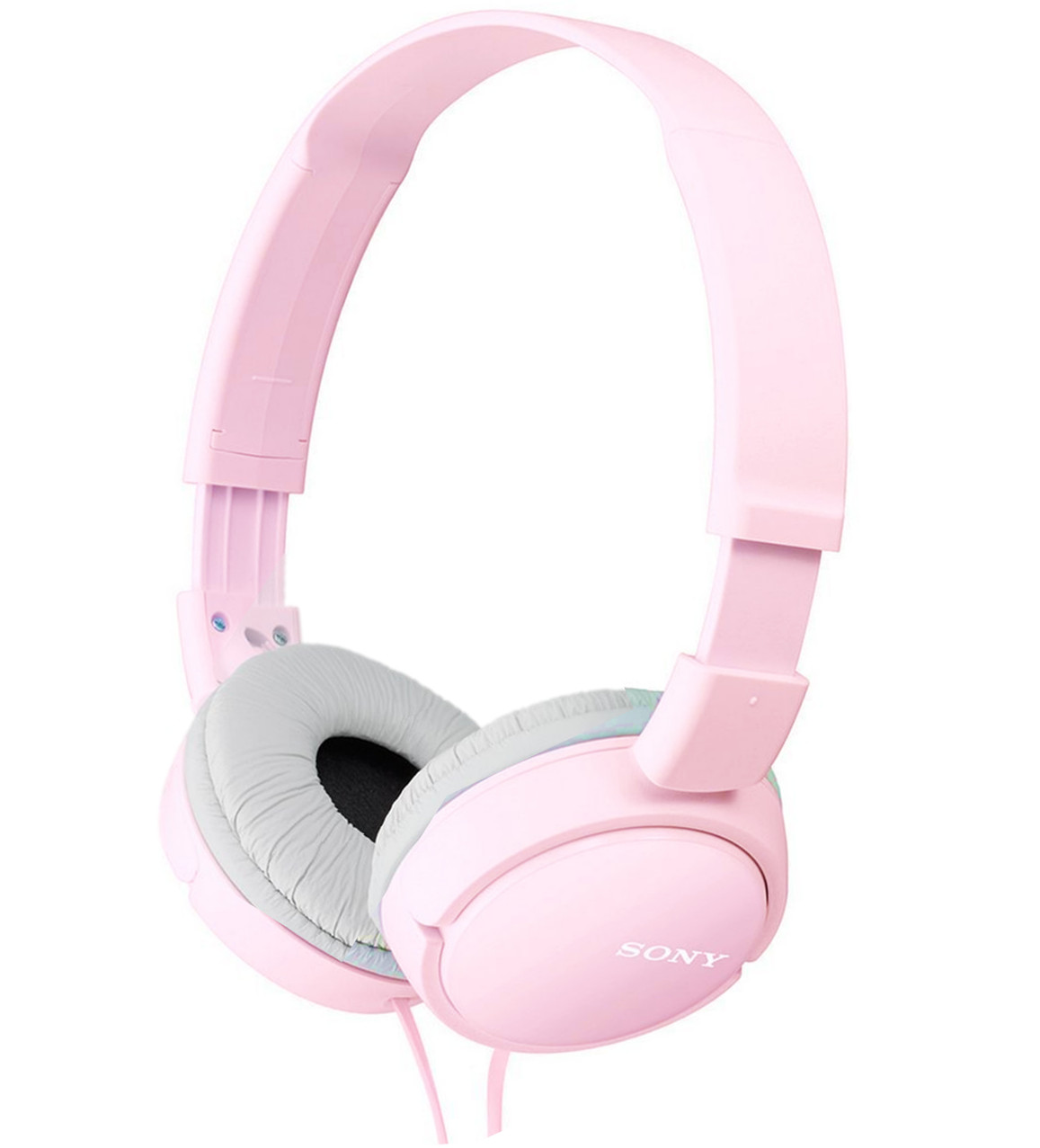
Related searches
What to check before buying
- Head size fit: earcups use leatherette cushions and a steel-reinforced headband; measure head circumference and confirm you are comfortable with on-ear pressure typical of closed-back gaming headsets.
- Port check: count available USB-A ports on your PS5 or PC — the PlayStation Link dongle occupies one and does not pass through.
- Environment: 2.4 GHz dongle range is roughly 10 m line-of-sight; dense Wi-Fi or USB 3.0 interference near the dongle can cause dropouts, so keep the adapter on a front port or short extension.
- Companion parts: a USB-C charging cable and a USB-C wall adapter are required but not guaranteed in every box; source them before first use.
FAQ
Data sources: eBay / Amazon listings and product attribute feeds. Updated Nov 28, 2026.
Some links on this page are affiliate links. If you buy after clicking one, we may earn a commission at no extra cost to you. This does not change which products appear here or their order. Affiliate disclosure.