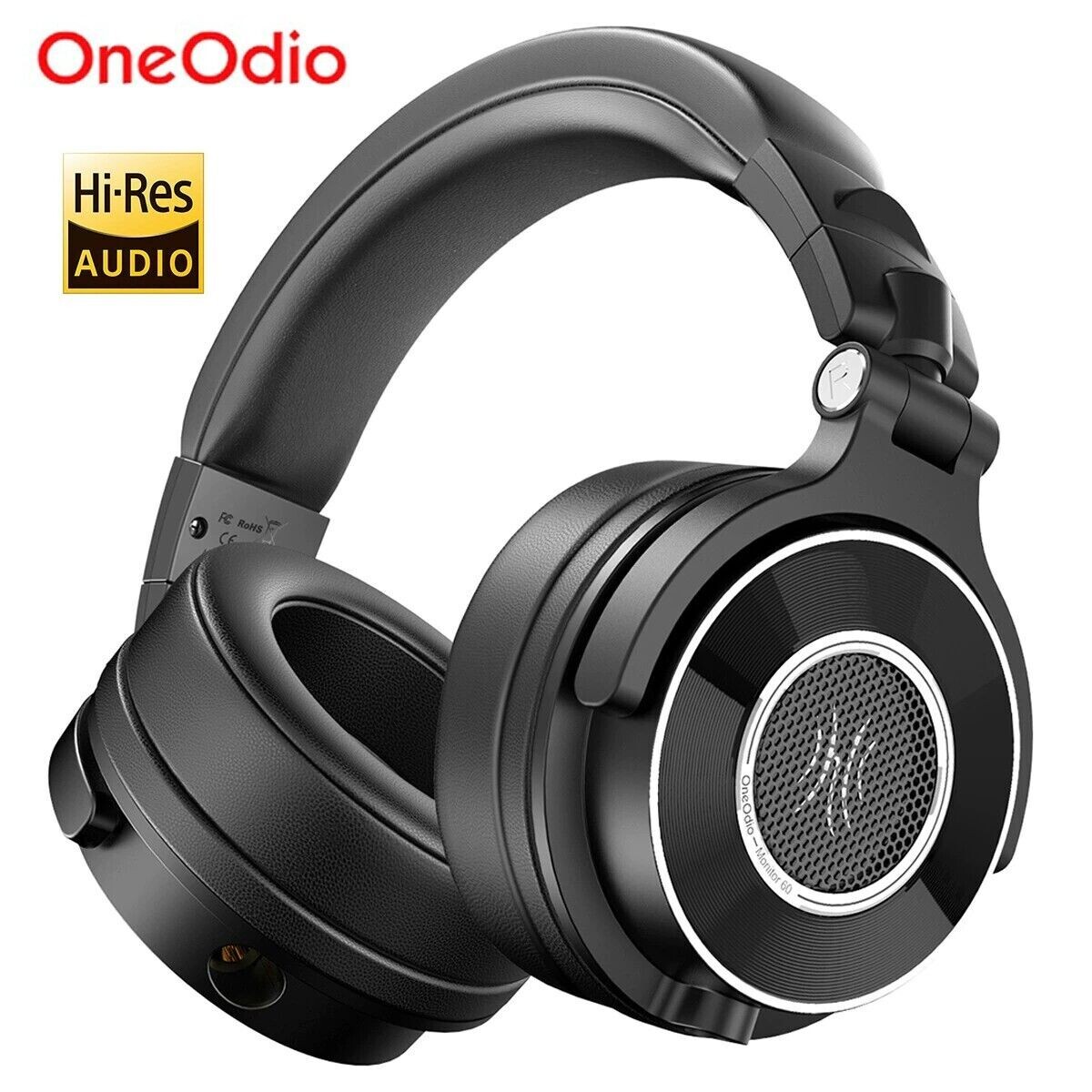

Photos from current listings. Actual item, color, and included accessories may vary.
Oneodio Monitor 60 Buying Guide
The OneOdio Monitor 60 is a wired, closed-back over-ear headphone aimed at budget studio monitoring and hi-res listening, using dual 3.5mm/6.35mm detachable cables rather than Bluetooth. The core trade-off is simple: you get robust passive isolation and zero-latency wired monitoring at a low tier, but you sacrifice wireless convenience and premium earpad materials. Choose it only if you need a dedicated wired monitoring tool; skip it if you need ANC, calls, or all-day comfort for commuting.
Key takeaways
- Wired-only architecture: dual 3.5mm jacks with included 6.35mm screw-on adapter for studio interfaces and mixers.
- Closed-back over-ear cups with 50mm dynamic drivers, tuned for passive isolation and low-end monitoring rather than spatial accuracy.
- Detachable coiled and straight cables in the box; shared audio port allows daisy-chaining two listeners from one source.
At a glance
- Category
- Over-Ear Headphones
- Status
- Listings available
- Last updated
- Nov 28, 2026
Current offers
Highlights
- Wired-only architecture: dual 3.5mm jacks with included 6.35mm screw-on adapter for studio interfaces and mixers.
- Closed-back over-ear cups with 50mm dynamic drivers, tuned for passive isolation and low-end monitoring rather than spatial accuracy.
- Detachable coiled and straight cables in the box; shared audio port allows daisy-chaining two listeners from one source.
- Foldable headband and swivel cups for compact storage, but plastic yoke construction limits long-term durability versus metal-frame studio models.
Best use cases
- Best fit: home studio tracking and casual mixing where you need zero-latency wired monitoring and 6.35mm interface compatibility; pick the Monitor 60.
- Wrong fit: commuting, office calls, or travel where ANC and Bluetooth are required; skip and choose a wireless ANC over-ear instead.
- Best fit: shared listening from a single source (two pairs daisy-chained) for podcast co-hosts or language practice; the shared port is the deciding feature.
- Wrong fit: professional mastering or critical reference work needing flat, measured response; step up to a calibrated open-back or planar magnetic monitor.
Buying tips
- Confirm your source has a 3.5mm output or a 6.35mm headphone jack; the Monitor 60 has no USB, Lightning, or Bluetooth input.
- If you use an audio interface, verify it has a 6.35mm headphone out and enough gain; 50mm drivers typically need more power than phone jacks deliver.
- For two-person monitoring, buy a second 3.5mm cable set; the shared port links headphones but does not amplify or split actively.
- Check replacement earpad availability before buying; budget over-ear pads compress and flake within a year of heavy use, affecting isolation and comfort.
Specs
| Connectivity | Wired 3.5mm + 6.35mm adapter |
|---|---|
| Driver Size | 50mm dynamic, closed-back |
| Cable System | Detachable, shared-port daisy-chain |
| Fit / Fold | Over-ear, foldable swivel cups |
Alternatives to compare
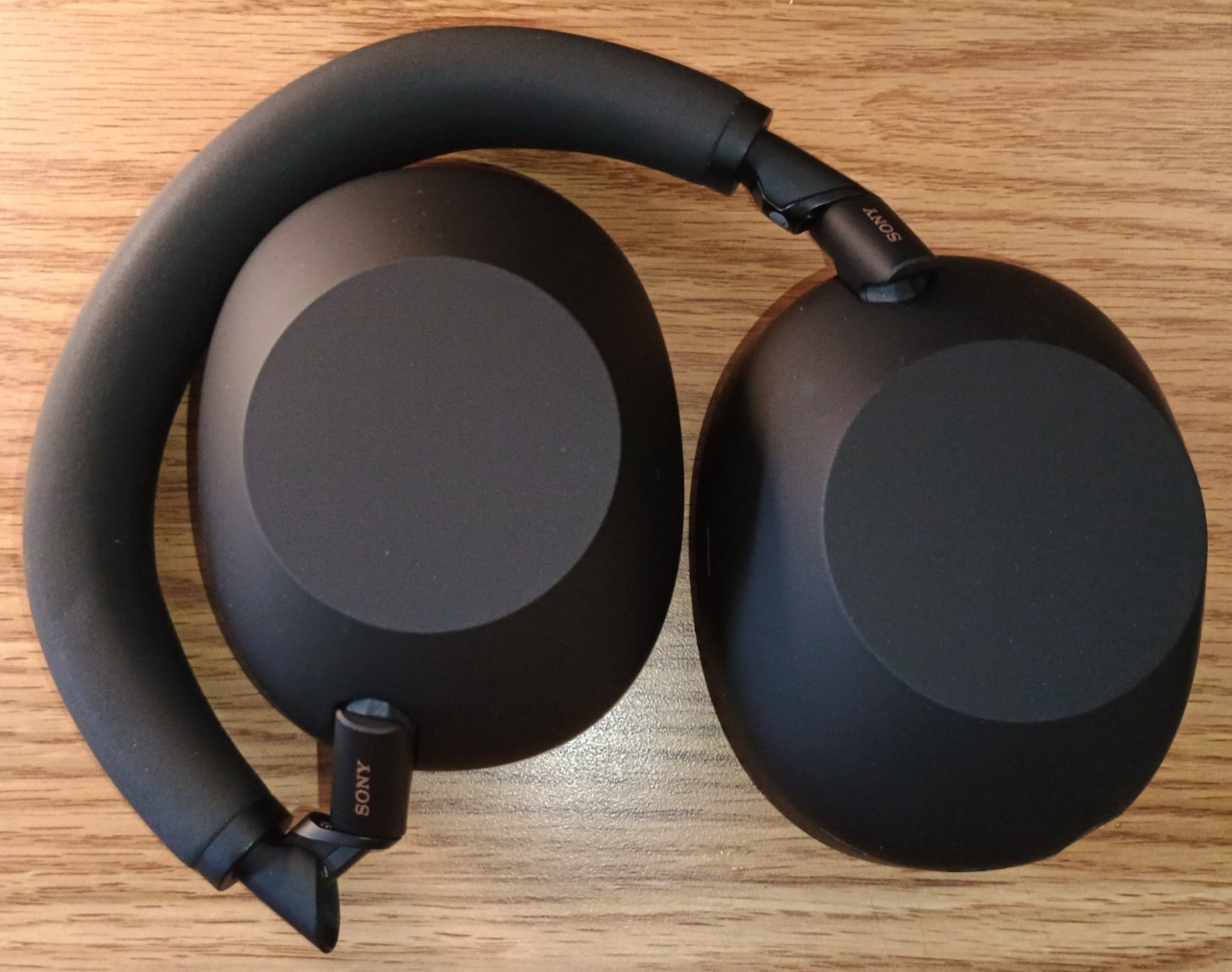
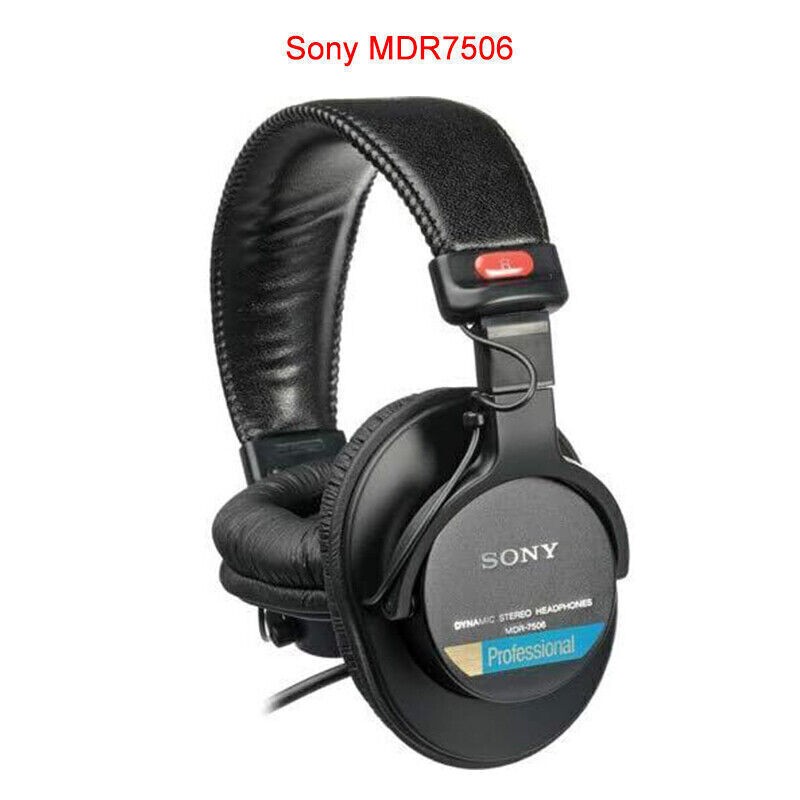
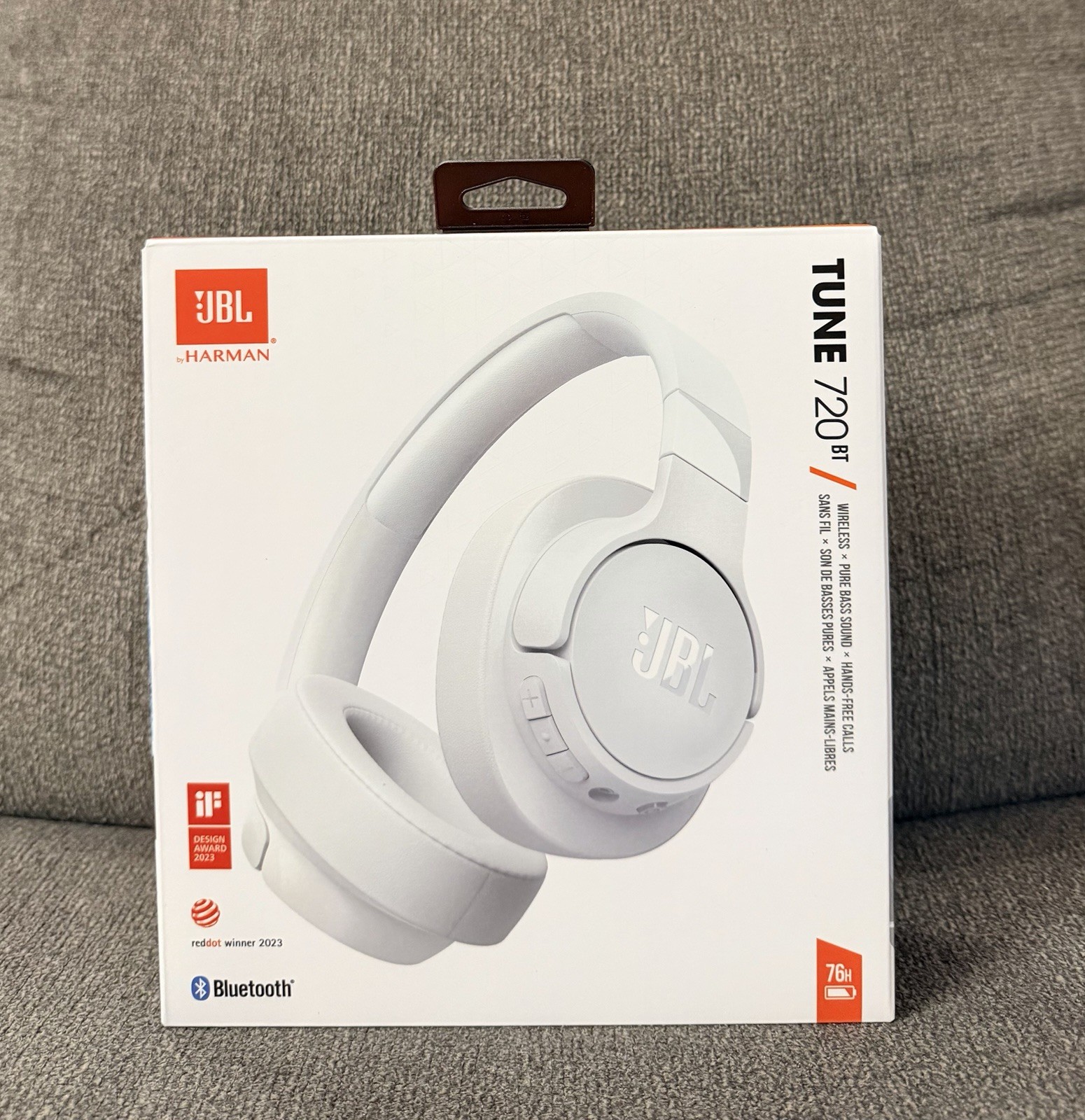
Related searches
What to check before buying
- Measure your headband fit: over-ear cups need roughly 2–3 cm clearance around the ear; tight cups cause pressure after 60 minutes.
- Confirm your desk or interface has a 6.35mm (1/4 in) headphone output and that the plug is TRS, not TRRS, for stereo monitoring.
- Check room noise: closed-back passive isolation helps in shared rooms but does not replace ANC on loud transit or open offices.
- Verify the cable length suits your setup: coiled cable suits studio desks; straight cable suits mobile device listening at short range.
FAQ
Data sources: eBay / Amazon listings and product attribute feeds. Updated Nov 28, 2026.
Some links on this page are affiliate links. If you buy after clicking one, we may earn a commission at no extra cost to you. This does not change which products appear here or their order. Affiliate disclosure.