Astro A20 Buying Guide
The Astro A20 is a wireless gaming headset built for console and PC use, sitting below Astro's A40/A50 wired and dual-battery flagship lines. The core trade-off is wireless convenience versus durability and acoustic isolation: the A20 uses a plastic frame and leatherette pads with a dongle-based 2.4 GHz link, so connection stability and platform compatibility—not audiophile sound—define the decision. Choose the A20 only if you need a low-latency dongle headset for one console ecosystem; skip it if you need Bluetooth multipoint, metal-frame longevity, or passive isolation for noisy rooms.
Key takeaways
- Wireless architecture: 2.4 GHz USB dongle transmitter (not Bluetooth) for low-latency console/PC audio; no wired 3.5 mm fallback on the standard A20.
- Platform locking: the A20 ships in separate Xbox and PlayStation/PC versions—the dongle is not cross-compatible, so the version must match your primary console.
- Build tier: plastic headband and leatherette ear cushions with on-ear volume and mute controls; no metal yoke or replaceable battery like the A50's dual-battery dock system.
At a glance
- Price range
- Varies by listing
- Category
- Over-Ear Headphones
- Status
- No live listings
- Last updated
- Nov 28, 2026
Current offers
Highlights
- Wireless architecture: 2.4 GHz USB dongle transmitter (not Bluetooth) for low-latency console/PC audio; no wired 3.5 mm fallback on the standard A20.
- Platform locking: the A20 ships in separate Xbox and PlayStation/PC versions—the dongle is not cross-compatible, so the version must match your primary console.
- Build tier: plastic headband and leatherette ear cushions with on-ear volume and mute controls; no metal yoke or replaceable battery like the A50's dual-battery dock system.
- Battery class: internal rechargeable battery rated for roughly 15+ hours per charge via micro-USB on early generations, with later USB-C variants—charging port generation is the key spec to confirm.
Best use cases
- Best fit: Xbox Series X/S or PlayStation 5 owners who want a single low-latency dongle headset for game chat and party audio—pick the console-specific version and skip the other platform's SKU.
- Best fit: PC gamers on a budget who value a simple USB dongle over Bluetooth pairing and don't need simultaneous phone connectivity.
- Wrong fit: buyers wanting one headset for console, phone, and laptop—the A20 lacks Bluetooth multipoint; step up to a dual-wireless model or a Bluetooth 2.4 GHz hybrid.
- Wrong fit: loud shared rooms or competitive FPS players needing strong passive isolation—leatherette pads on a plastic frame leak and isolate less than closed-back metal-frame alternatives.
Buying tips
- Match the SKU to your console first: the Xbox version will not connect to a PlayStation dongle and vice versa—buying the wrong version is the most common A20 return reason.
- Check the charging port generation: early A20 units use micro-USB, later revisions use USB-C—confirm which cable standard your unit uses before you lose the included cable.
- Treat 15 hours as the realistic battery ceiling; if you game more than 4 hours daily, plan to charge every 2-3 days or choose a headset with a swappable battery.
- Confirm the dongle is included and undamaged—the USB transmitter is the single point of failure and replacement dongles are model-specific, not universal.
Specs
| Connectivity | 2.4 GHz USB dongle (no Bluetooth) |
|---|---|
| Platform Versions | Xbox or PlayStation/PC (locked) |
| Battery Life | ~15 hr internal rechargeable |
| Charging Port | Micro-USB (early) / USB-C (later) |
Alternatives to compare
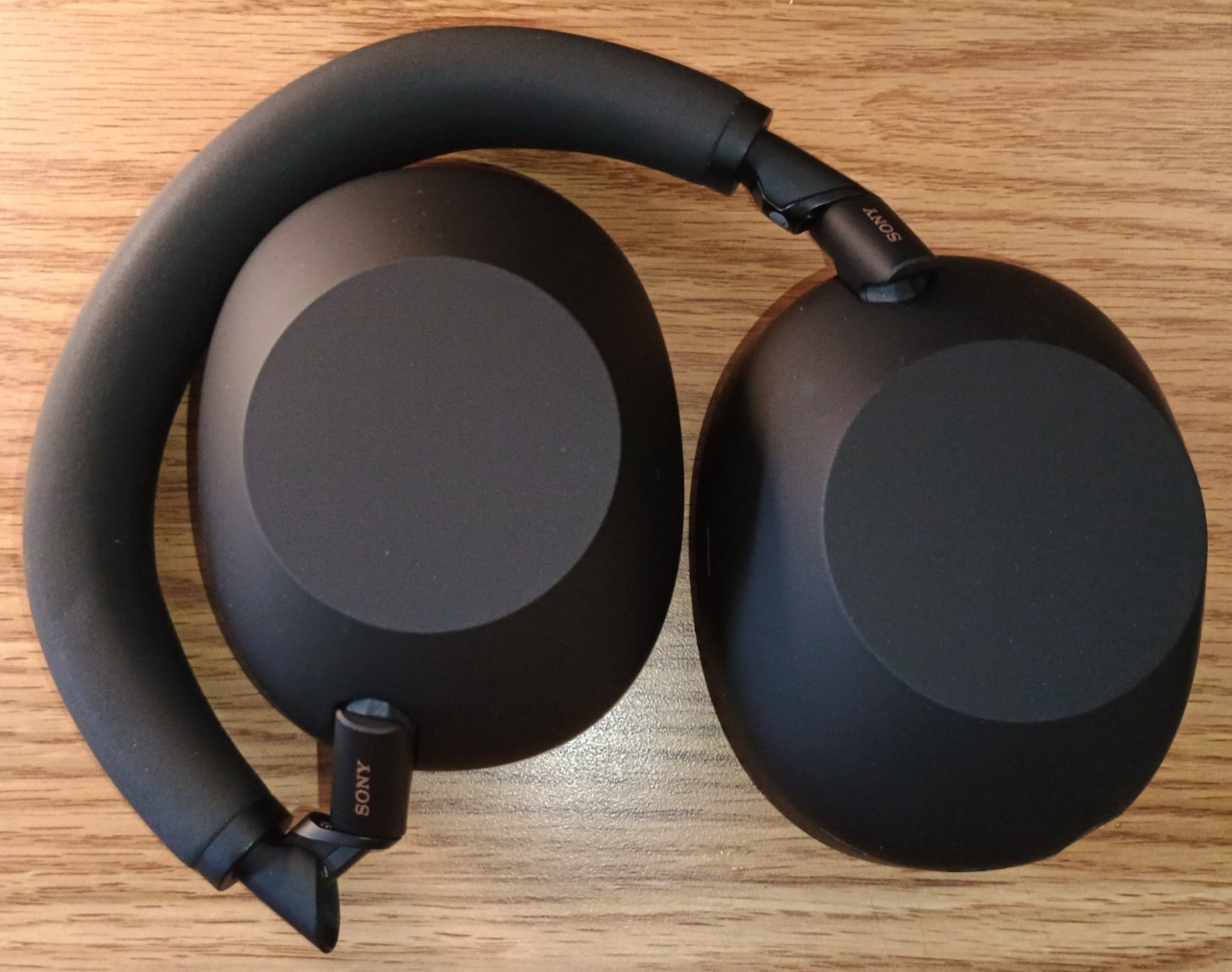
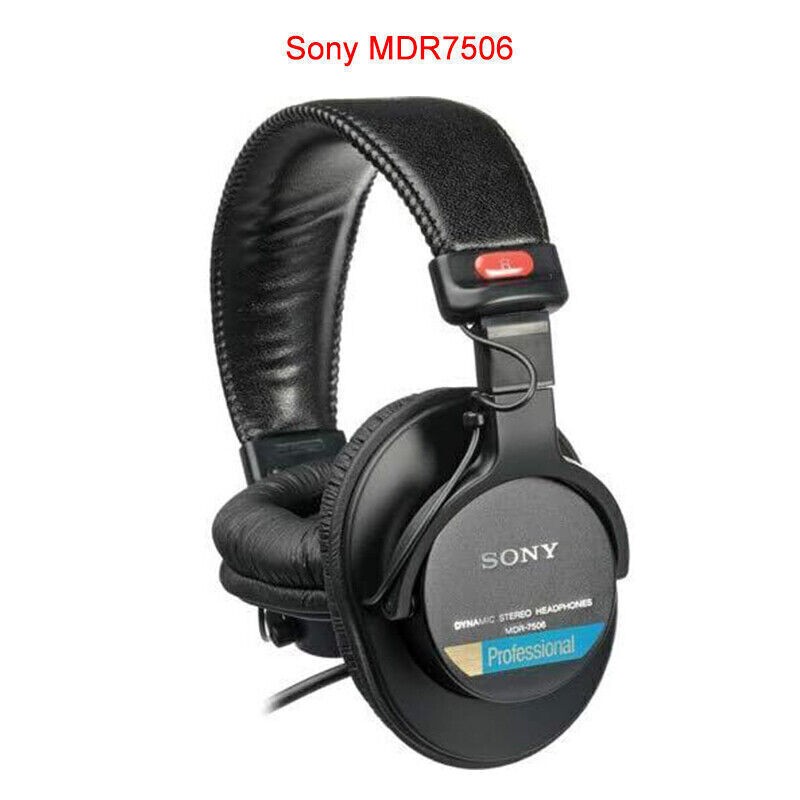
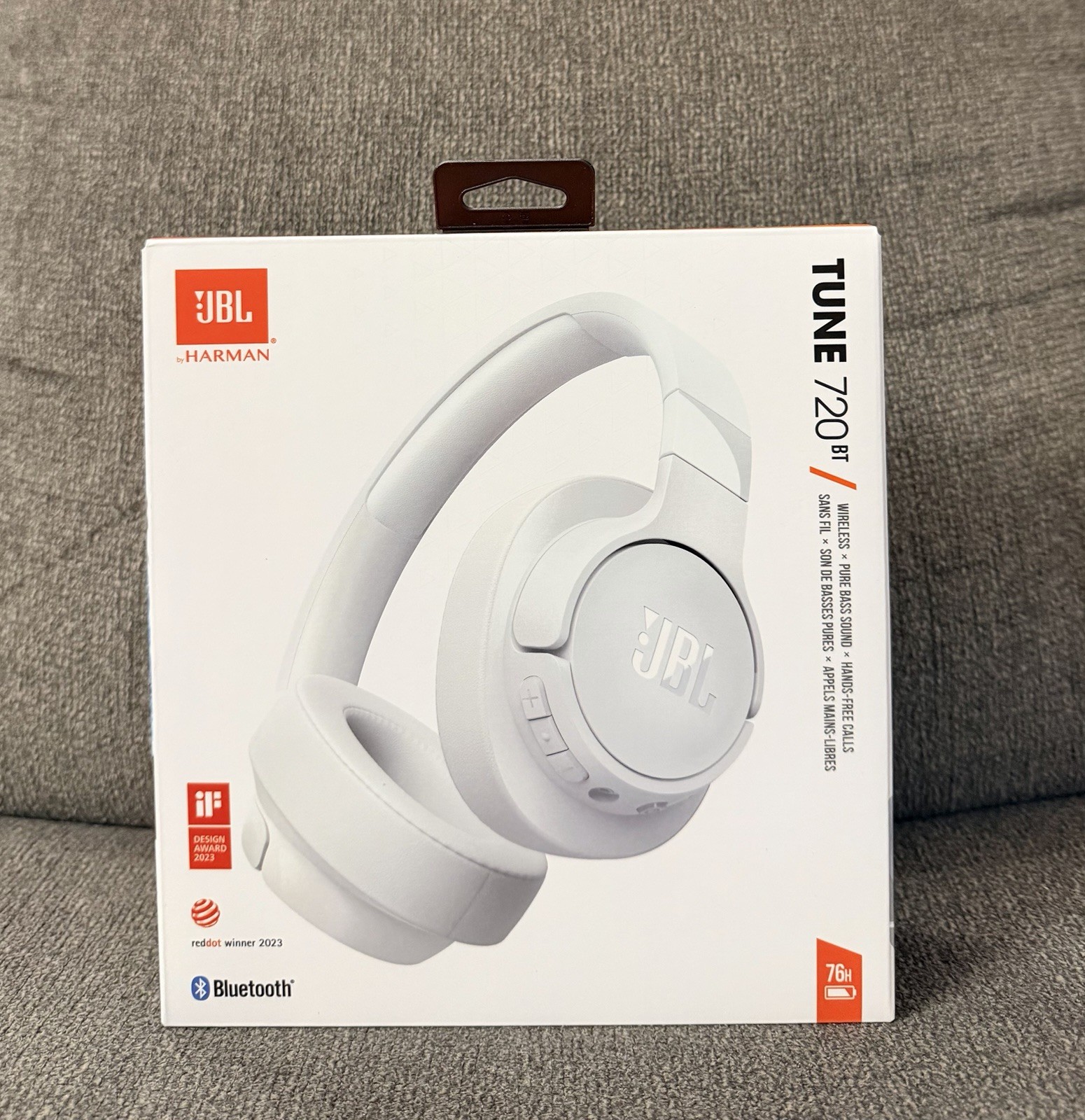
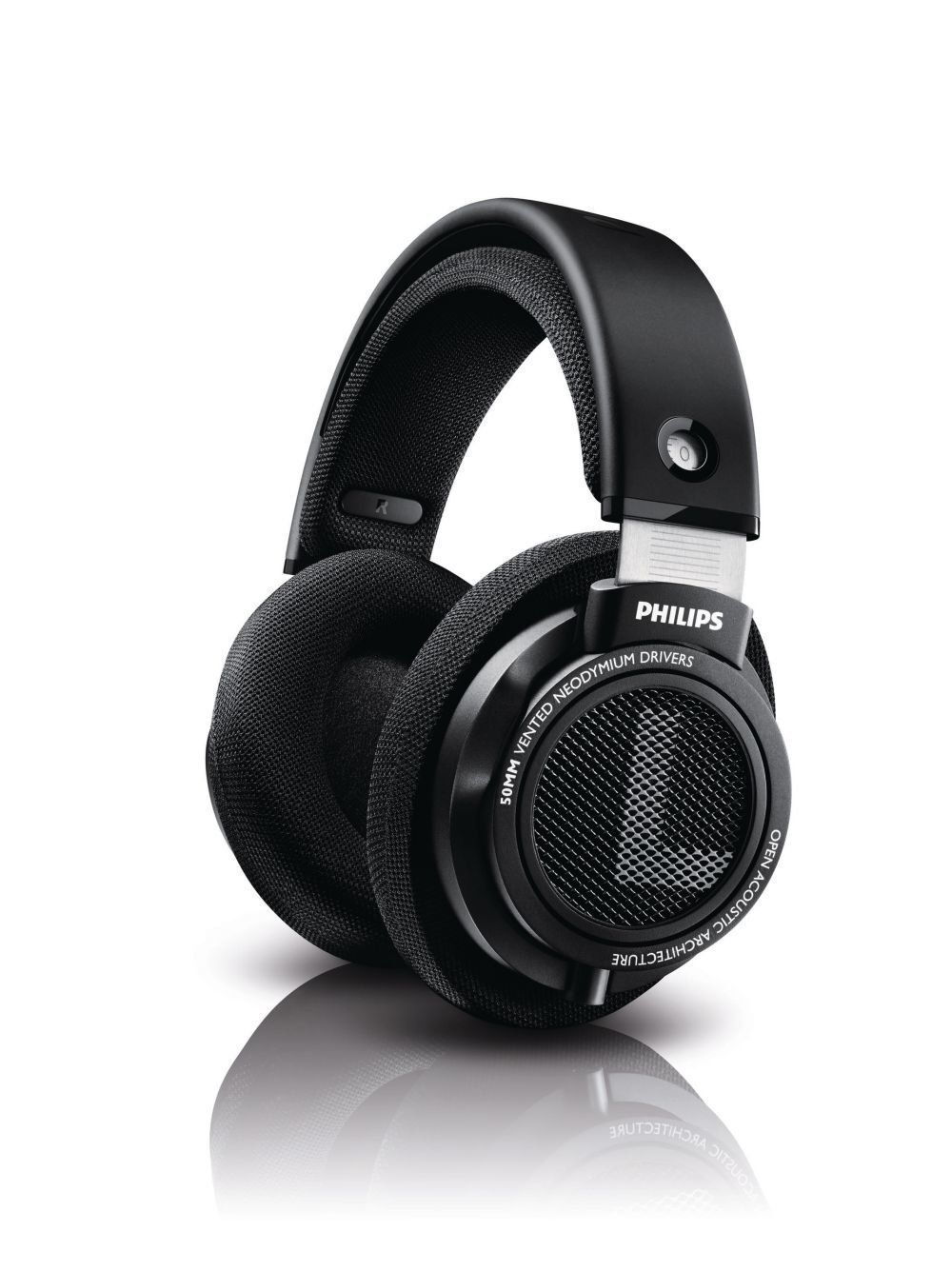
Related searches
What to check before buying
- Console model confirmed: Xbox Series X/S, Xbox One, or PS5/PS4—the A20 version must match the console family, not just the brand.
- USB-A port available on your console or PC for the dongle; the A20 does not support Bluetooth or 3.5 mm wired audio.
- Head size and fit: plastic headband has limited extension—measure head circumference and check ear-cup opening against your ear size if you wear glasses.
- Charging cable standard identified (micro-USB vs USB-C) so you have the correct cable ready on day one.
FAQ
Data sources: eBay / Amazon listings and product attribute feeds. Updated Nov 28, 2026.
Some links on this page are affiliate links. If you buy after clicking one, we may earn a commission at no extra cost to you. This does not change which products appear here or their order. Affiliate disclosure.