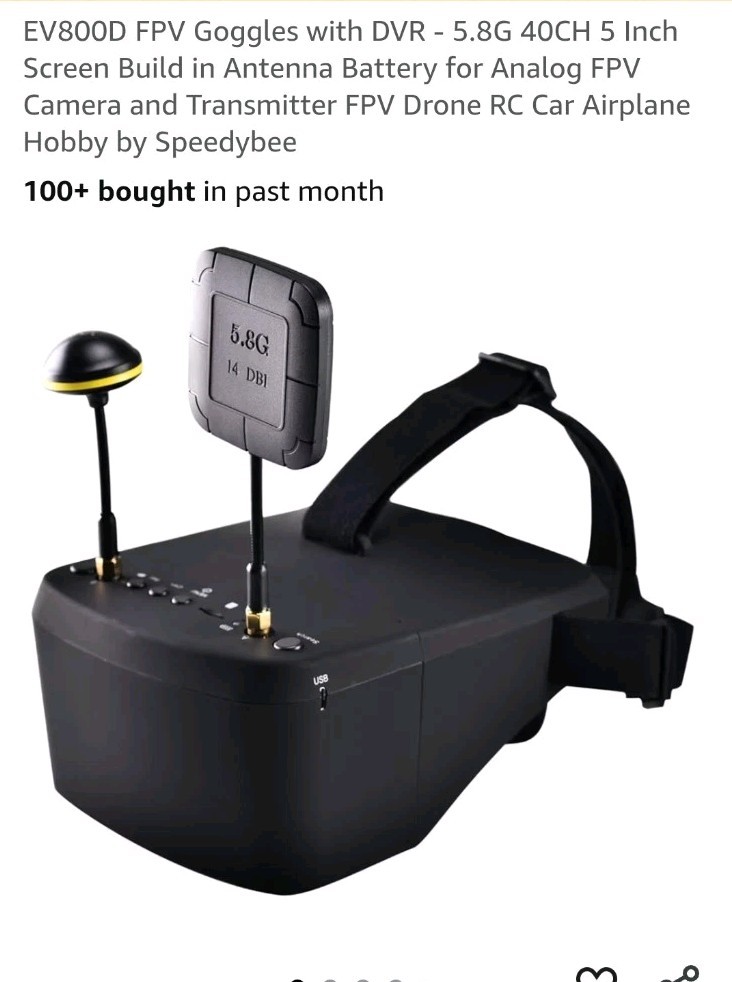

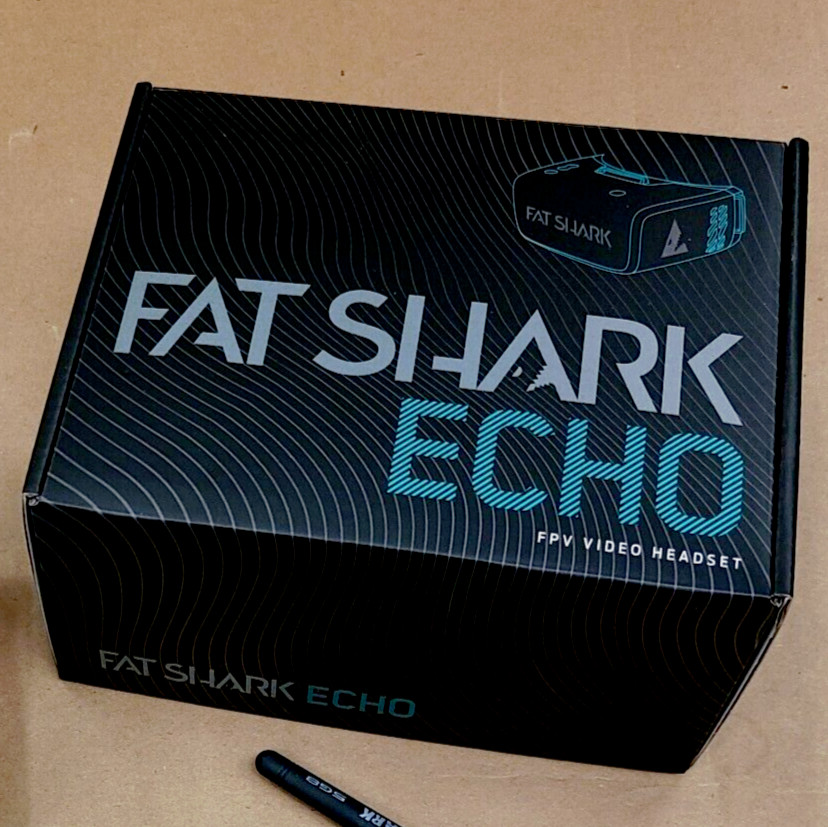
Photos from current listings. Actual item, color, and included accessories may vary.
FPV Goggles Buying Guide
FPV goggles split into two architectures: box goggles with a single LCD panel and compact dual-display goggles for a binocular view. Buyers often regret choosing by screen size alone without checking analog versus digital compatibility, receiver module support, and whether the goggle includes a DVR for recording flights.
Optics Type:Box single-LCD vs dual-displayVideo System:Analog 5.8GHz vs digital HDReceiver Channels:40CH diversity (analog)Recording:Built-in DVR vs none
Typical price range$90.00 – $115.00
Median $102.50
Key takeaways
- Box goggles use one 3-5 inch LCD with a fresnel lens; dual-display goggles use two micro-OLED or LCOS panels for true stereoscopic view.
- Analog 5.8GHz systems need a built-in or module-bay receiver with 40-channel coverage; digital HD systems (DJI O3, Walksnail, HDZero) require brand-specific goggle hardware.
- Recording DVR built into the goggle captures the received video feed, letting you review flights and locate lost models without a separate recorder.
At a glance
- Category
- FPV Video Systems & Goggles
- Last updated
- Nov 24, 2026
Current offers
Highlights
- Box goggles use one 3-5 inch LCD with a fresnel lens; dual-display goggles use two micro-OLED or LCOS panels for true stereoscopic view.
- Analog 5.8GHz systems need a built-in or module-bay receiver with 40-channel coverage; digital HD systems (DJI O3, Walksnail, HDZero) require brand-specific goggle hardware.
- Recording DVR built into the goggle captures the received video feed, letting you review flights and locate lost models without a separate recorder.
- Antenna diversity with two receivers reduces dropouts by switching to the stronger signal; linear and circular-polarized antennas must match between goggle and VTX.
Best use cases
- Choose box goggles if you fly analog 5.8GHz on a budget and want a large single-screen view with built-in DVR and battery.
- Choose compact dual-display goggles if you need a lighter, more immersive binocular view and are willing to pay more for premium optics.
- Skip analog-only goggles if your aircraft uses a digital HD system; digital video requires the matching brand goggle and cannot be decoded by an analog receiver.
Buying tips
- Check receiver channel count and diversity: 40-channel 5.8GHz with two antennas is the practical baseline for analog flying.
- Prioritize display resolution and panel type: 480x320 is entry-level; 800x480 or higher and OLED panels give sharper, more color-accurate images.
- Confirm whether the goggle includes a DVR and a battery bay; many box goggles need a separate 2S LiPo or 18650 cells.
- Compare analog versus digital first: analog goggles receive 5.8GHz FM video, while HD digital systems need brand-specific goggles and cameras.
Specs
| Optics Type | Box single-LCD vs dual-display |
|---|---|
| Video System | Analog 5.8GHz vs digital HD |
| Receiver Channels | 40CH diversity (analog) |
| Recording | Built-in DVR vs none |
Related searches
What to check before buying
- Measure head and face fit: box goggles are bulkier and heavier, while compact goggles rely on an adjustable head strap and face foam.
- Check your video transmitter frequency and protocol: analog 5.8GHz VTX works with analog goggles; digital HD systems require the matching goggle ecosystem.
- Confirm antenna connector type (SMA or RP-SMA) and polarization (RHCP or LHCP) matches your VTX antenna.
- Plan power: confirm the goggle accepts 2S-6S LiPo, 18650 cells, or USB-C charging, and budget for spare batteries.
FAQ
Data sources: eBay / Amazon listings and product attribute feeds. Updated Nov 24, 2026.
Some links on this page are affiliate links. If you buy after clicking one, we may earn a commission at no extra cost to you. This does not change which products appear here or their order. Affiliate disclosure.