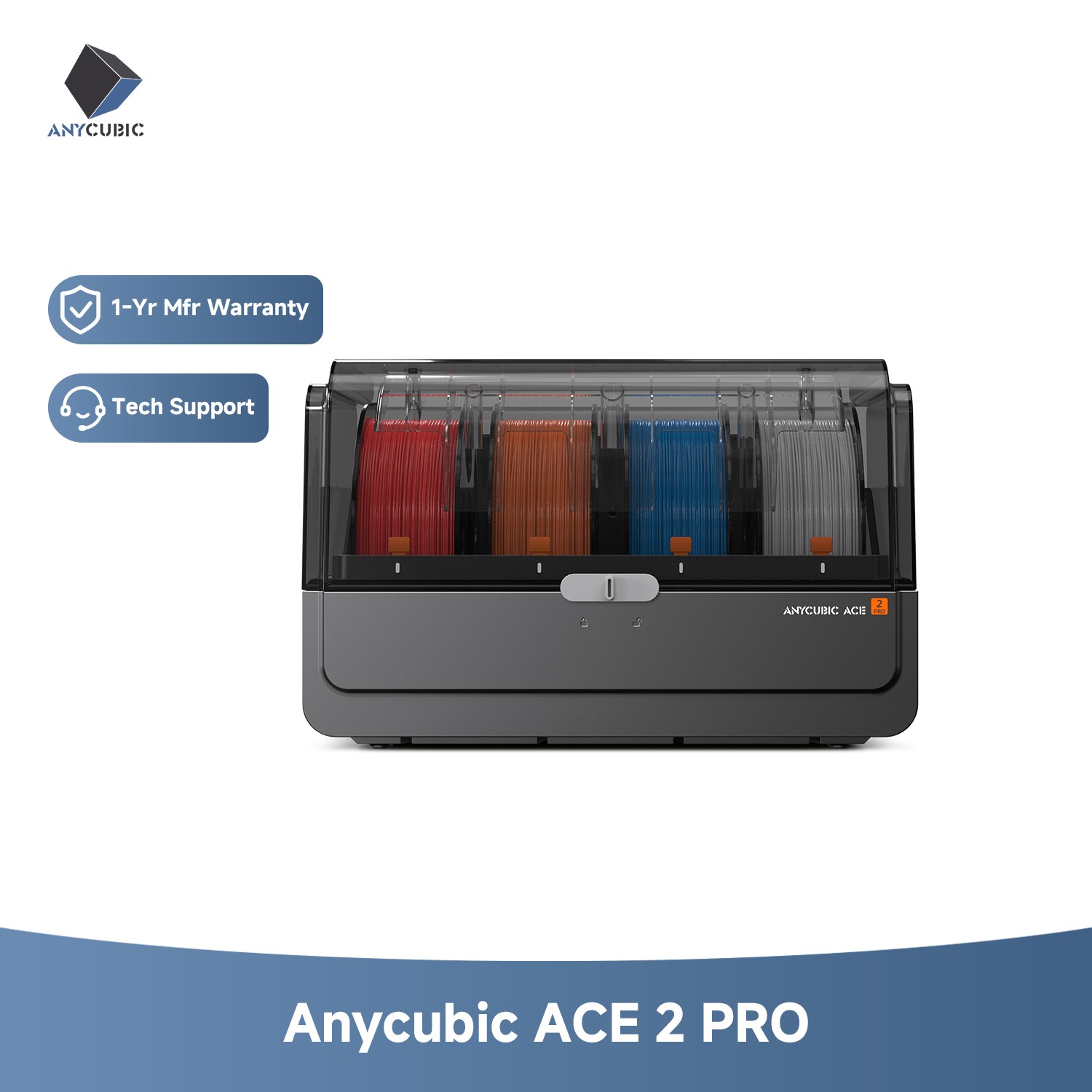

Photos from current listings. Actual item, color, and included accessories may vary.
Anycubic Ace 2 Buying Guide
The Anycubic Ace 2 Pro is a filament dryer and multi-color hub that integrates with Kobra X, S1, and S1 Max printers to dry while printing and switch among 4 to 8 colors. The core trade-off is active drying capacity versus multi-material routing: the Pro tier adds RFID sync and filament backup over the base Ace 2. Choose the Pro only if your Kobra generation supports the full 8-color hub and you need continuous drying during long multicolor prints.
Key takeaways
- Dries filament during printing, not just before, via active heating in the hub while the Kobra prints multi-color jobs.
- Supports 4-color printing from the base unit and expands to 8 colors with a second hub daisy-chained to the printer.
- RFID sync auto-reads Anycubic spool tags to set material profiles and drying parameters, reducing manual input errors.
At a glance
- Category
- Filament Drying & Post-Processing
- Status
- Listings available
- Last updated
- Nov 28, 2026
Current offers
Highlights
- Dries filament during printing, not just before, via active heating in the hub while the Kobra prints multi-color jobs.
- Supports 4-color printing from the base unit and expands to 8 colors with a second hub daisy-chained to the printer.
- RFID sync auto-reads Anycubic spool tags to set material profiles and drying parameters, reducing manual input errors.
- Filament backup switches to a second spool of the same material when the active spool runs out mid-print.
Best use cases
- Best fit: Kobra X, S1, or S1 Max owners printing PETG, TPU, or PLA in humid rooms who want drying and 4-color switching in one hub; buy the Pro for RFID and backup.
- Wrong fit: Owners of non-Kobra or older Kobra models without the hub interface; the Ace 2 Pro will not drive multi-color on unsupported printers.
- Skip if you only print single-color PLA in a dry climate; a standalone dryer box is cheaper than the Pro hub tier and needs no printer firmware support.
Buying tips
- Confirm your Kobra model is explicitly listed (Kobra X, Kobra S1, Kobra S1 Max); other Kobra generations lack the hub control firmware.
- Buy the Pro tier only if you need RFID spool sync and filament backup; the base Ace 2 dries and switches colors but omits those two features.
- Plan for 8 colors only if you will add a second Ace 2 unit; a single hub tops out at 4 materials.
- Match spool diameter to the hub: standard 1.75 mm filament on 200 mm spools; oversized or non-standard spools may not seat in the dryer bay.
Specs
| Hub Colors | 4 per unit / 8 with second hub |
|---|---|
| Drying Mode | Active while printing |
| Pro Features | RFID sync + filament backup |
| Kobra Fit | Kobra X / S1 / S1 Max |
What to check before buying
- Measure your printer bay: the hub sits beside the Kobra, so reserve roughly the footprint of a 17 x 13 x 13 in class printer plus clearance for spool access.
- Verify room humidity and temperature; active drying helps most above 50% RH, but the hub is not a sealed dry box for long-term storage.
- Check your power standard: the hub runs on the printer's regional AC supply, so confirm the plug type matches your outlet before ordering.
- Confirm you have the required PTFE tubing and hub-to-toolhead cable included with your Kobra model, or budget for the companion parts kit.
FAQ
Data sources: eBay / Amazon listings and product attribute feeds. Updated Nov 28, 2026.
Some links on this page are affiliate links. If you buy after clicking one, we may earn a commission at no extra cost to you. This does not change which products appear here or their order. Affiliate disclosure.