
Photos from current listings. Actual item, color, and included accessories may vary.
USB Charger Buying Guide
A USB charger is any wall adapter, desktop hub, or power bank that converts AC or battery power into USB-C/USB-A charging, and the decisive trade-off is protocol support versus power density. GaN-based multi-port PD 3.1 chargers deliver full laptop wattage in pocketable shells, while cheap plastic multi-port bricks share wattage across ports and throttle to 5V. Buy a named-protocol charger rated per-port for your largest device; skip unrated generics that advertise total wattage only.
Median $43.49
Key takeaways
- GaN (gallium nitride) chargers run cooler and pack 65–140W into half the volume of silicon chargers, enabling laptop-class output from a single small brick.
- USB PD 3.1 (Extended Power Range) unlocks 100–240W over USB-C at 28V/36V/48V profiles; PD 3.0 caps at 100W (20V/5A), so 140W laptops need PPS/EPR 3.1 chargers and 5A e-marked cables.
- Multi-port chargers split total wattage: a 100W 3-port unit typically gives 65W+30W+5W, and plugging a second device drops port one, so check per-port ratings, not the headline number.
At a glance
- Category
- Chargers, Power Banks & Adapters
- Last updated
- Nov 29, 2026
Current offers
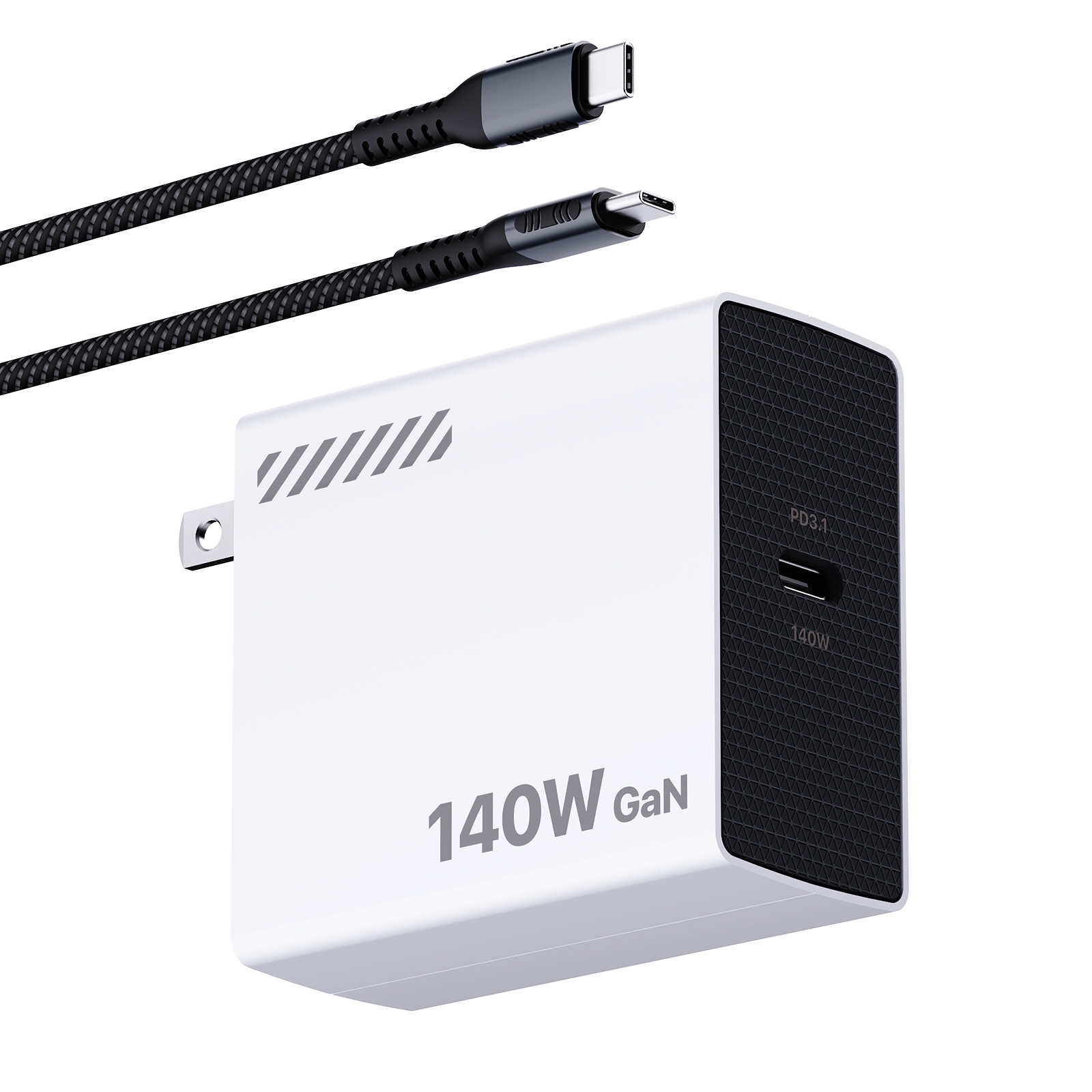 140W GaN Fast Charger USB-C PD 3.1 Power Adapter for Laptop Tablet Phone Travel$26.59View on eBay
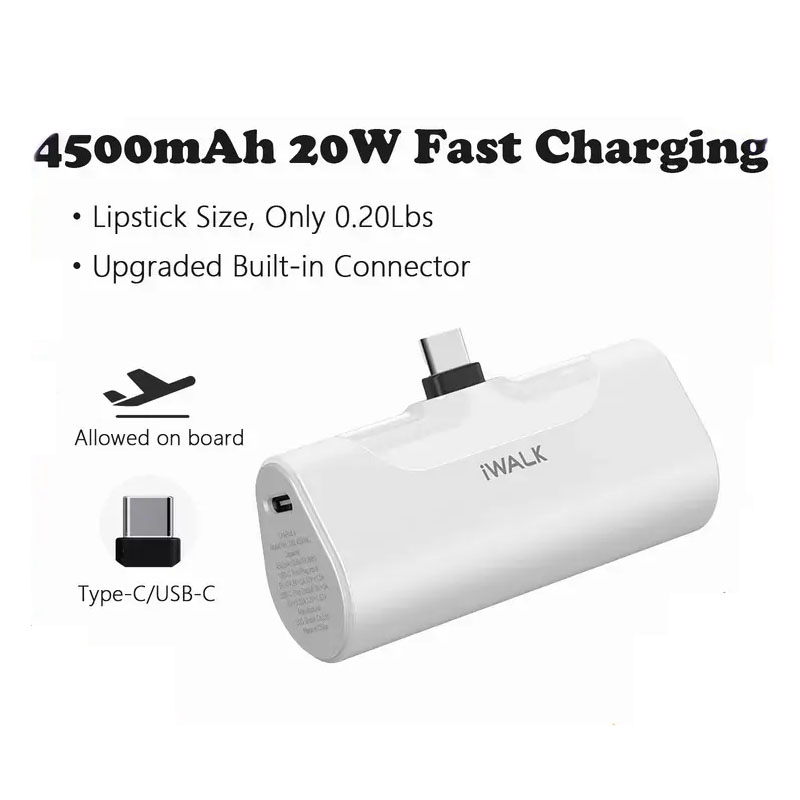 Mini Portable Charger 4500mAh USB C 20W Fast Charging Power Bank Compact Lightweight Battery Pack With Cable For IPhone 17 16 15 Pro Max Smartphones Travel And Everyday Outdoor Use$18.99View on Mallflare
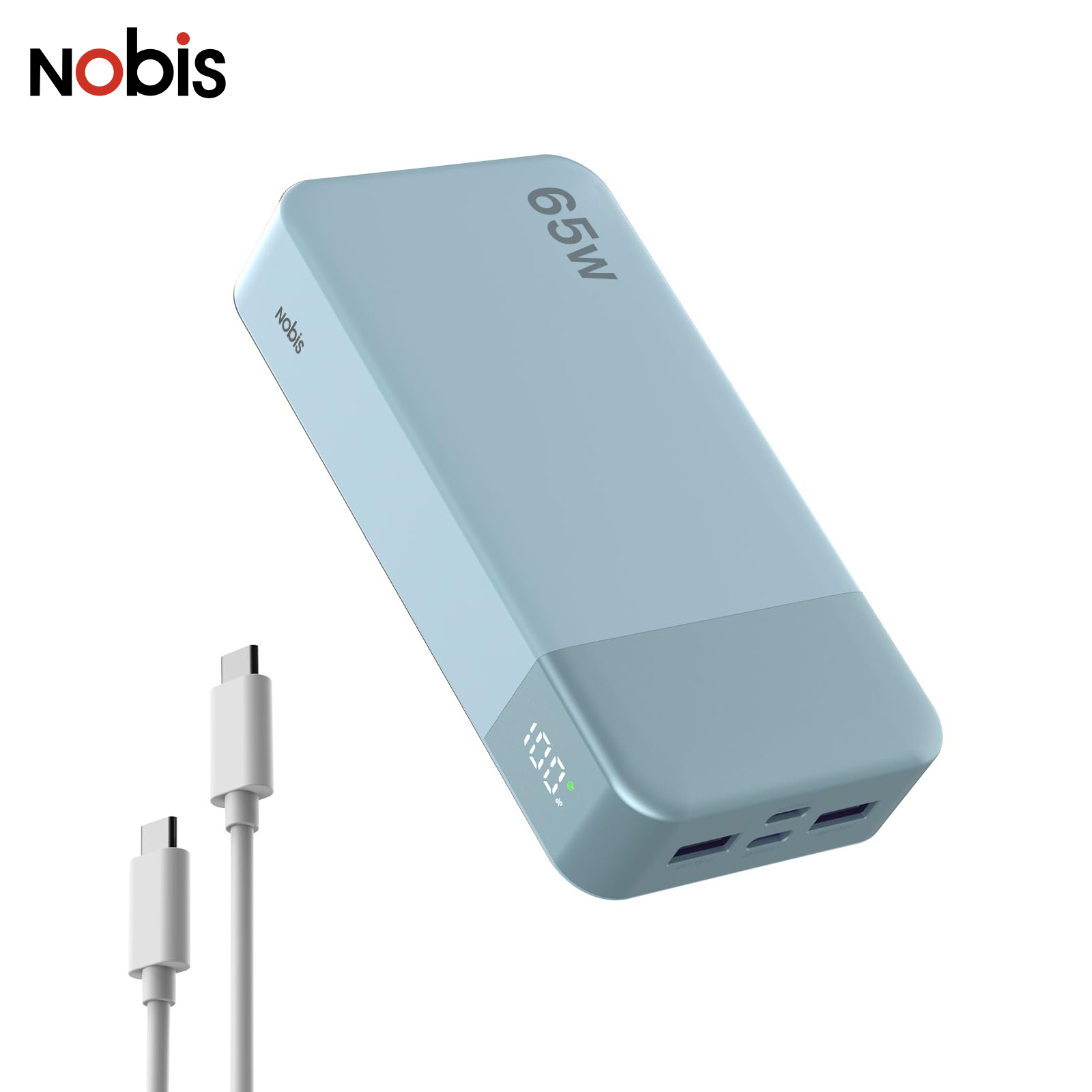 Portable Charger 20000mAh Power Bank 65W PD Fast Charging USB C Battery Pack, Smart LED Digital Display Indicator, Multi-Ports Output External Compatible With Laptop, Phone, Tablet$42.99View on Mallflare
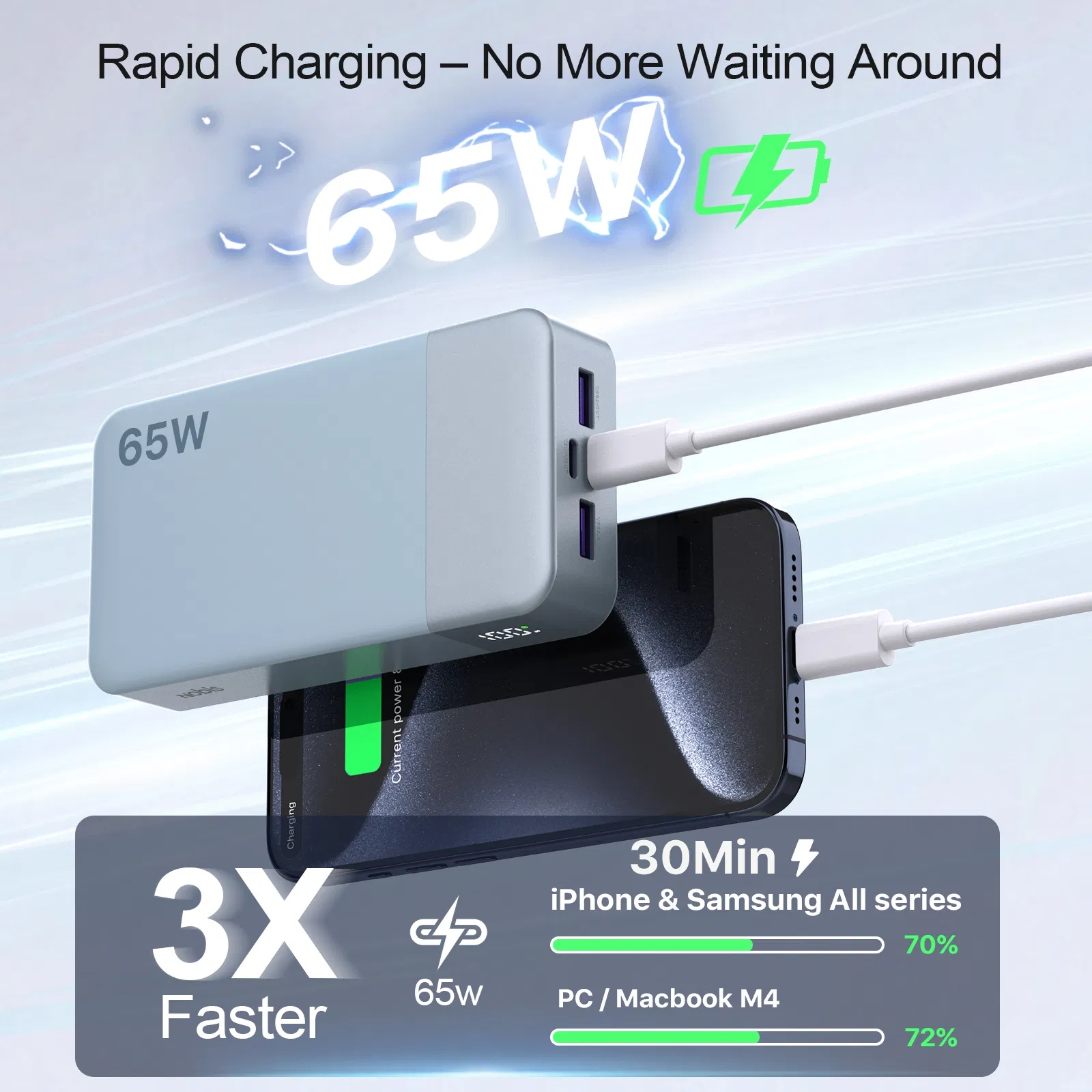 Nobis 20000mAh Multi Output Portable Charger 65W USB C Input Fast Charging Power Bank Travel Friendly Backup External Battery For Laptop, Mobile Phone And Wearable Electronics For Business Trip$43.99View on Mallflare
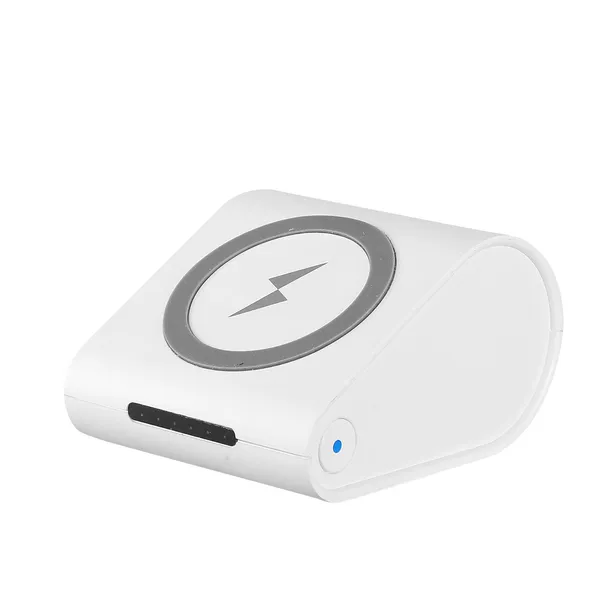 Qi Wireless Charger 10400mAh Power Bank 5W Pad 2.1A USB Charge Port Portable Battery$51.99View on Mallflare
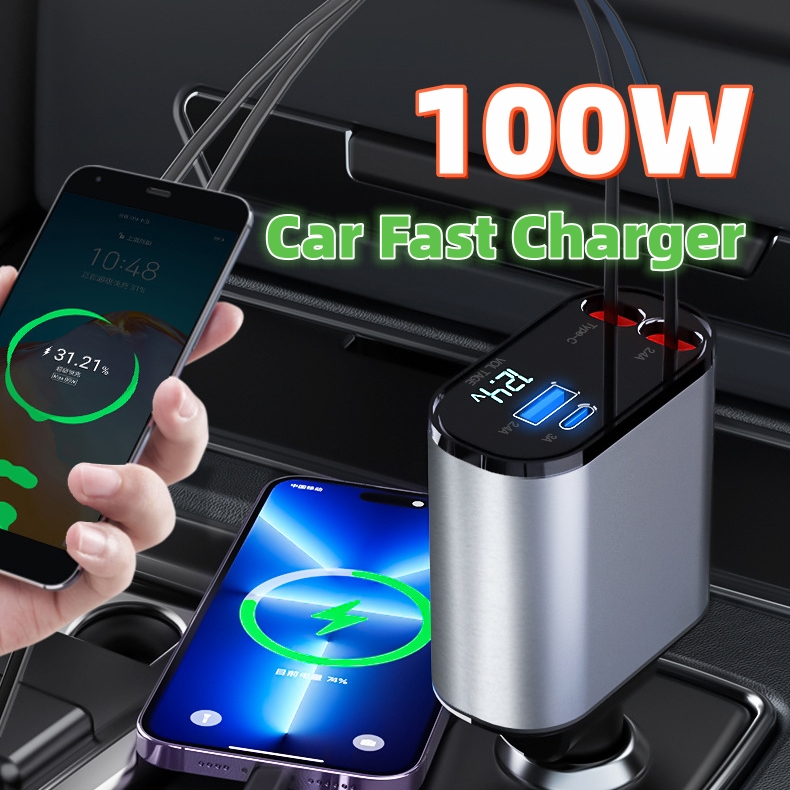 Metal Car Charger 100W Super Fast Charging Car Cigarette Lighter USB And TYPE-C Adapter$87.99View on Mallflare
Highlights
- GaN (gallium nitride) chargers run cooler and pack 65–140W into half the volume of silicon chargers, enabling laptop-class output from a single small brick.
- USB PD 3.1 (Extended Power Range) unlocks 100–240W over USB-C at 28V/36V/48V profiles; PD 3.0 caps at 100W (20V/5A), so 140W laptops need PPS/EPR 3.1 chargers and 5A e-marked cables.
- Multi-port chargers split total wattage: a 100W 3-port unit typically gives 65W+30W+5W, and plugging a second device drops port one, so check per-port ratings, not the headline number.
- Power bank capacity is rated at 3.7V cell voltage; a 20,000mAh bank yields roughly 12,000–13,500mAh at 5V after conversion losses, not 20,000mAh of usable phone charge.
Best use cases
- Laptop + phone + earbuds traveler: pick a 65–100W GaN PD 3.0/3.1 charger with at least two USB-C PD ports and one USB-A, plus a 5A e-marked USB-C cable, instead of a fixed 30W phone brick.
- Phone-only commuter or bedside user: a 20–30W USB-C PD charger with PPS (for Samsung/iPhone fast charge) is sufficient; skip 100W+ bricks that add bulk and heat for no speed gain.
- Festival, flight, or outage backup: choose a 10,000–20,000mAh power bank with 30–45W USB-C PD output and pass-through charging; skip 4,500mAh capsule banks for anything beyond a single top-up.
- Desk or family charging hub: a 100–200W multi-port desktop charger with 4–12 ports and independent PD allocation replaces a drawer of single-port adapters; skip unrated 12-port hubs that cap each port at 5V/2.4A.
Buying tips
- Match wattage to the device's max draw: iPhone 15/16 ~20–27W, most Android flagships 25–45W, MacBook Air 30–35W, 14-inch Pro 67–96W, 16-inch Pro 140W (requires PD 3.1 EPR).
- Insist on USB-IF certification or named PD/PPS/QC protocol support; unmarked 'fast charge' chargers default to 5V/2A (10W) or 5V/3A (15W) on non-matching devices.
- For any port above 60W, use a 5A e-marked USB-C cable; standard 3A cables ceiling at 60W and silently drop a 100W charger to 60W.
- Prefer GaN over silicon above 45W for smaller size and lower surface temperature; metal or flame-retardant PC shells outlast thin ABS plastic in daily bag use.
Specs
| Charger Type | Wall adapter / Desktop hub / Power bank |
|---|---|
| Power Delivery | PD 3.0 100W max / PD 3.1 EPR 240W |
| Semiconductor | GaN vs silicon (above 45W) |
| Power Bank Capacity | 10,000 / 20,000mAh (~74Wh airline-safe) |
Related searches
What to check before buying
- Identify your largest device's maximum input wattage and required protocol (PD 3.0, PD 3.1 EPR, PPS, QC 4+) before choosing a wattage tier.
- Confirm port mix and per-port allocation: at least one USB-C PD port rated for your laptop plus USB-A for legacy accessories.
- Check plug standard and input voltage (100–240V for travel, regional plug type) and whether a bundled cable is 3A or 5A e-marked.
- For power banks, verify Wh rating against airline carry-on limits (generally under 100Wh; 20,000mAh ≈ 74Wh) and confirm pass-through charging.
FAQ
Data sources: eBay / Amazon listings and product attribute feeds. Updated Nov 29, 2026.
Some links on this page are affiliate links. If you buy after clicking one, we may earn a commission at no extra cost to you. This does not change which products appear here or their order. Affiliate disclosure.